Nano Banana Examples
Examples of Nano Banana Pro advanced capabilities and prompt templates, including multimodal editing and complex composition scenarios.
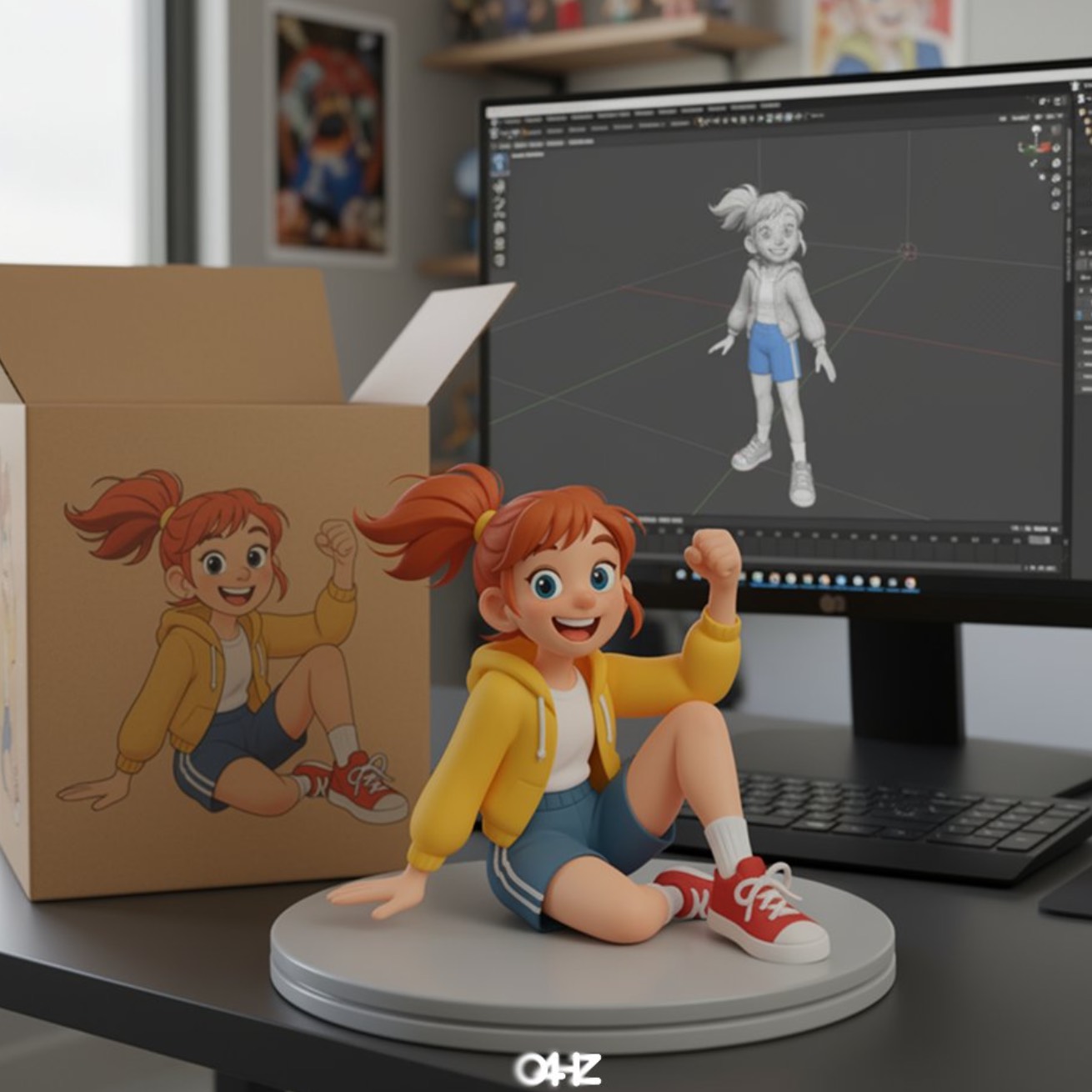
Case 1: Illustration to Figure (by @ZHO_ZHO_ZHO)
| Input | Output |
|---|---|
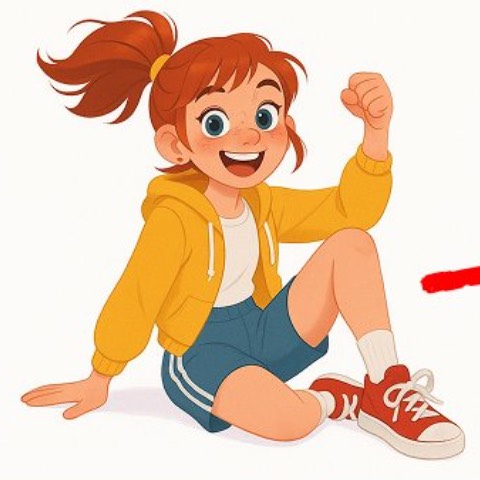 |  |
Input: Need to upload a reference image as the object for generating the figure
Prompt:
turn this photo into a character figure. Behind it, place a box with the character's image printed on it, and a computer showing the Blender modeling process on its screen. In front of the box, add a round plastic base with the character figure standing on it. set the scene indoors if possible
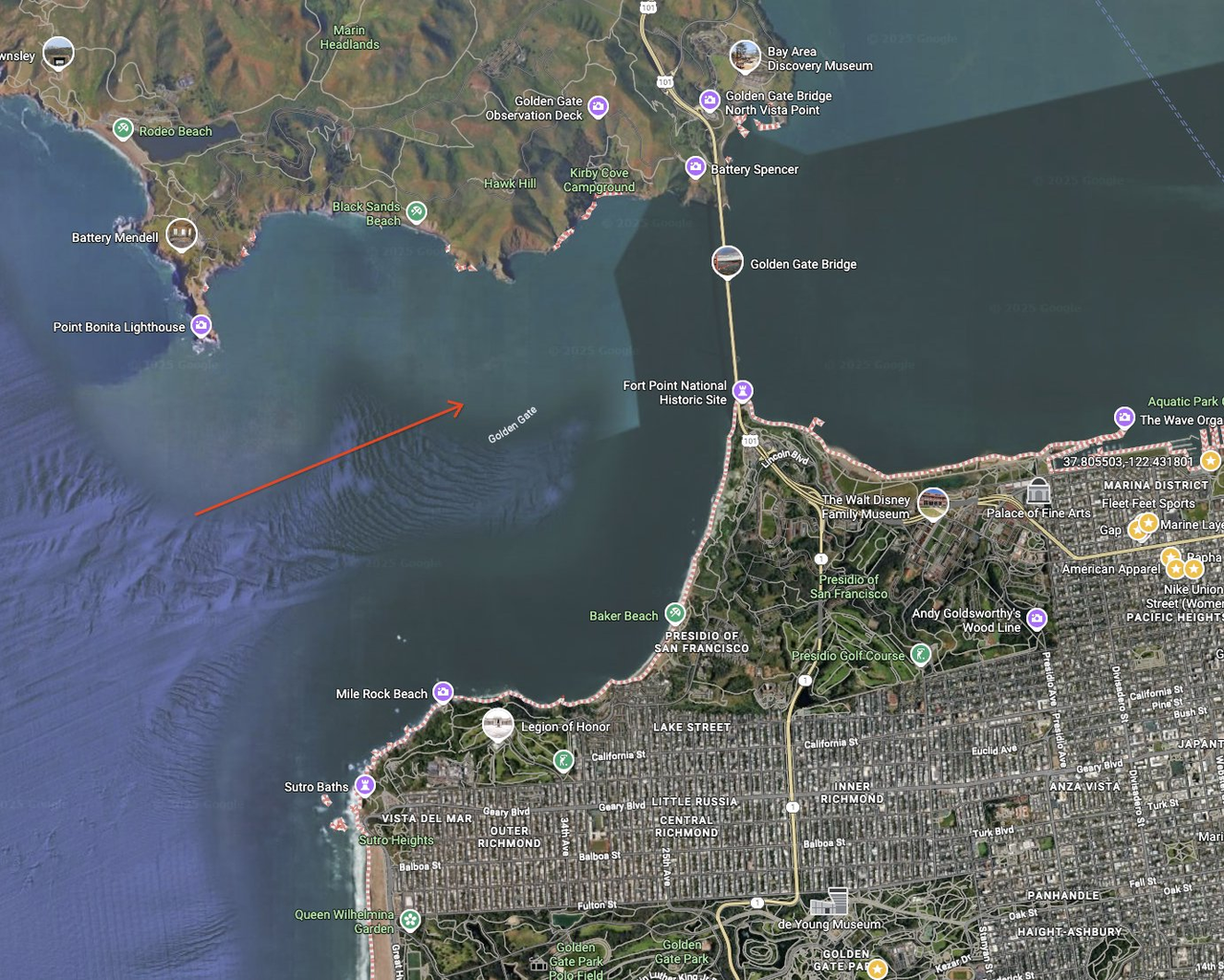
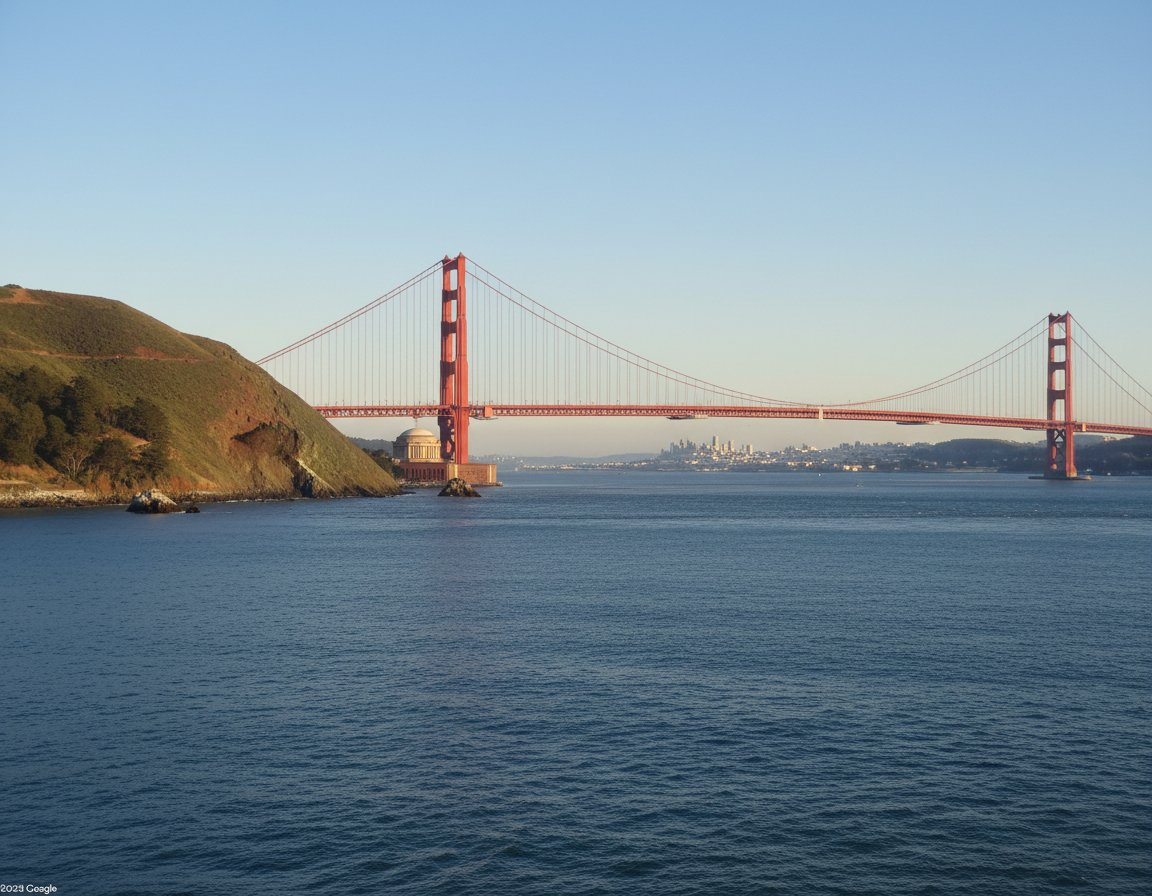
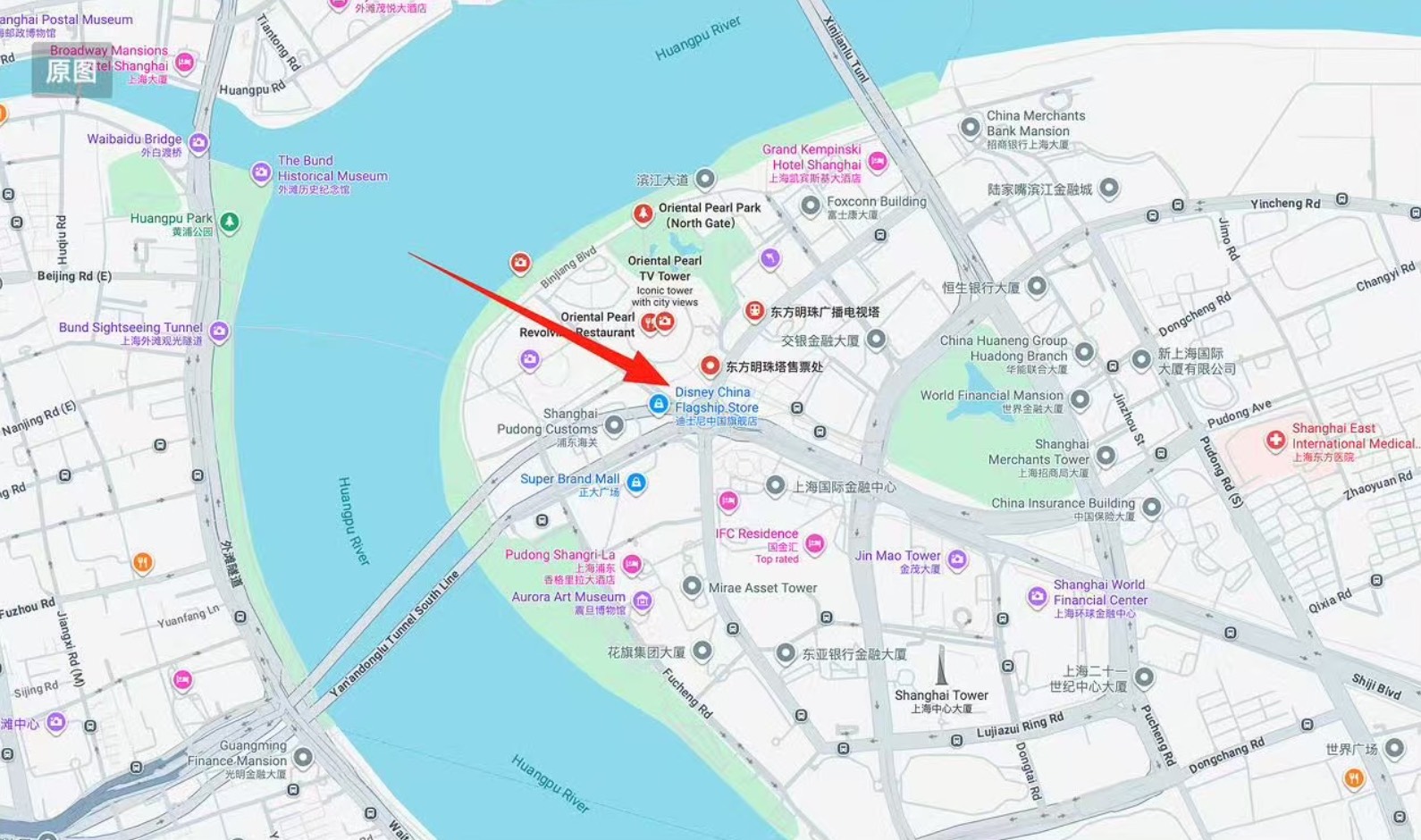
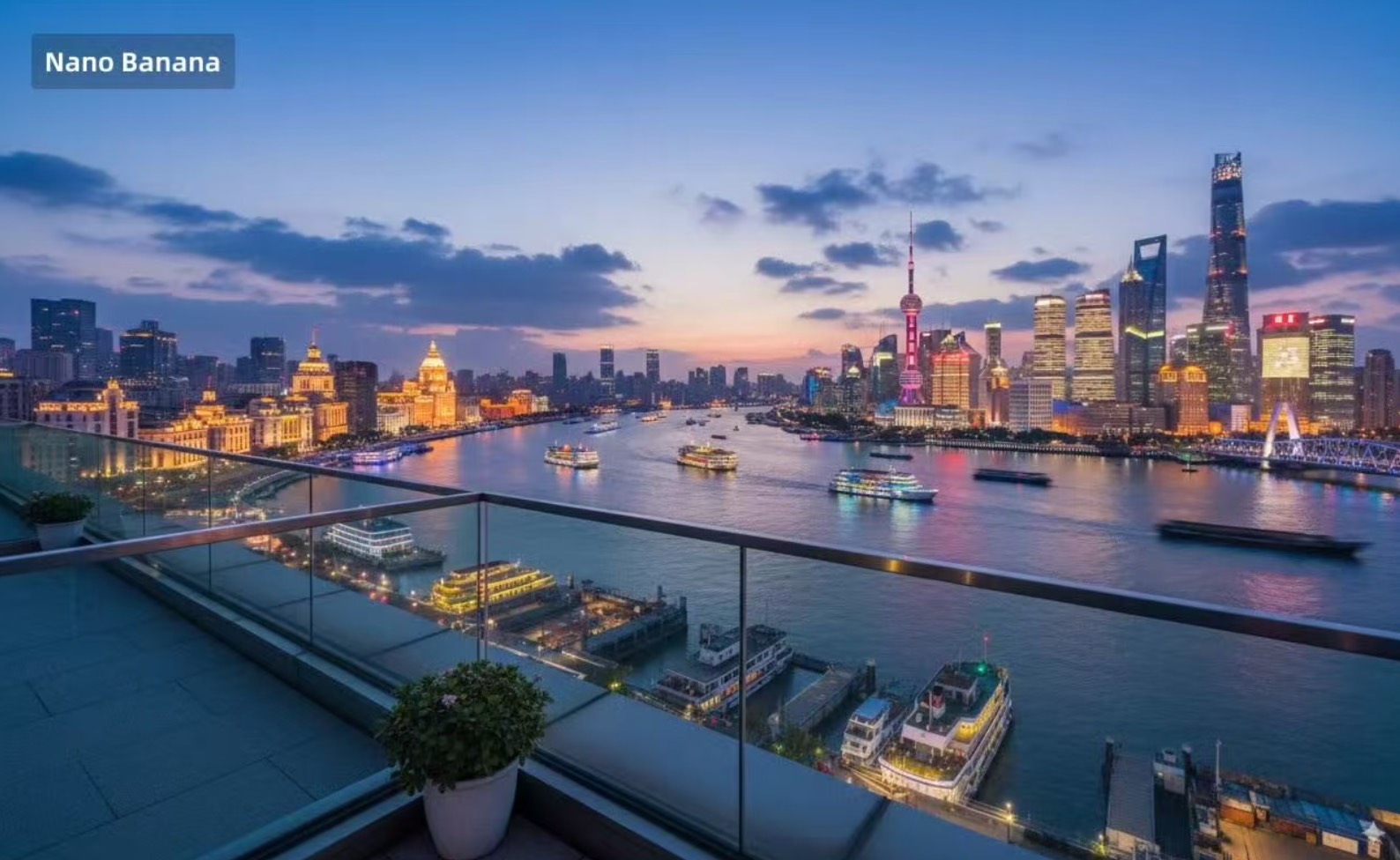
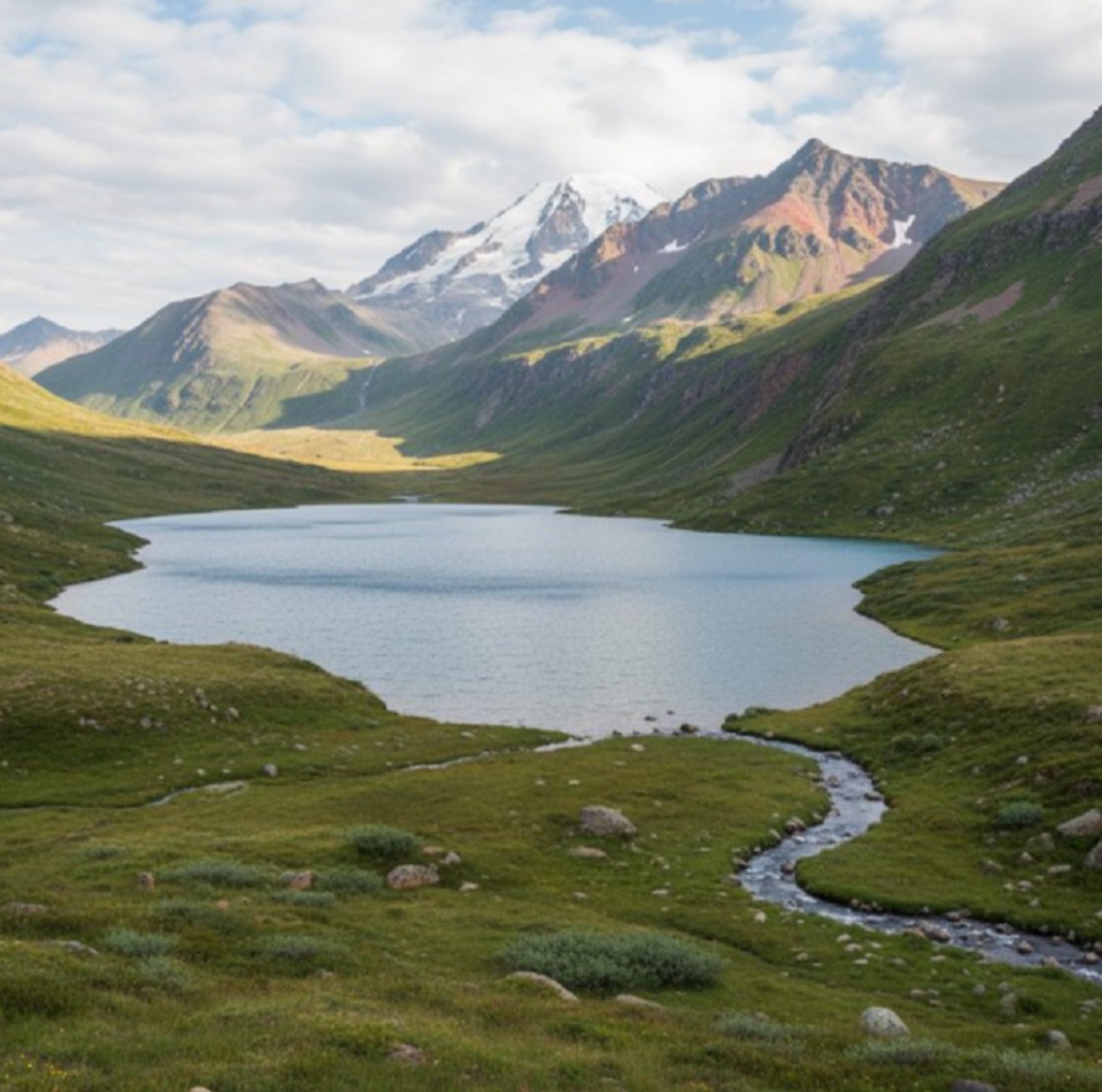
Case 2: Generate Ground View from Map Arrow (by @tokumin)
| Input | Output |
|---|---|
 |  |
 |  |
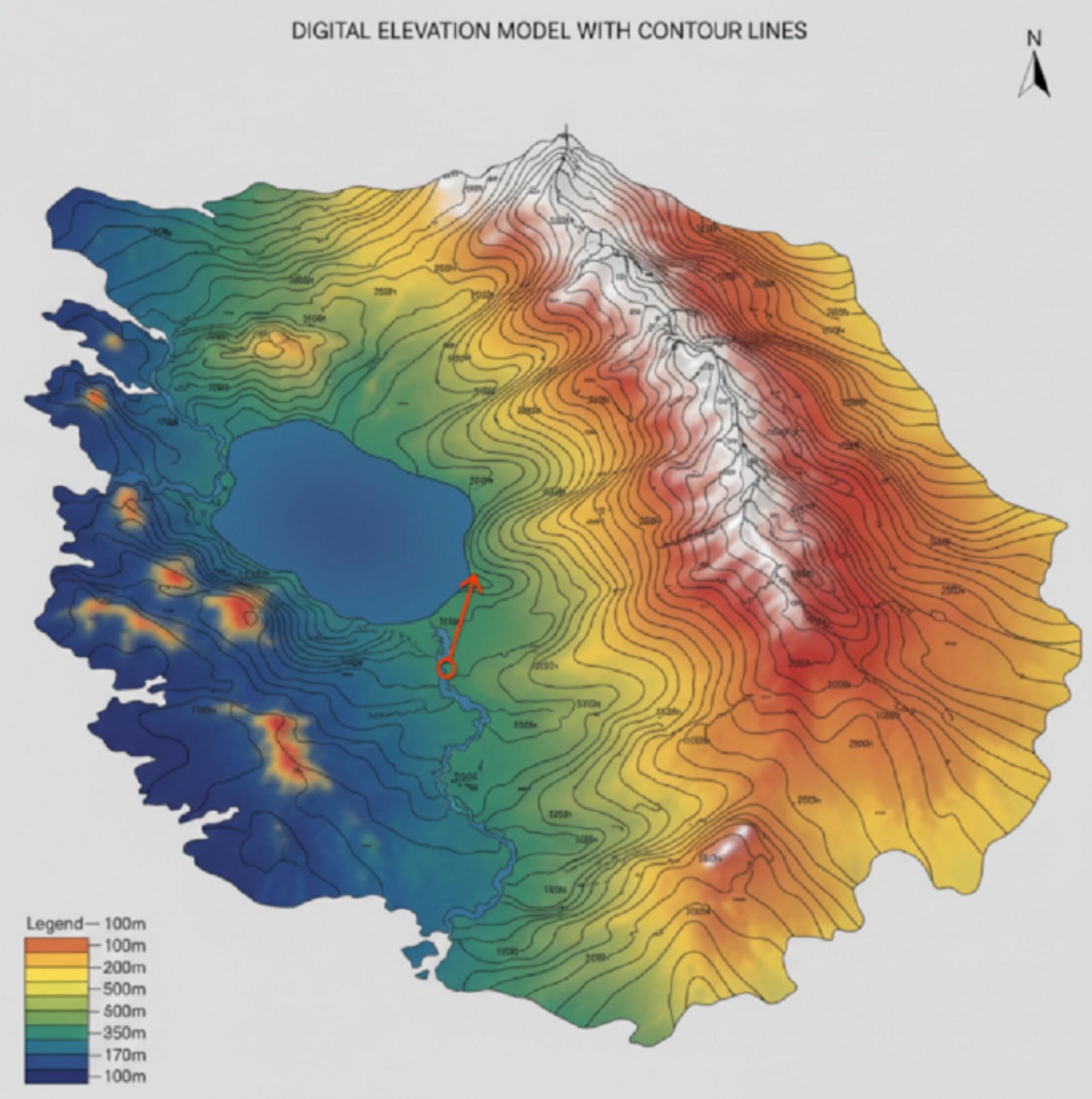 |  |
Input: Need to upload a Google Maps image containing a red arrow
Prompt:
draw what the red arrow sees
/
draw the real world view from the red circle in the direction of the arrow.
Case 3: Real World AR Information (by @bilawalsidhu)
| Output |
|---|
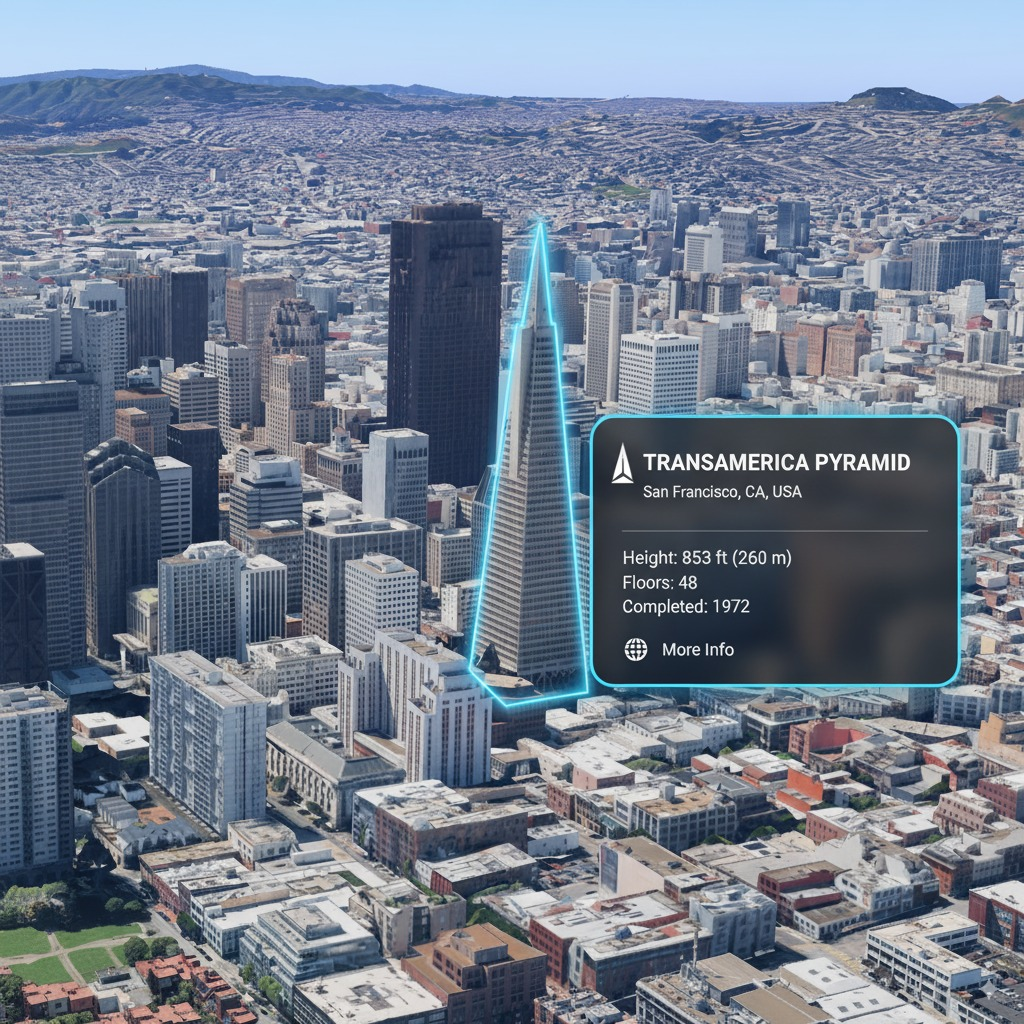 |
Input: Need to upload a reference image
Prompt:
you are a location-based AR experience generator. highlight [point of interest] in this image and annotate relevant information about it.
[!NOTE] Need to input the point of interest to be annotated in the prompt [POI]
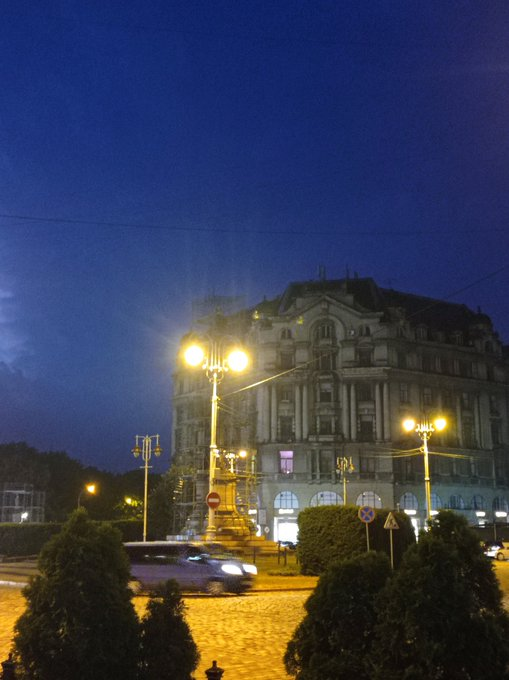
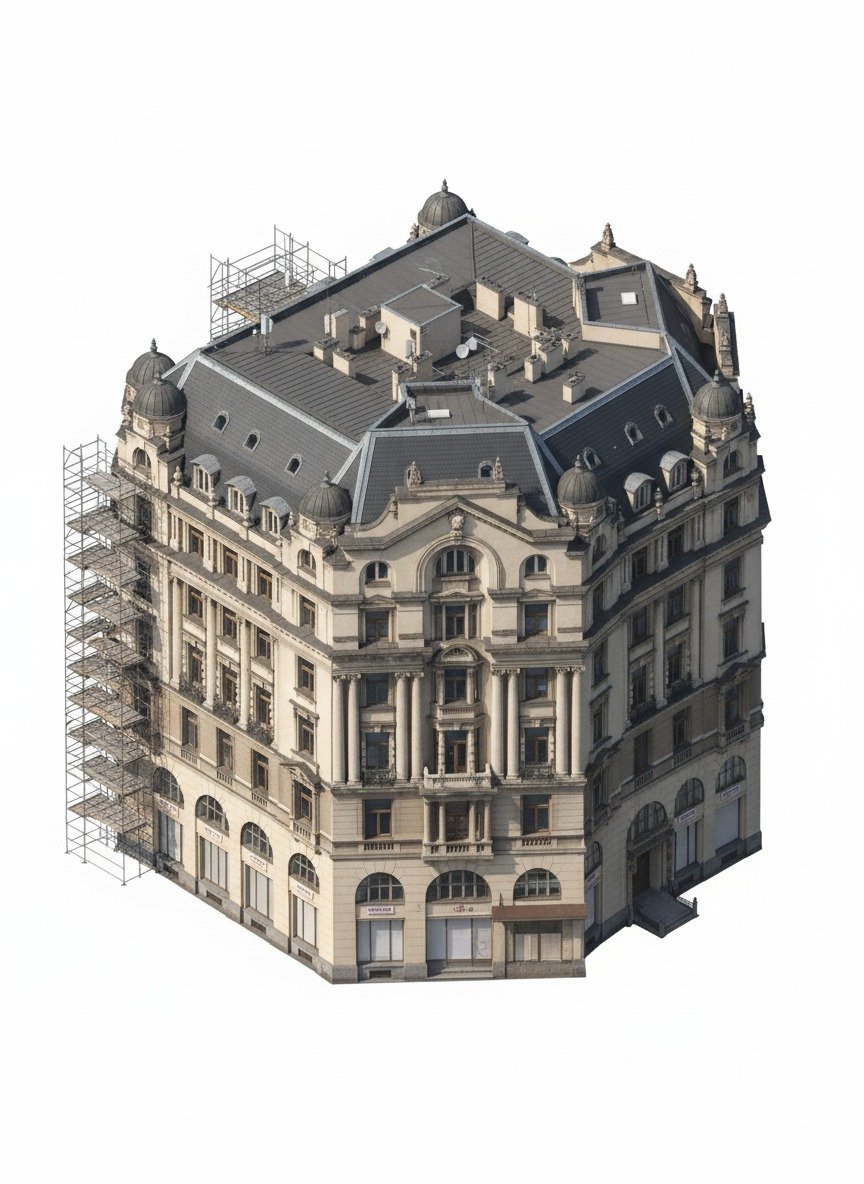
Case 4: Extract 3D Buildings/Make Isometric Models (by @Zieeett)
| Input | Output |
|---|---|
 |  |
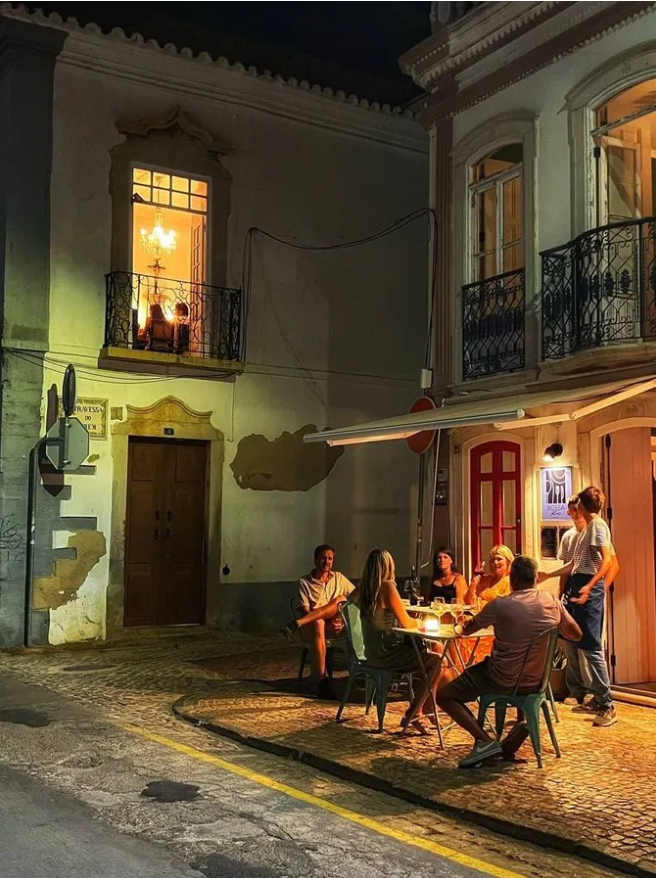 | 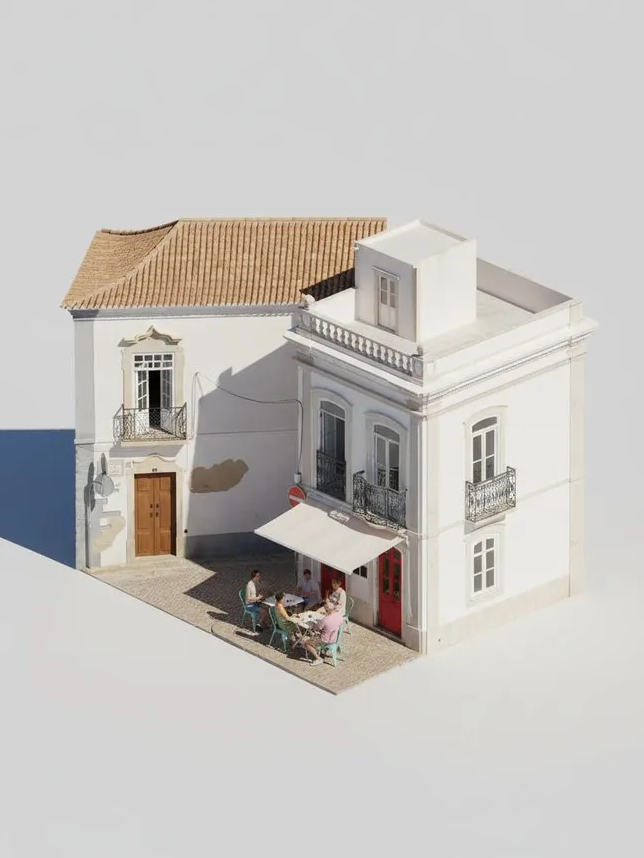 |
Input: Need to upload an image containing the corresponding object
Prompt:
Make Image Daytime and Isometric [Building Only]
[!NOTE] Modify the information in [brackets] as needed (can be set to vehicles, people, etc.)
Case 5: Photos of Yourself in Different Eras (by @AmirMushich)
| Input | Output |
|---|---|
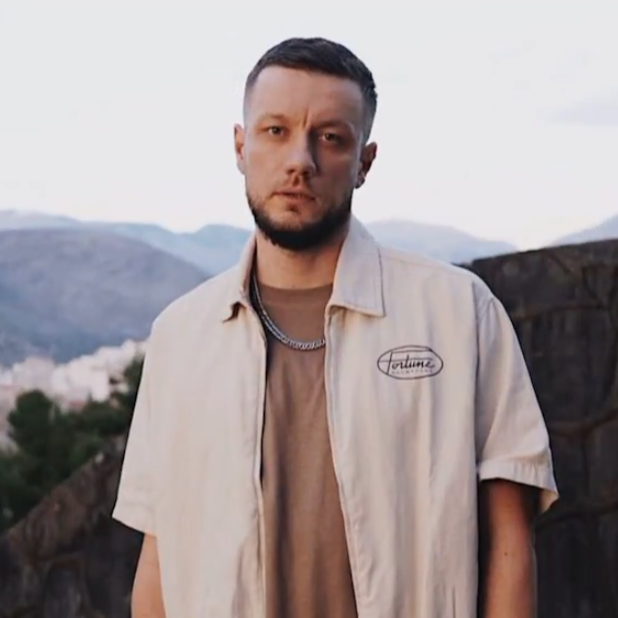 | 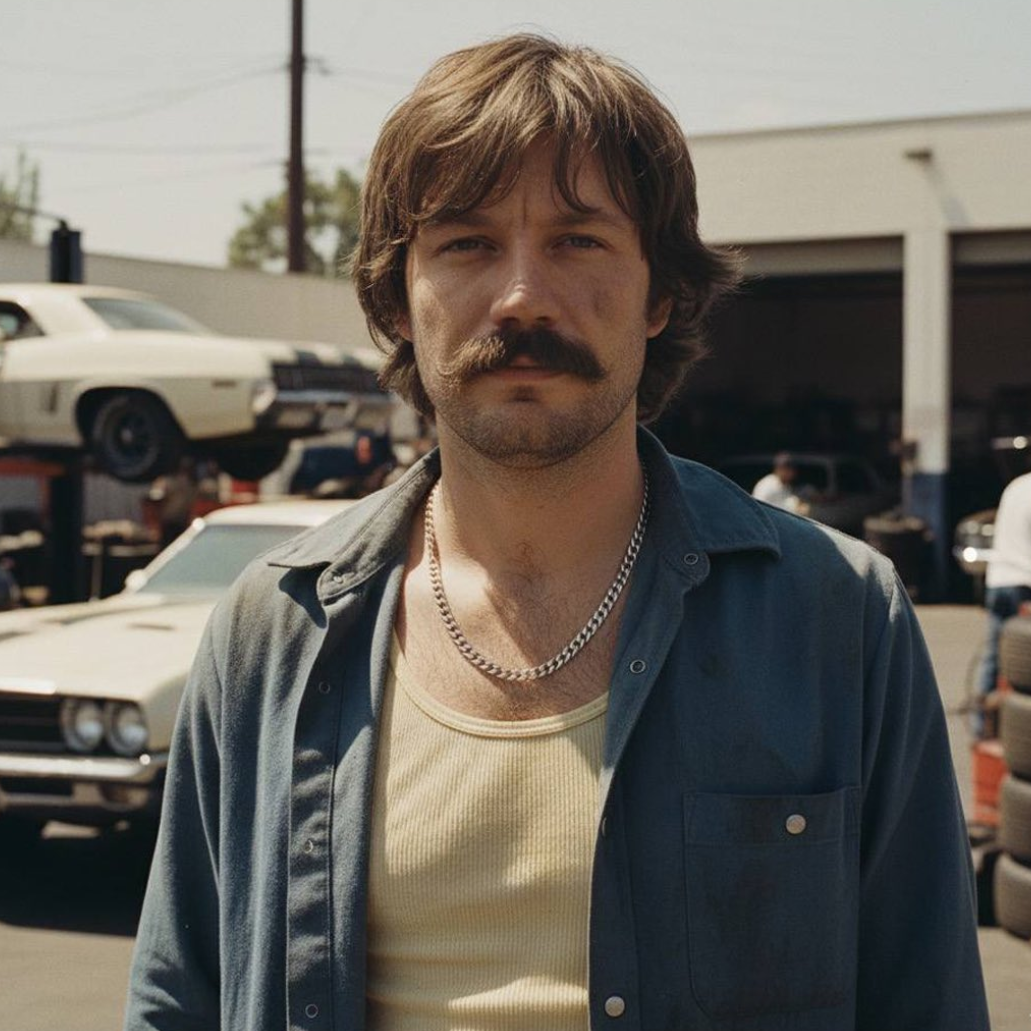 |
Input: Need to upload a photo of a person
Prompt:
Change the characer's style to [1970]'s classical [male] style

Add [long curly] hair,
[long mustache],
change the background to the iconic [californian summer landscape]

Don't change the character's face
[!NOTE] Change the text in [brackets] to your era and detail information
Case 6: Multi-Reference Image Generation (by @MrDavids1)
| Input | Output |
|---|---|
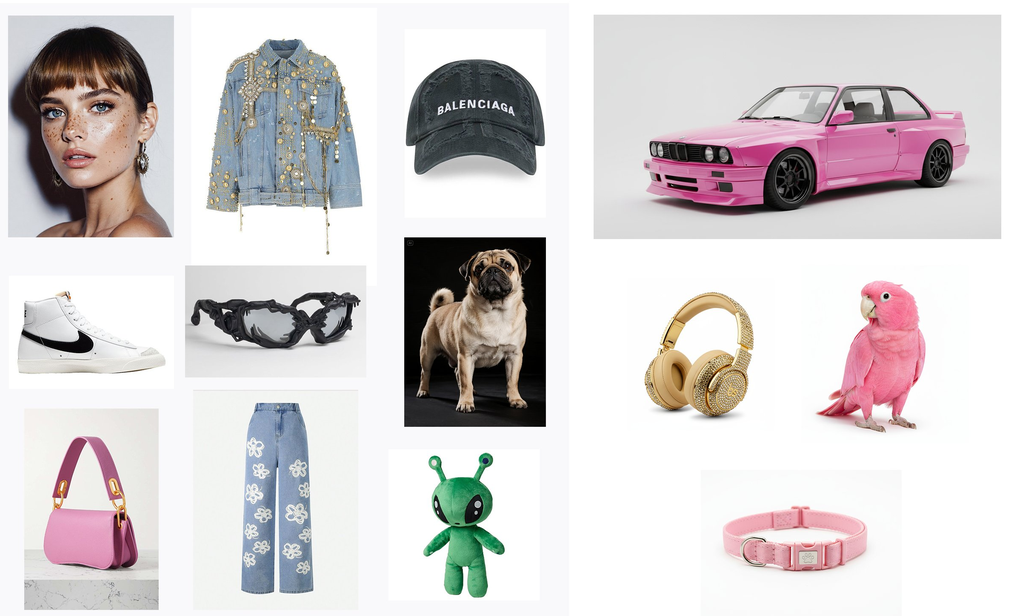 |  |
Input: Need to upload multiple reference images
Prompt:
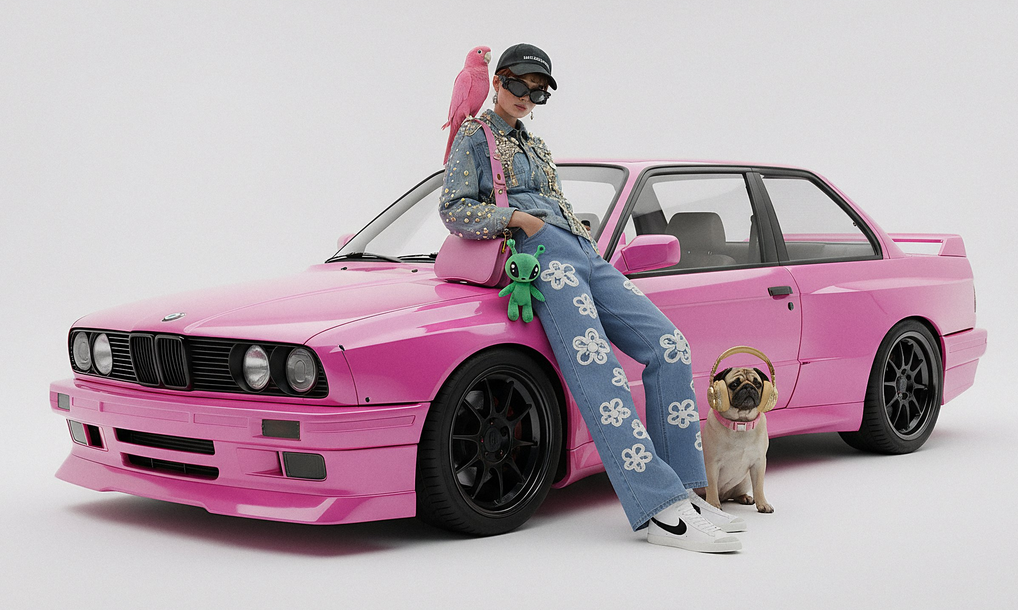
A model is posing and leaning against a pink bmw. She is wearing the following items, the scene is against a light grey background. The green alien is a keychain and it's attached to the pink handbag. The model also has a pink parrot on her shoulder. There is a pug sitting next to her wearing a pink collar and gold headphones.
[!NOTE] The prompt needs to describe in detail and include multiple reference objects
Case 7: Automatic Photo Editing (by @op7418)
| Input | Output |
|---|---|
 |  |
Input: Need to upload an image that needs correction
Prompt:
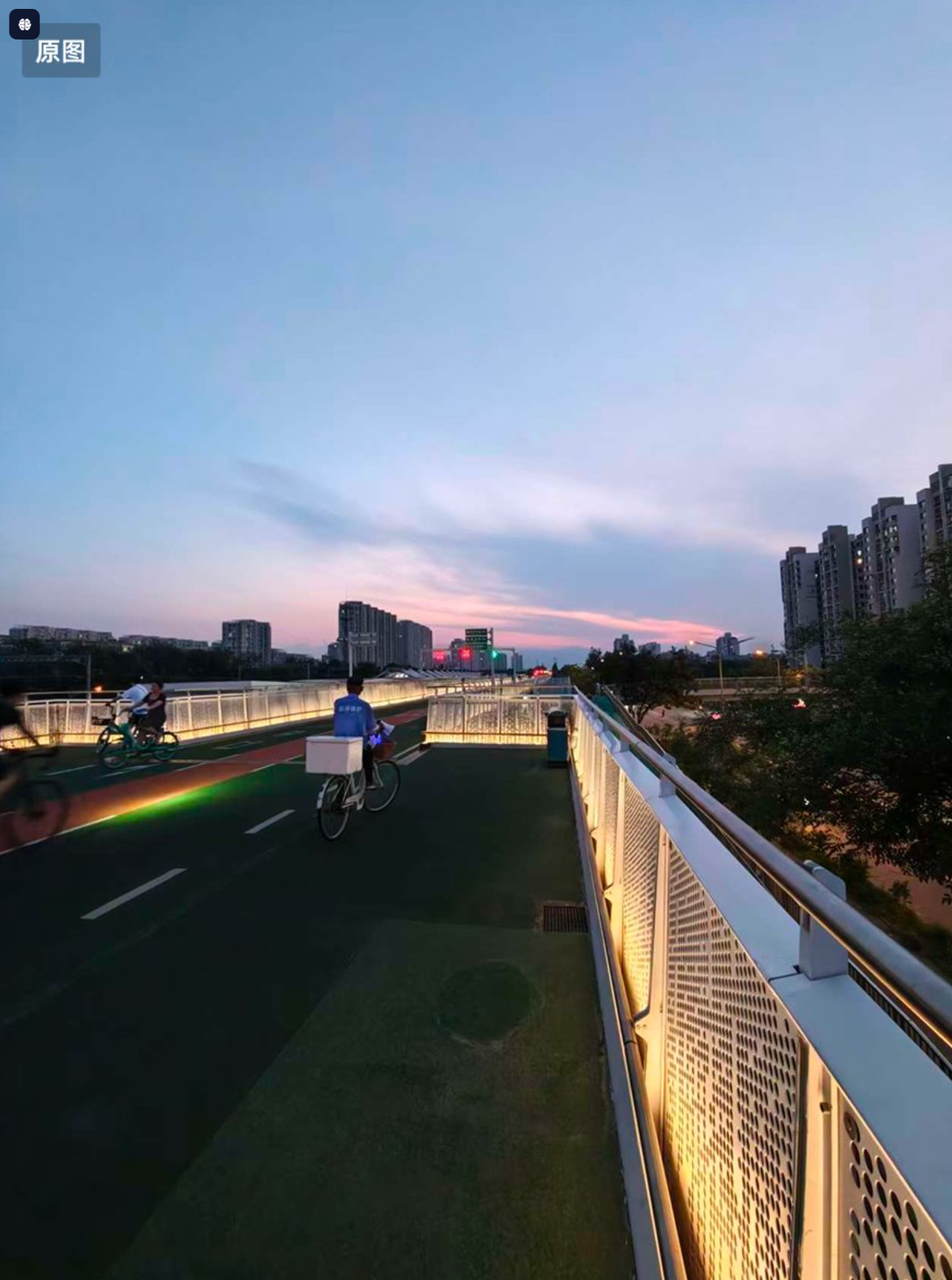
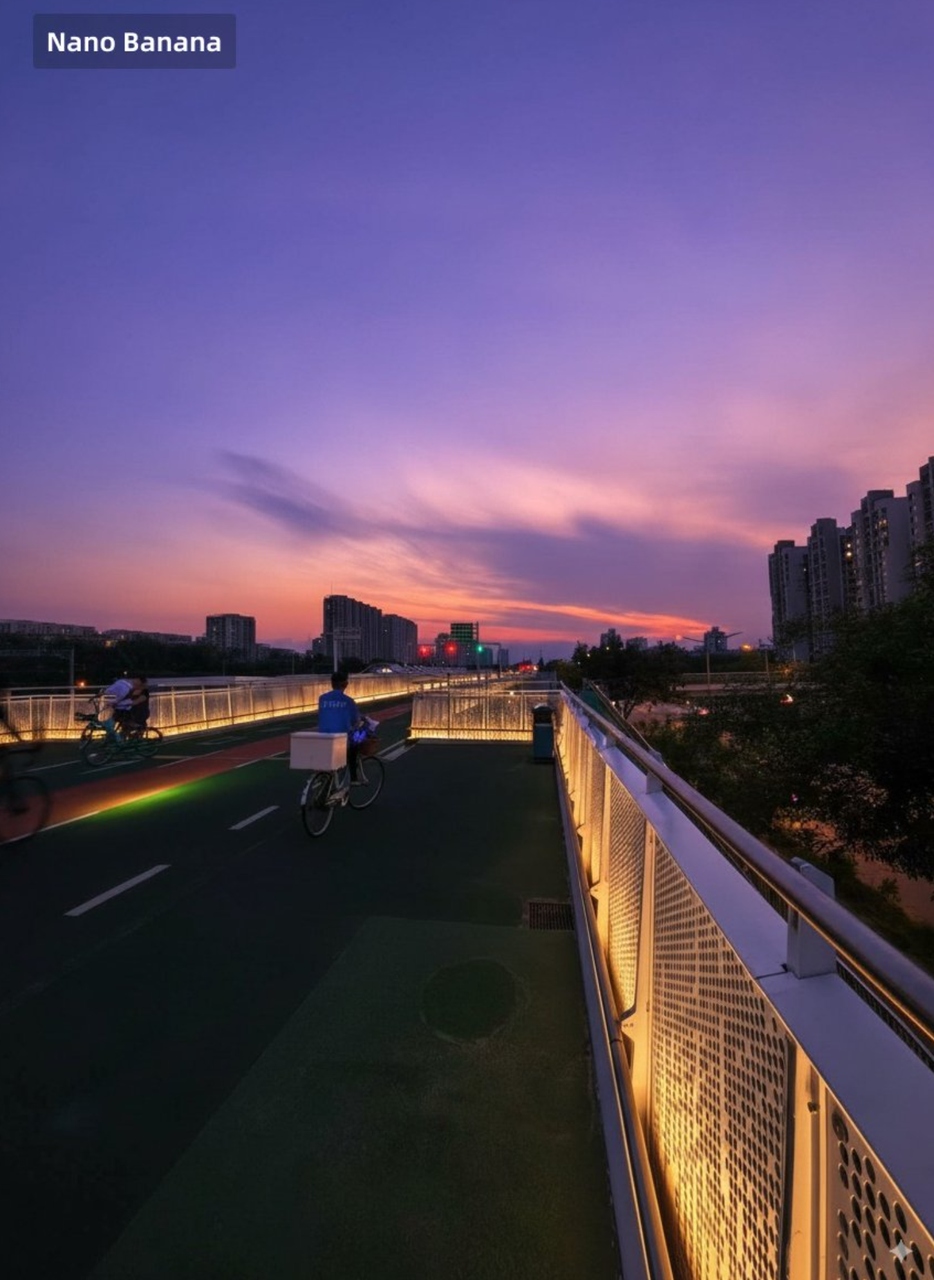
This photo is very boring and plain. Enhance it! Increase the contrast, boost the colors, and improve the lighting to make it richer,You can crop and delete details that affect the composition.
Case 8: Hand Drawing Controls Multi-Character Poses (by @op7418)
| Input | Output |
|---|---|
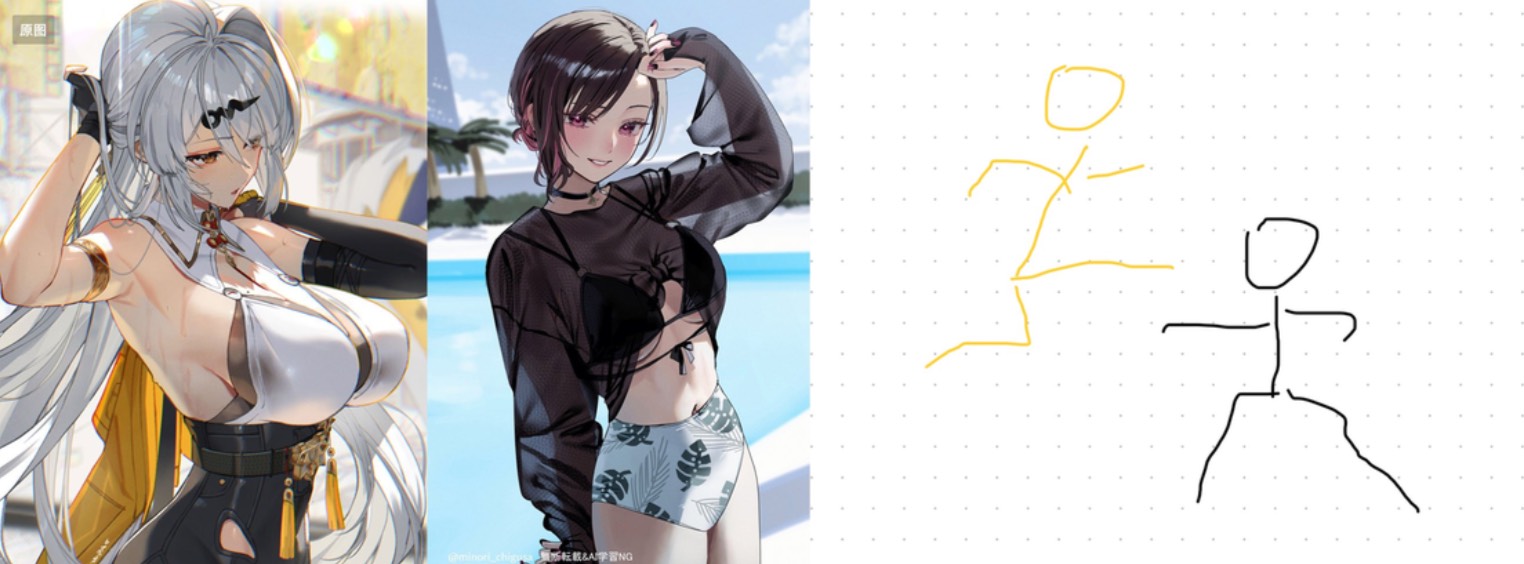 |  |
Input: Need to upload character images and hand-drawn sketches
Prompt:
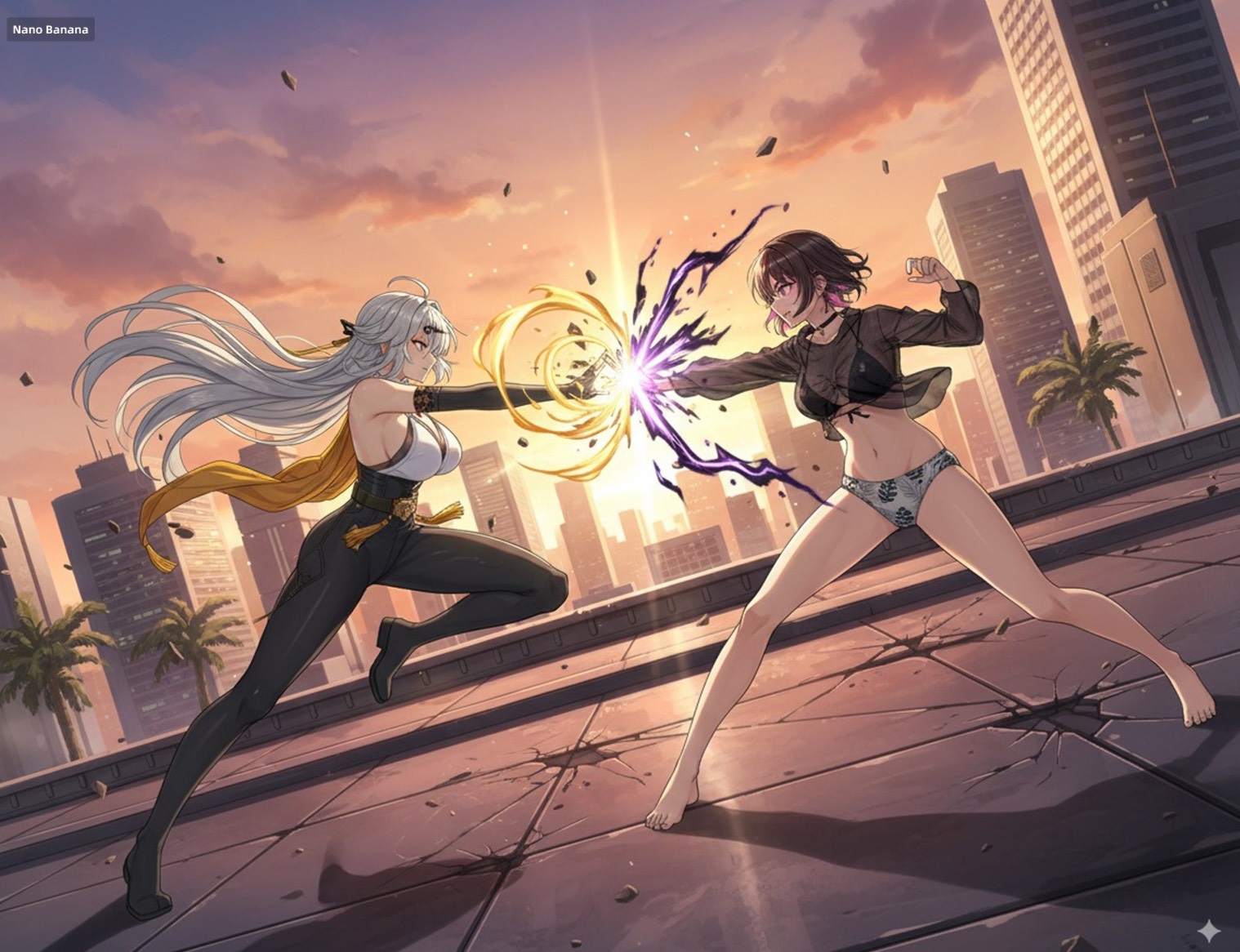
Have these two characters fight using the pose from Figure 3. Add appropriate visual backgrounds and scene interactions,Generated image ratio is 16:9
Case 9: Cross-View Image Generation (by @op7418)
| Input | Output |
|---|---|
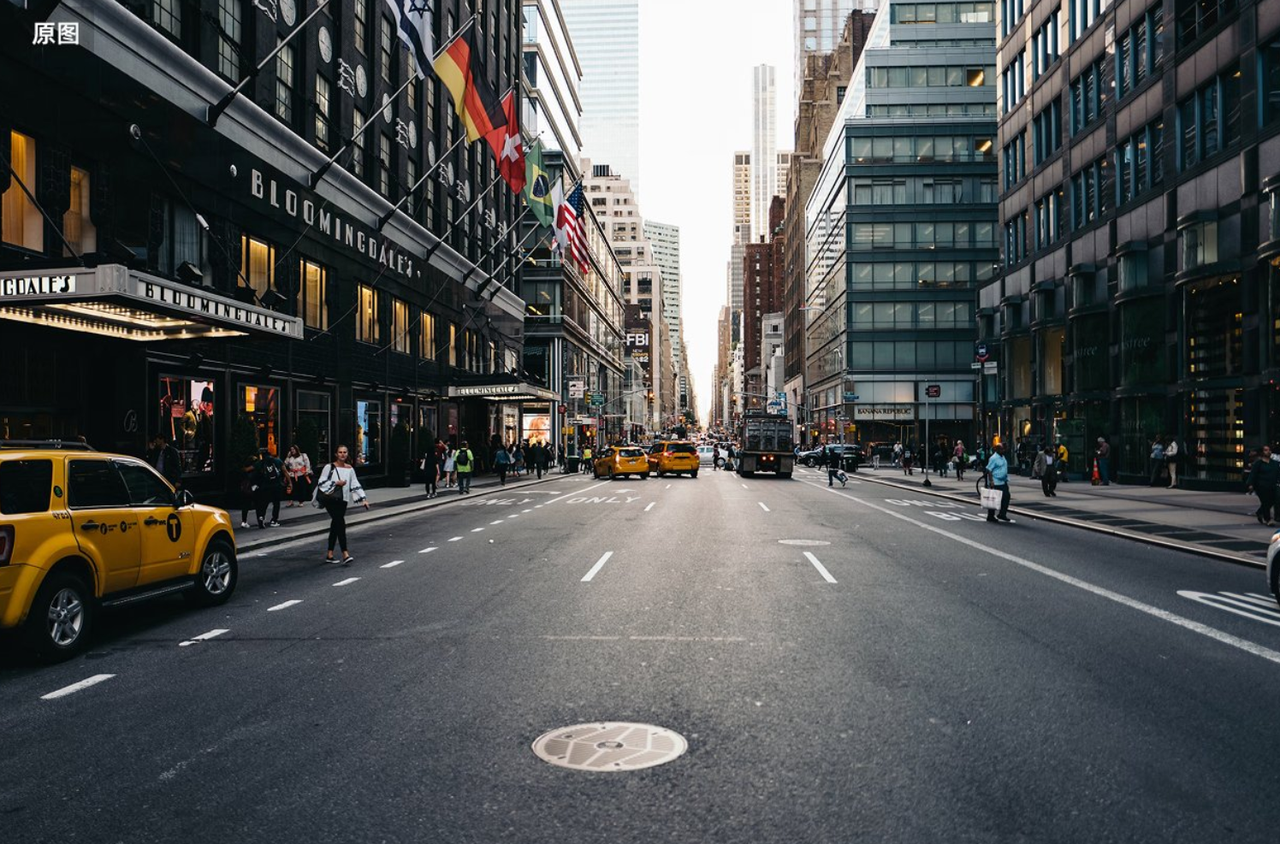 |  |
Input: Need to upload a photo taken from the ground
Prompt:
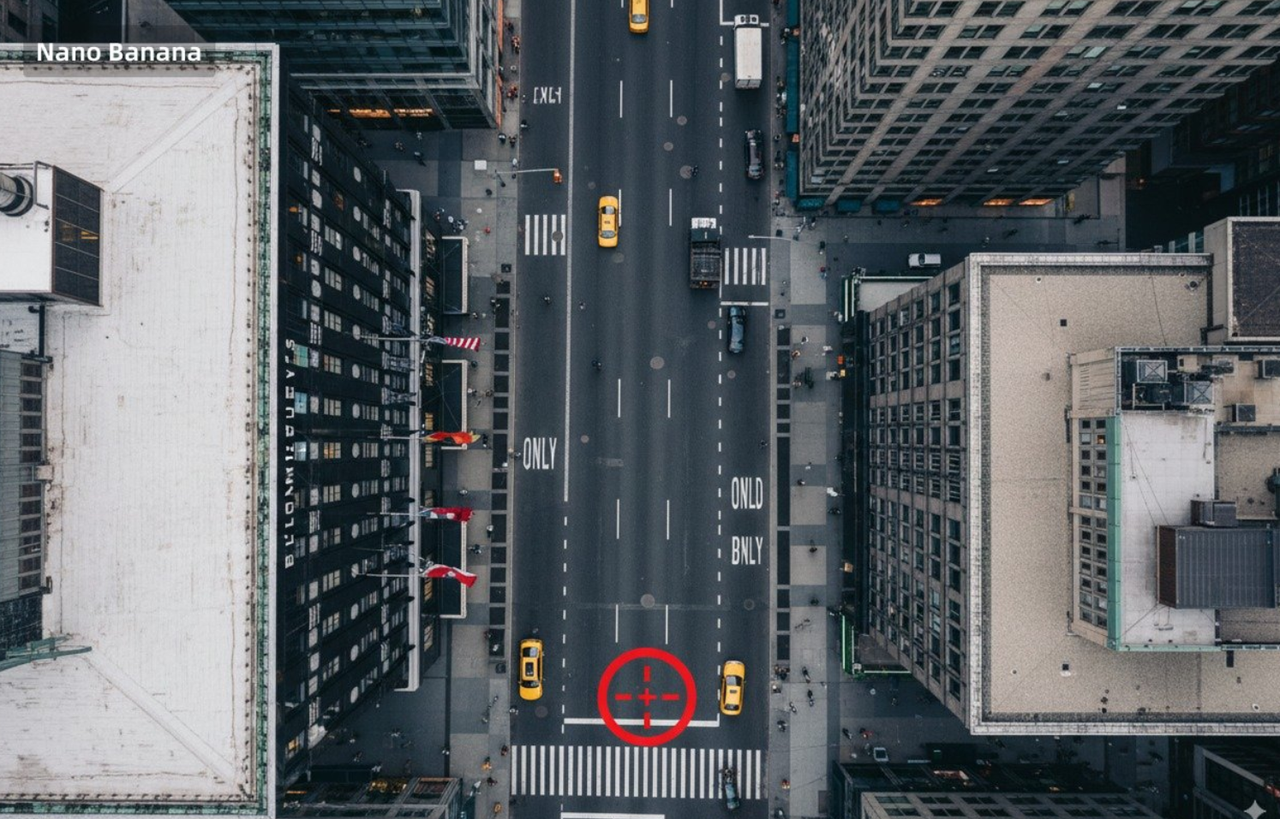
Convert the photo to a top-down view and mark the location of the photographer.
Case 10: Custom Character Stickers (by @op7418)
| Input | Output |
|---|---|
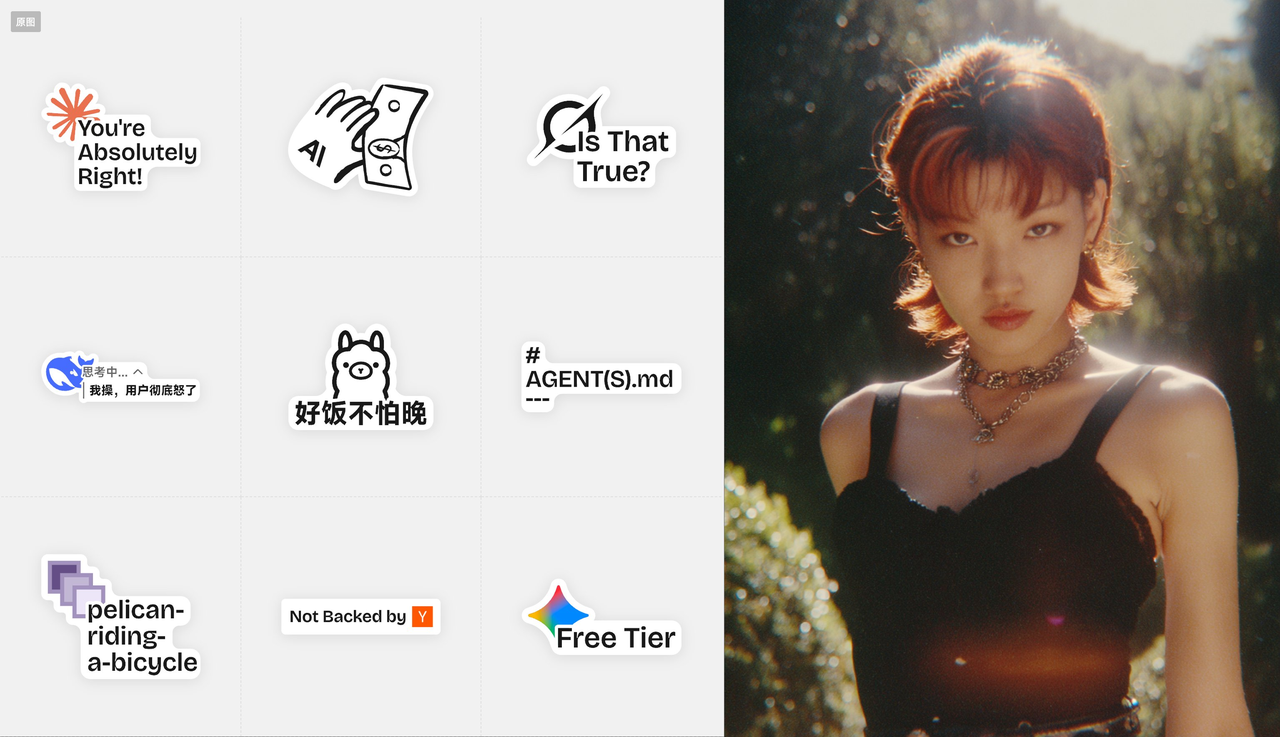 | 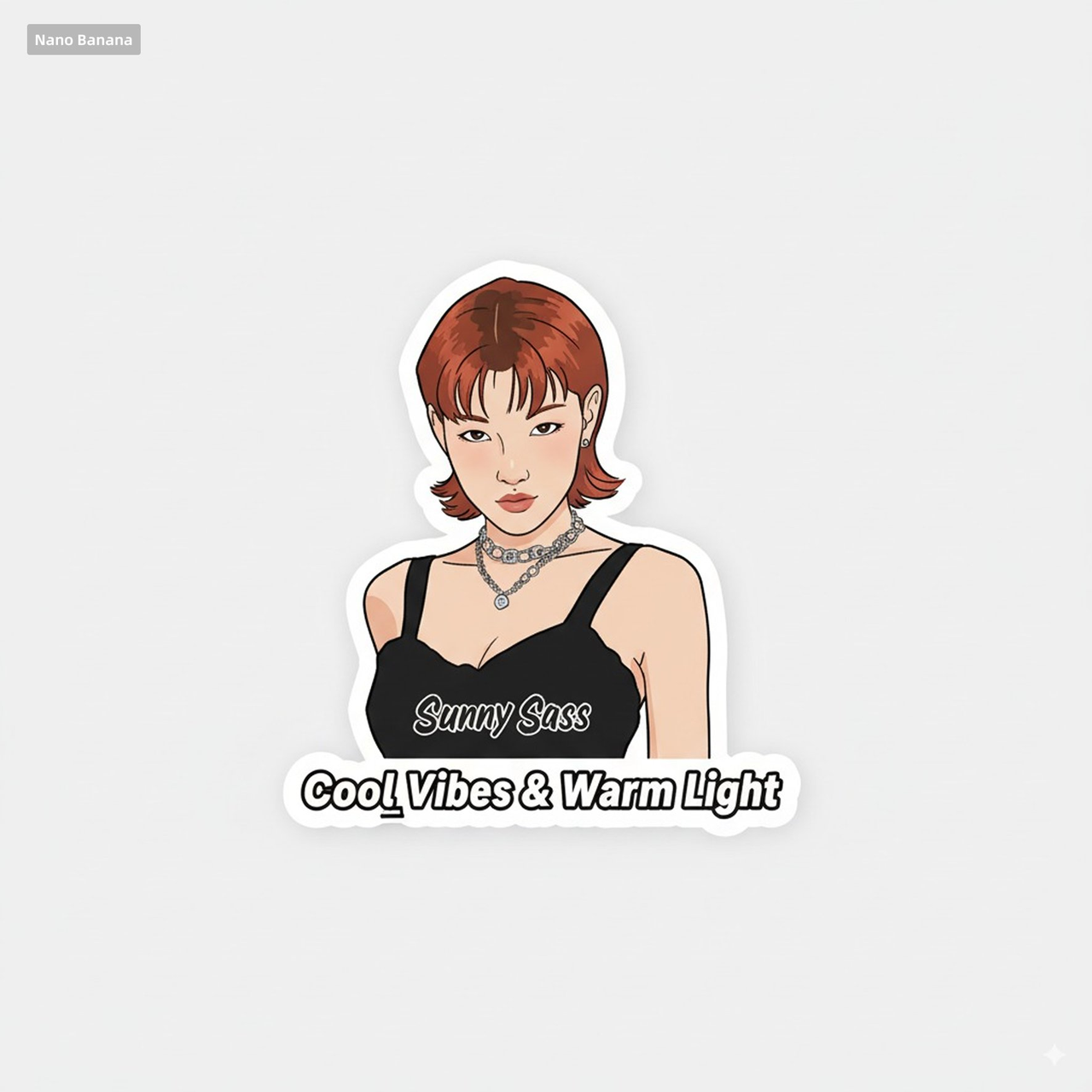 |
Input: Need to upload a sticker reference image and a character image
Prompt:
Help me turn the character into a white outline sticker similar to Figure 2. The character needs to be transformed into a web illustration style, and add a playful white outline short phrase describing Figure 1.
Case 11: Anime to Real Coser (by @ZHO_ZHO_ZHO)
| Input | Output |
|---|---|
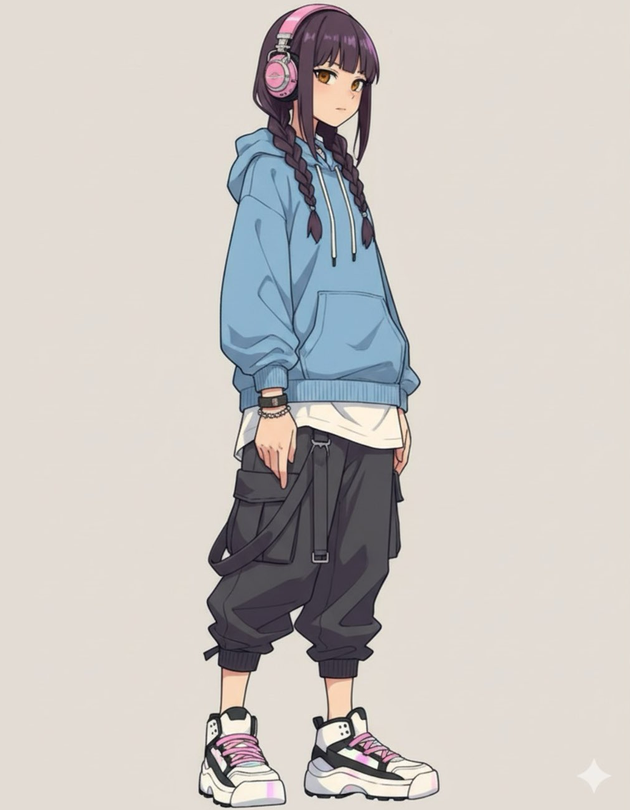 | 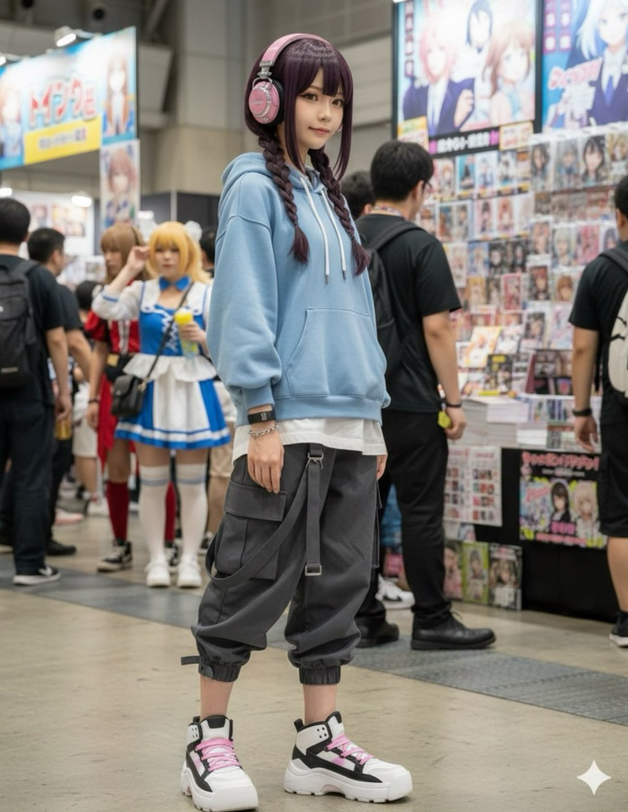 |
Input: Need to upload an illustration image
Prompt:
Generate a photo of a girl cosplaying this illustration, with the background set at Comiket
Case 12: Generate Character Design (by @ZHO_ZHO_ZHO)
| Input | Output |
|---|---|
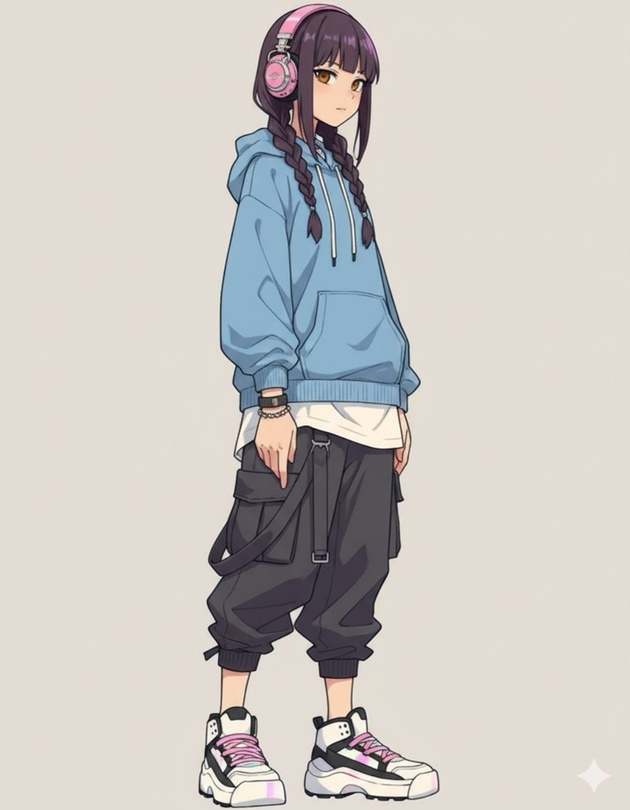 | 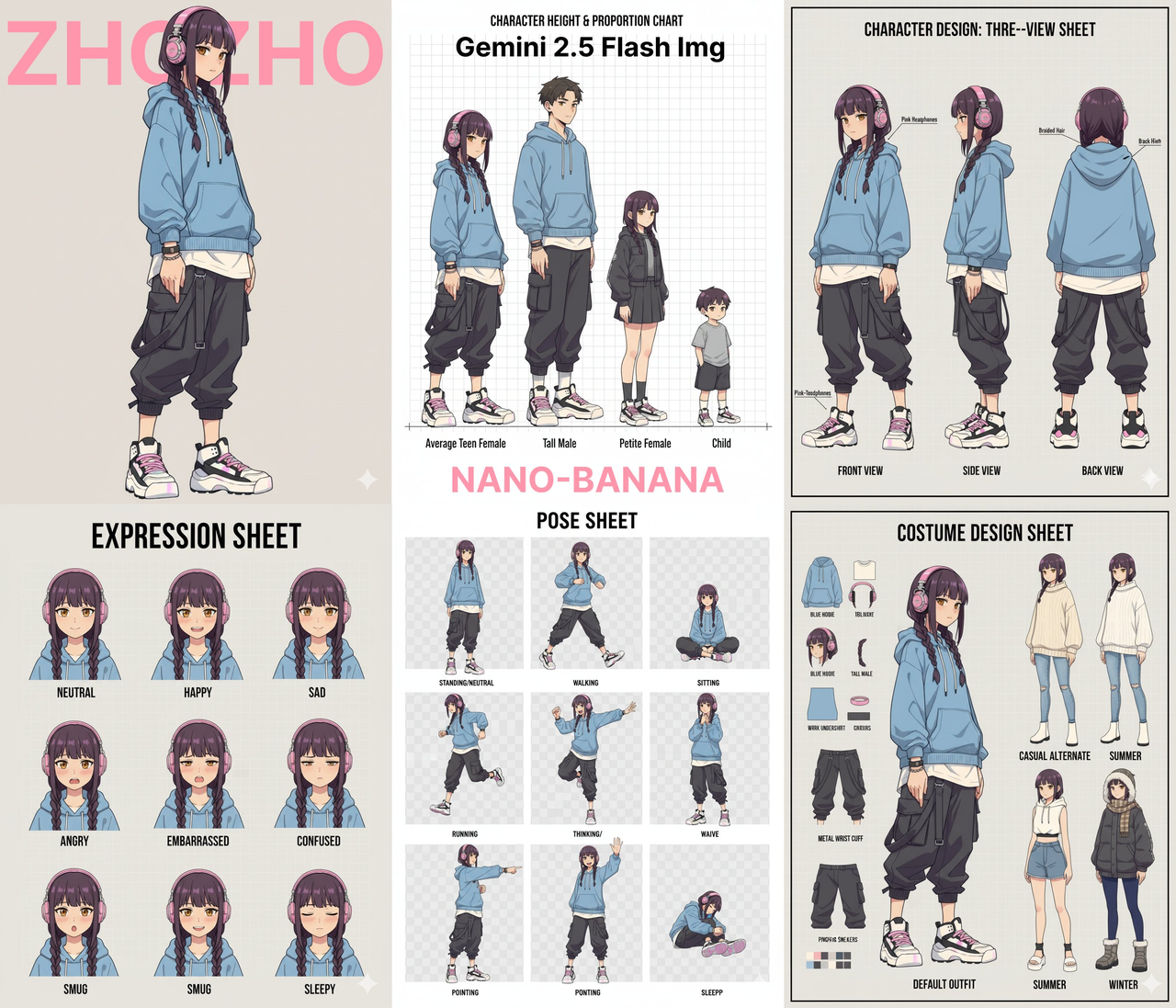 |
Input: Need to upload a character reference image
Prompt:
Generate character design for me (Character Design)

Proportion design (different height comparisons, head-to-body ratio, etc.)

Three views (front, side, back)

Expression design (Expression Sheet) → like the image you sent

Pose design (Pose Sheet) → various common poses

Costume design (Costume Design)
Case 13: Color Line Art with Color Palette (by @ZHO_ZHO_ZHO)
| Input | Output |
|---|---|
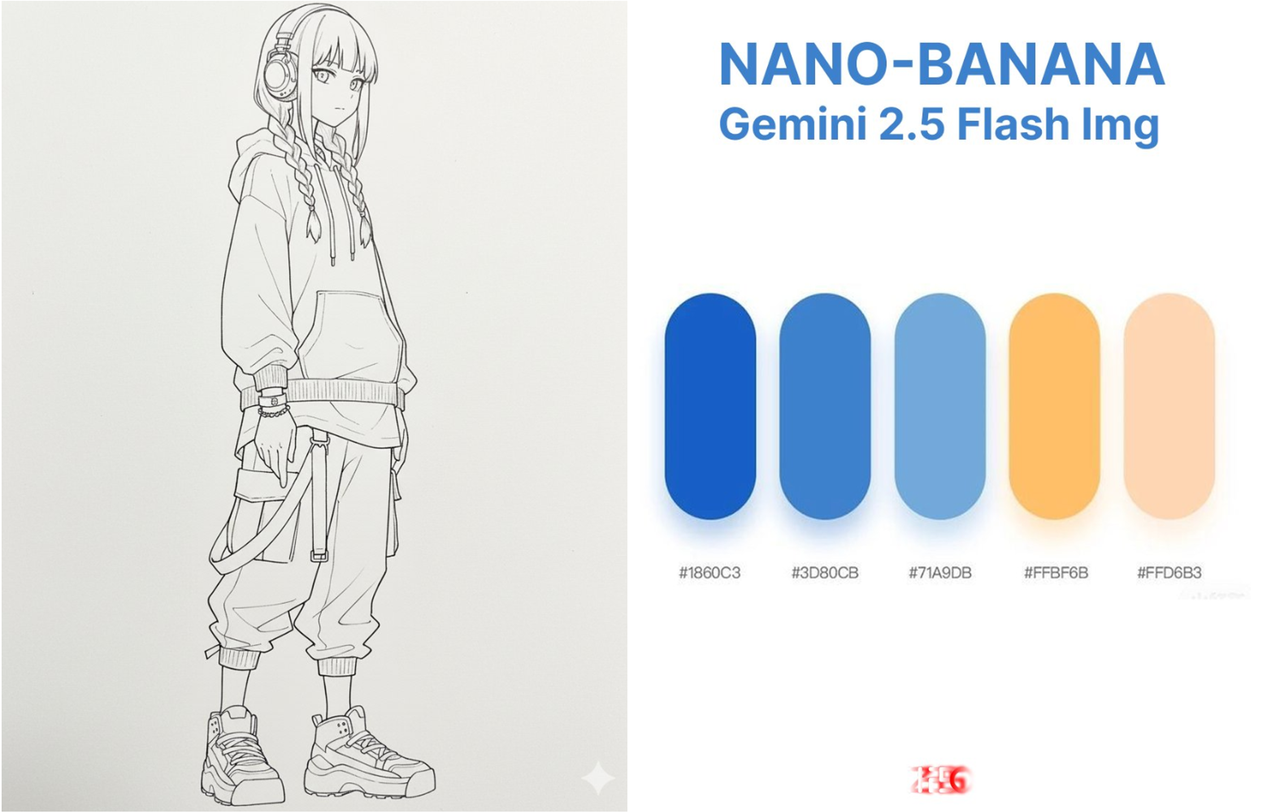 | 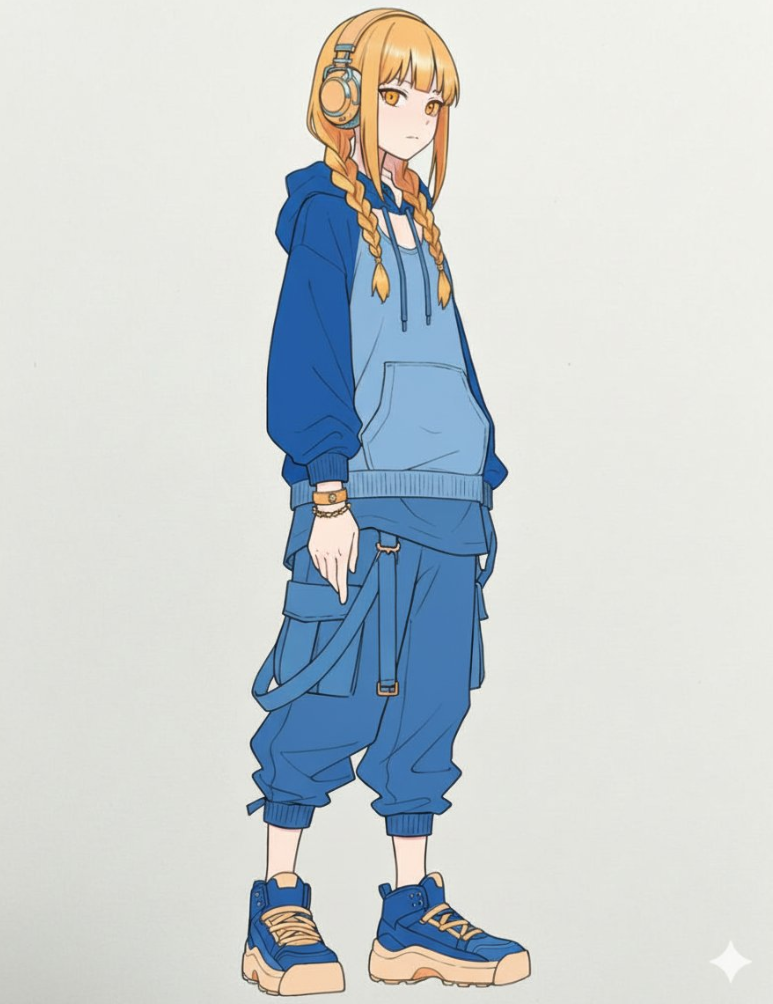 |
Input: Need to upload a line art image and a color palette image
Prompt:
Accurately use the color palette from Figure 2 to color the character in Figure 1
Case 14: Article Infographic (by @Huang Jian)
| Output |
|---|
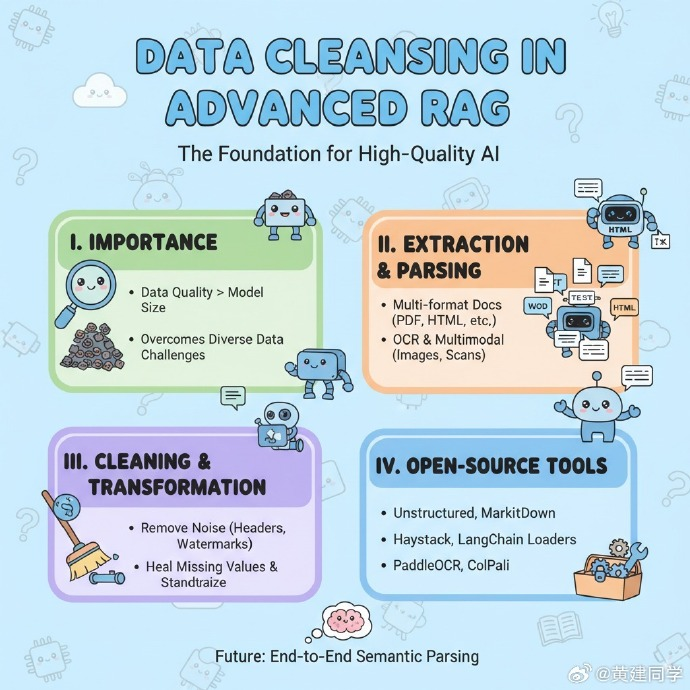 |
Input: Need to upload a blog/article
Prompt:
Generate an infographic for the article content
Requirements:
1. Translate the content into English and extract key information from the article
2. Keep the content in the image concise, only retaining the main title
3. Use English text in the image
4. Add rich and cute cartoon characters and elements
Case 15: Change Multiple Hairstyles (by @balconychy)
| Output |
|---|
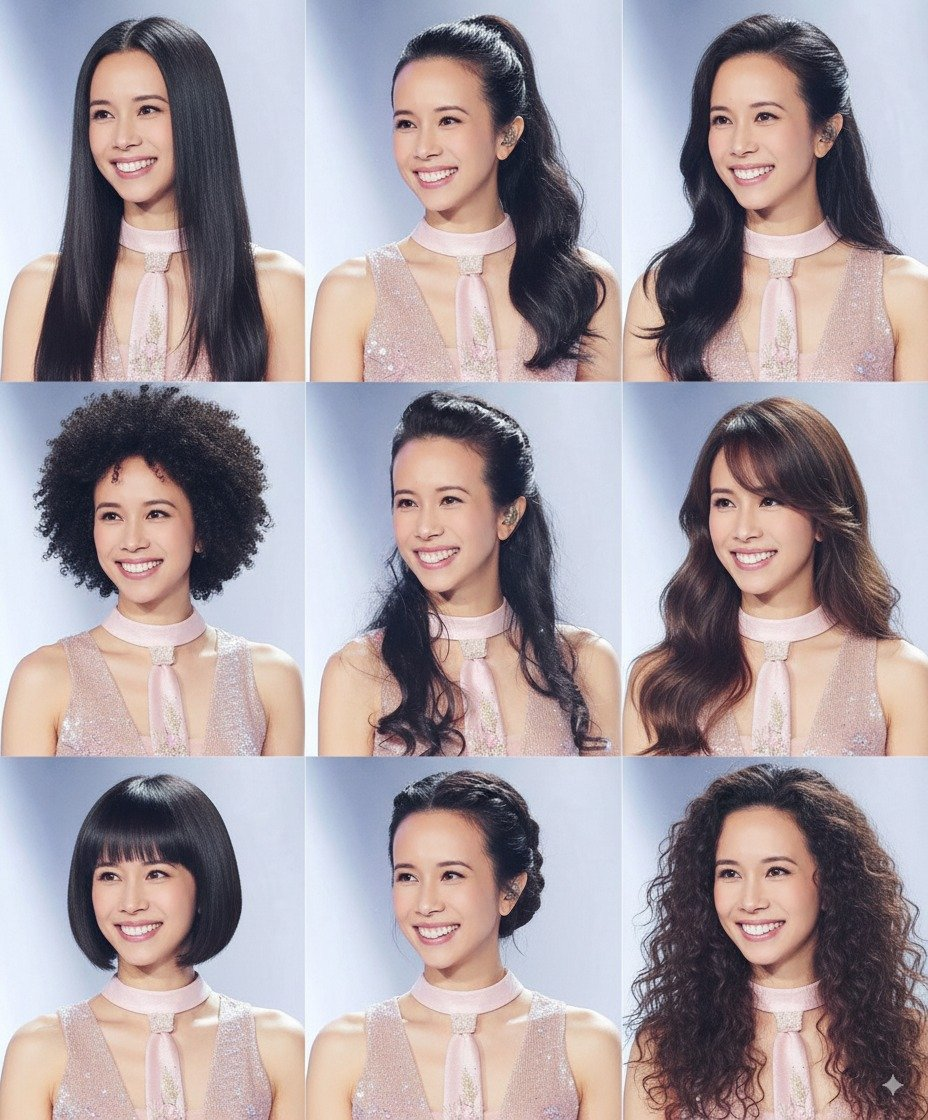 |
Input: Need to upload a portrait image that needs hairstyle changes
Prompt:
Generate avatars of this person with different hairstyles in a 3x3 grid format
Case 16: Model Annotation Explanation Diagram (by @berryxia_ai)
| Output |
|---|
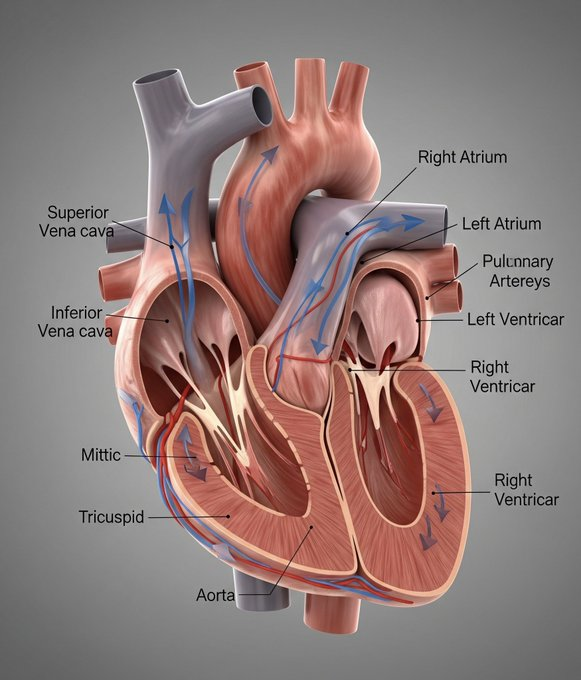 |
[!CAUTION] There are a considerable number of errors in the annotation results ⚠️. Please note that the Nano-Banana annotations are not entirely accurate, and you should carefully verify the correctness of the information before using it.
Prompt:
Draw [3D human organ model display example heart] for academic presentation, with annotations and explanations, suitable for showcasing its principles and [each organ's] functions, very realistic, highly detailed, with extremely fine design.
[!NOTE] Change the text in [brackets] to the model you want to showcase
Case 17: Custom Marble Sculpture (by @umesh_ai)
| Output |
|---|
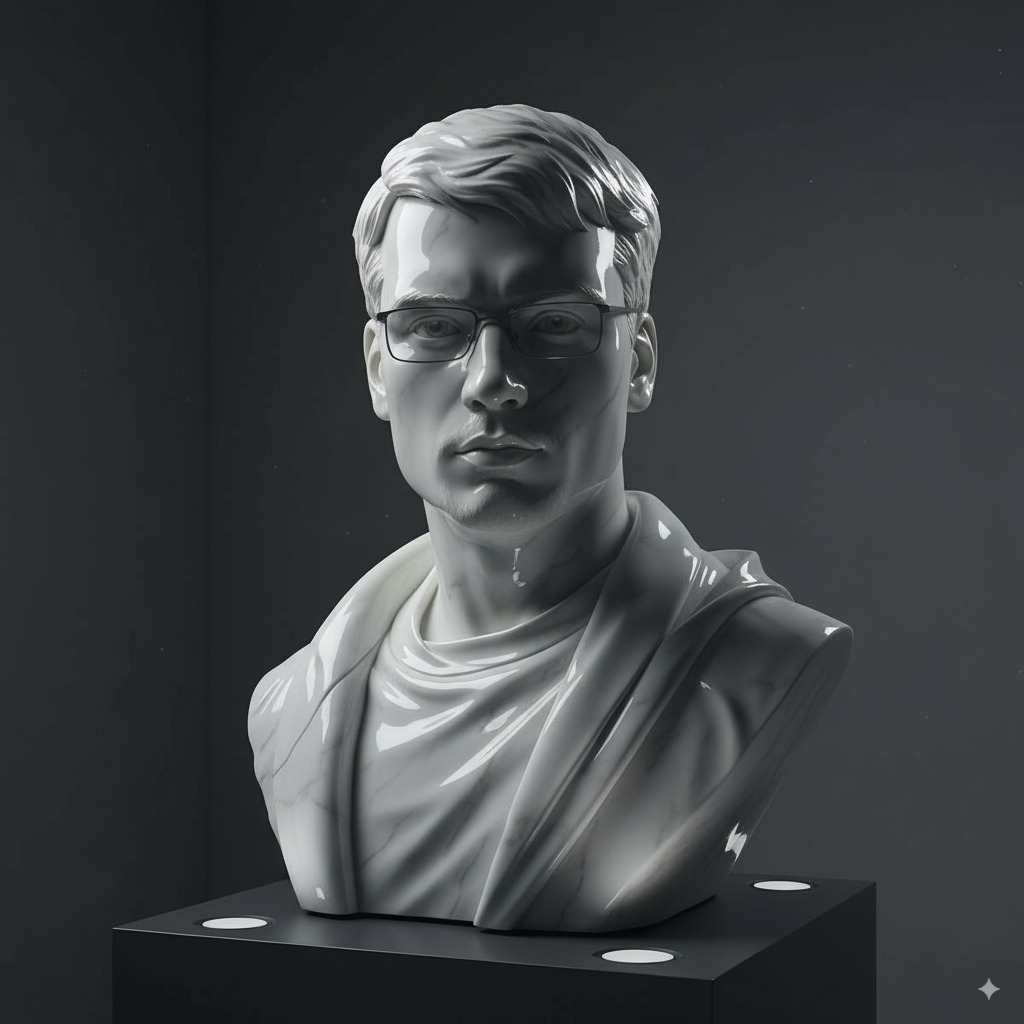 |
Input: Need to upload a reference image
Prompt:
A photorealistic image of an ultra-detailed sculpture of the subject in image made of shining marble. The sculpture should display smooth and reflective marble surface, emphasizing its luster and artistic craftsmanship. The design is elegant, highlighting the beauty and depth of marble. The lighting in the image should enhance the sculpture's contours and textures, creating a visually stunning and mesmerizing effect
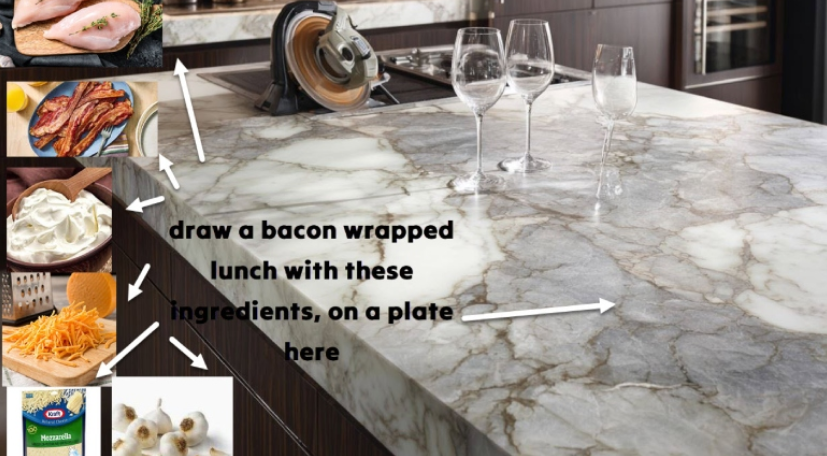
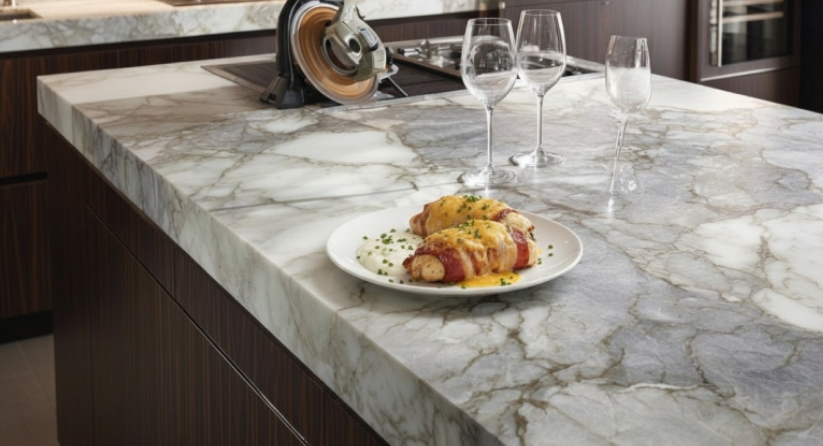
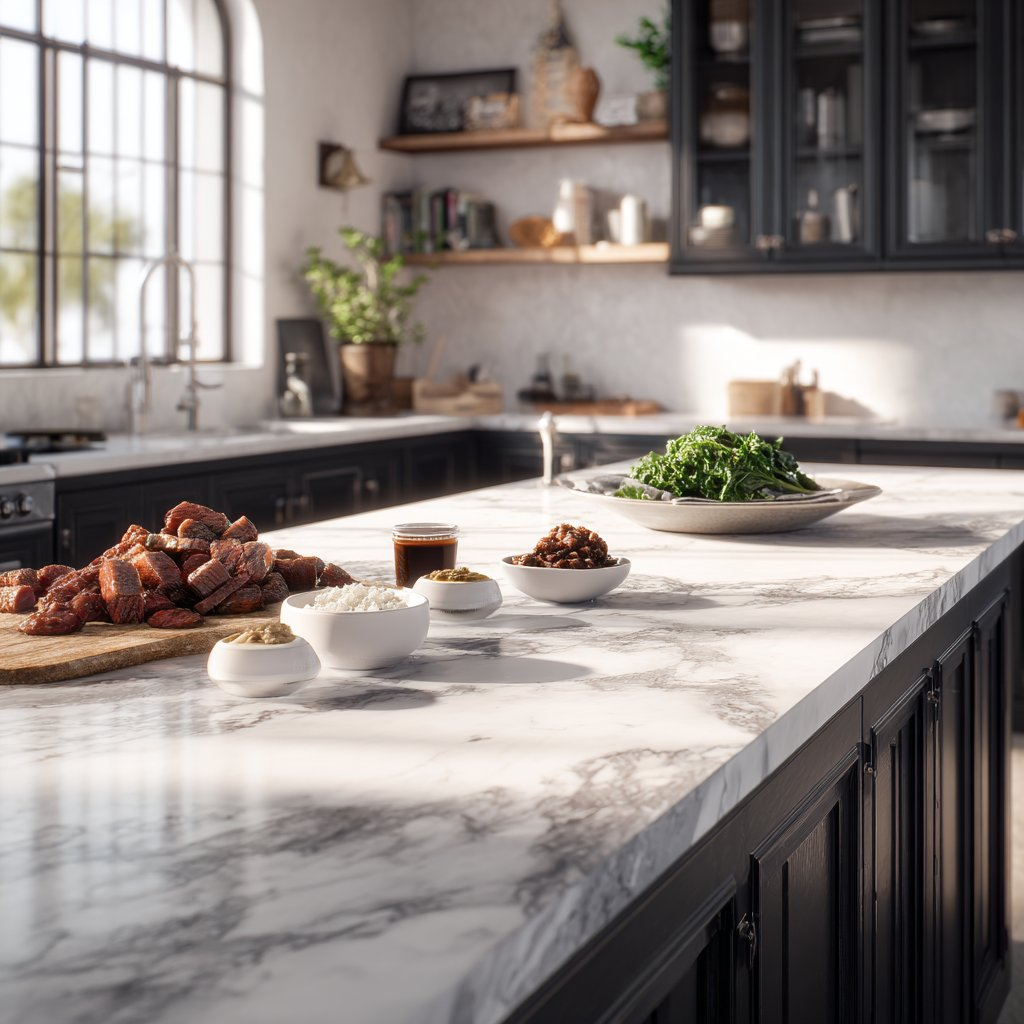
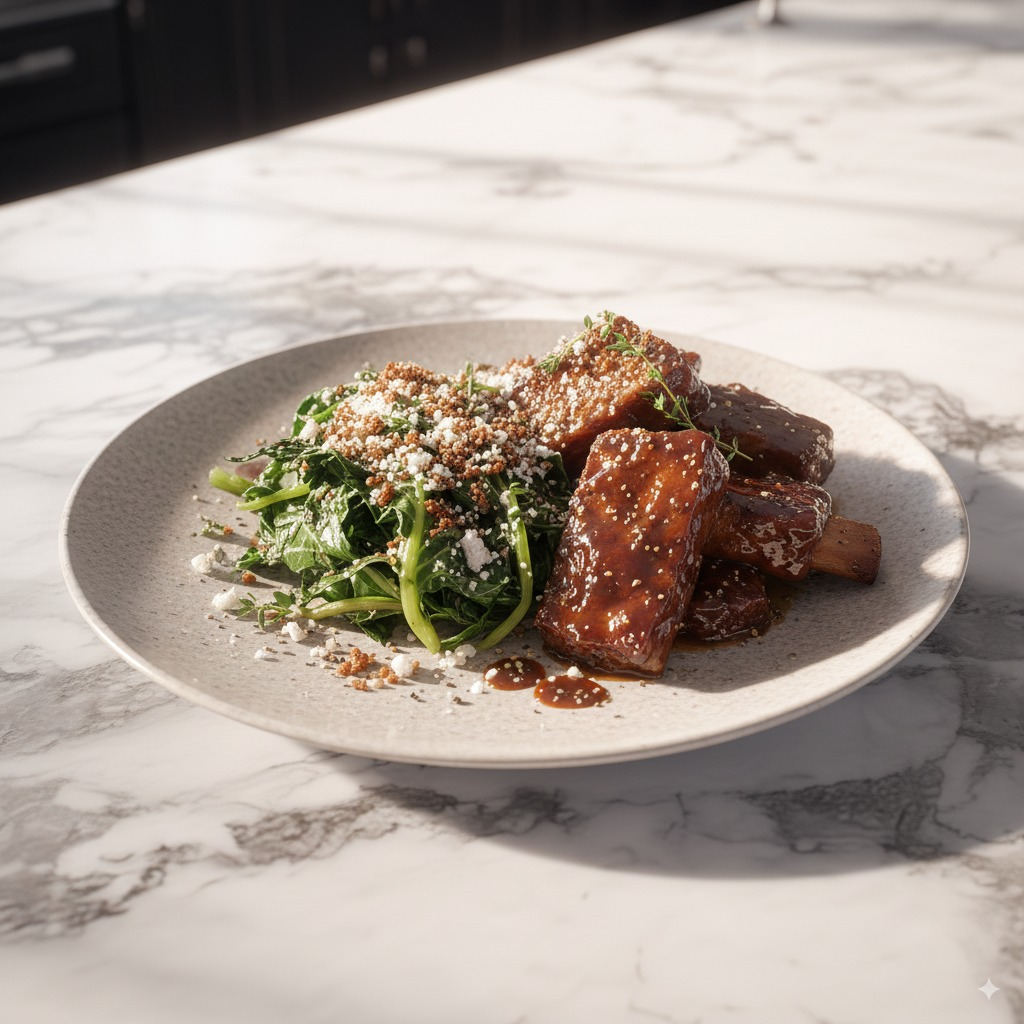
Case 18: Cook Based on Ingredients (by @Gdgtify)
| Input | Output |
|---|---|
 |  |
 |  |
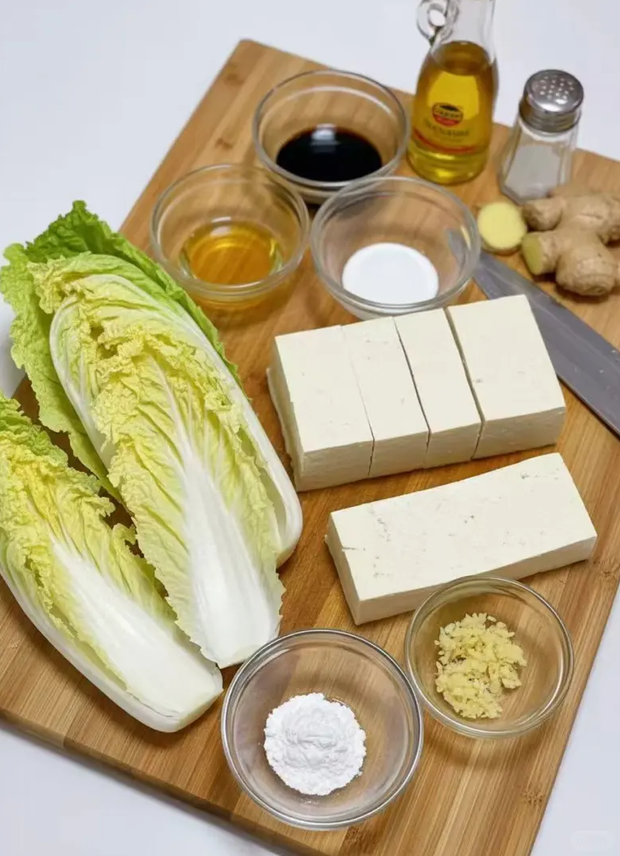 |  |
Input: Need to upload a photo with various ingredients
Prompt:
make me a delicious lunch with these ingredients, and put it on a plate , zoomed in view of the plate, remove the other plates and ingredients.
Case 19: Math Problem Reasoning (by @Gorden Sun)
| Input | Output |
|---|---|
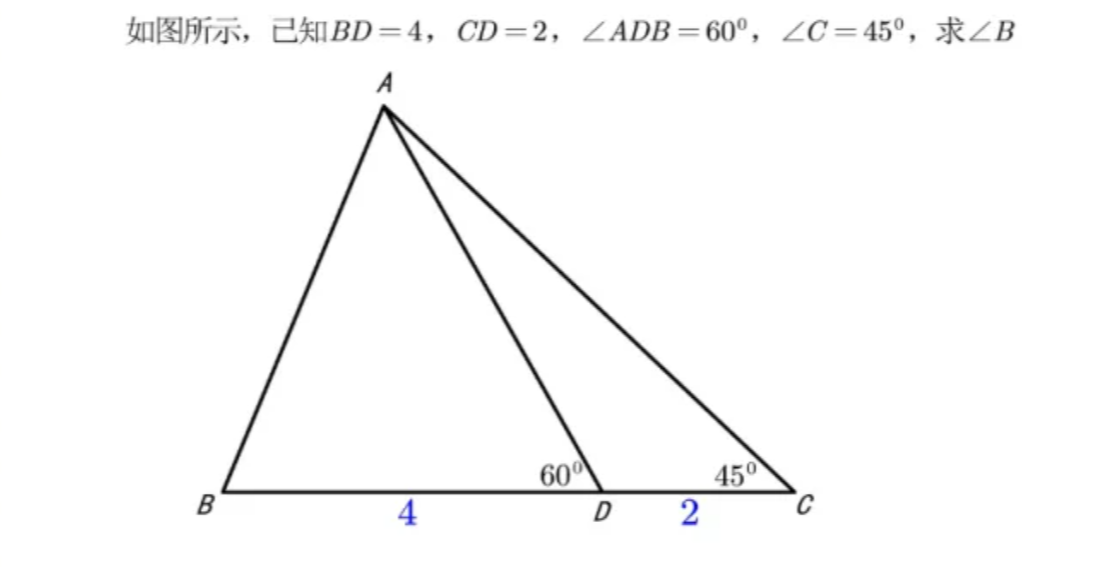 | 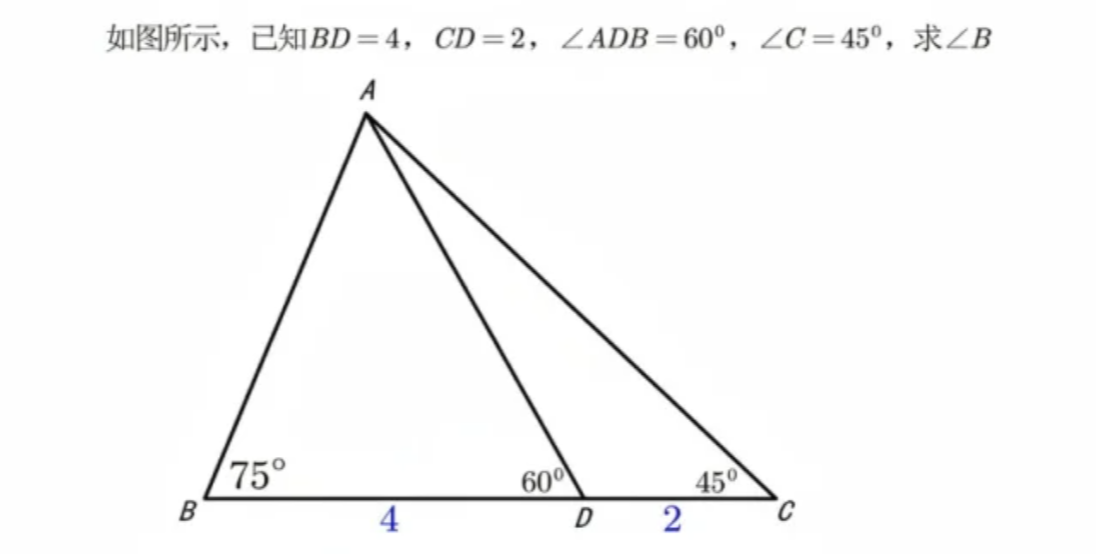 |
Input: Need to upload a math problem
Prompt:
Write the answer to the problem in the corresponding position based on the question
Case 20: Old Photo Colorization (by @GeminiApp)
| Input | Output |
|---|---|
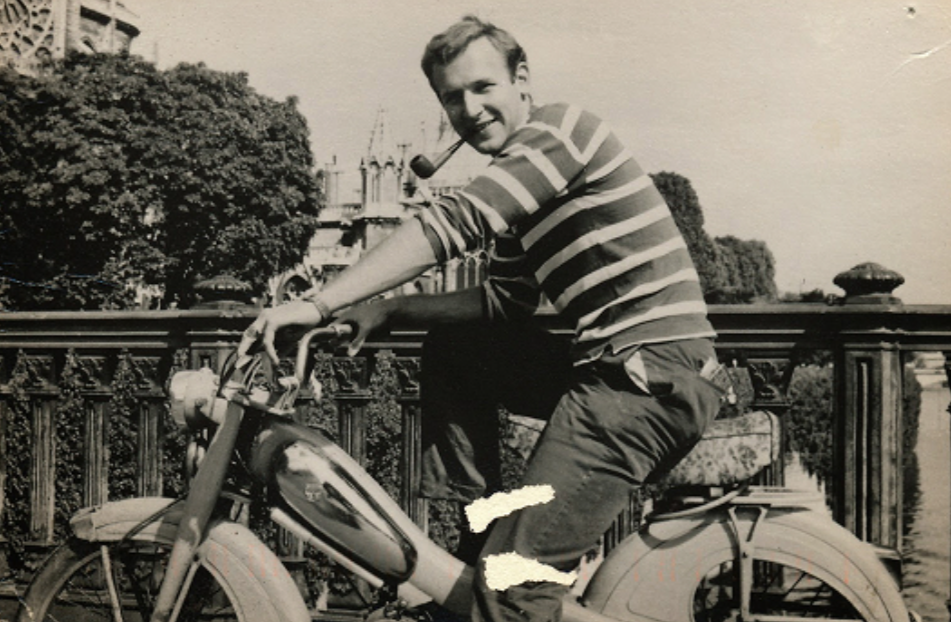 | 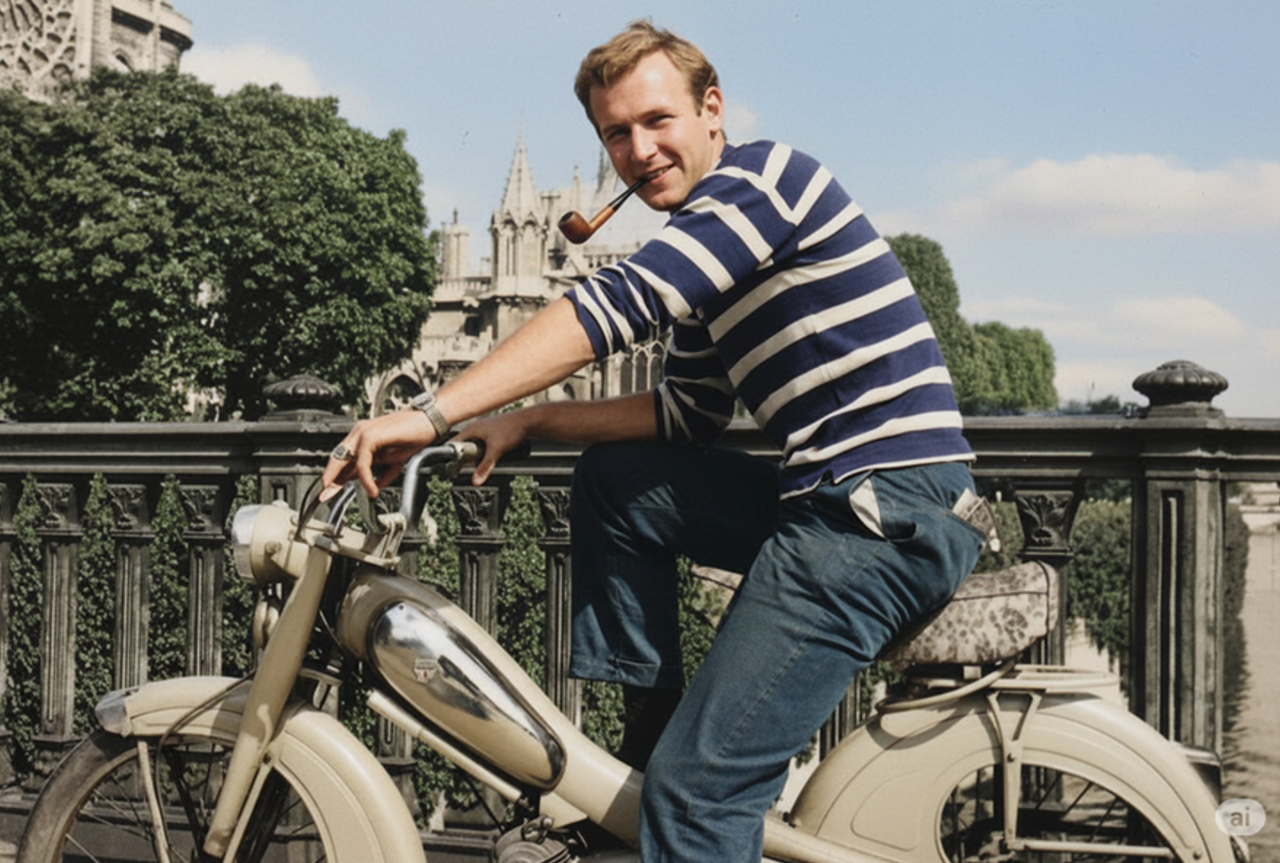 |
Input: Need to upload an old photo that needs restoration
Prompt:
restore and colorize this photo.
Case 21: OOTD Outfit (by @302.AI)
| Input | Output |
|---|---|
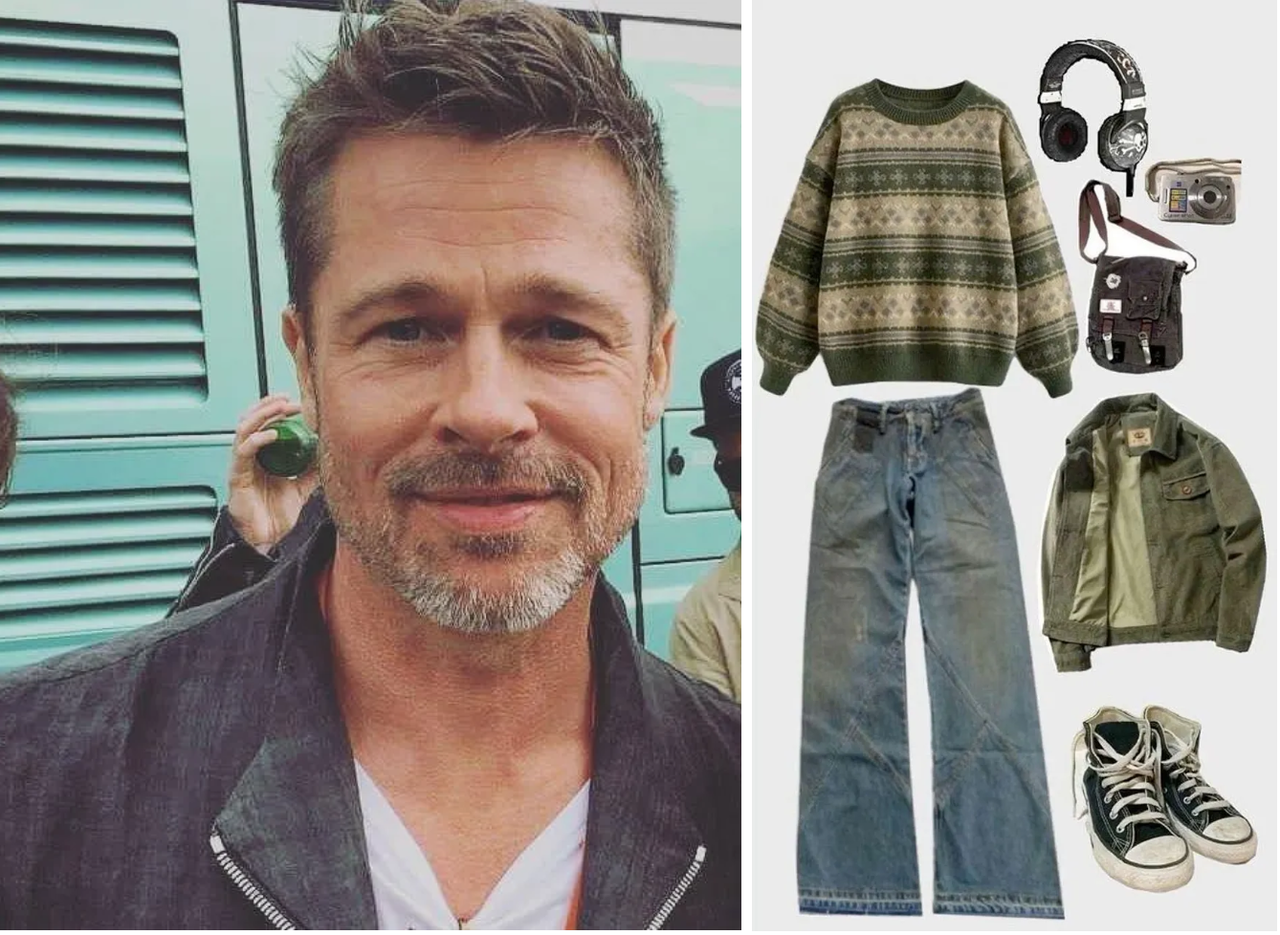 | 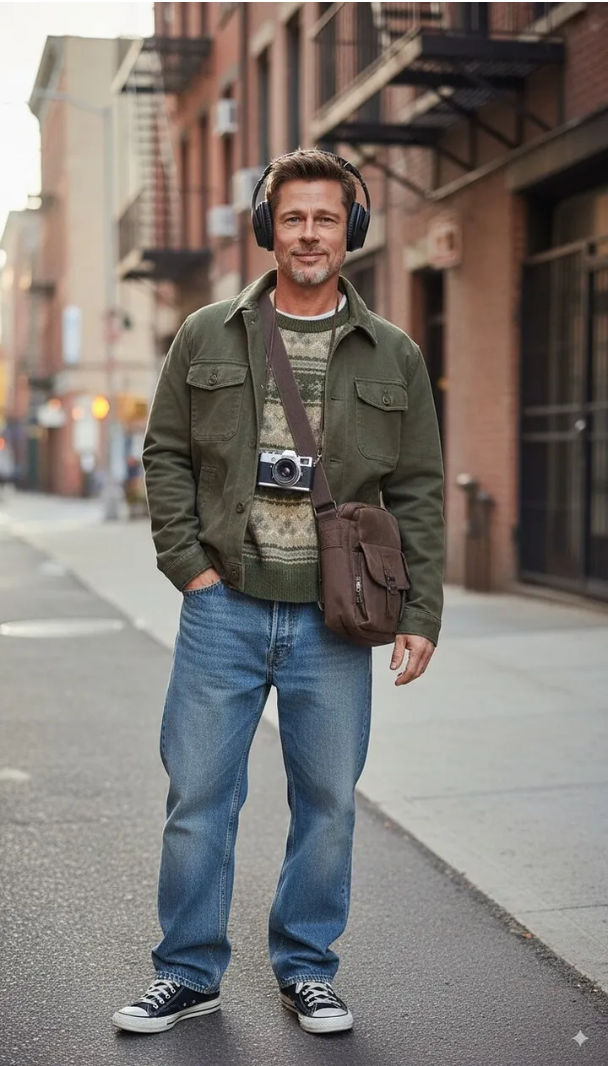 |
Input: Need to upload a person image and clothing image
Prompt:
Choose the person in Image 1 and dress them in all the clothing and accessories from Image 2. Shoot a series of realistic OOTD-style photos outdoors, using natural lighting, a stylish street style, and clear full-body shots. Keep the person's identity and pose from Image 1, but show the complete outfit and accessories from Image 2 in a cohesive, stylish way.
Case 22: Character Clothing Change (by @skirano)
| Input | Output |
|---|---|
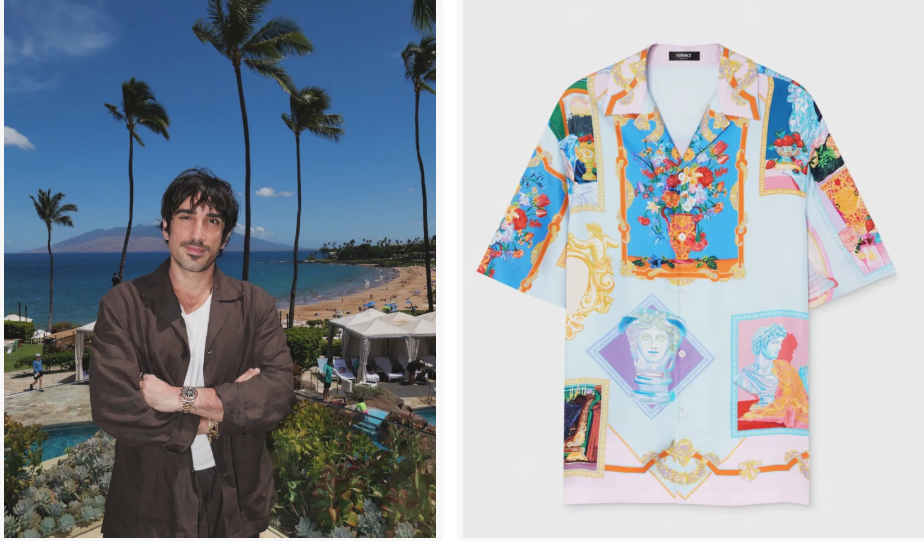 | 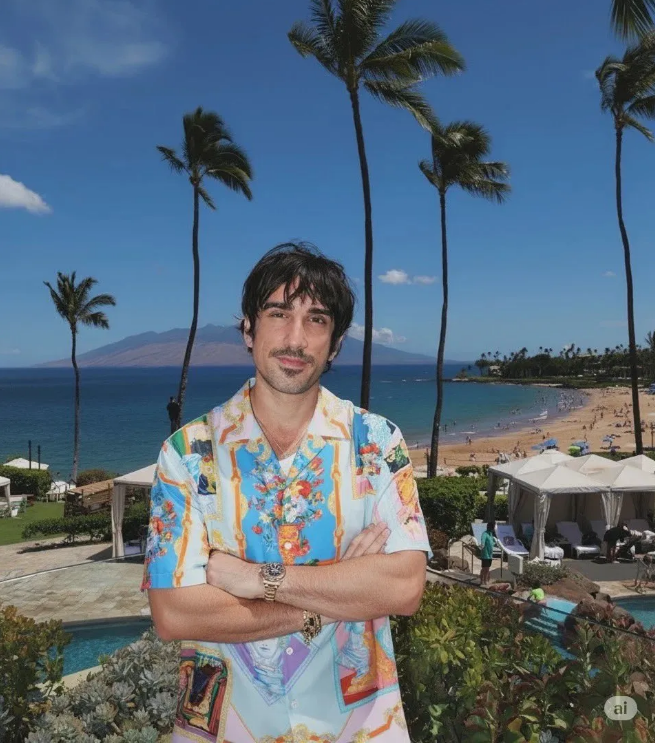 |
Input: Need to upload person image and clothing image
Prompt:
Replace the person's clothing in the input image with the target clothing shown in the reference image. Keep the person's pose, facial expression, background, and overall realism unchanged. Make the new outfit look natural, well-fitted, and consistent with lighting and shadows. Do not alter the person's identity or the environment — only change the clothes.
Case 23: Multi-View Result Generation (by @Error_HTTP_404)
| Input | Output |
|---|---|
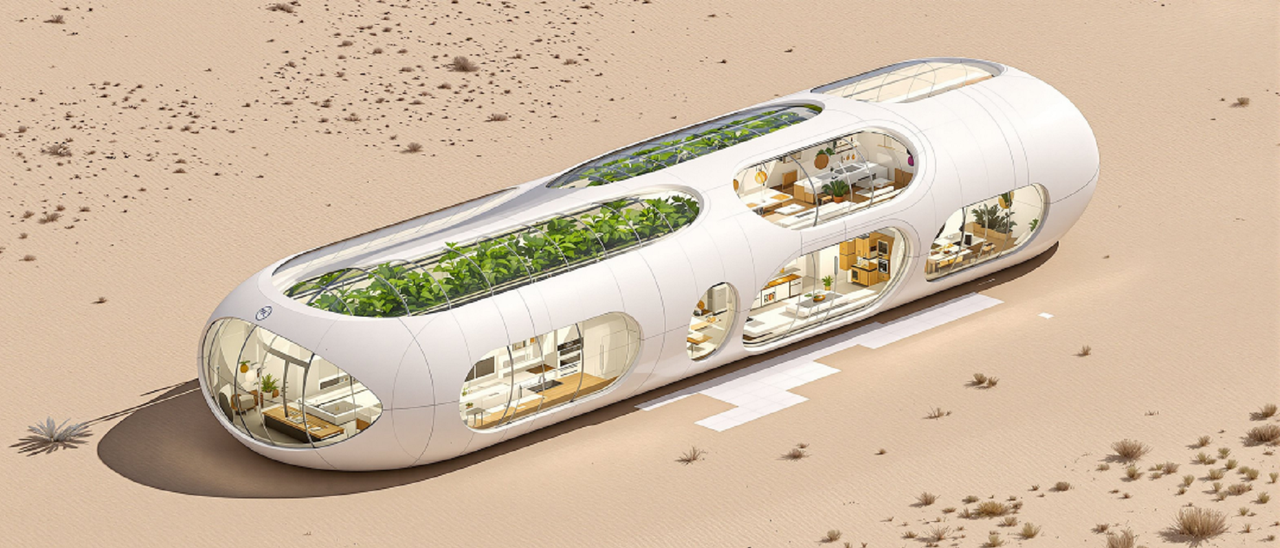 | 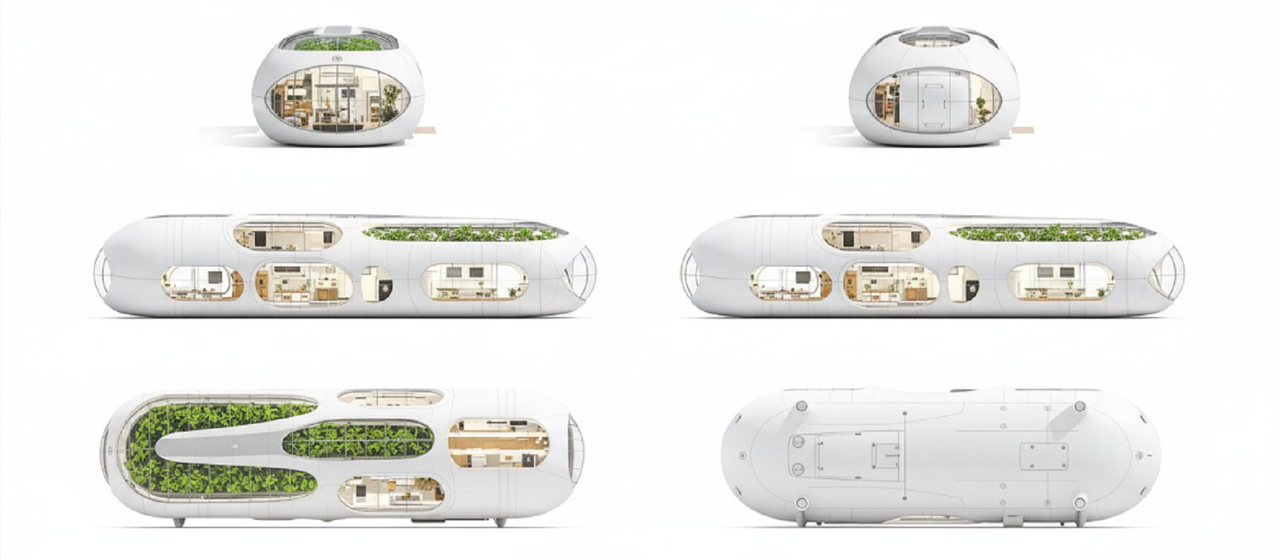 |
Input: Need to upload reference image
Prompt:
Generate the Front, Rear, Left, Right, Top, Bottom views on white. Evenly spaced. Consistent subject. Isometric Perspective Equivalence.
Case 24: Movie Storyboard(by @GeminiApp)
| Input | Output |
|---|---|
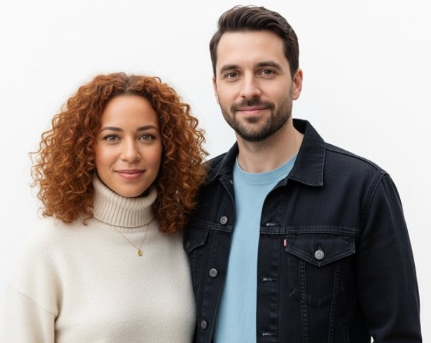 | 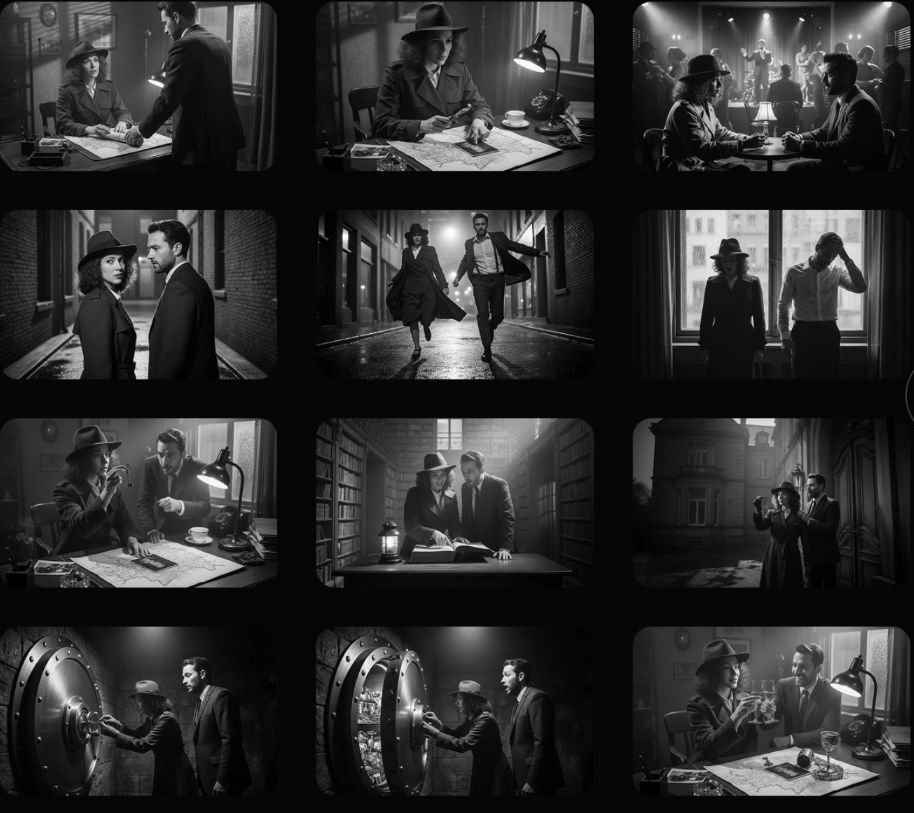 |
Input: Need to upload reference image
Prompt:
Create an addictively intriguing 12 part story with 12 images with these two characters in a classic black and white film noir detective story. Make it about missing treasure that they get clues for throughout and then finally discover. The story is thrilling throughout with emotional highs and lows and ending on a great twist and high note. Do not include any words or text on the images but tell the story purely through the imagery itself.
Case 25: Character Pose Modification (by @arrakis_ai)
| Input | Output |
|---|---|
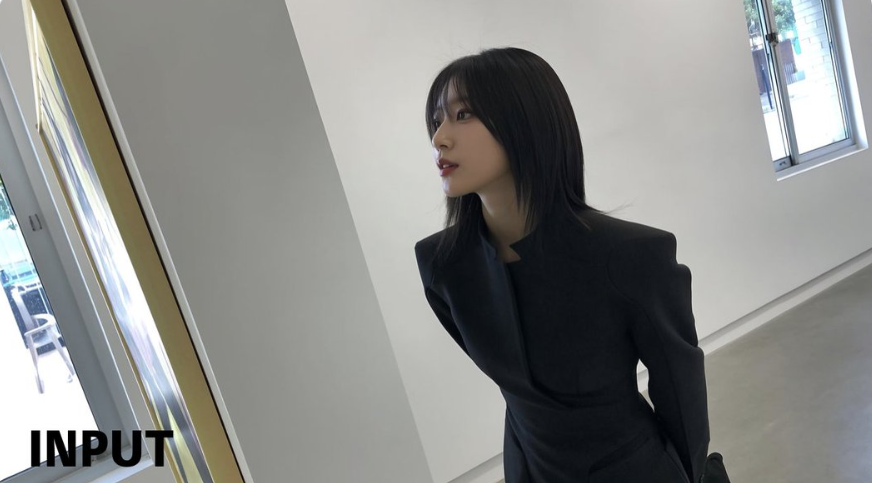 | 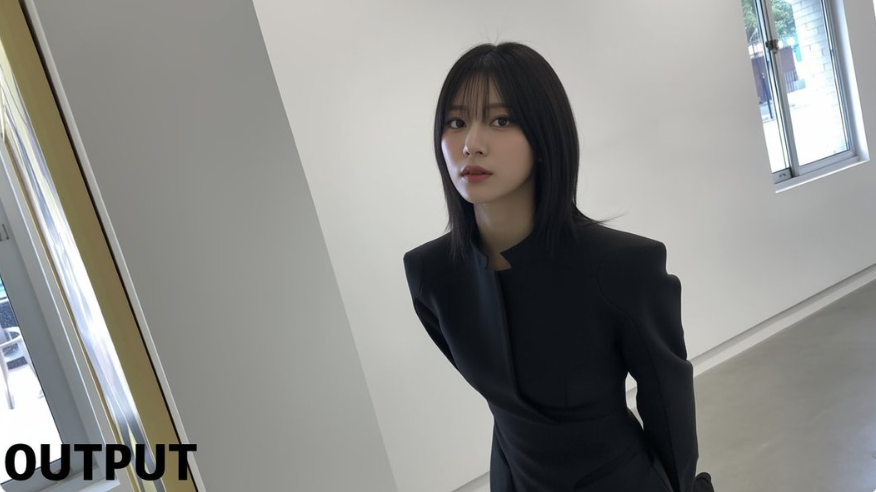 |
Input: Need to upload reference image
Prompt:
Have the person in the picture look straight ahead
Case 26: Generate image from line drawing (by @ZHO_ZHO_ZHO)
| Input | Output |
|---|---|
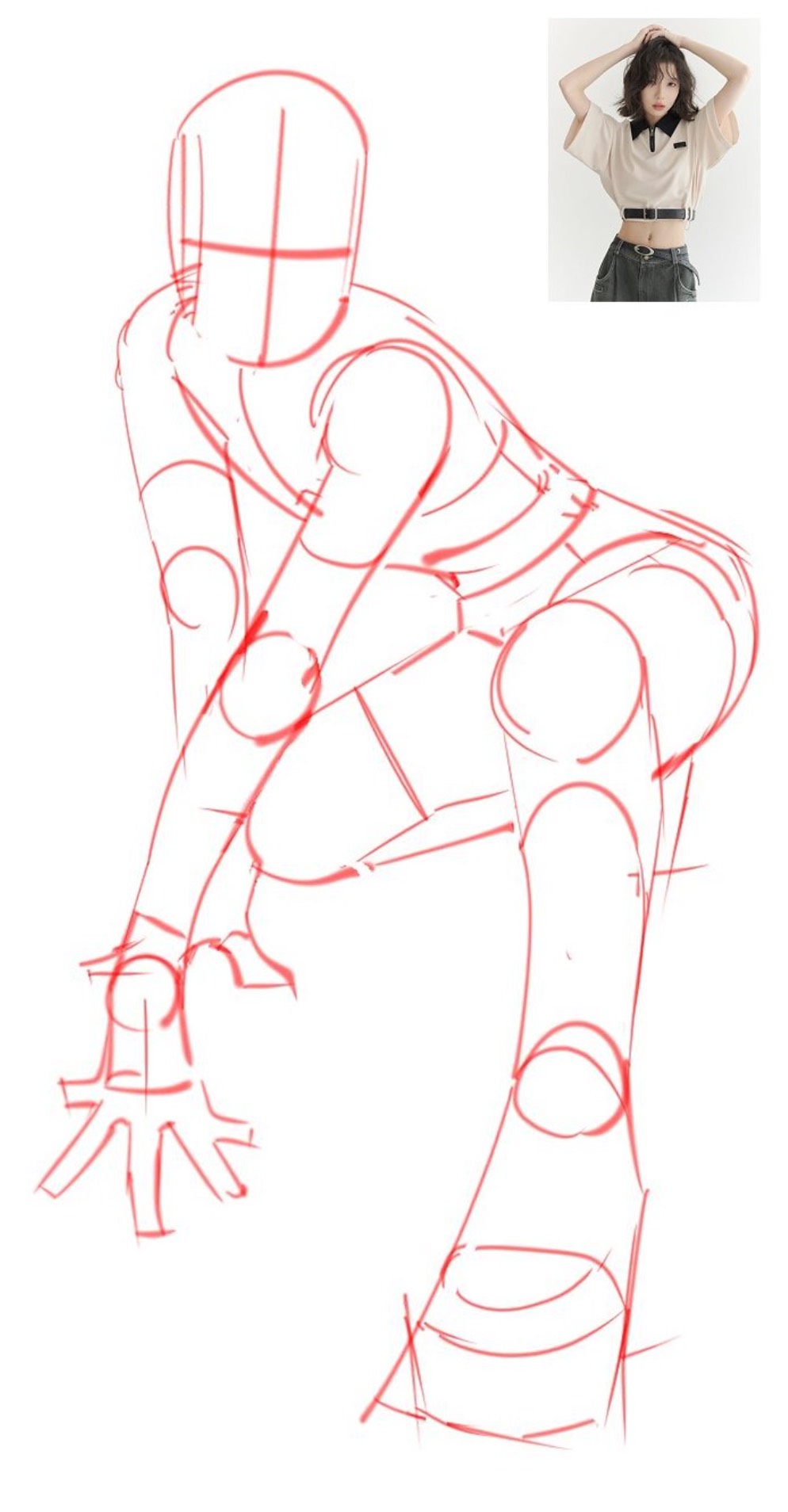 | 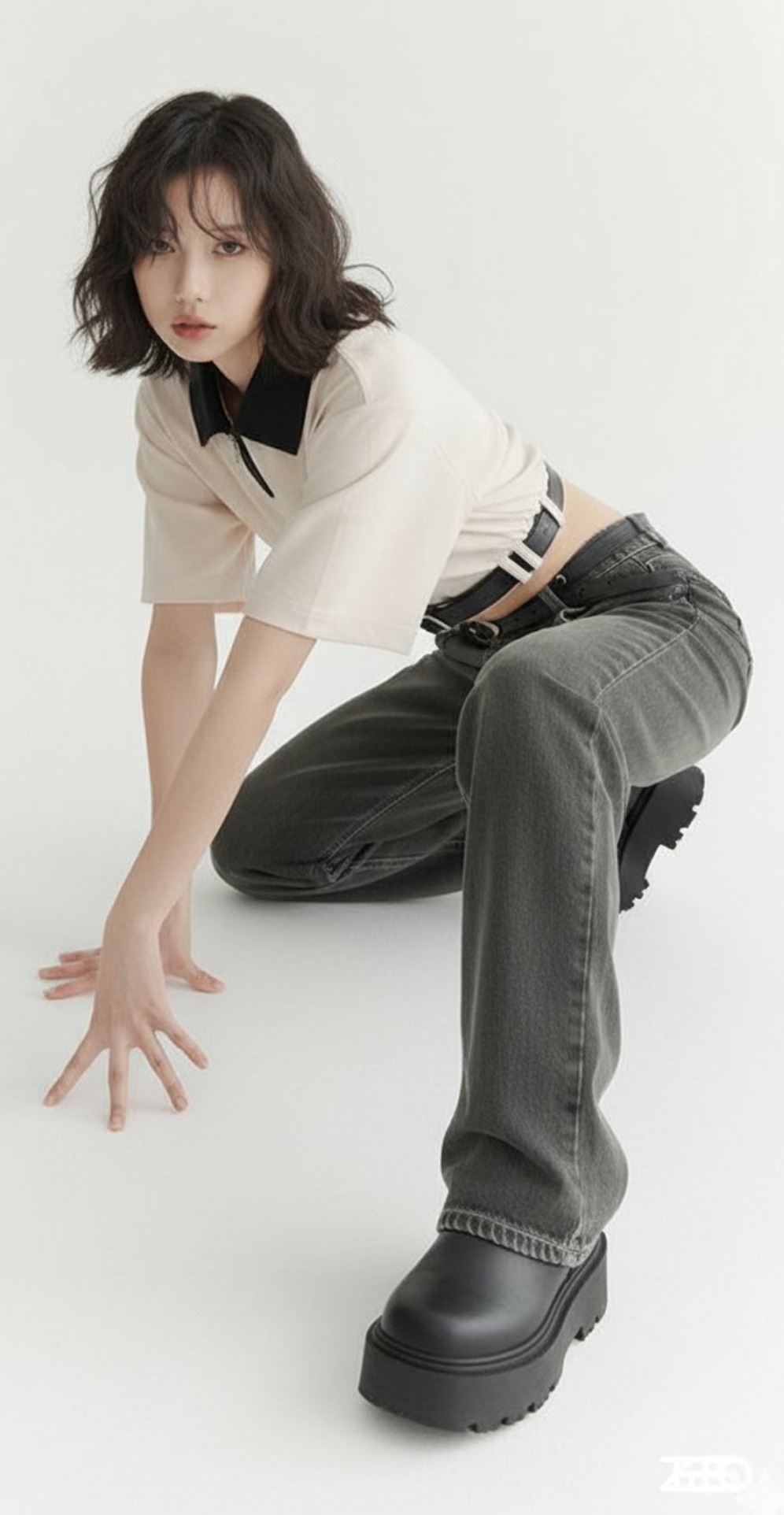 |
Input: Need to upload line drawings and reference images
Prompt:
Change the pose of the person in Figure 1 to that of Figure 2, and shoot in a professional studio
Case 27: Add Watermark to Image (by @AiMachete)
| Input | Output |
|---|---|
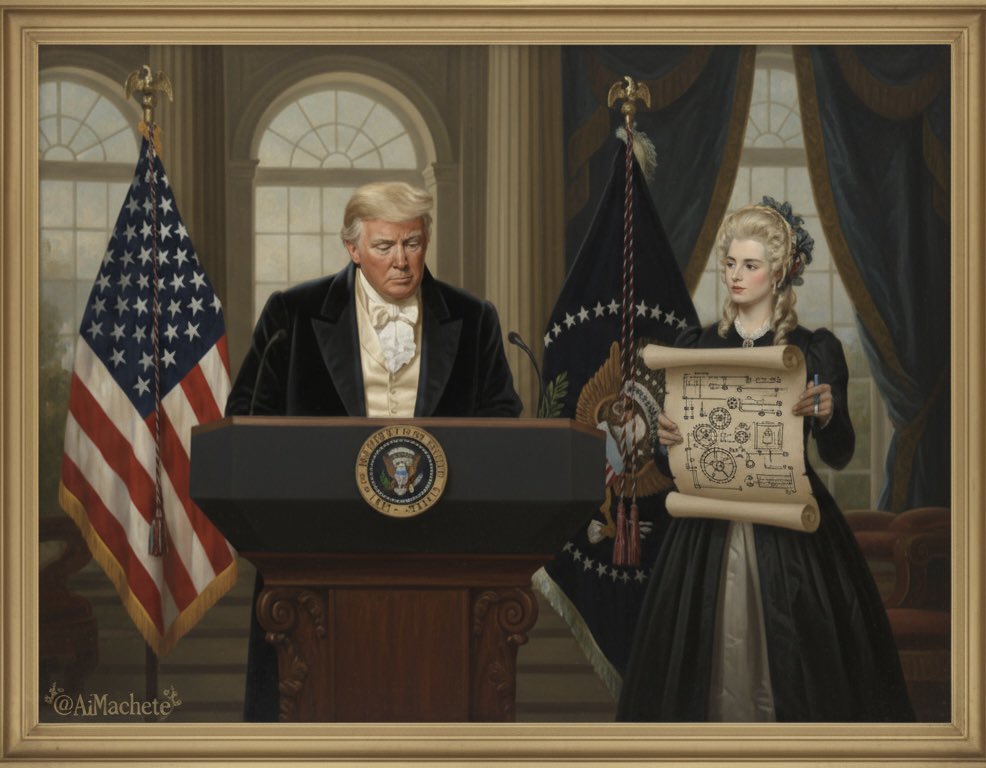 | 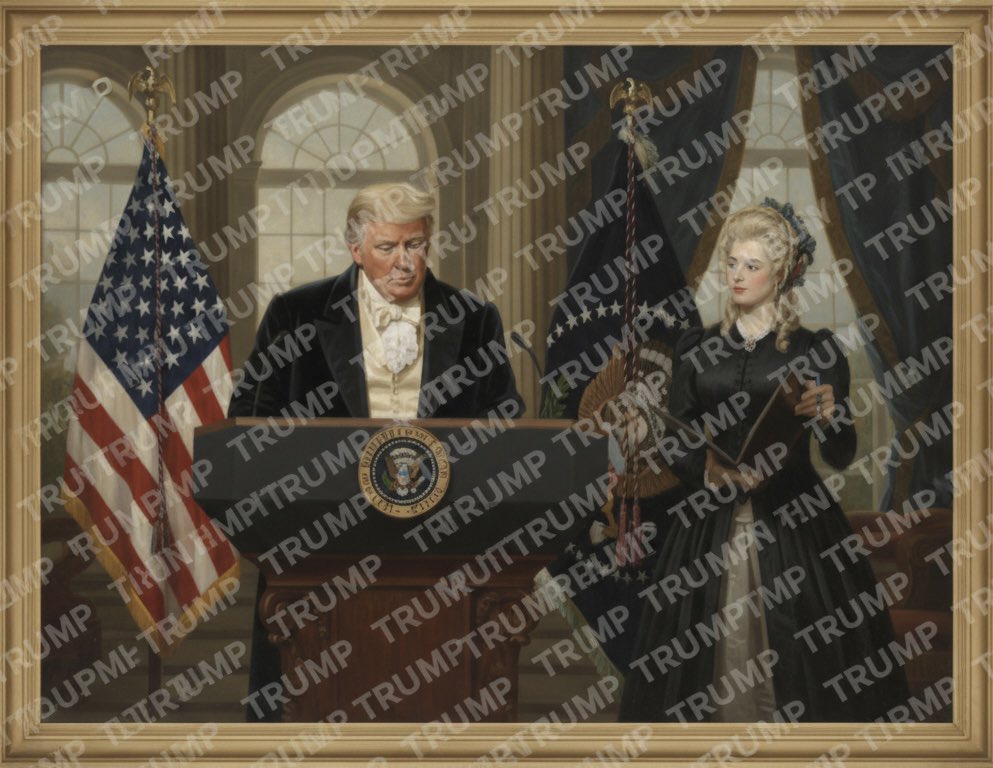 |
Input: Need to upload a reference image
Prompt:
Watermark the word ‘TRUMP’ over and over again across the whole image.
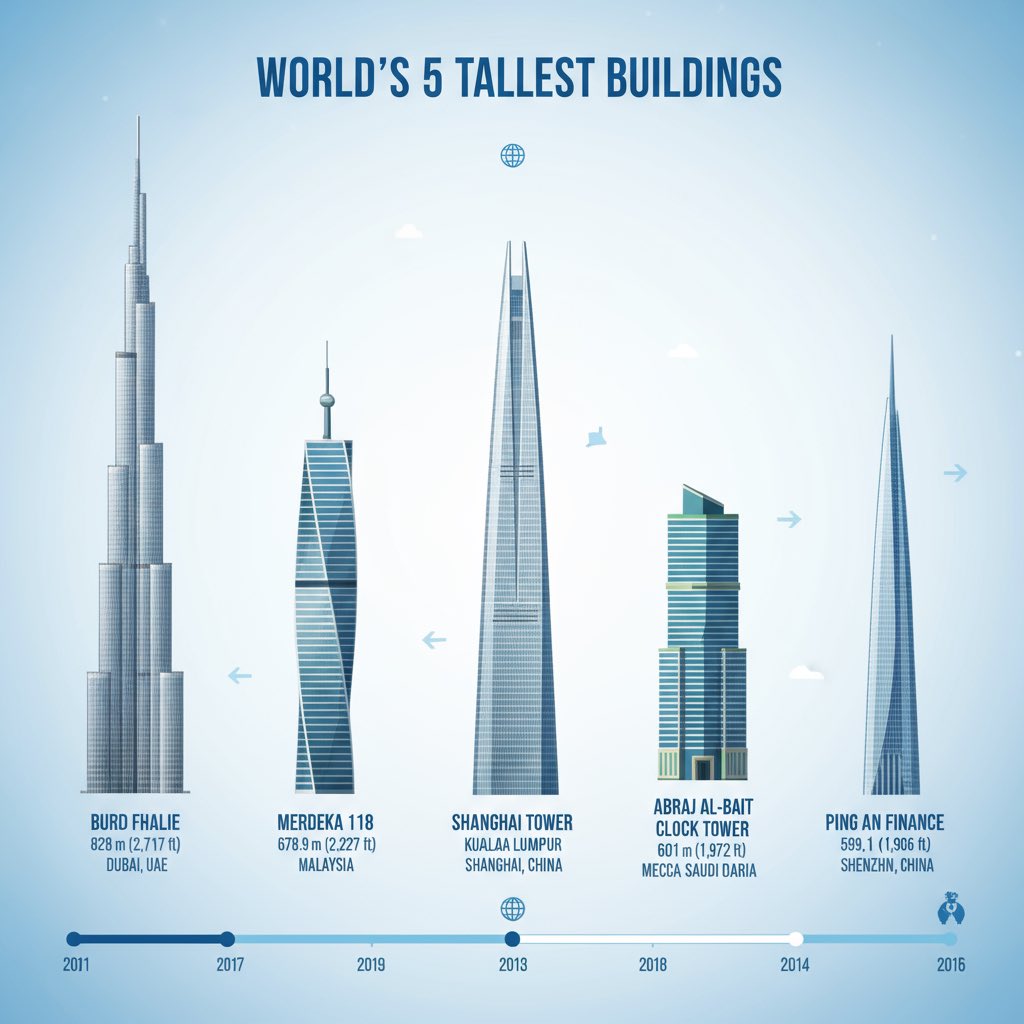
Case 28: Knowledge Reasoning Image Generation (by @icreatelife)
| Output |
|---|
 |
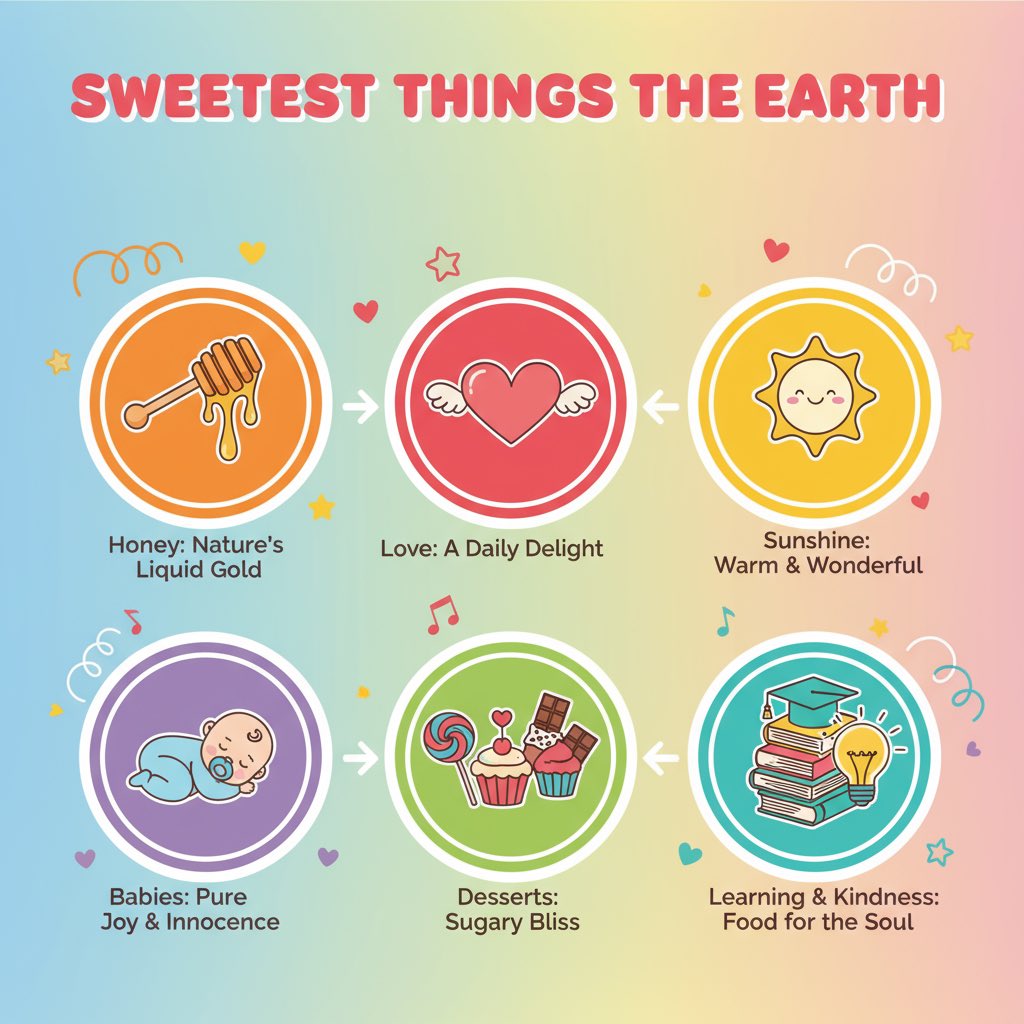 |
Prompt:
Make me an infographic of 5 tallest buildings in the world / Make a colorful infographic of the sweetest things on Earth
Case 29: Red Pen Annotations (by @AiMachete)
| Input | Output |
|---|---|
 |  |
Input: Need to upload a reference image
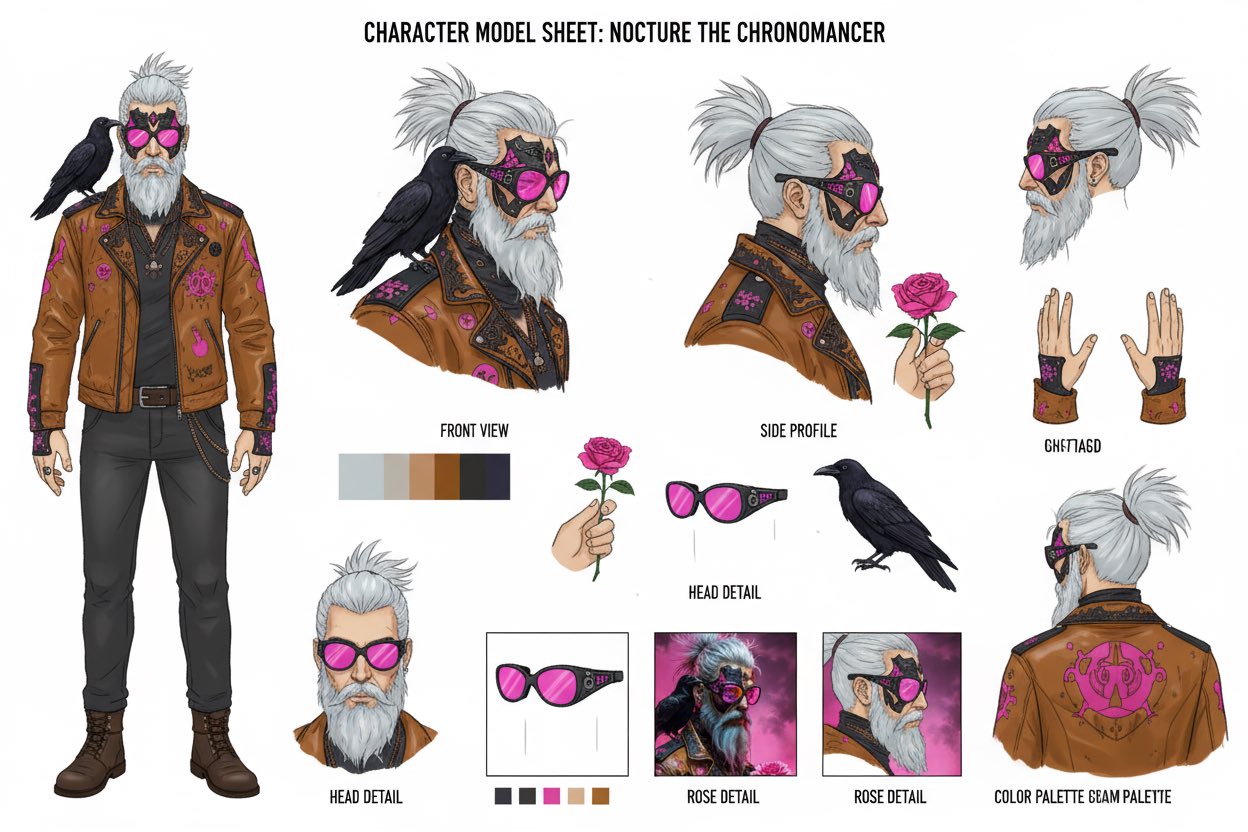
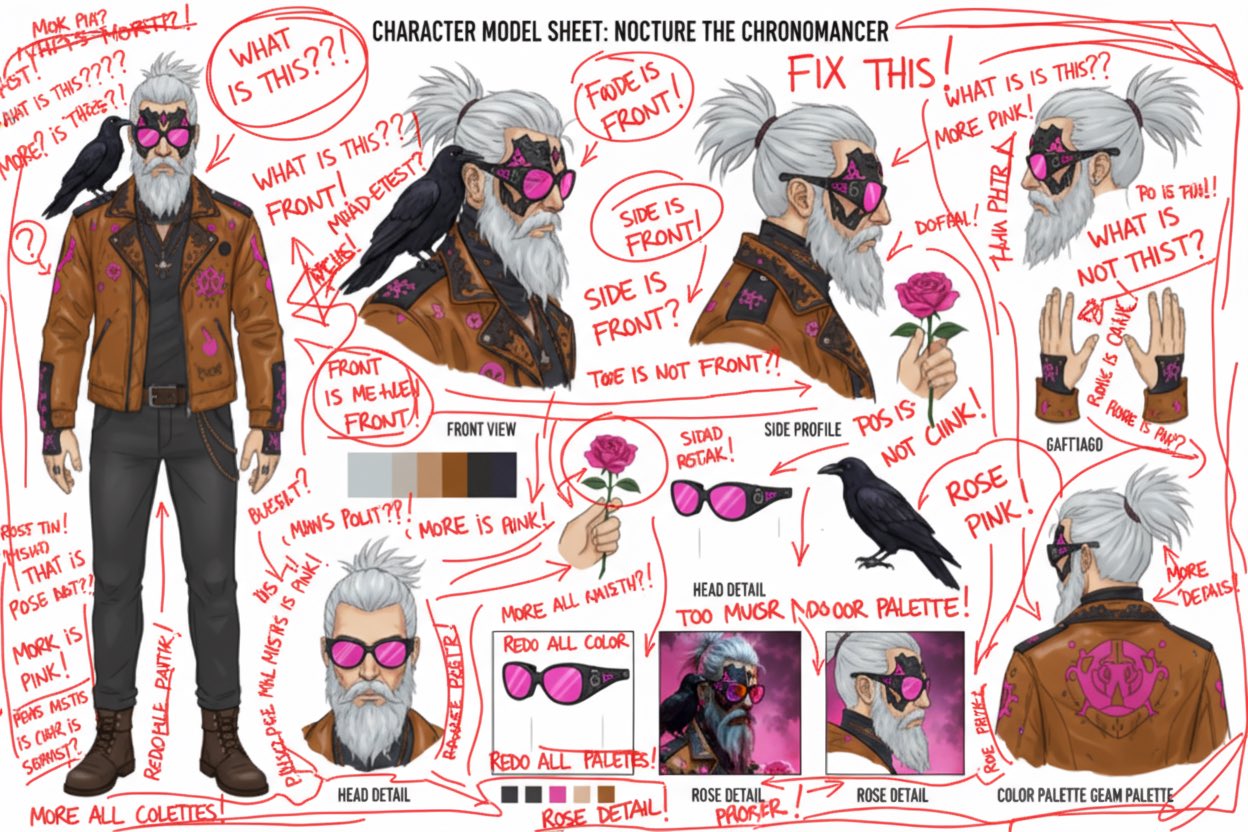
Prompt:
Analyze this image. Use red pen to denote where you can improve.
Case 30: Explosive Food (by @icreatelife)
| Output |
|---|
 |
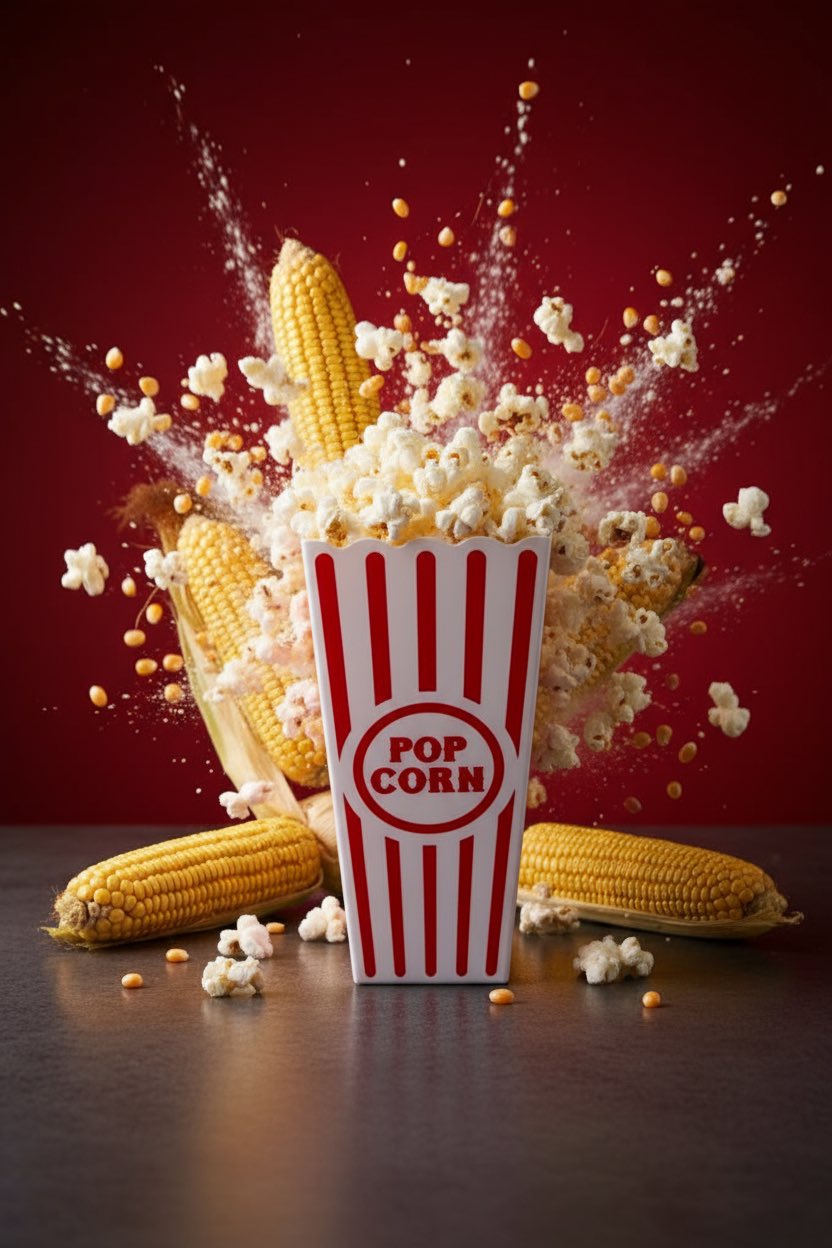 |
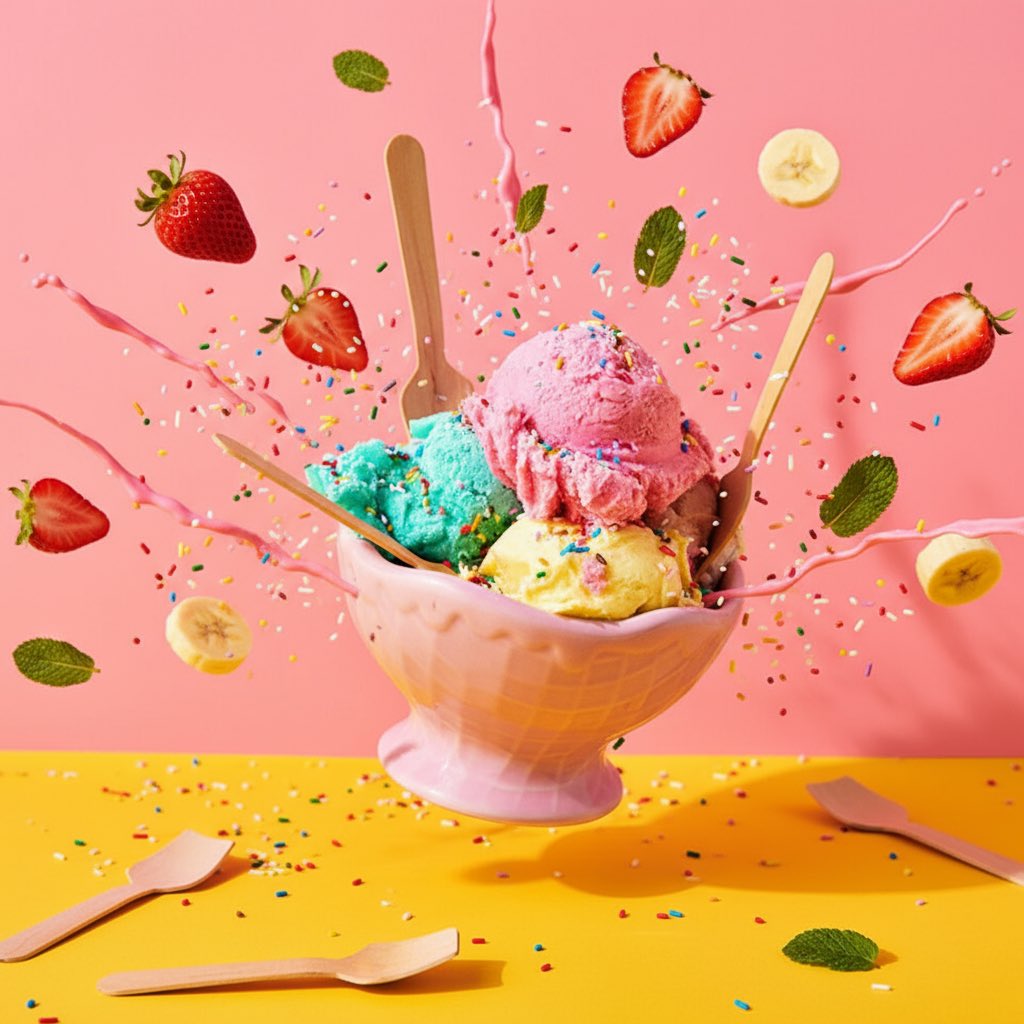
Input: Need to upload a reference image
Prompt:
Photograph this product in a dramatic modern scene accompanied by explosive outward dynamic arrangement of the key ingredients fresh and raw flying around the product signifying its freshness and nutritional value. promo ad shot, without text, product is emphasized, with the key brand colors as background.
Case 31: Create Comic Book (by @icreatelife)
| Input | Output |
|---|---|
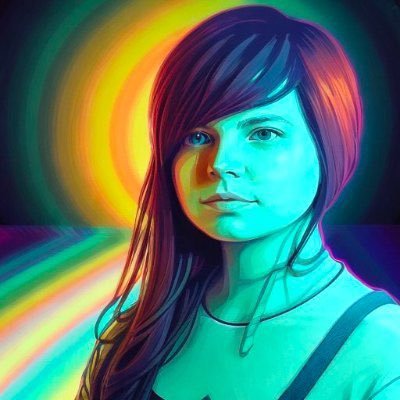 | 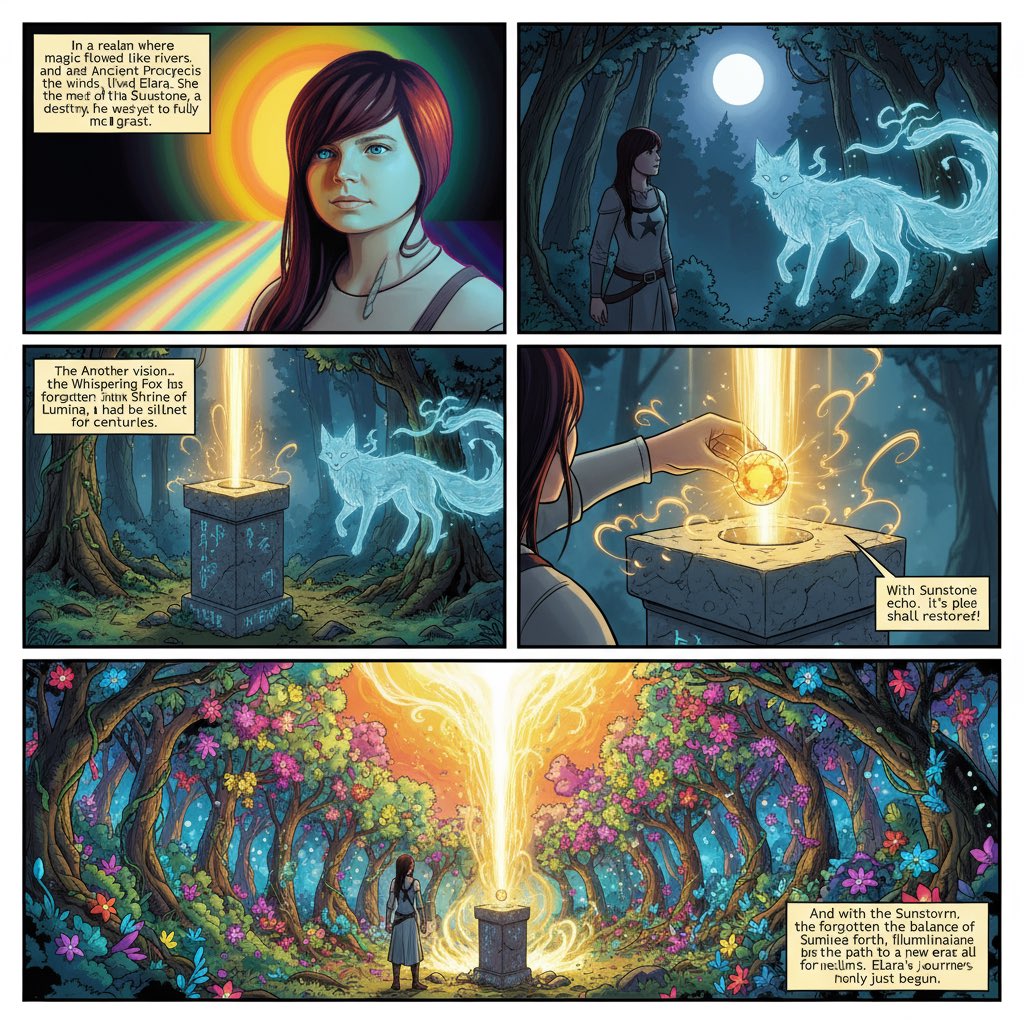 |
Input: Need to upload a reference image
Prompt:
Based on the uploaded image, make a comic book strip, add text, write a compelling story. I want a superhero comic book.
Case 32: Action Figure (by @icreatelife)
| Input | Output |
|---|---|
 |  |
Input: Need to upload a reference image
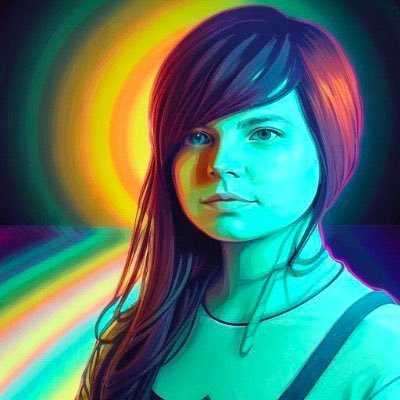
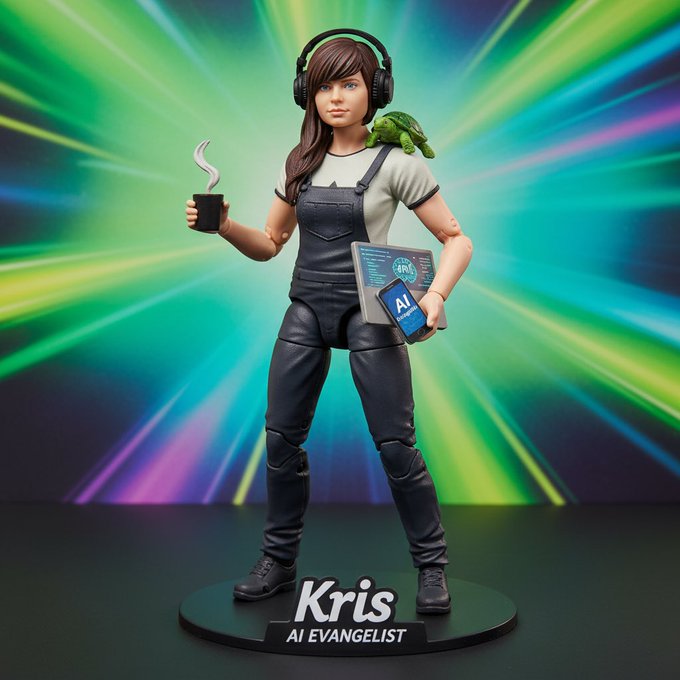
Prompt:
make an action figure of me that says [“AI Evangelist - Kris”] and features [coffee, turtle, laptop, phone and headphones]
[!NOTE] Change the text in [brackets] to the items you want to add
Case 33: Map to Isometric Buildings (by @demishassabis)
| Input | Output |
|---|---|
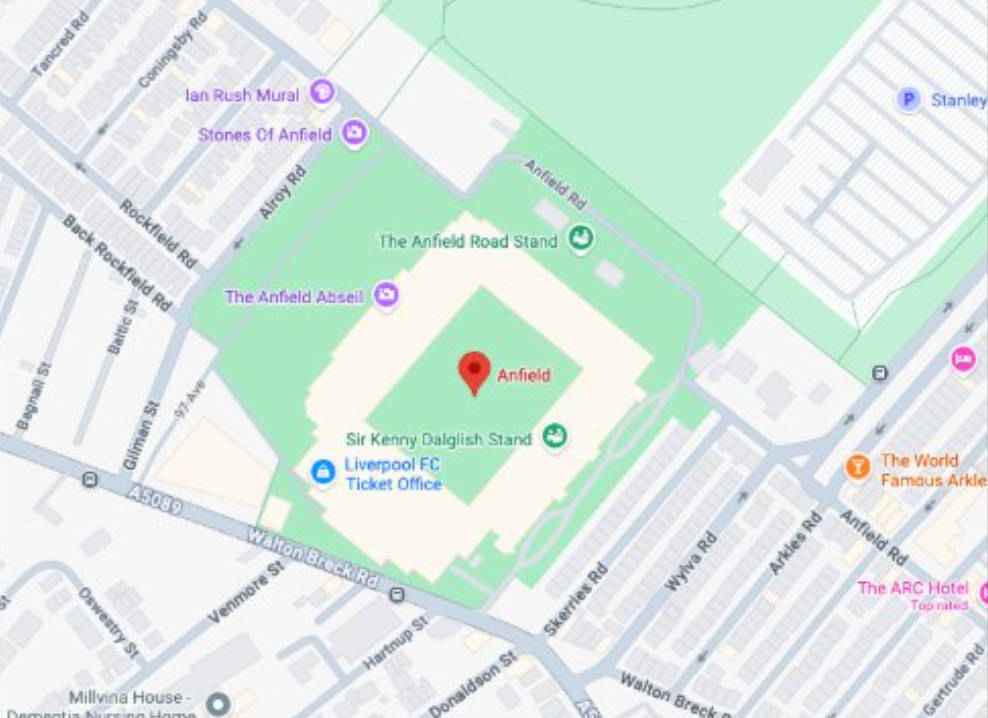 | 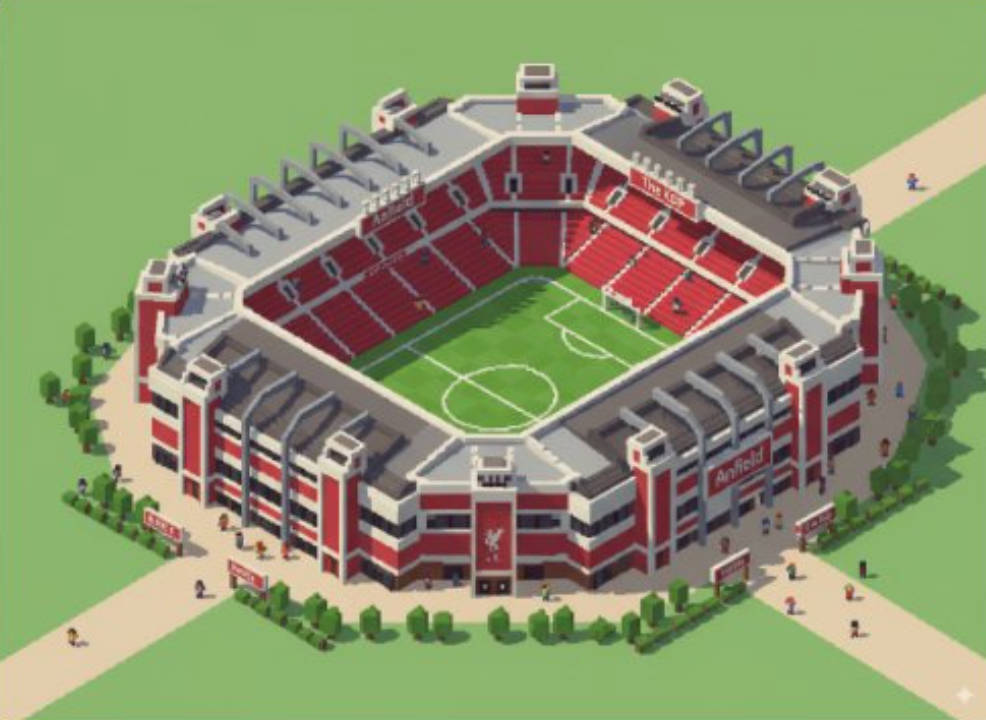 |
Input: Need to upload a map reference image
Prompt:
Take this location and make the landmark an isometric image (building only), in the stvle of the game Theme Park
Case 34: Reference Image Controls Character Expression (by @ZHO_ZHO_ZHO)
| Example |
|---|
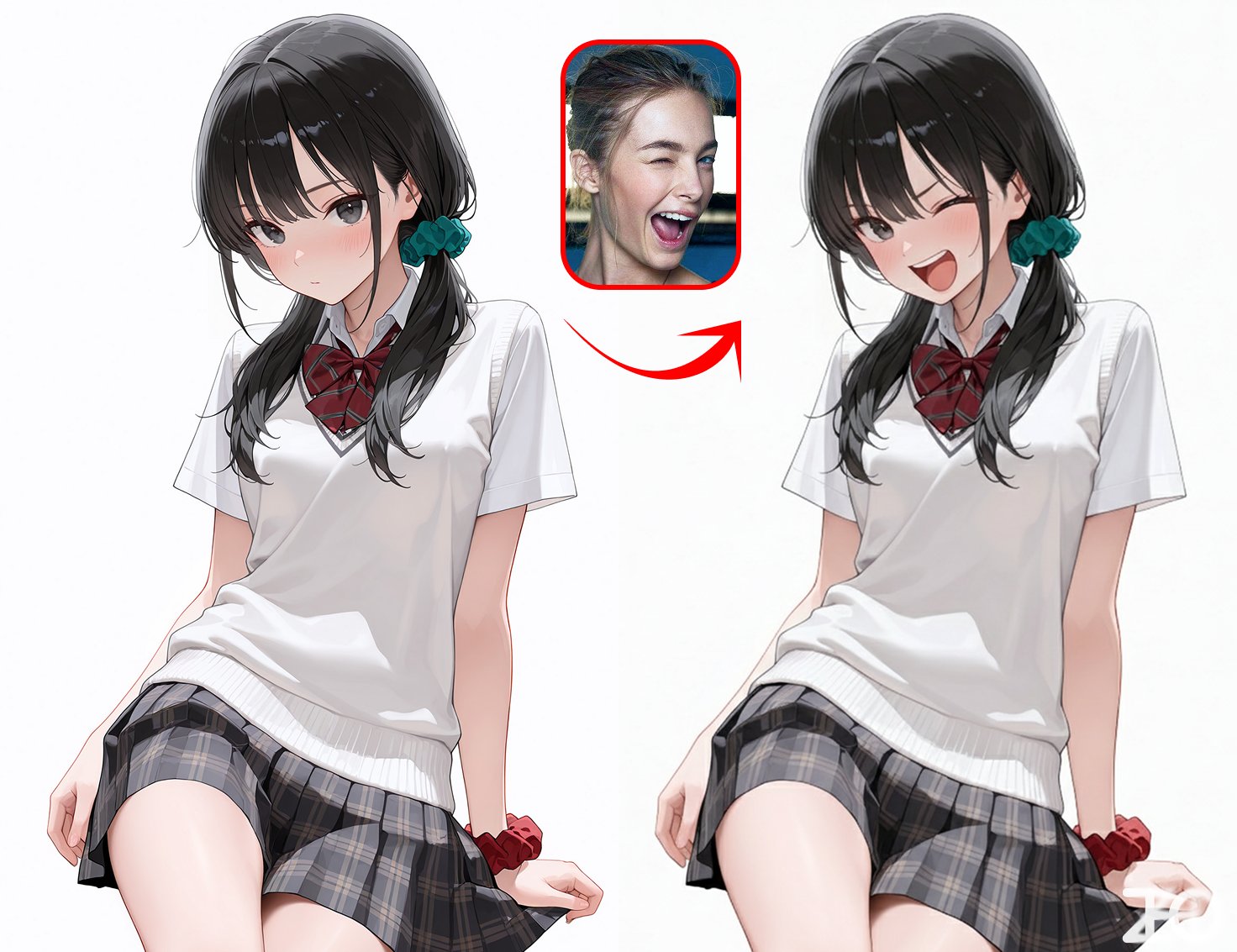 |
Input: Need to upload a character reference image and an expression reference image
Prompt:
Character reference from Image 1 / Change to the expression from Image 2
Case 35: Illustration Drawing Process Four-Panel (by @ZHO_ZHO_ZHO)
| Example |
|---|
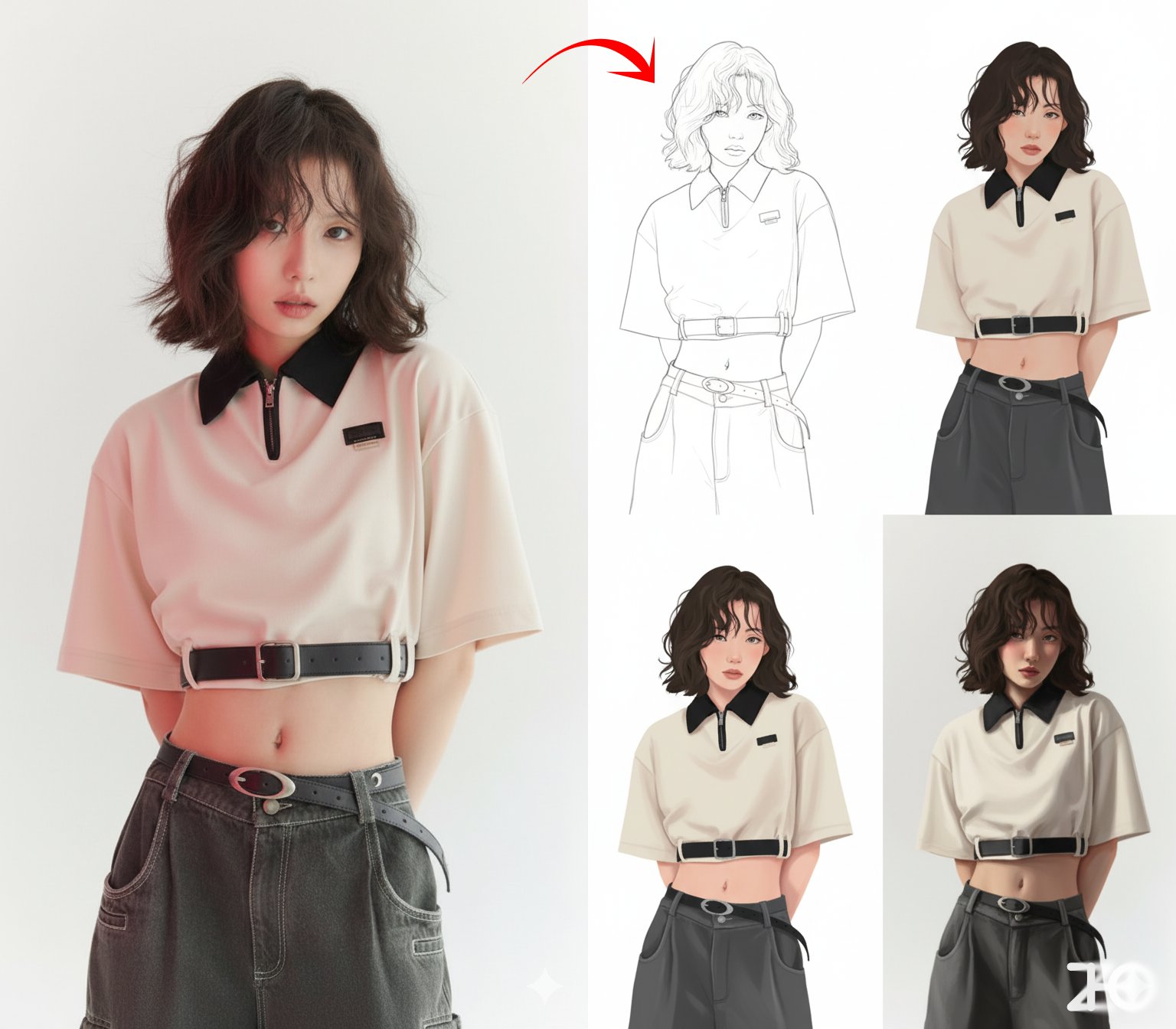 |
Input: Need to upload a character reference image
Prompt:
Generate a four-panel drawing process for the character: Step 1: Line art, Step 2: Flat colors, Step 3: Add shadows, Step 4: Refine and complete. No text.
Case 36: Virtual Makeup Try-On (by @ZHO_ZHO_ZHO)
| Example |
|---|
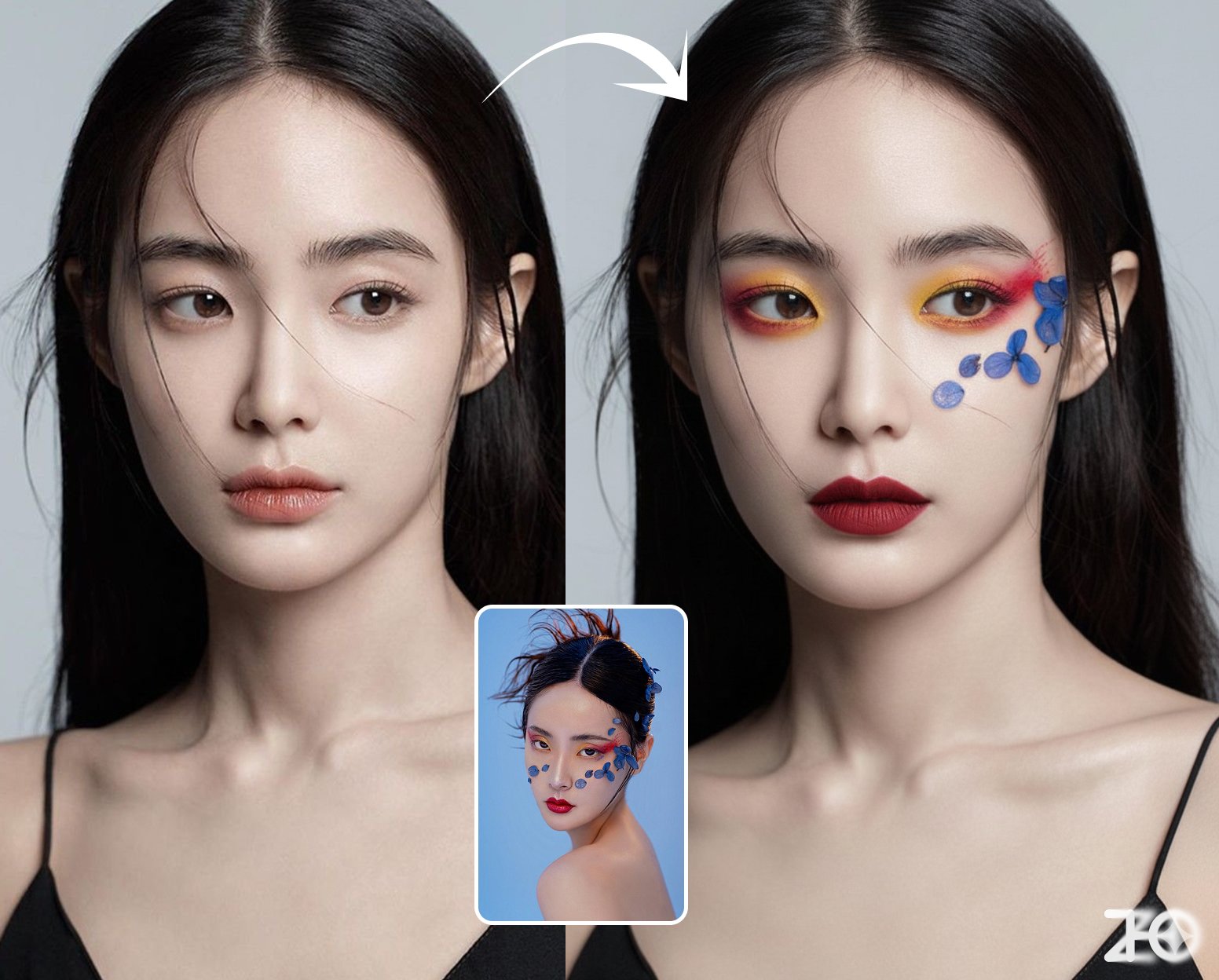 |
Input: Need to upload a character reference image and a makeup reference image
Prompt:
Apply the makeup from Image 2 to the character in Image 1, while maintaining the pose from Image 1.
Case 37: Makeup Analysis (by @ZHO_ZHO_ZHO)
| Input | Output |
|---|---|
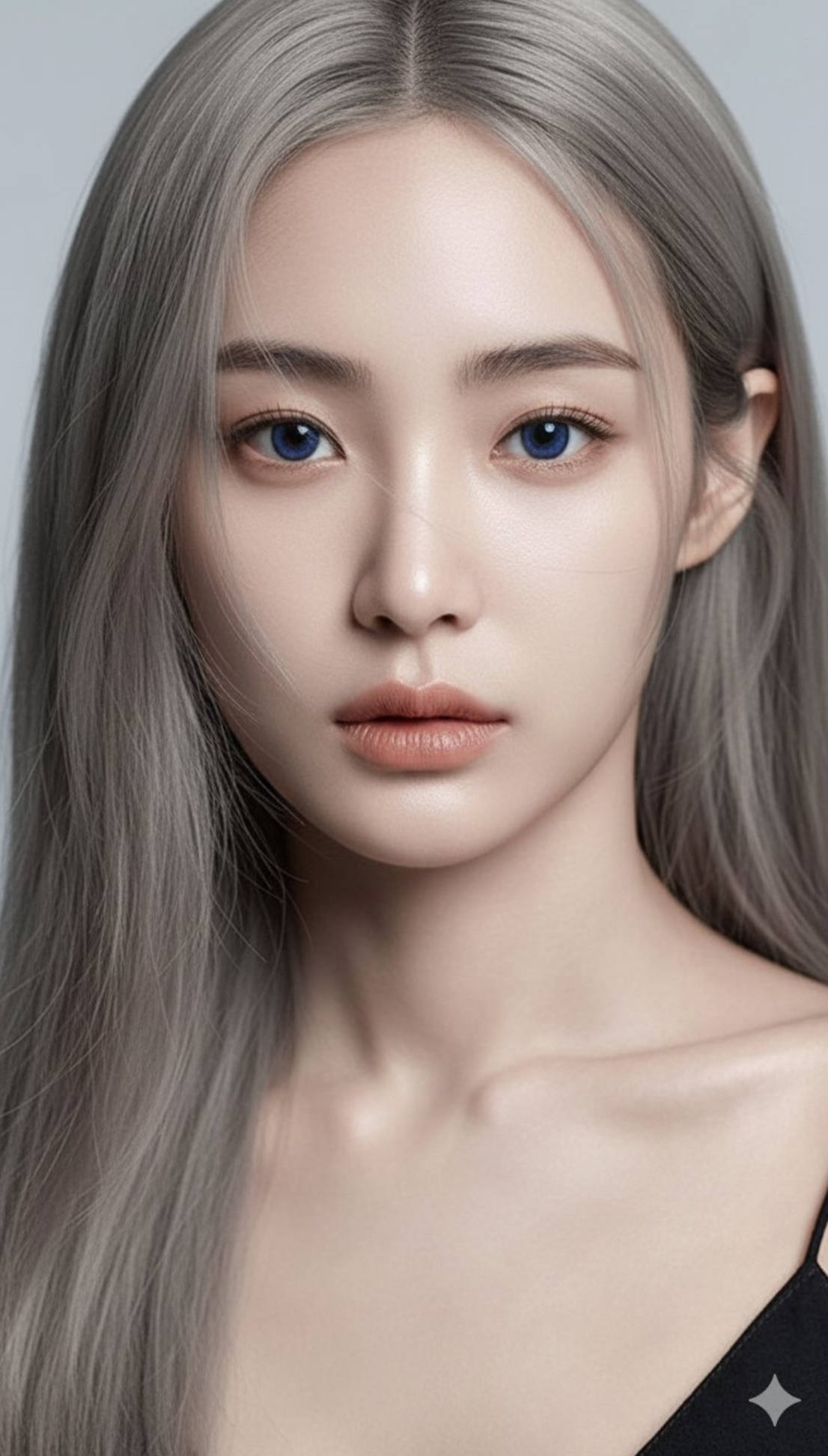 | 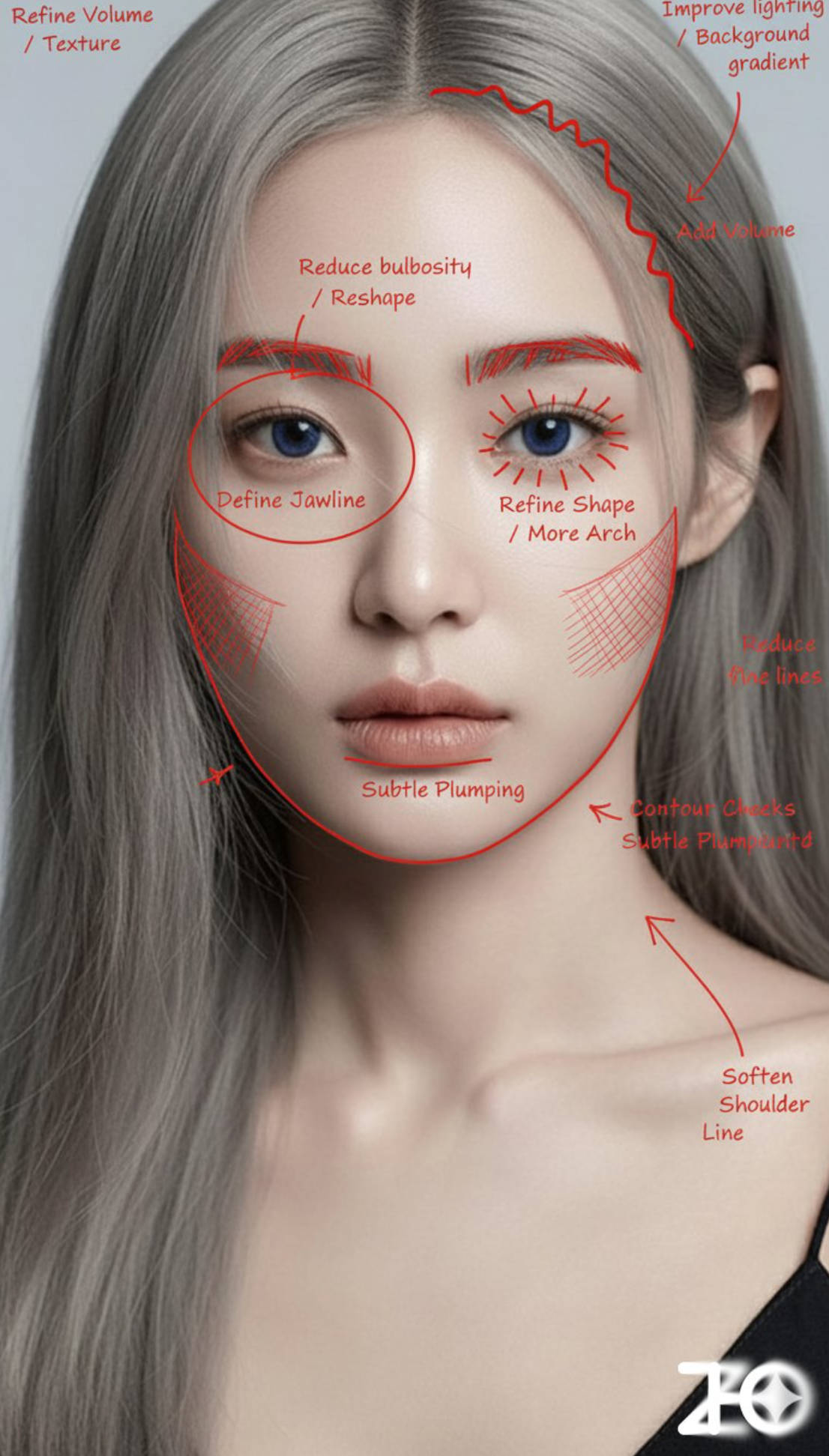 |
Input: Need to upload a character reference image
Prompt:
Analyze this image. Use a red pen to mark areas that can be improved
Analyze this image. Use a red pen to denote where you can improve
Case 38: Google Maps View of Middle-earth (by @TechHallo)
| Output |
|---|
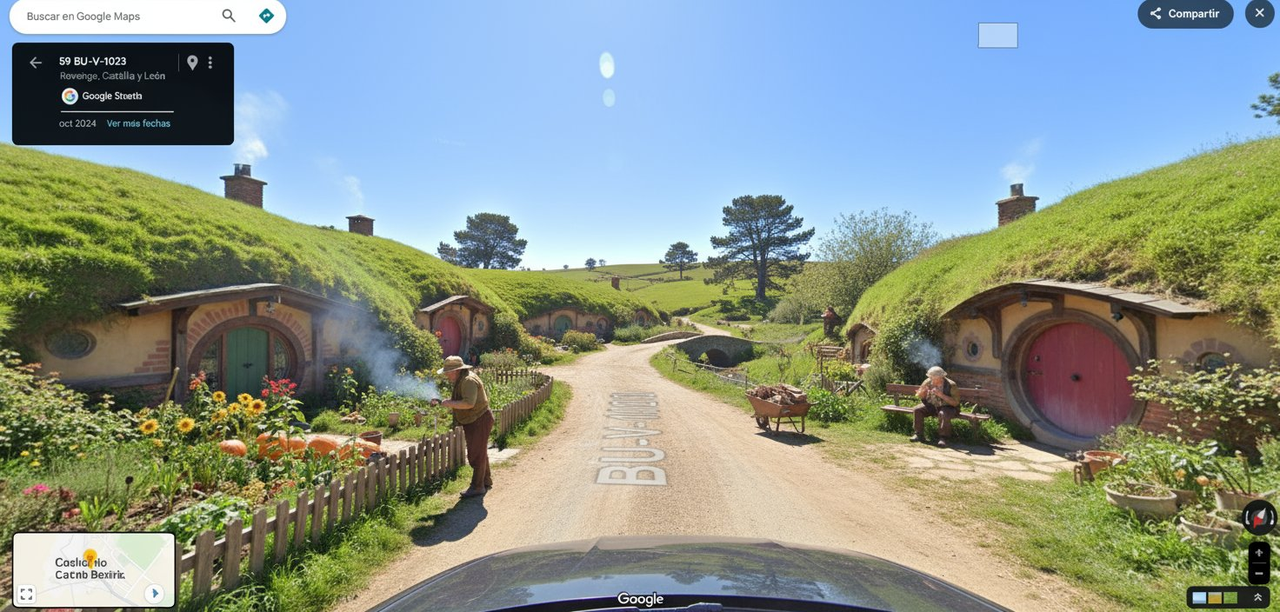 |
Prompt:
Dashcam Google Street View shot | [Hobbiton Street] | [hobbits carrying out daily tasks like gardening and smoking pipes] | [Sunny weather]
[!NOTE] Change the text in [brackets] to the desired location and weather
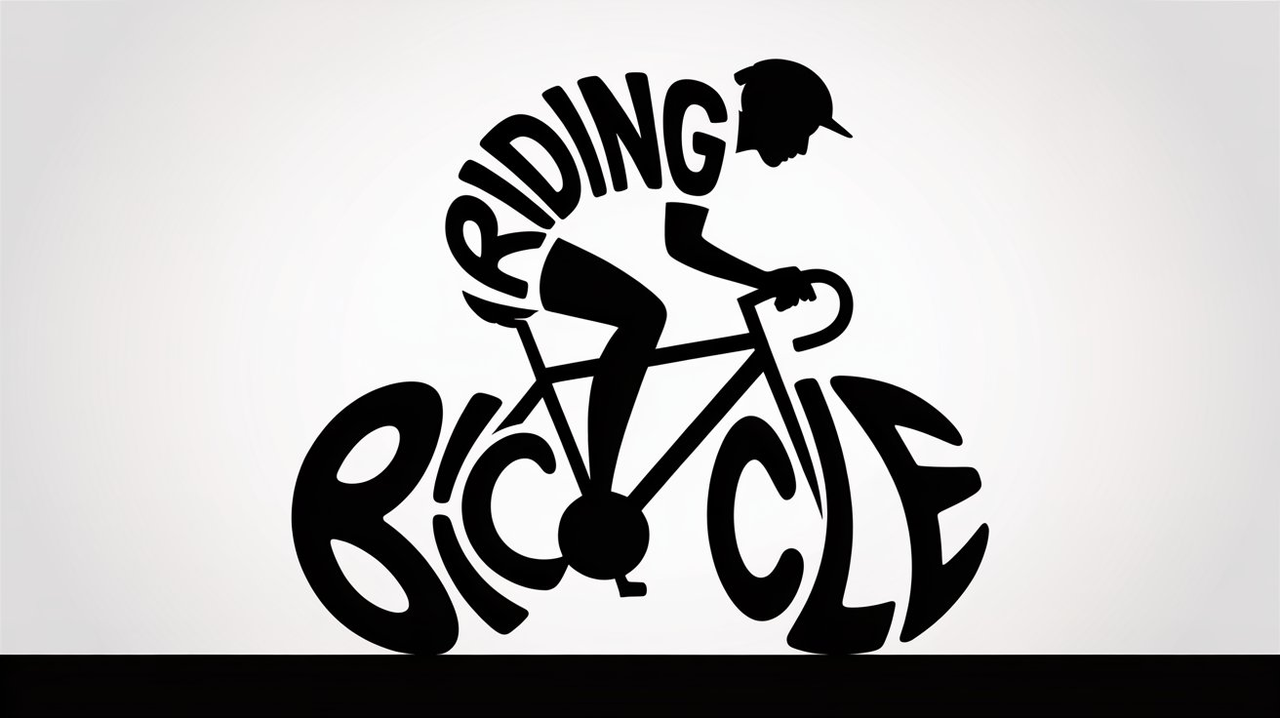
Case 39: Typographic Illustration Generation (by @Umesh)
| Output |
|---|
 |
Prompt:
Create a minimalist black-and-white typographic illustration of the scene riding a bicycle using only the letters in the phrase ['riding a bicycle'] . Each letter should be creatively shaped or positioned to form the rider, the bicycle, and a sense of motion. The design should be clean, ultra-minimalist, and entirely composed of the modified ['riding a bicycle'] letters without adding any extra shapes or lines. The letters should flow or curve to mimic the natural form of the scene, while still remaining legible.
[!NOTE] Change the text in [brackets] to the desired text
Case 40: Multiple Character Poses Generation (by @tapehead_Lab)
| Example |
|---|
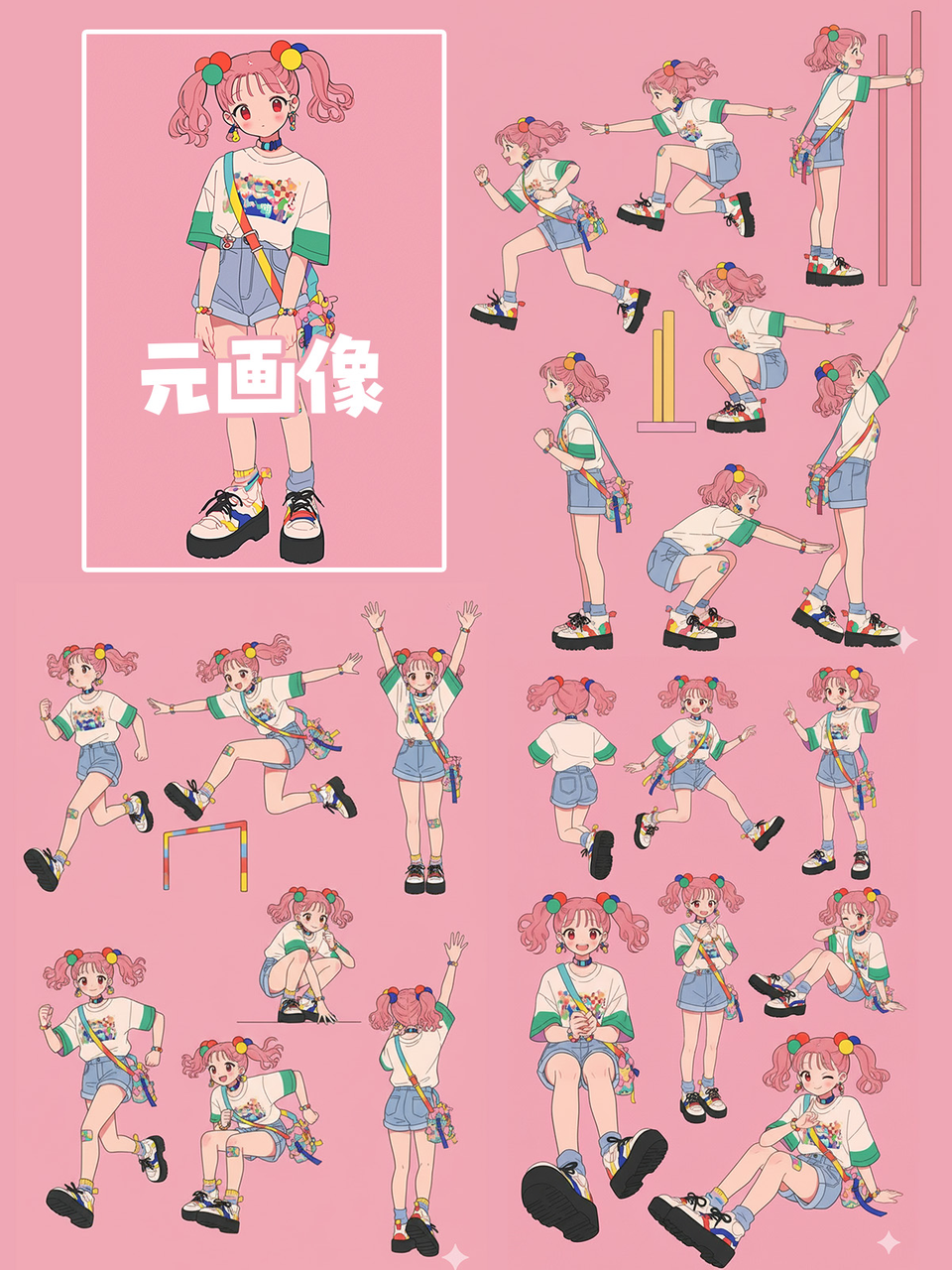 |
Input: Need to upload a character reference image
Prompt:
Please create a pose sheet for this illustration, making various poses!
Case 41: Product Packaging Generation (by @ZHO_ZHO_ZHO)
| Example |
|---|
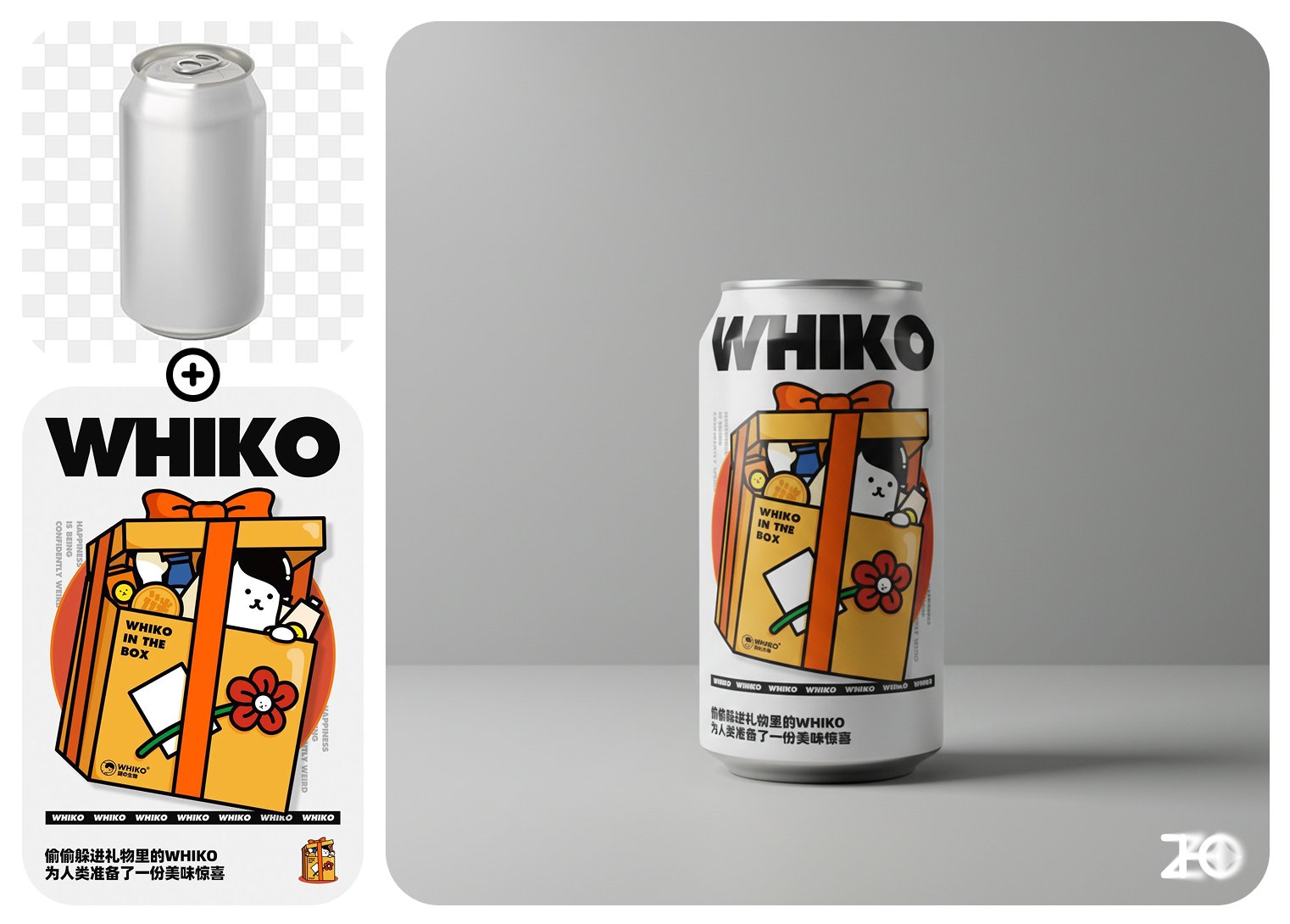 |
Input: Need to upload a product reference image and a packaging reference image
Prompt:
Apply the design from Image 1 to the can in Image 2, and place it in a minimalist design setting, professional photography
Case 42: Overlay Filter/Material (by @ZHO_ZHO_ZHO)
| Example |
|---|
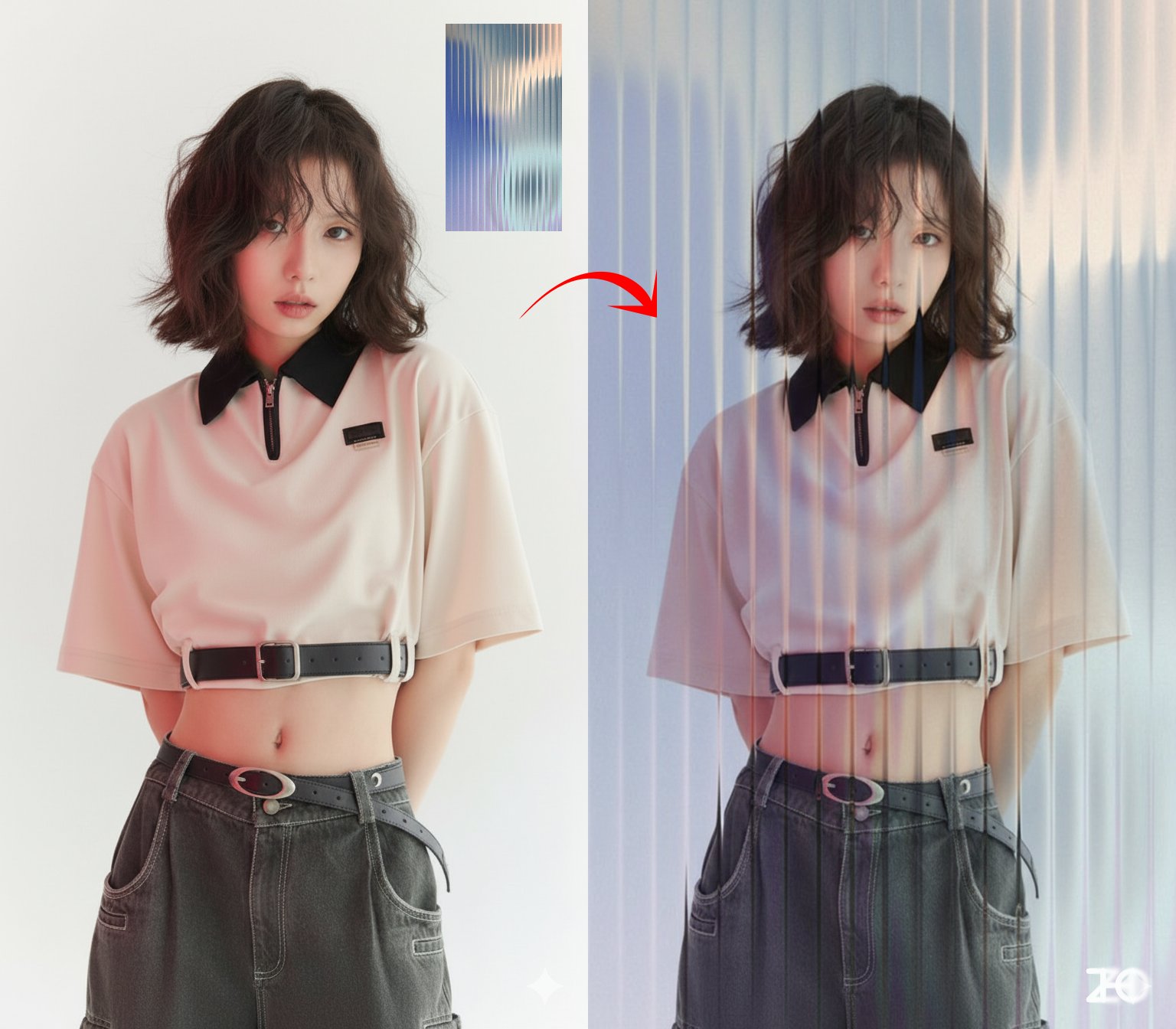 |
Input: Need to upload a reference image and a filter/material reference image
Prompt:
Overlay the [glass] effect from Image 2 onto the photo in Image 1
[!NOTE] Change the text in [brackets] to the desired filter/material
Case 43: Control Character Face Shape (by @ZHO_ZHO_ZHO)
| Example |
|---|
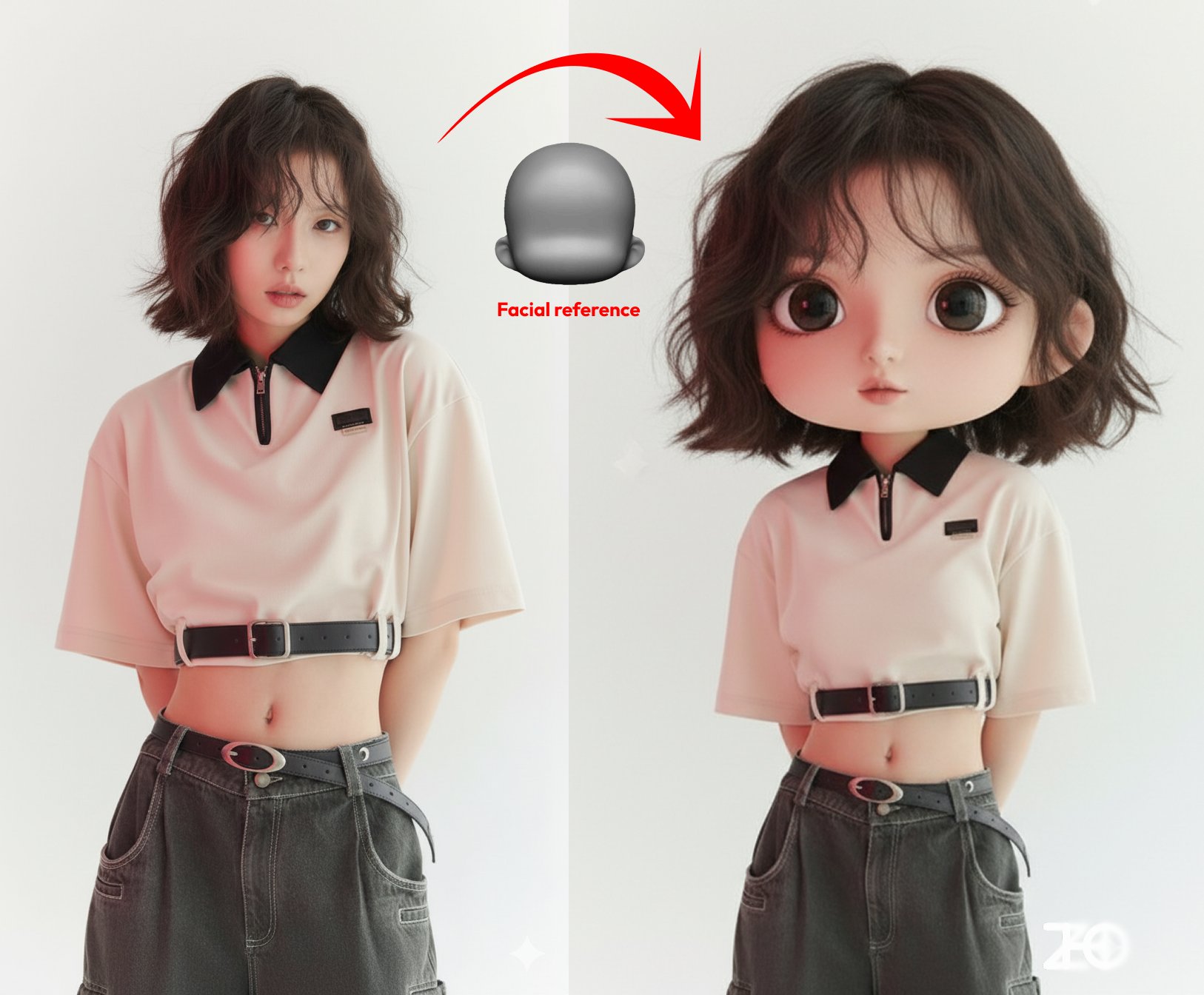 |
Input: Need to upload a reference image and a face shape reference image
Prompt:
Design the character from Image 1 as a chibi version according to the face shape from Image 2
Case 44: Lighting Control(by @ZHO_ZHO_ZHO)
| Example |
|---|
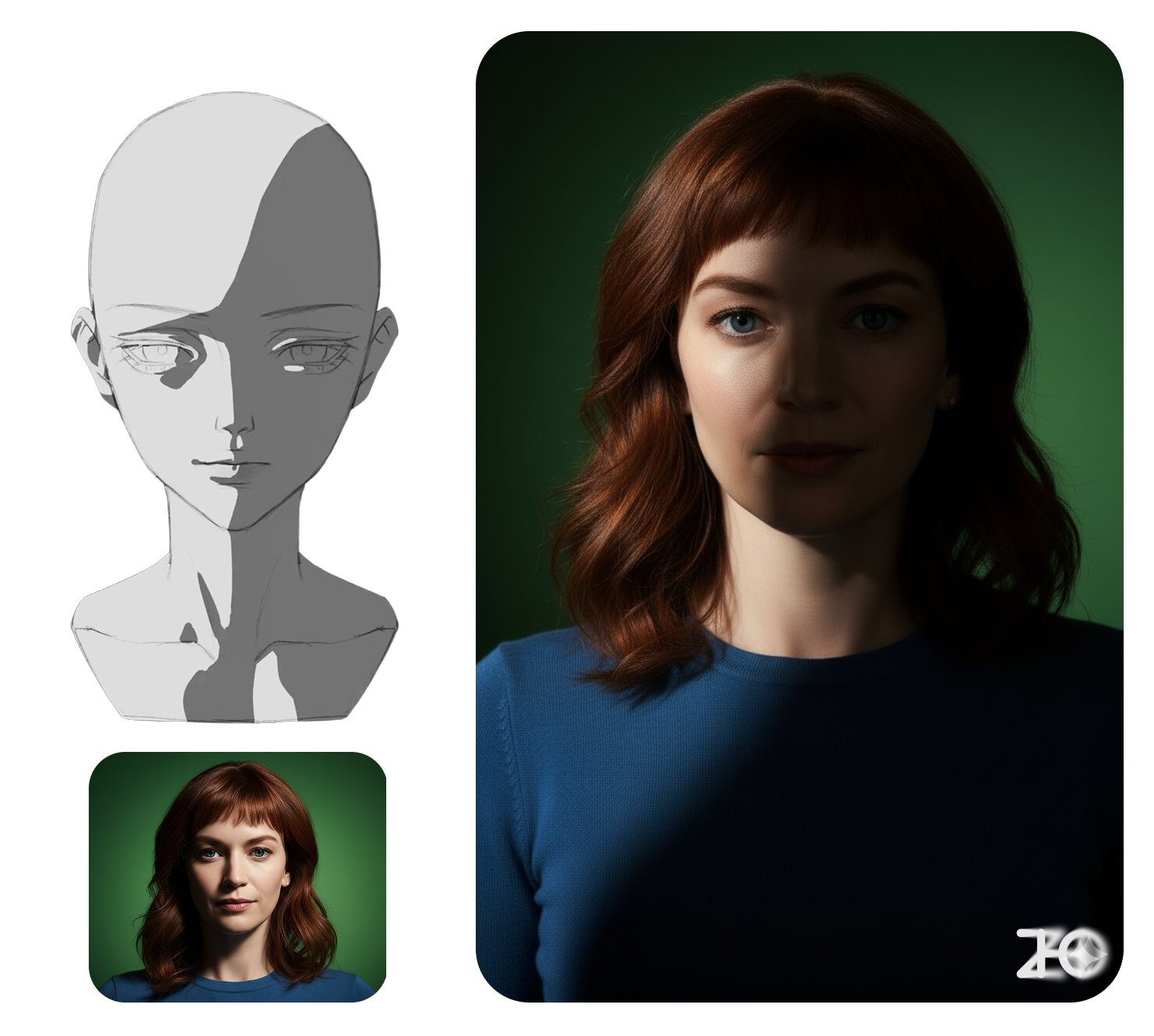 |
Input: Need to upload a reference image and a lighting reference image
Prompt:
Change the character from Image 1 to the lighting from Image 2, with dark areas as shadows
Case 45: LEGO Minifigure(by @ZHO_ZHO_ZHO)
| Input | Output |
|---|---|
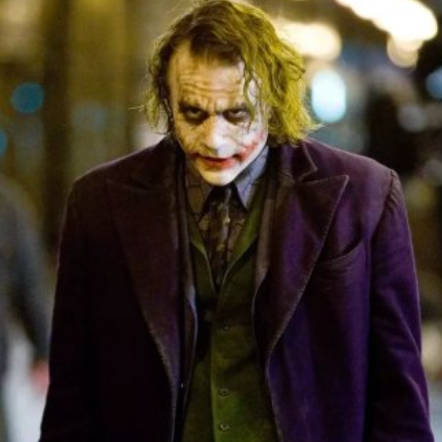 | 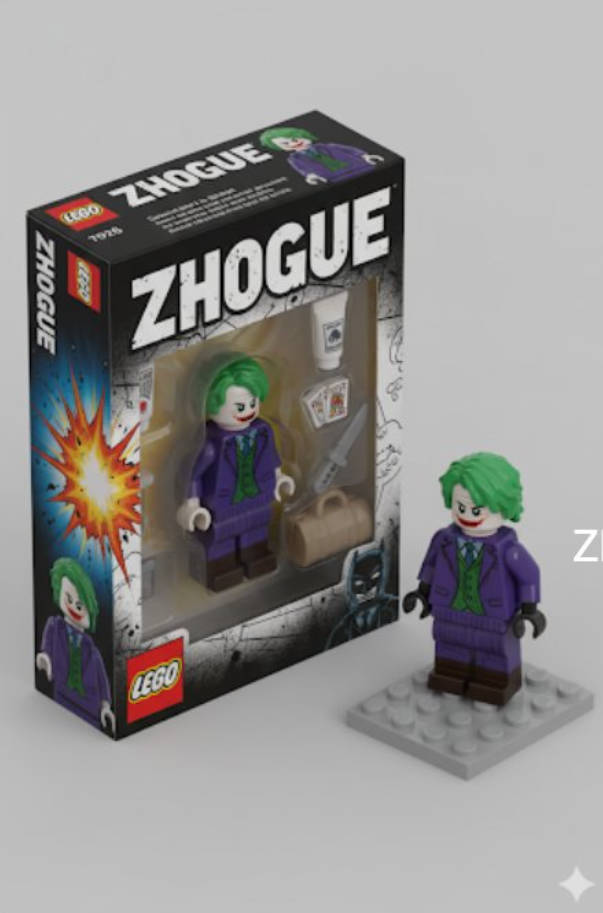 |
Input: Need to upload a reference image
Prompt:
Transform the person in the photo into a LEGO minifigure packaging box style, presented in isometric perspective. Label the box with the title "ZHOGUE". Inside the box, display the LEGO minifigure based on the person in the photo, along with their essential items (such as makeup, bags, or other items) as LEGO accessories. Beside the box, also display the actual LEGO minifigure itself, unpackaged, rendered in a realistic and vivid style.
Case 46: Gundam Model Figure(by @ZHO_ZHO_ZHO)
| Input | Output |
|---|---|
 |  |
Input: Need to upload a reference image
Prompt:
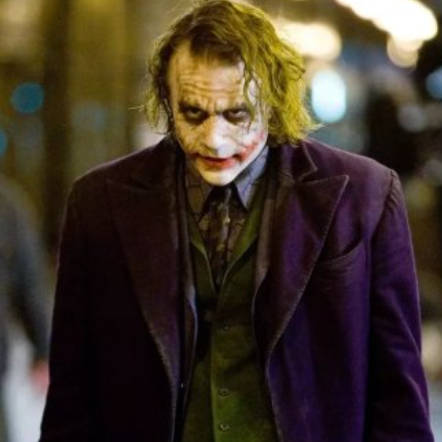
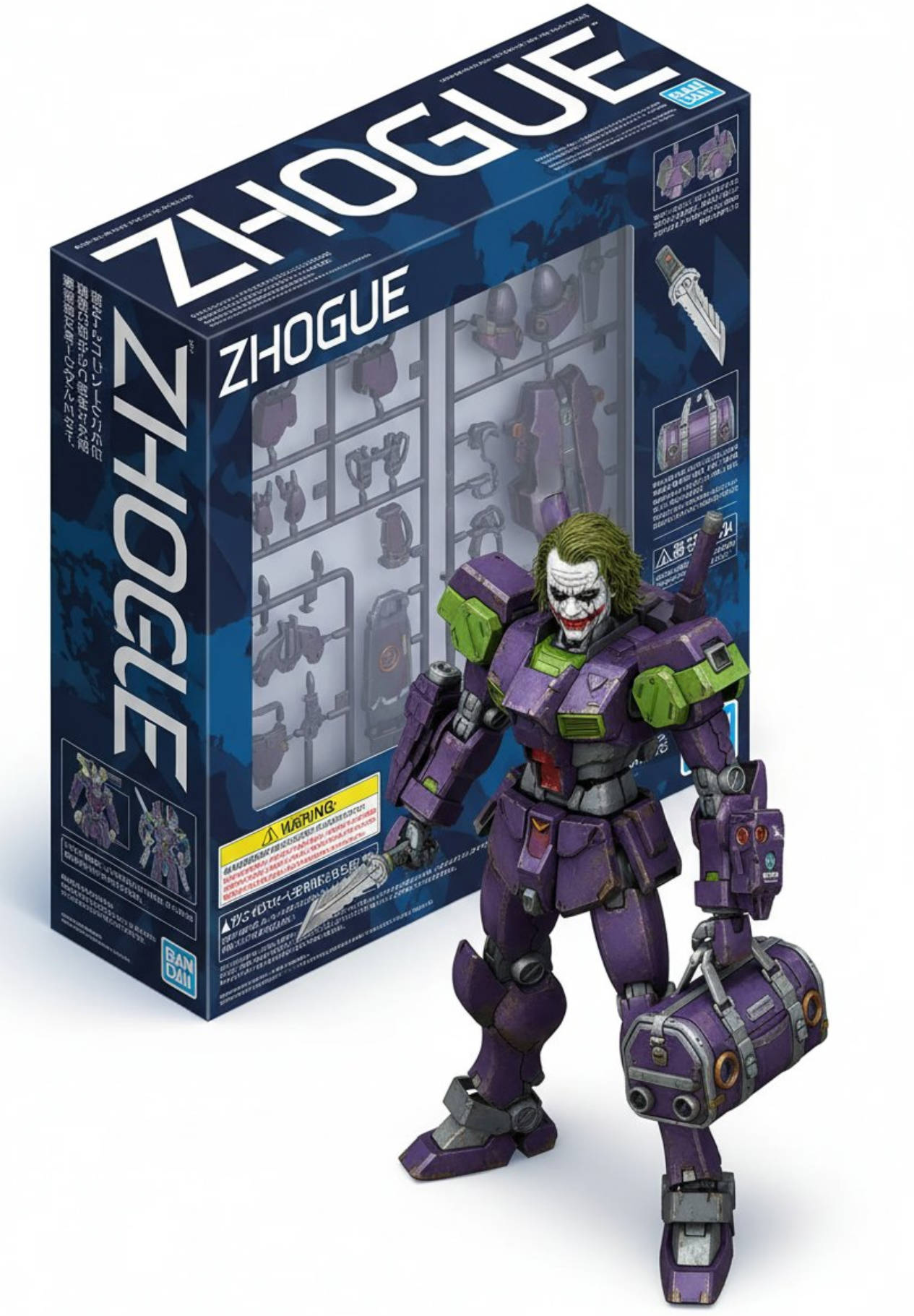
Transform the person in the photo into a Gundam model kit packaging box style, presented in isometric perspective. Label the box with the title "ZHOGUE". Inside the box, display a Gundam-style mechanical version of the person from the photo, along with their essentials (such as makeup, bags, or other items) redesigned as futuristic mechanical accessories. The packaging should resemble real Gunpla boxes, including technical illustrations, instruction manual-style details, and sci-fi fonts. Beside the box, also display the actual Gundam-style mechanical figure itself, outside the packaging, rendered in a realistic and lifelike style, similar to official Bandai promotional renders.
Case 47: Hardware Exploded View(by @AIimagined)
| Output |
|---|
 |
Prompt:
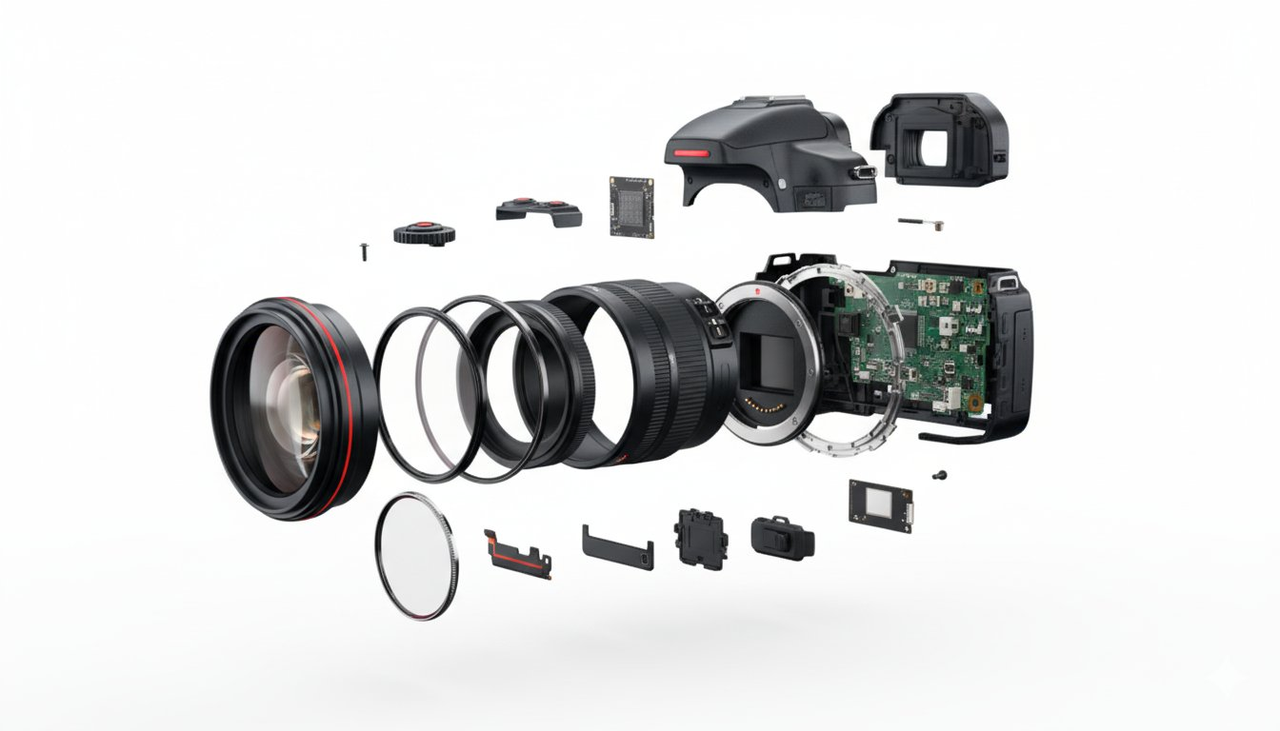
Exploded view of a DSLR showing all its accessories and internal components such as lens, filter, internal components, lens, sensor, screws, buttons, viewfinder, housing, and circuit board. Maintain red accents of the DSLR
Case 48: Food Calorie Annotation(by @icreatelife)
| Output |
|---|
 |
Input: Need to upload a food reference image
Prompt:
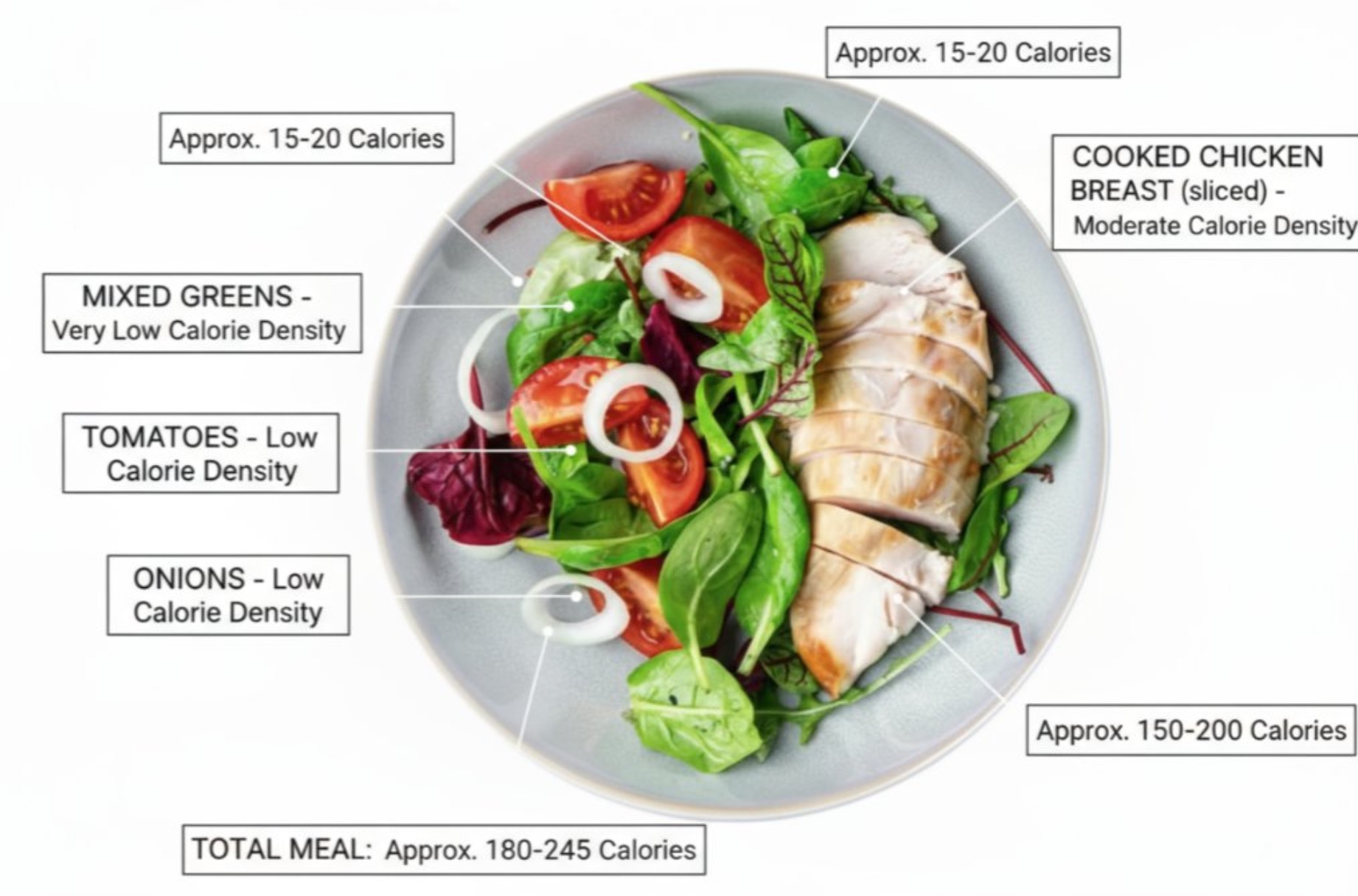
annotate this meal with names of food and calorie density and approximate calories
Case 49: Extract Subject and Place on Transparent Layer(by @nglprz)
| Input | Output |
|---|---|
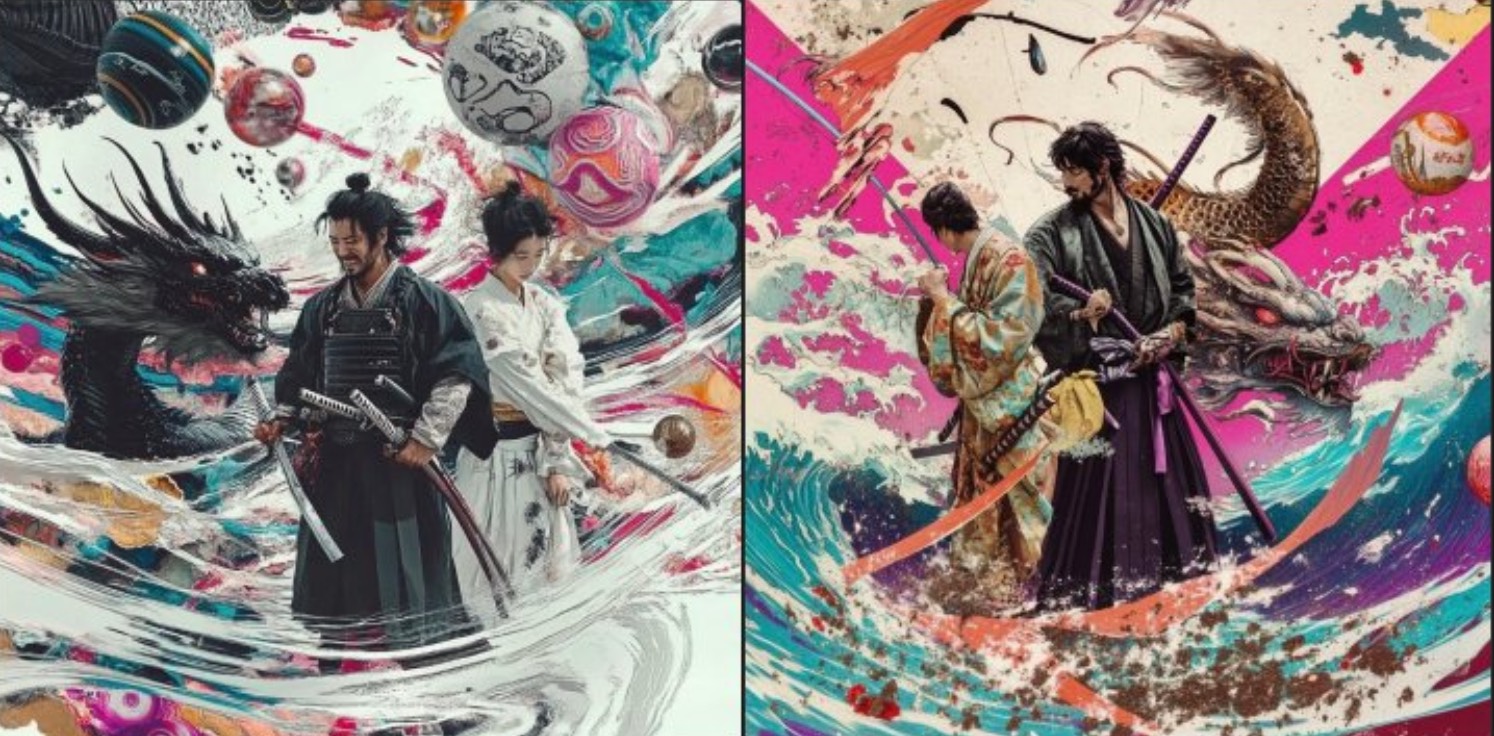 | 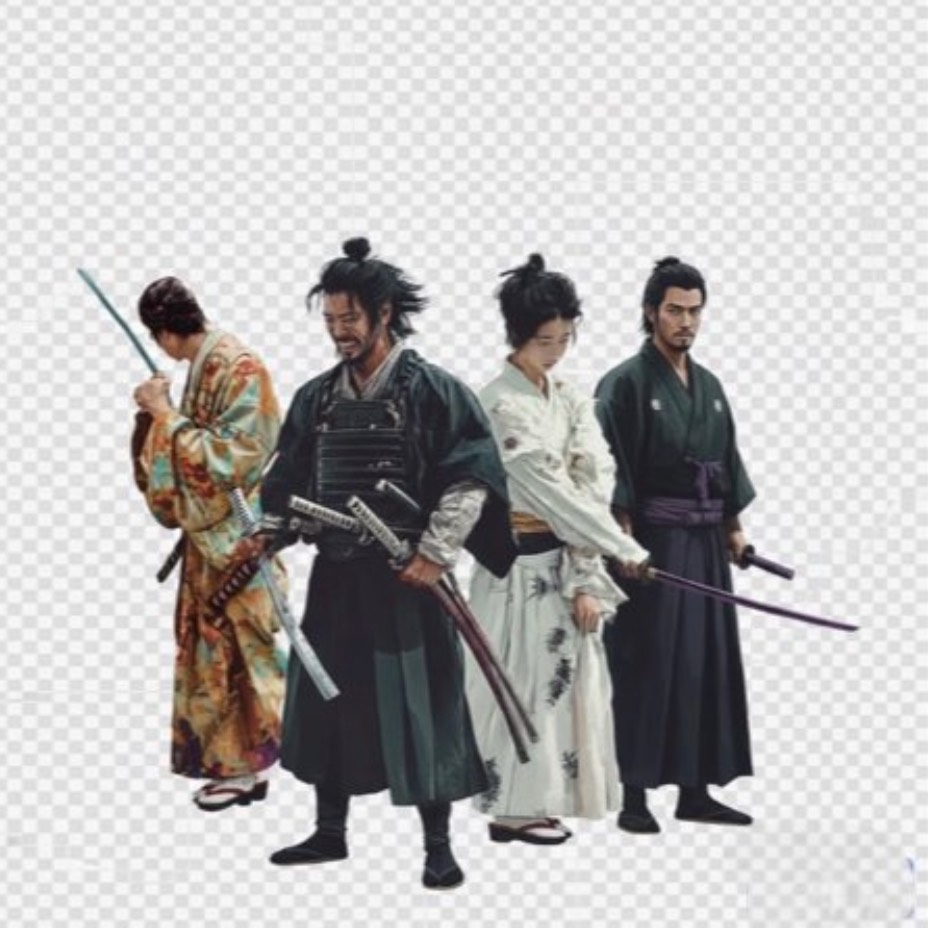 |
Input: Need to upload a reference image
Prompt:
extract the [samurai] and put transparent background
[!NOTE] Replace the text in [brackets] with the object you need to extract.
Case 50: Image Outpainting Repair(by @bwabbage)
| Input | Output |
|---|---|
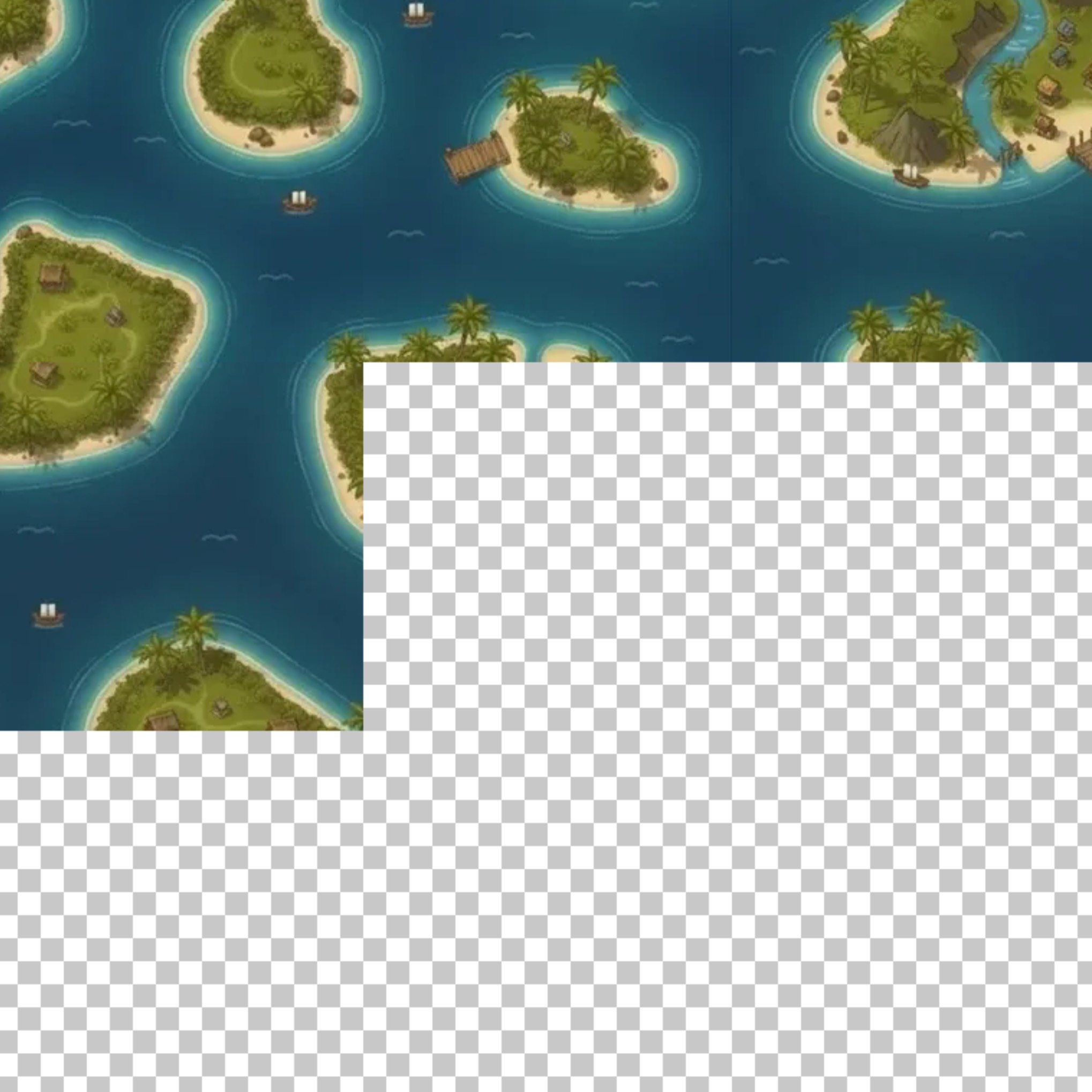 | 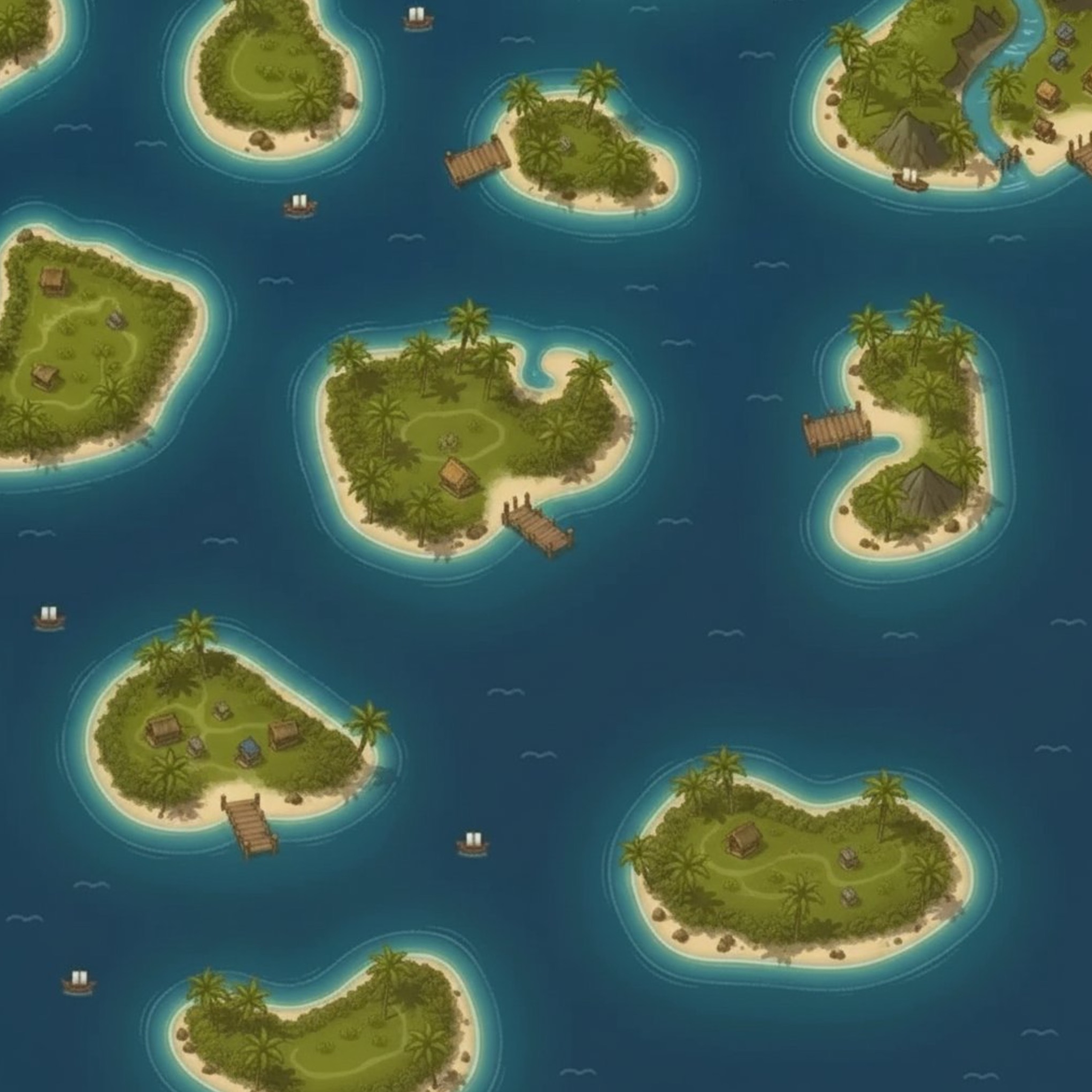 |
Input: Need to upload an image containing transparent checkerboard areas
Prompt:
Repair the checkerboard (transparent) parts of the image and restore a complete, coherent photo.
Case 51: Ancient Map → Historical Scene Photo(by @levelsio)
| Input | Output |
|---|---|
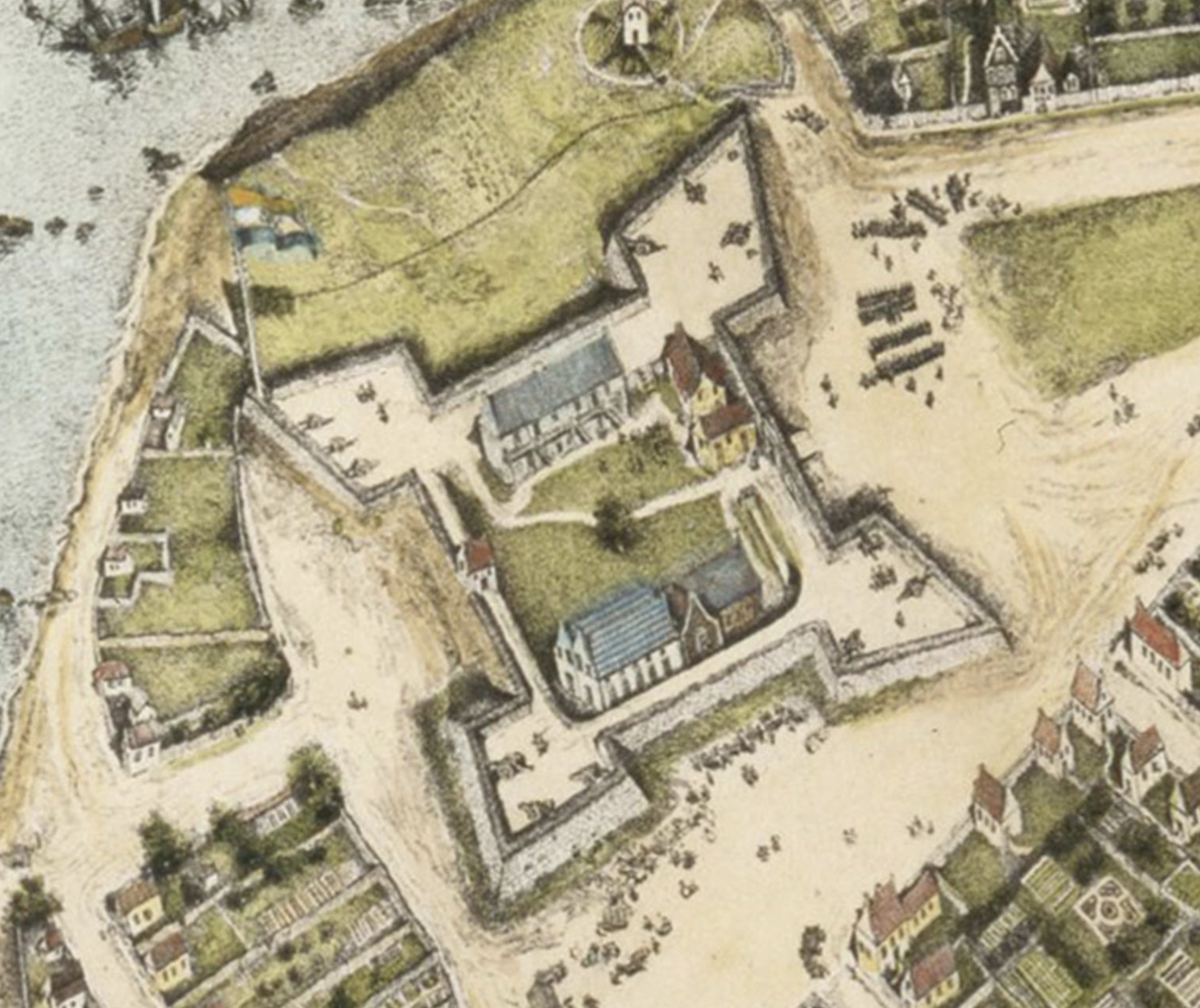 | 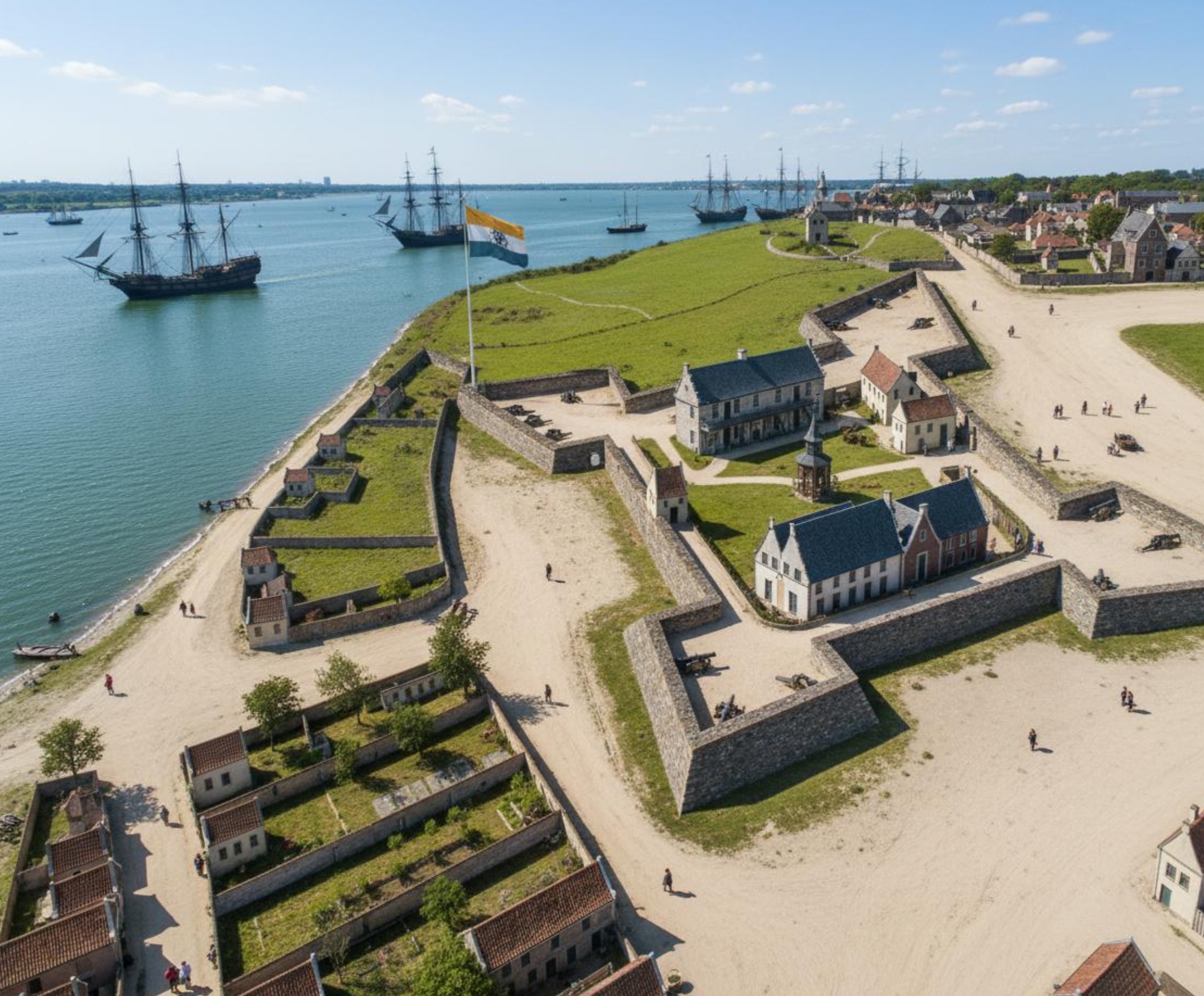 |
Input: Need to upload a historical reference image
Prompt:
full colour photograph. New Amsterdam in 1660. make sure it's full modern colors as if it's a photograph taken today.
Case 52: Fashion Moodboard Collage(by @tetumemo)
| Input | Output |
|---|---|
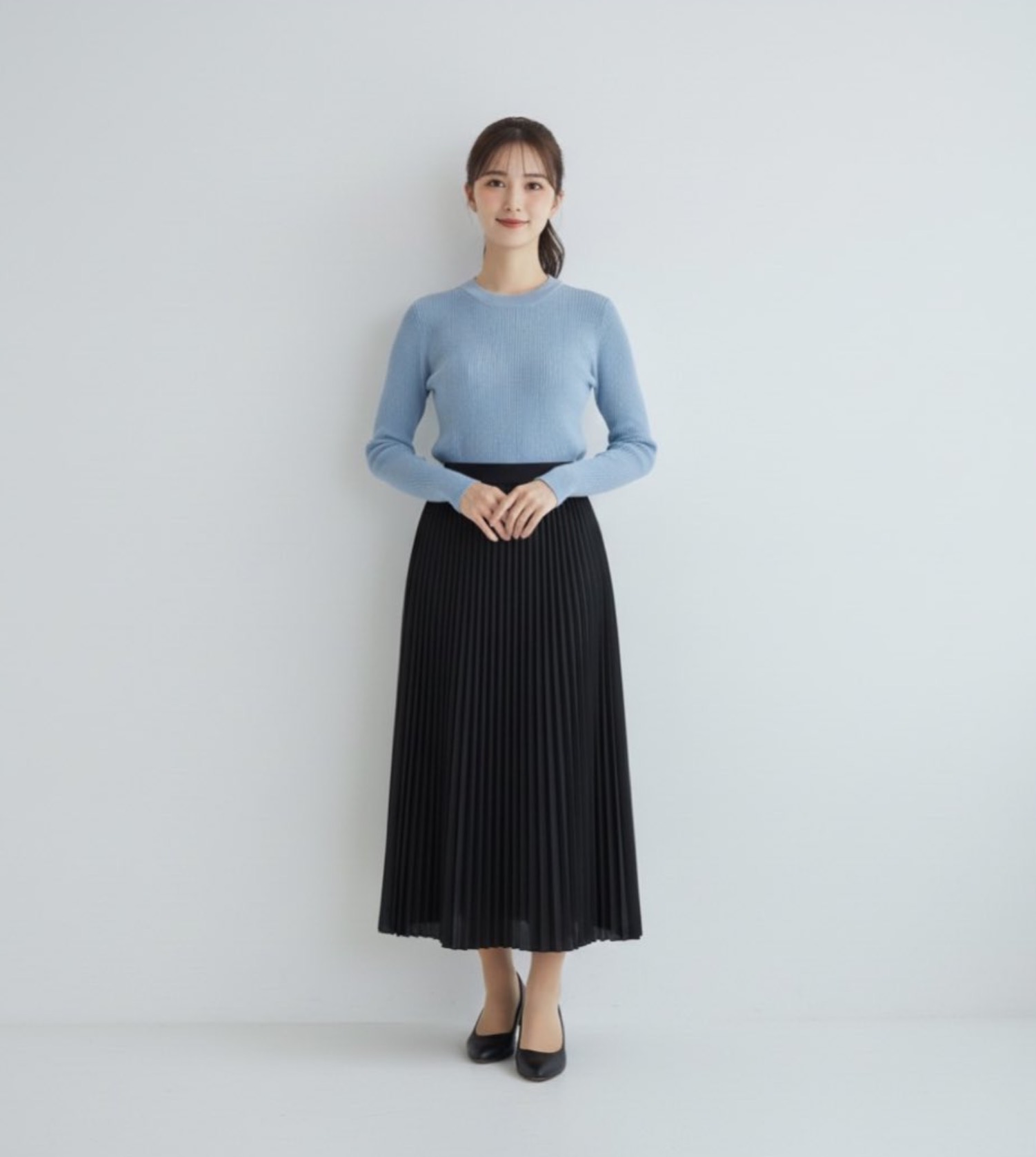 | 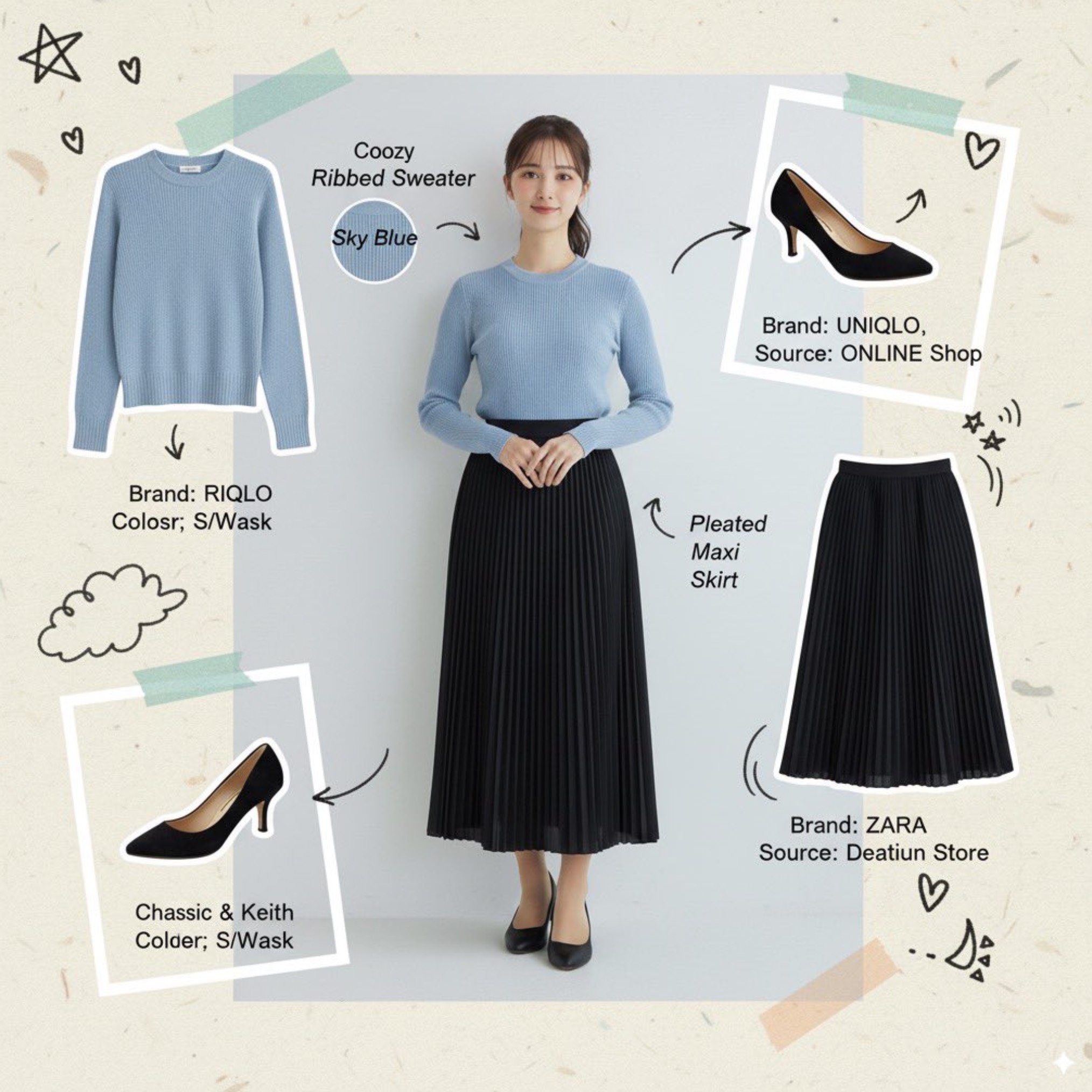 |
Input: Need to upload a reference image
Prompt:
A fashion mood board collage. Surround a portrait with cutouts of the individual items the model is wearing. Add handwritten notes and sketches in a playful, marker-style font, and include the brand name and source of each item in English. The overall aesthetic should be creative and cute.
Case 53: Delicate Cute Product Photo(by @azed_ai)
| Output |
|---|
 |
Prompt:
A high-resolution advertising photograph of a realistic, miniature [PRODUCT] held delicately between a person's thumb and index finger. clean and white background, studio lighting, soft shadows. The hand is well-groomed, natural skin tone, and positioned to highlight the product’s shape and details. The product appears extremely small but hyper-detailed and brand-accurate, centered in the frame with a shallow depth of field. Emulates luxury product photography and minimalist commercial style.
[!NOTE] Replace the text in [brackets] with the product you want to showcase.
Case 54: Place Anime Statue in Real Life(by @riddi0908)
| Input | Output |
|---|---|
 |  |
Input: Need to upload a reference image
Prompt:
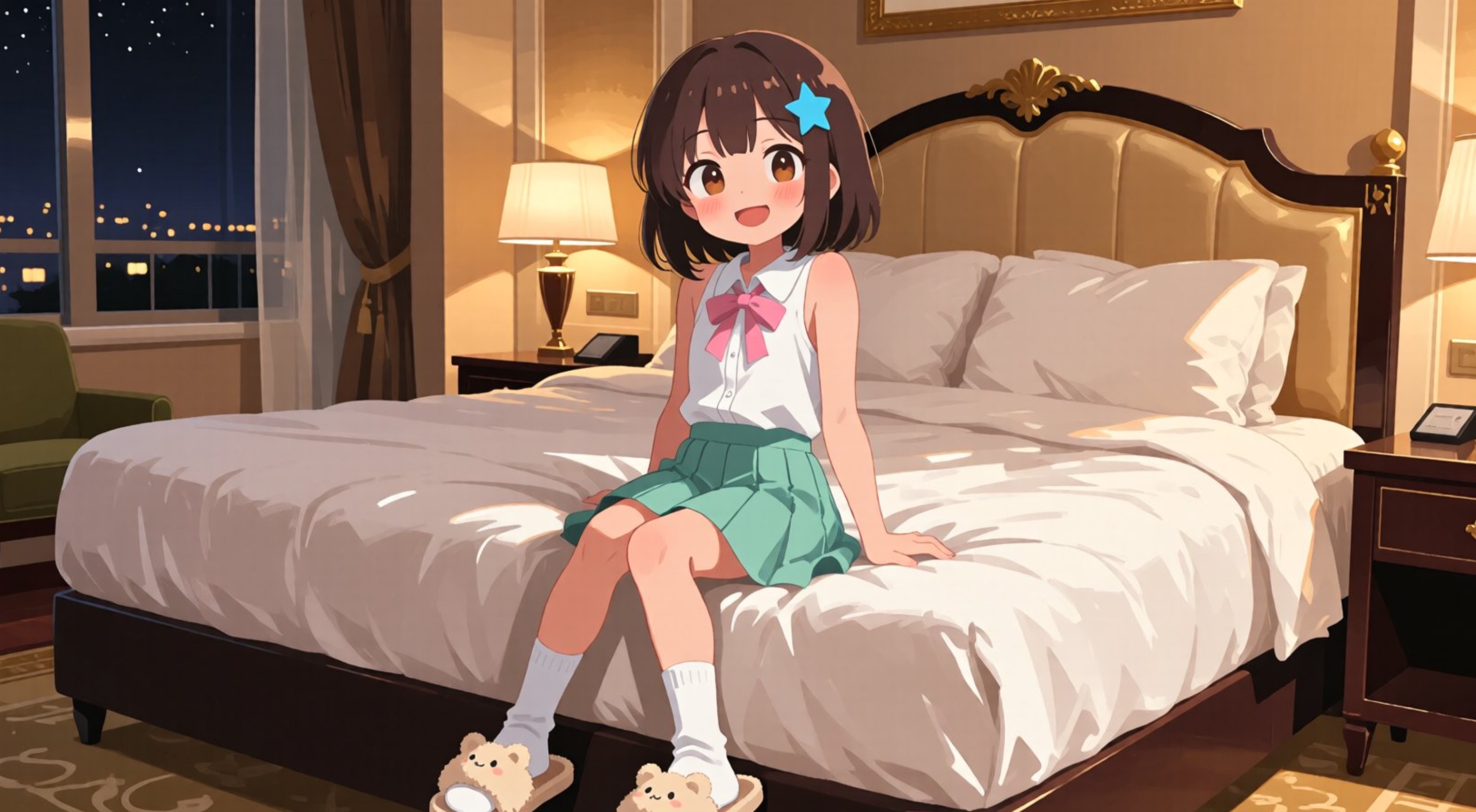
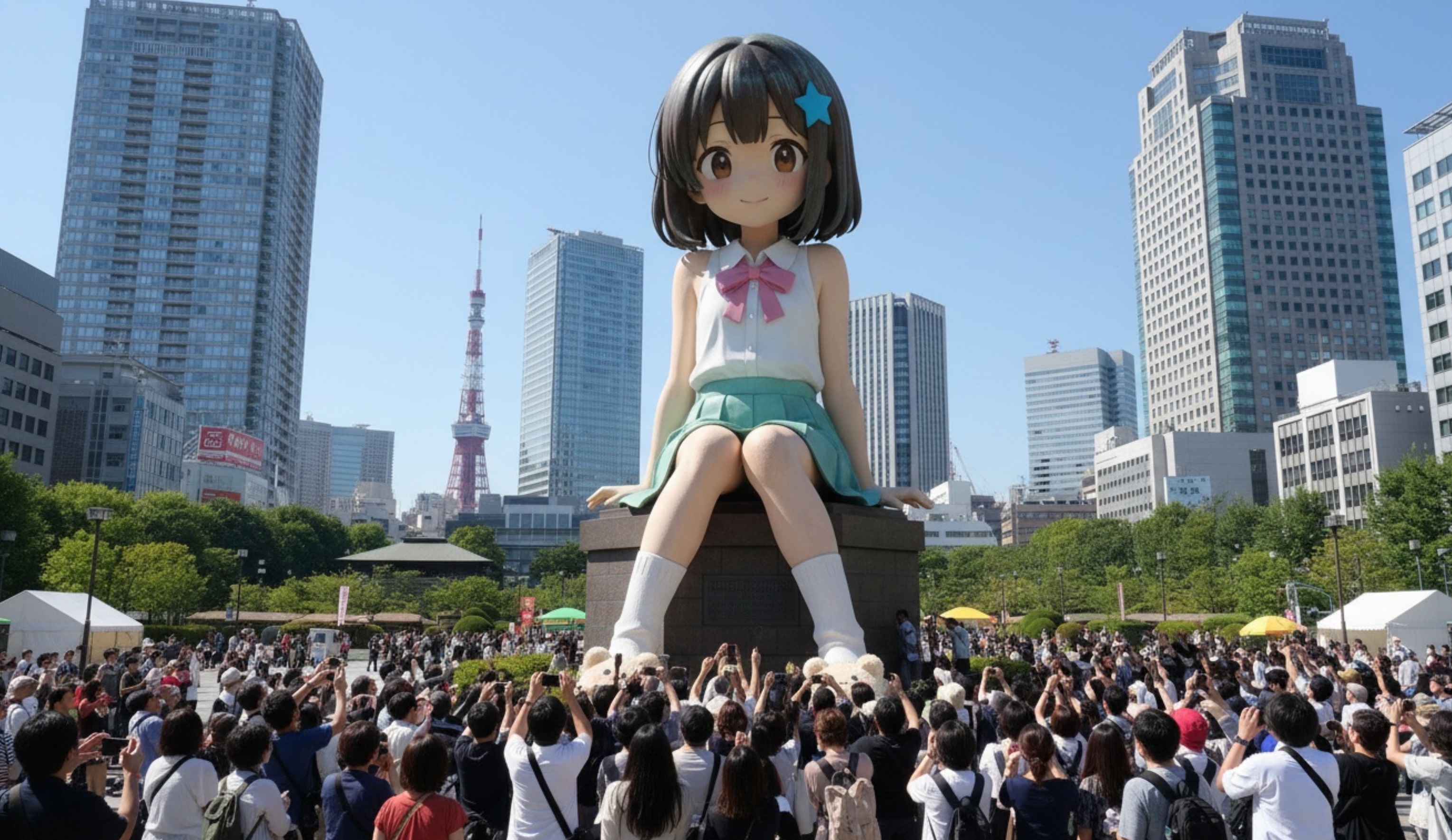
A realistic photographic work. A gigantic statue of this person has been placed in a square in the center of Tokyo, with people looking up at it.
Case 55: Create an Itasha Car(by @riddi0908)
| Input | Output |
|---|---|
 |  |
Input: Need to upload a reference image
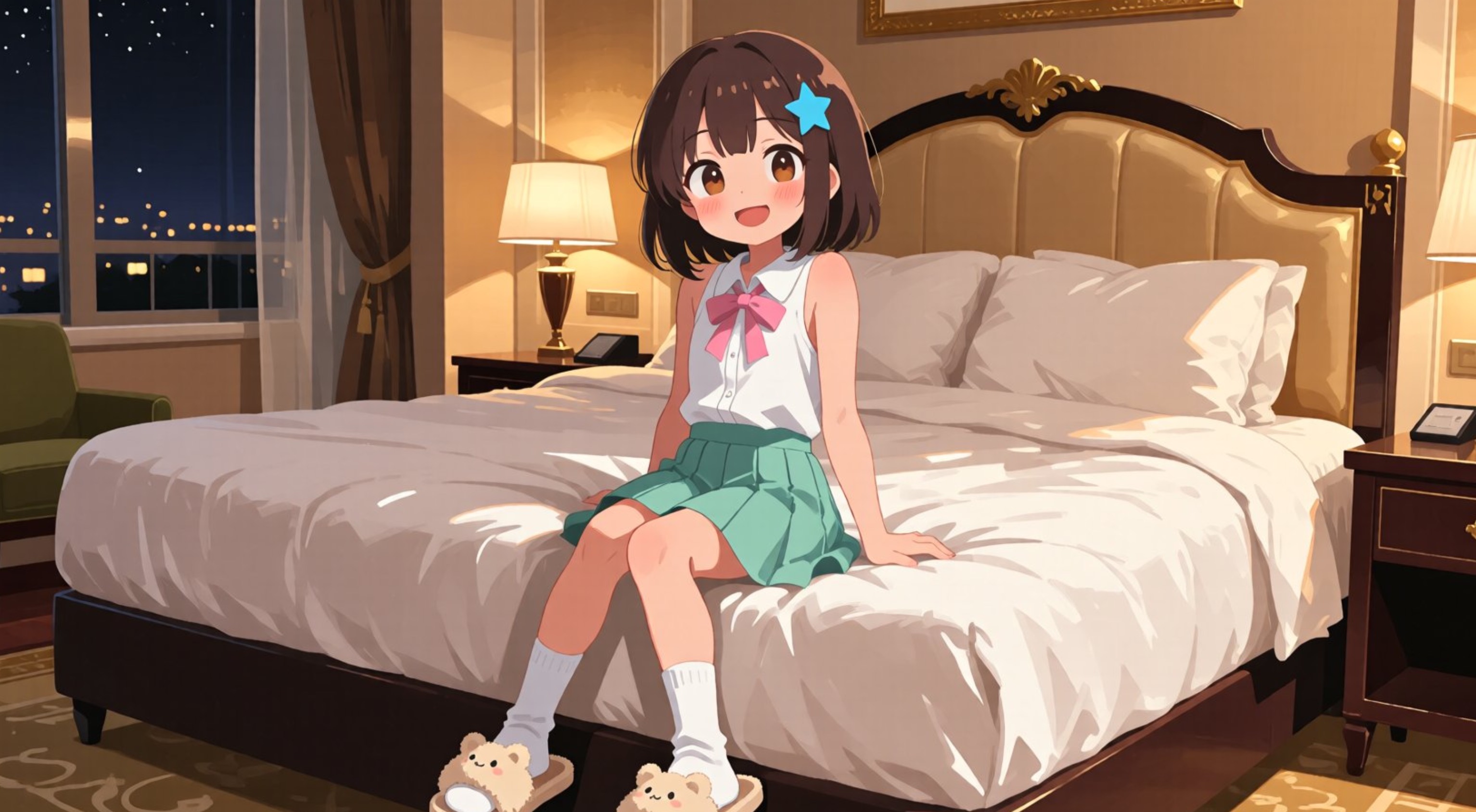
Prompt:
Create a professional photograph of a sporty car with anime-style character artwork as itasha (painted car) design, shot at a famous tourist destination or scenic landmark. The car features large, prominently displayed anime character illustrations with simple, clean design composition. The character artwork should be painted in vibrant anime art style with bold colors and clear details. Position the vehicle at a recognizable tourist spot or scenic location with good natural lighting that showcases both the car's sporty appearance and the character artwork. Use professional automotive photography techniques with proper depth of field to highlight the itasha design while incorporating the scenic background for tourism appeal, suitable for promotional or enthusiast marketing materials.
Case 56: Manga Composition(by @namaedousiyoka)
| Input | Output |
|---|---|
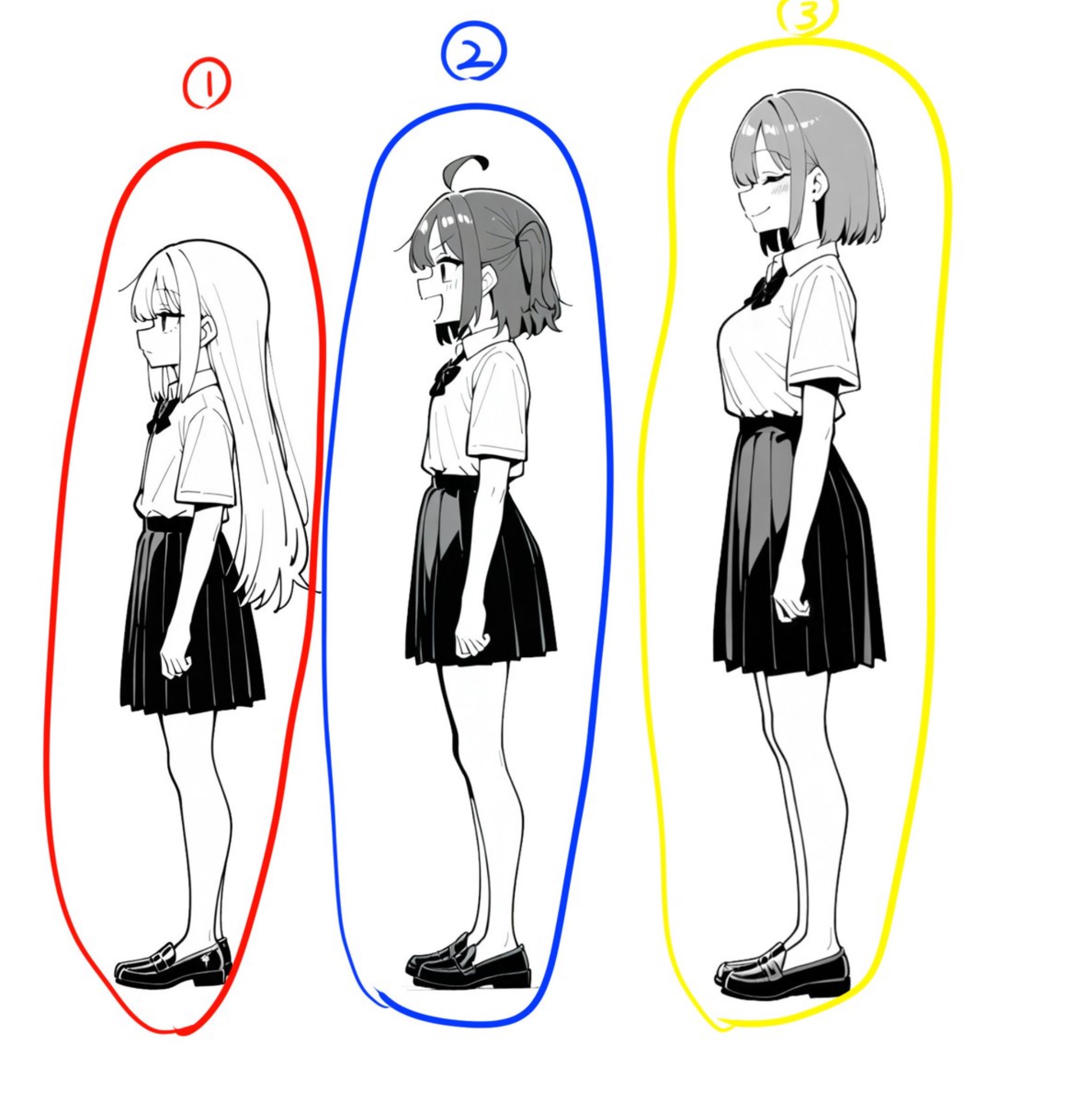 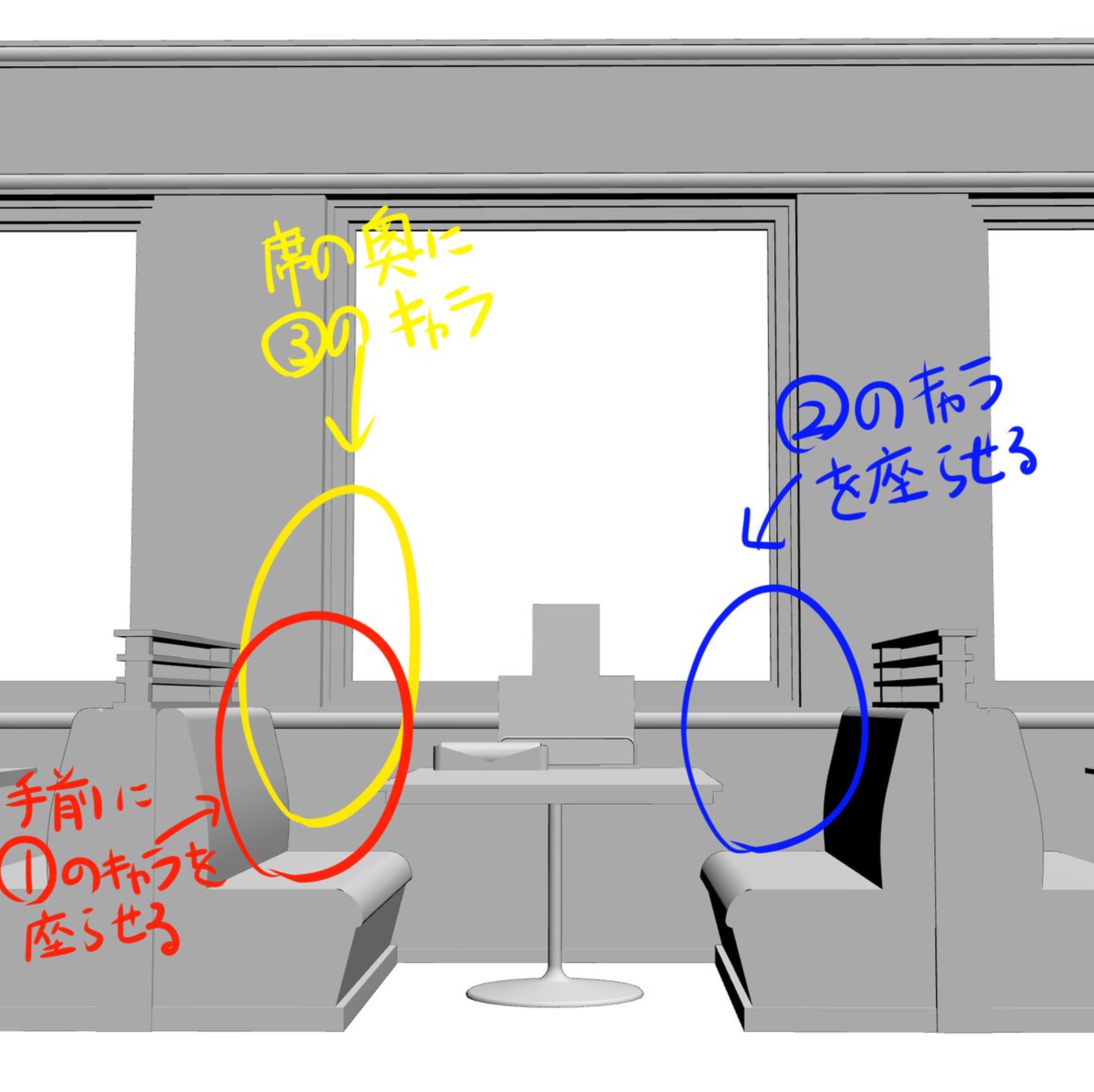 | 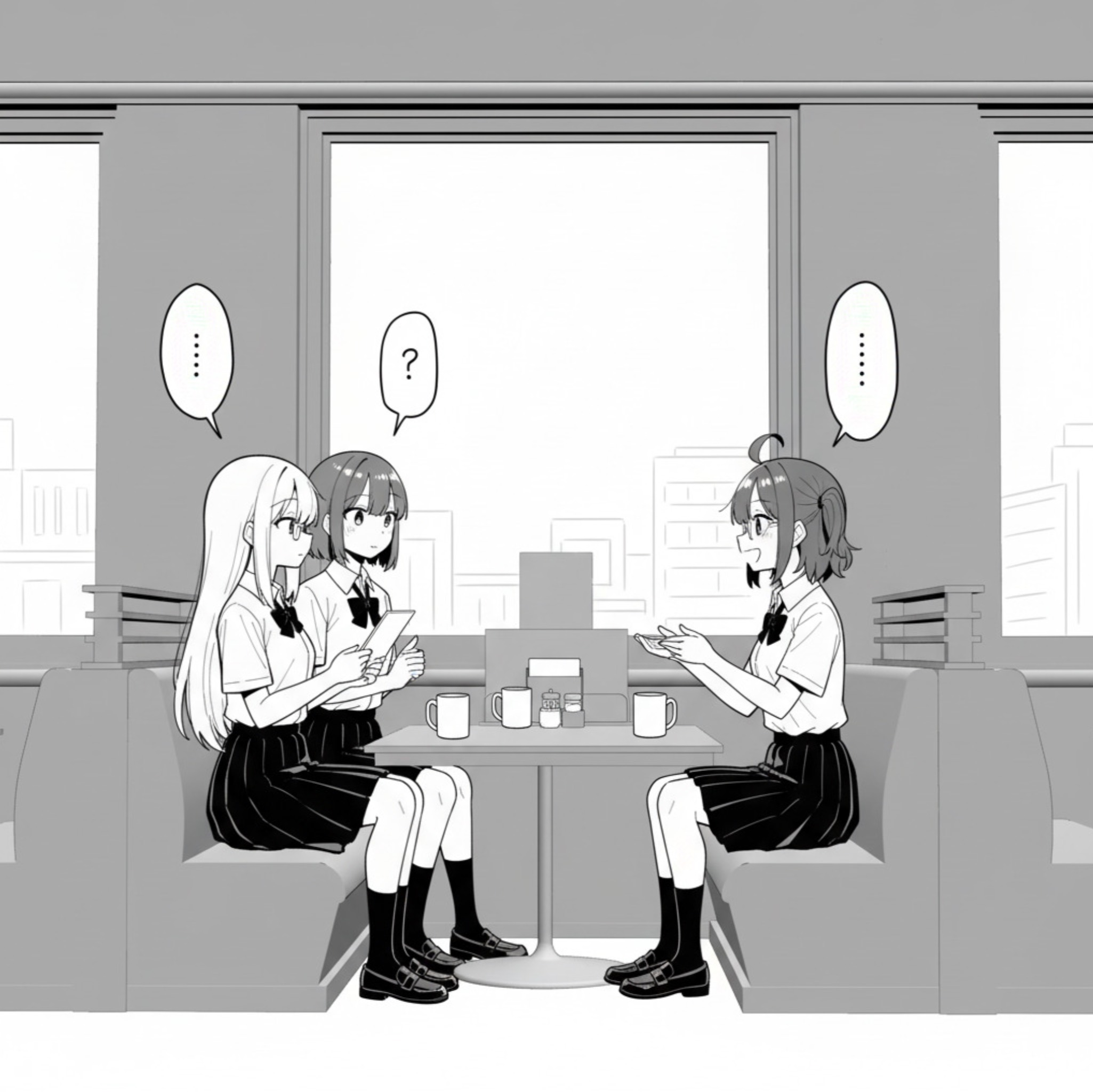 |
Input: Need to upload a character reference image and a scene composition reference image
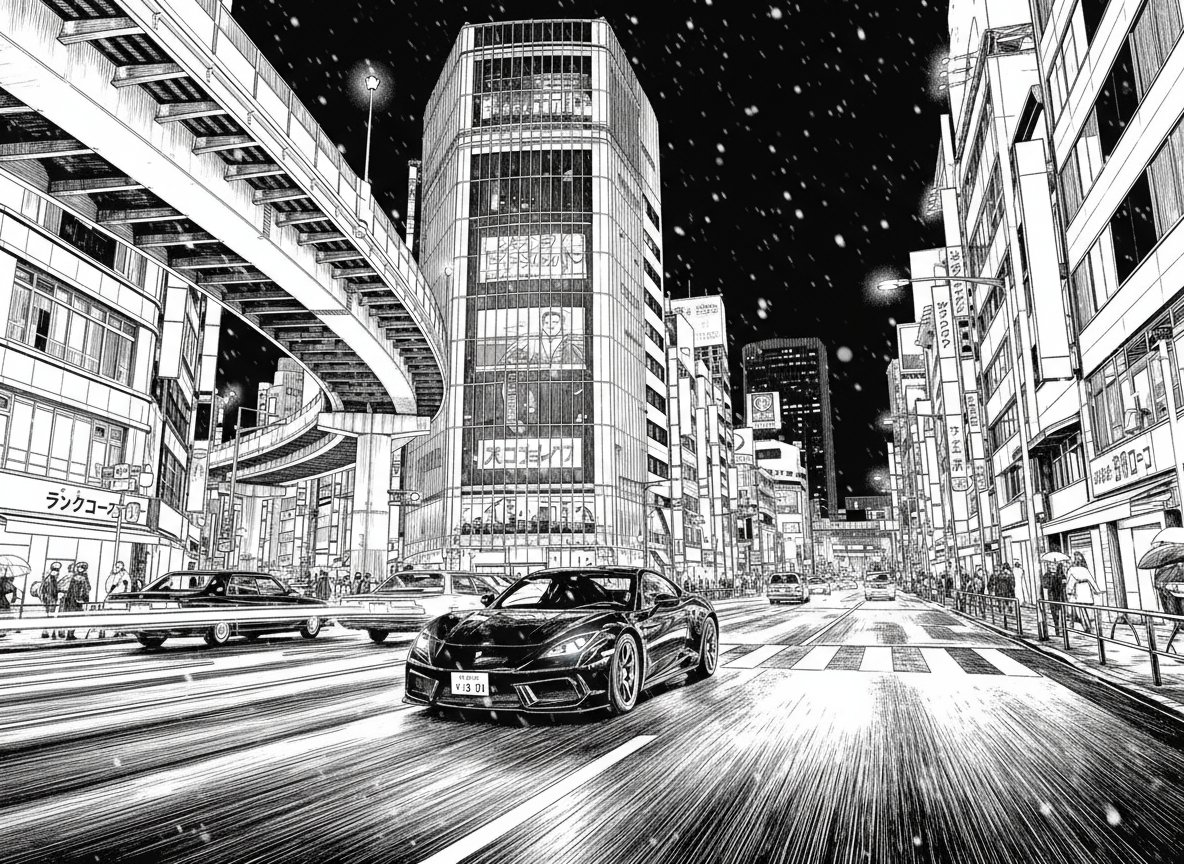
Case 57: Manga Style Conversion(by @nobisiro_2023)
| Input | Output |
|---|---|
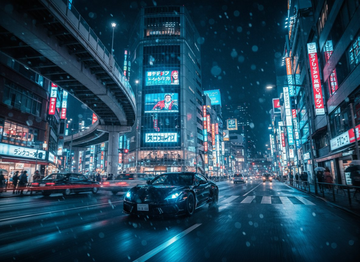 |  |
Input: Need to upload a reference image
Prompt:
Convert the input photo into a black-and-white manga-style line drawing.
Case 58: Isometric Holographic Wireframe(by @tetumemo)
| Input | Output |
|---|---|
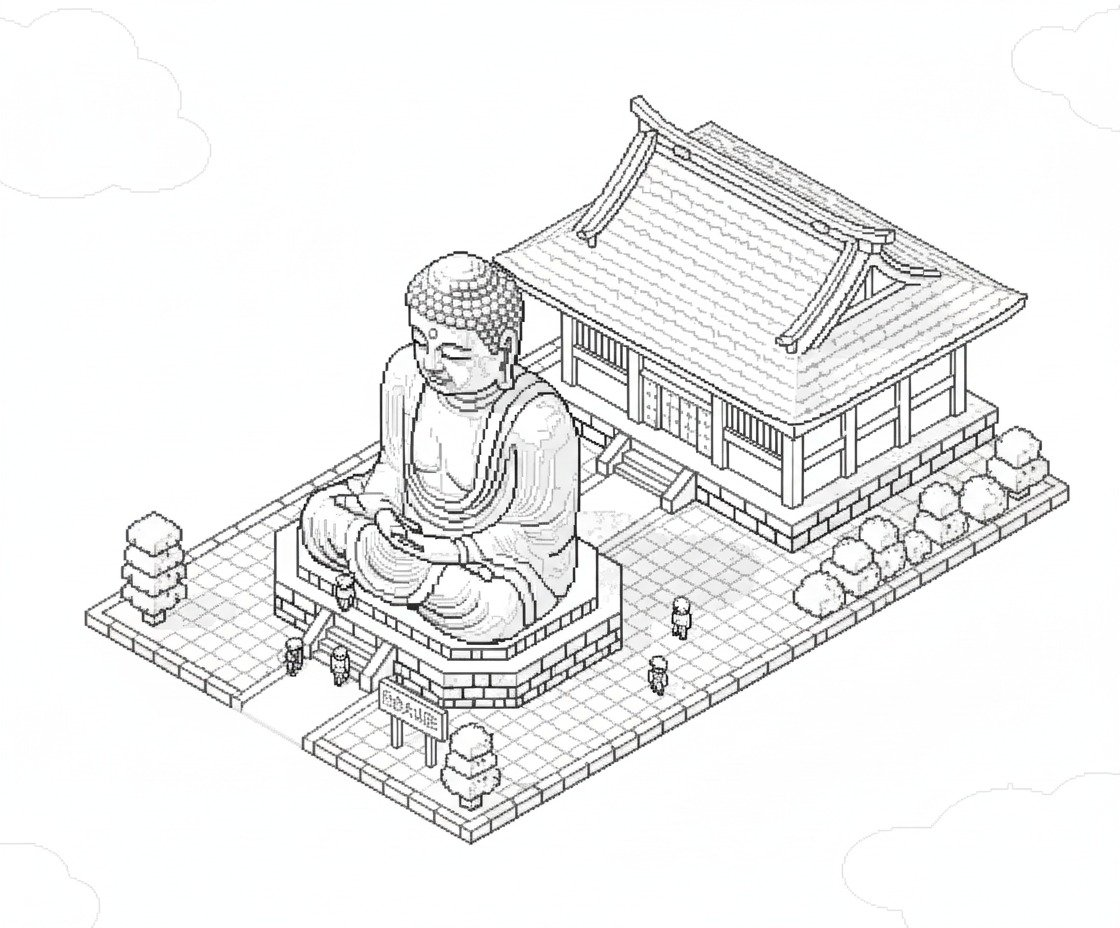 | 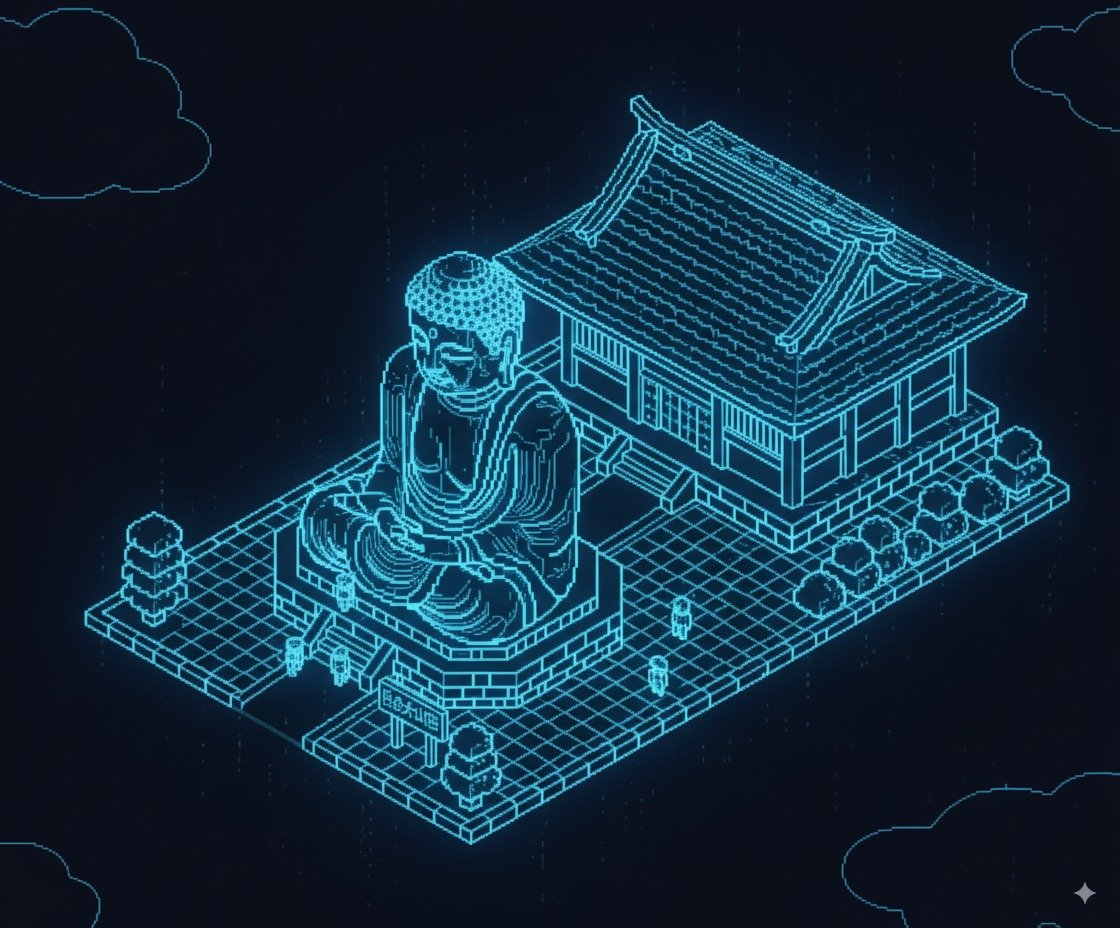 |
Input: Need to upload a line-art reference image
Prompt:
Based on the uploaded image, convert it into a holographic depiction using wireframe lines only.
Case 59: Minecraft-Style Scene Generation(by @tetumemo)
| Input | Output |
|---|---|
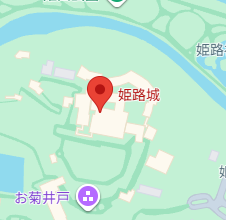 | 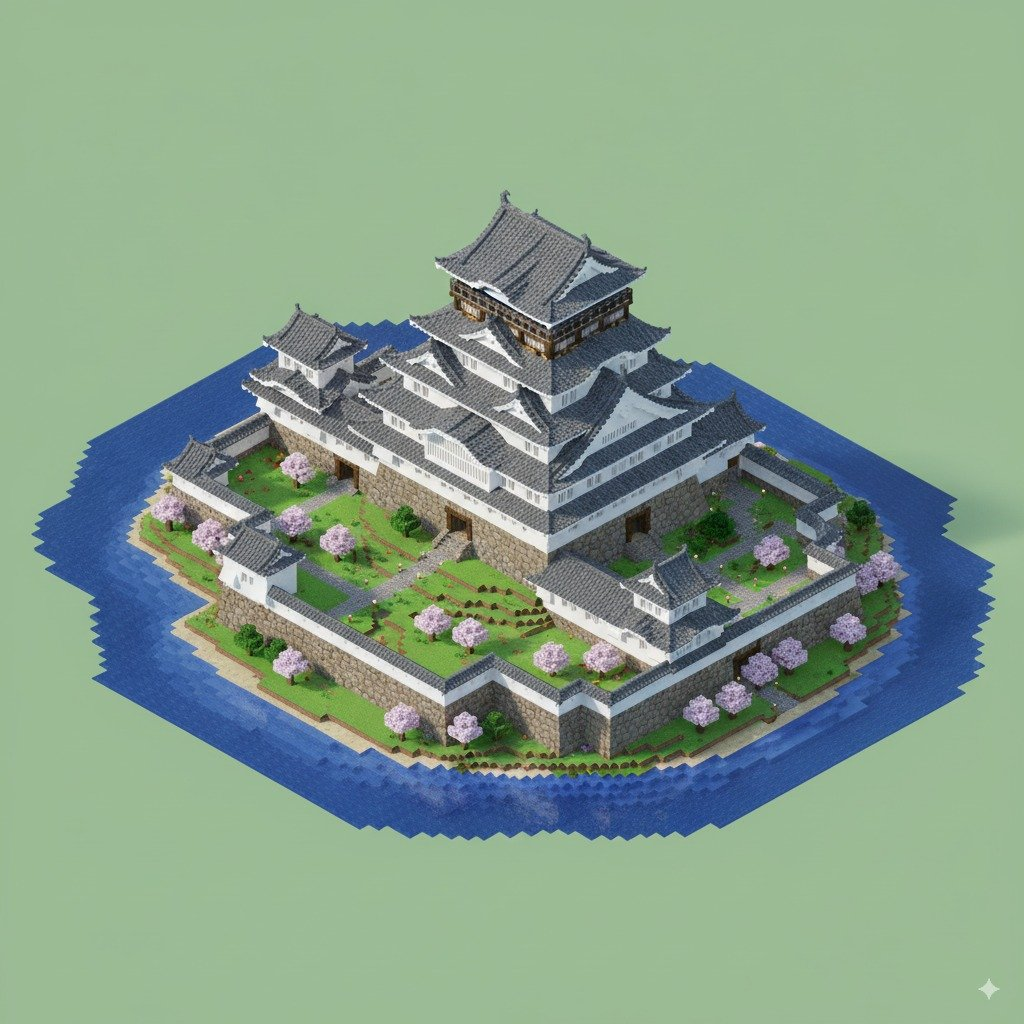 |
Input: Need to upload a Google Maps reference image
Prompt:
Using this location, create an isometric HD-2D Minecraft-style image of the landmark (buildings only).
Case 60: Apply Material Sphere to Logo(by @ZHO_ZHO_ZHO)
| Example |
|---|
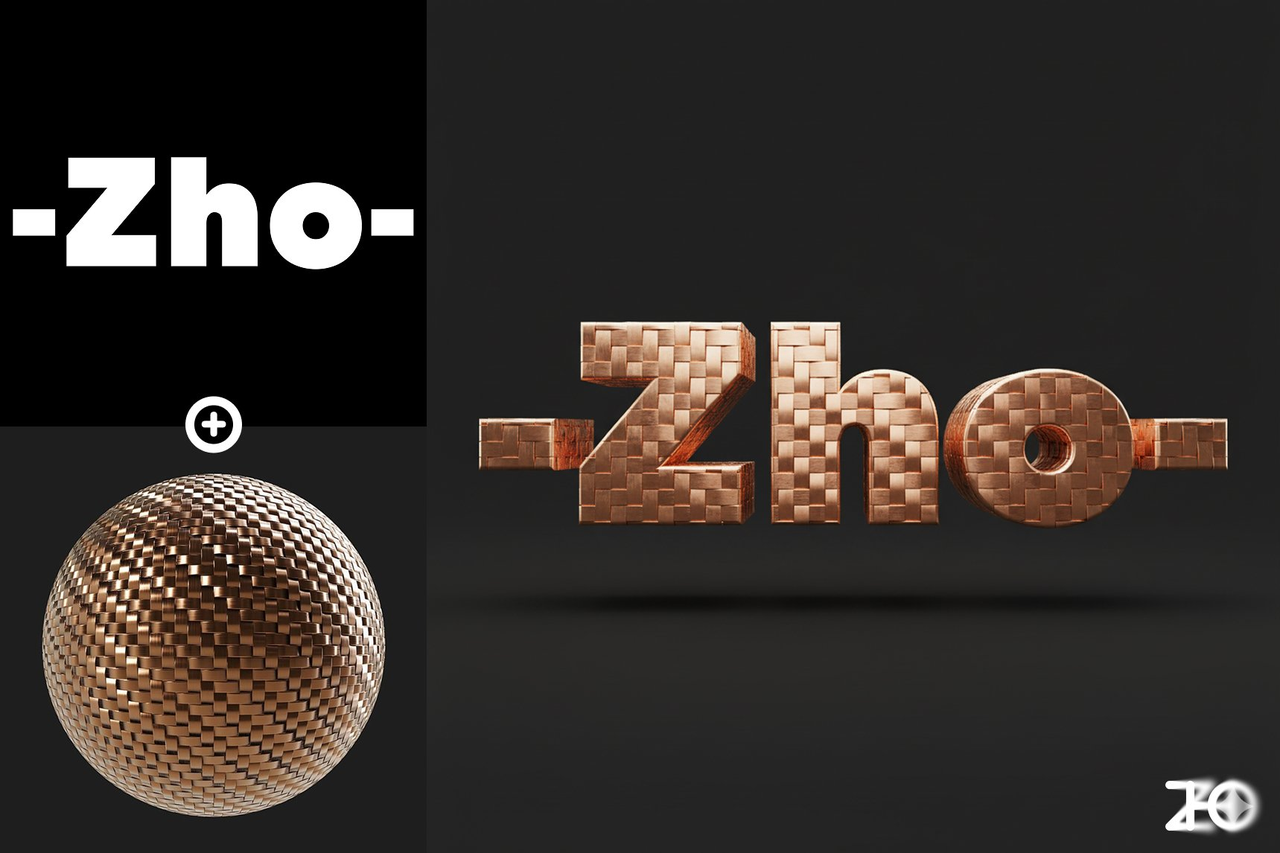 |
Input: Need to upload a reference image and a material-sphere image
Prompt:
Apply the material from Image 2 to the logo in Image 1, present it as a 3D object, render in a C4D-like style, with a solid-color background.
Case 61: Floor Plan 3D Render(by @op7418)
| Input | Output |
|---|---|
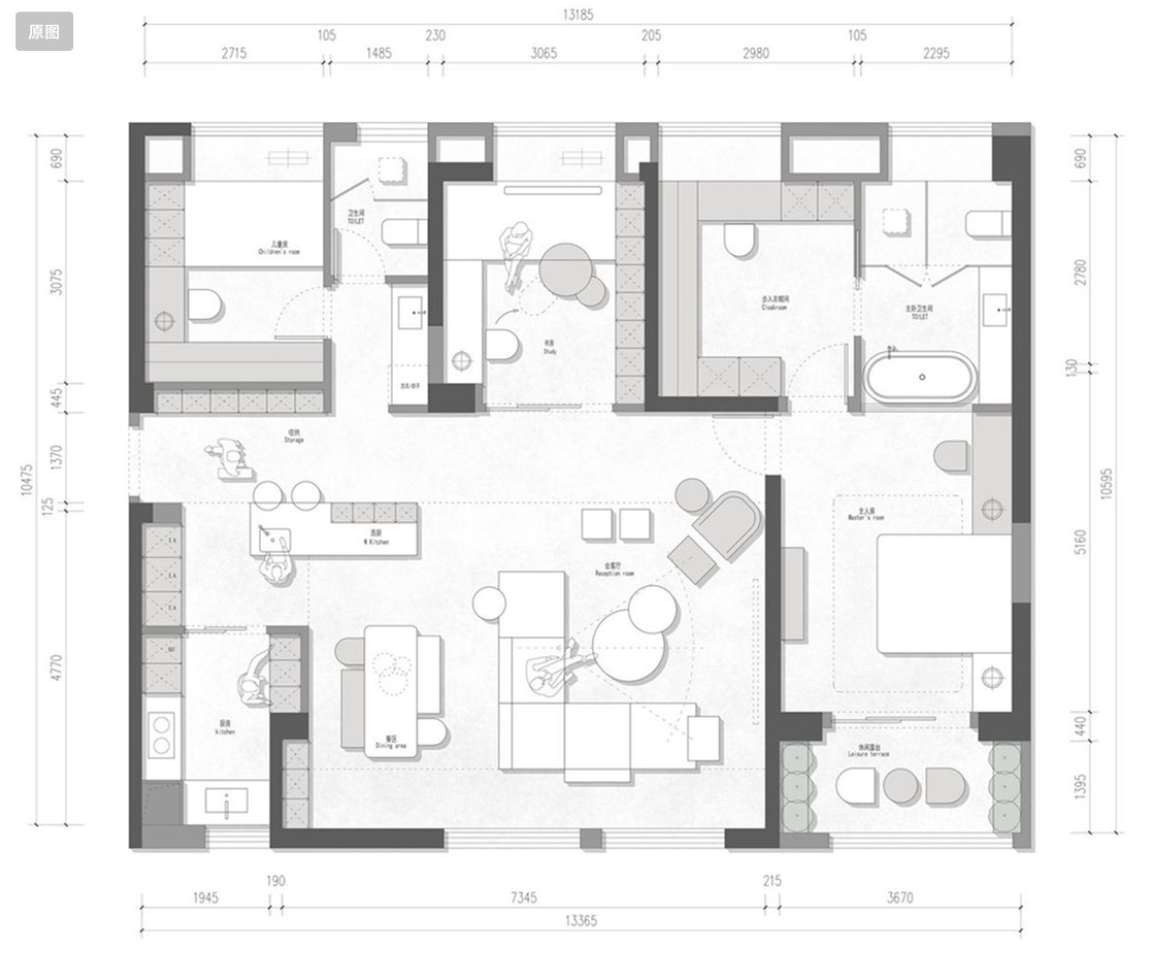 | 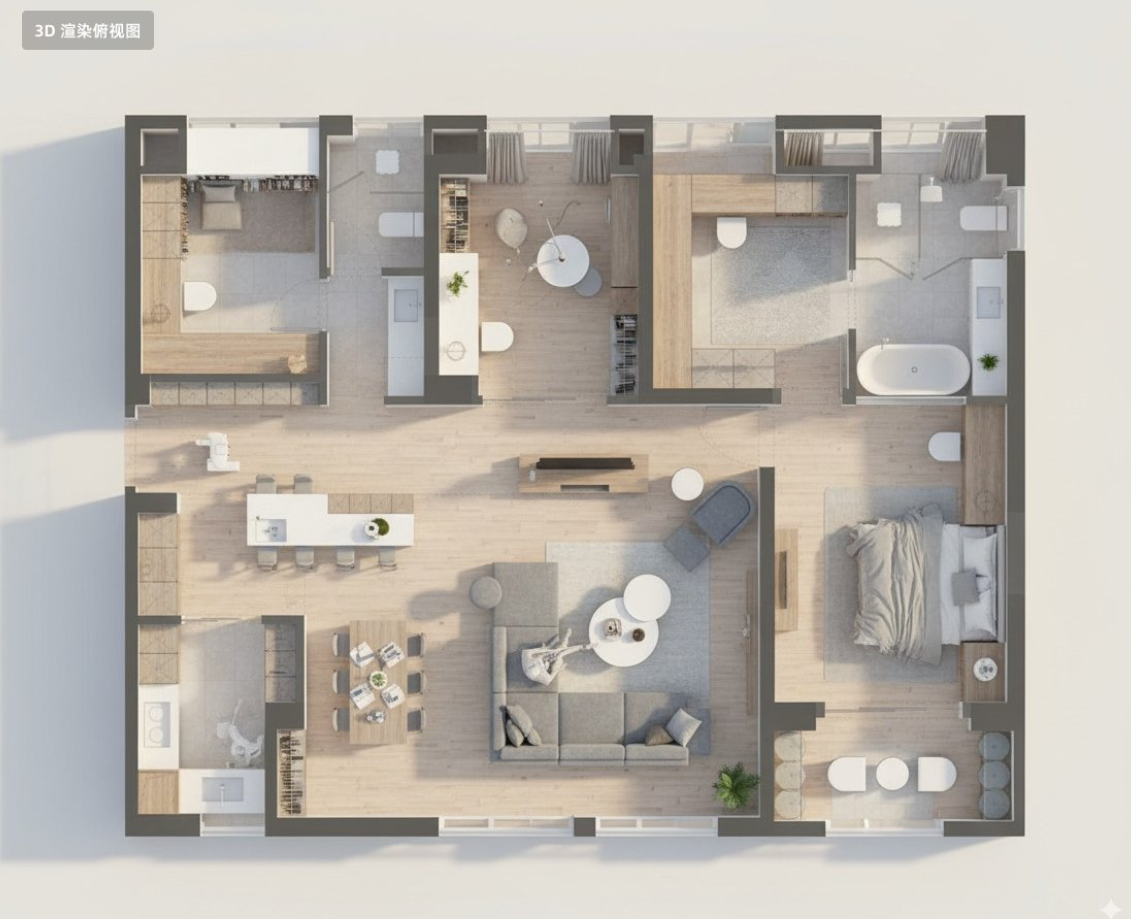 |
Input: Need to upload a floor-plan reference image
Prompt:
Convert this residential floor plan into an isometric, photo-realistic 3D rendering of the house.
Case 62: Reset Camera Parameters(by @hckinz)
| Input | Output |
|---|---|
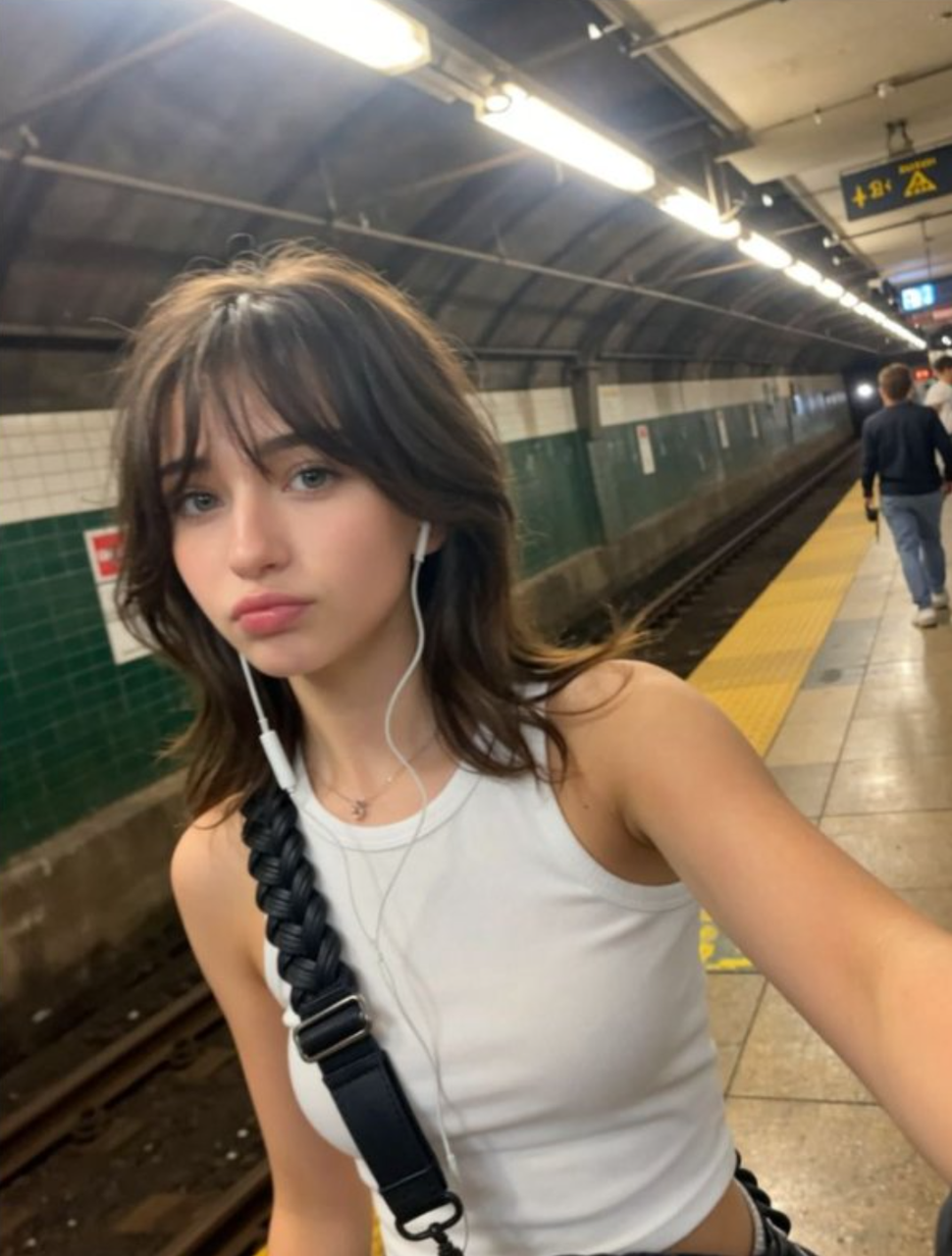 |  |
Input: Need to upload a reference image
Prompt:
RAW-ISO [100] - [F2.8-1/200 24mm] settings
[!NOTE] Replace the values in [brackets] with your desired camera parameters.
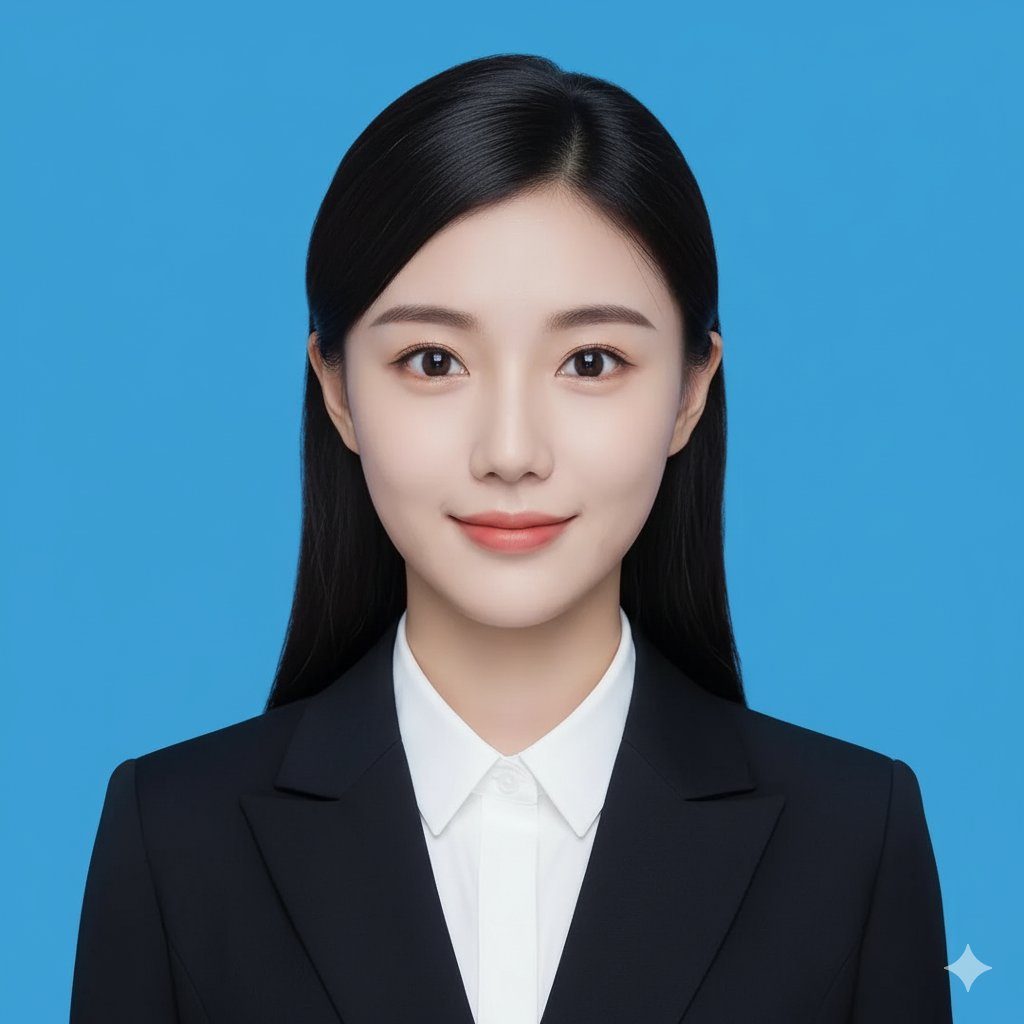
Case 63: Create an ID Photo(by @songguoxiansen)
| Input | Output |
|---|---|
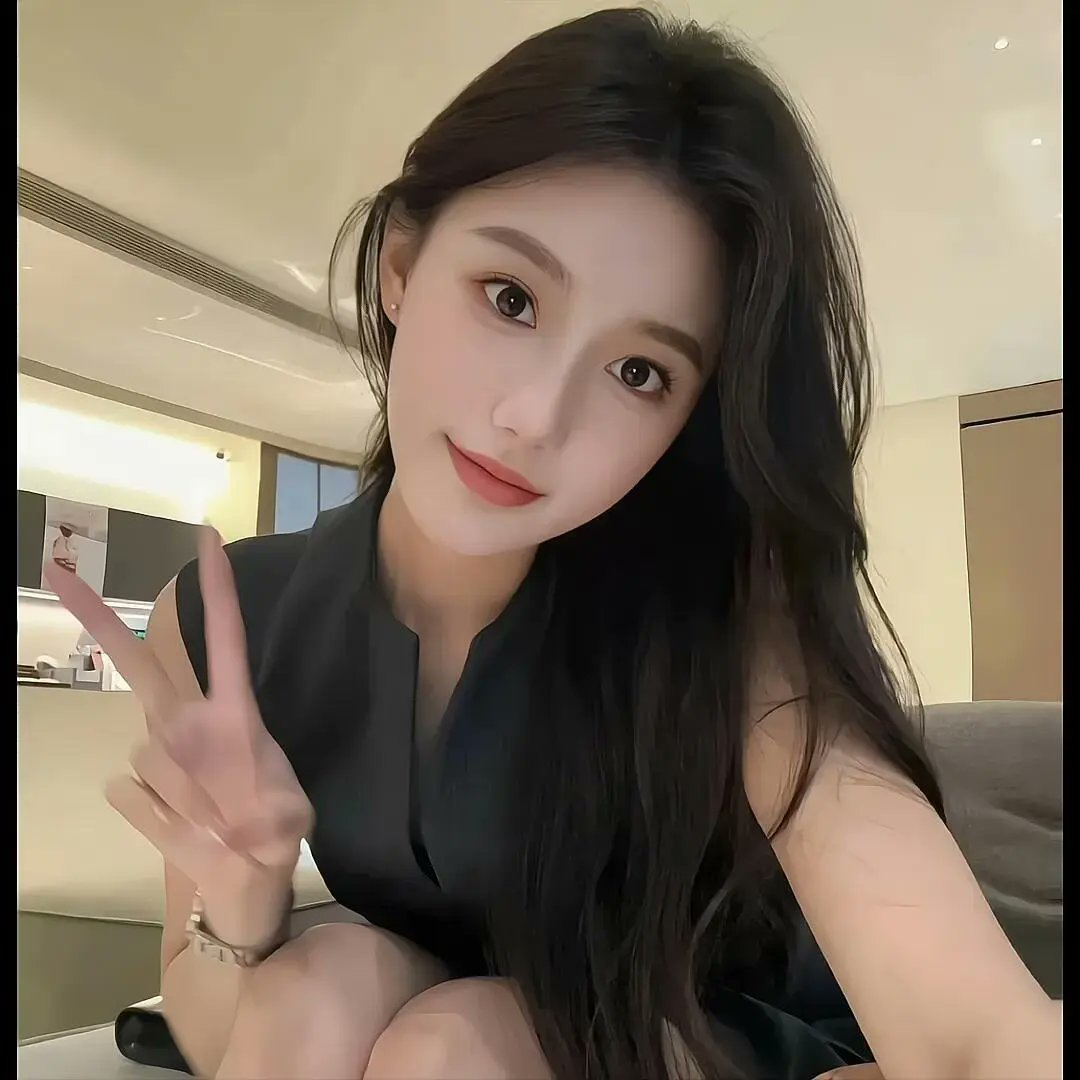 |  |
Input: Need to upload a portrait reference image
Prompt:
Crop the head and create a 2-inch ID photo with:
  1. Blue background
  2. Professional business attire
  3. Frontal face
  4. Slight smile
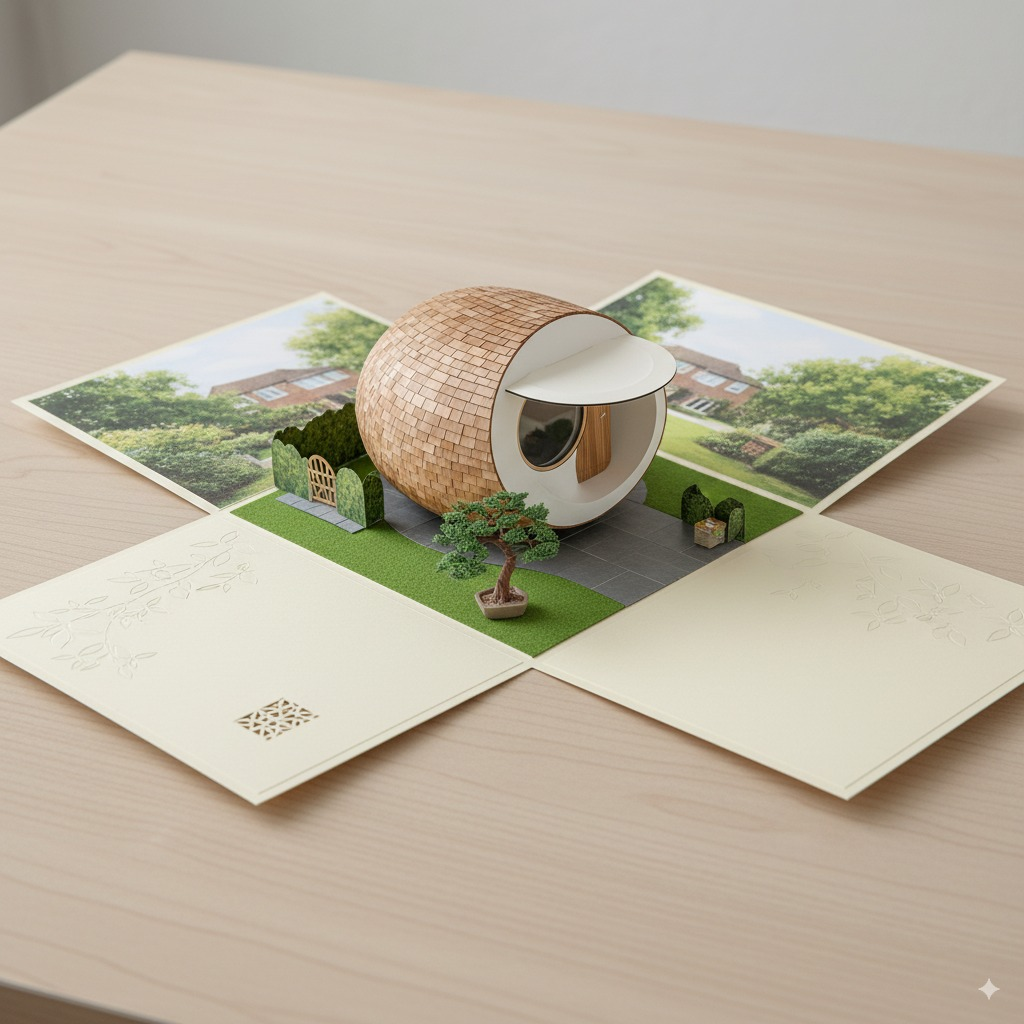
Case 64: Scene A6 Folding Card(by @Gdgtify)
| Input | Output |
|---|---|
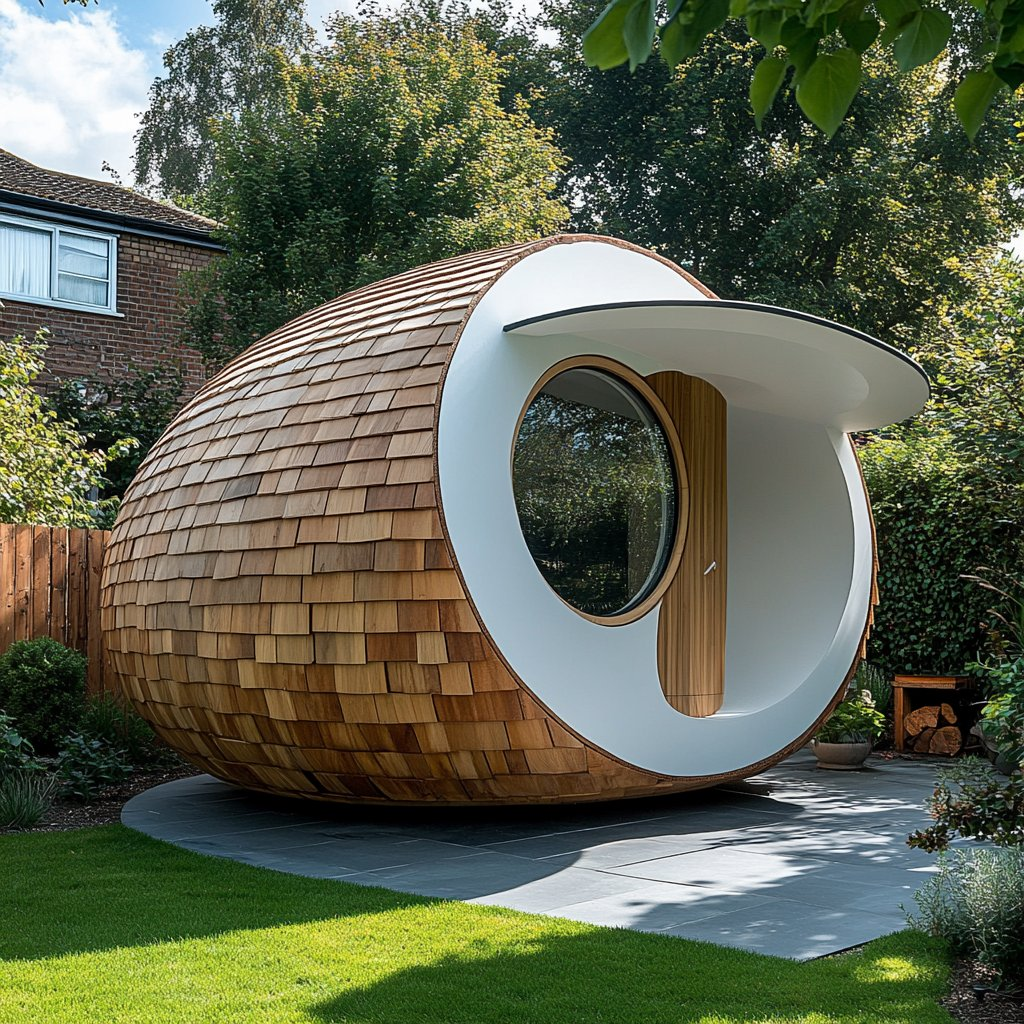 |  |
Input: Need to upload a reference image
Prompt:
Draw an A6 folding card: when opened, it reveals a complete 3D spherical tiny house with a miniature paper garden and a bonsai tree inside.
Case 65: Design a Chess Set(by @Gdgtify)
| Example |
|---|
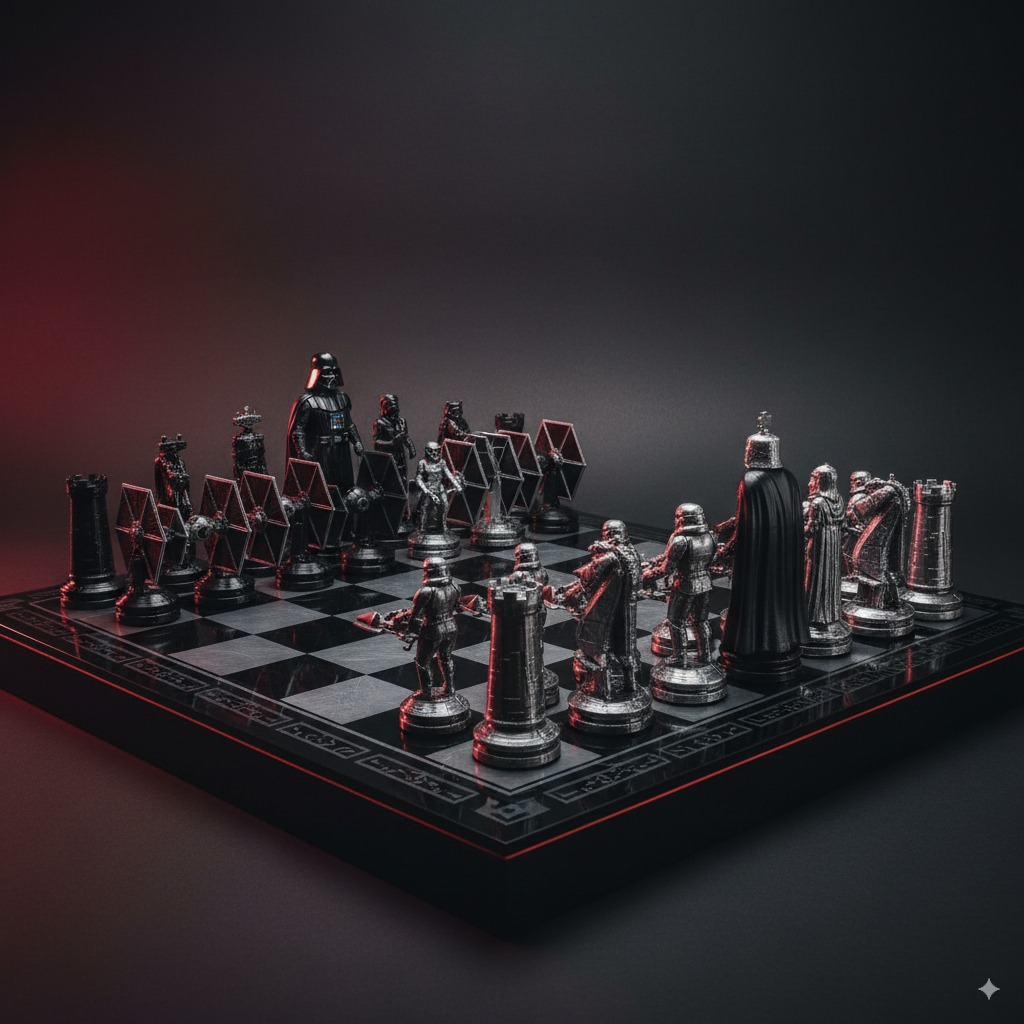 |
Input: Need to upload a reference image
Prompt:
Draw a chessboard and a set of 3D-printable chess pieces inspired by this image.
Case 66: Split-Contrast Style Photo(by @fofrAI)
| Example |
|---|
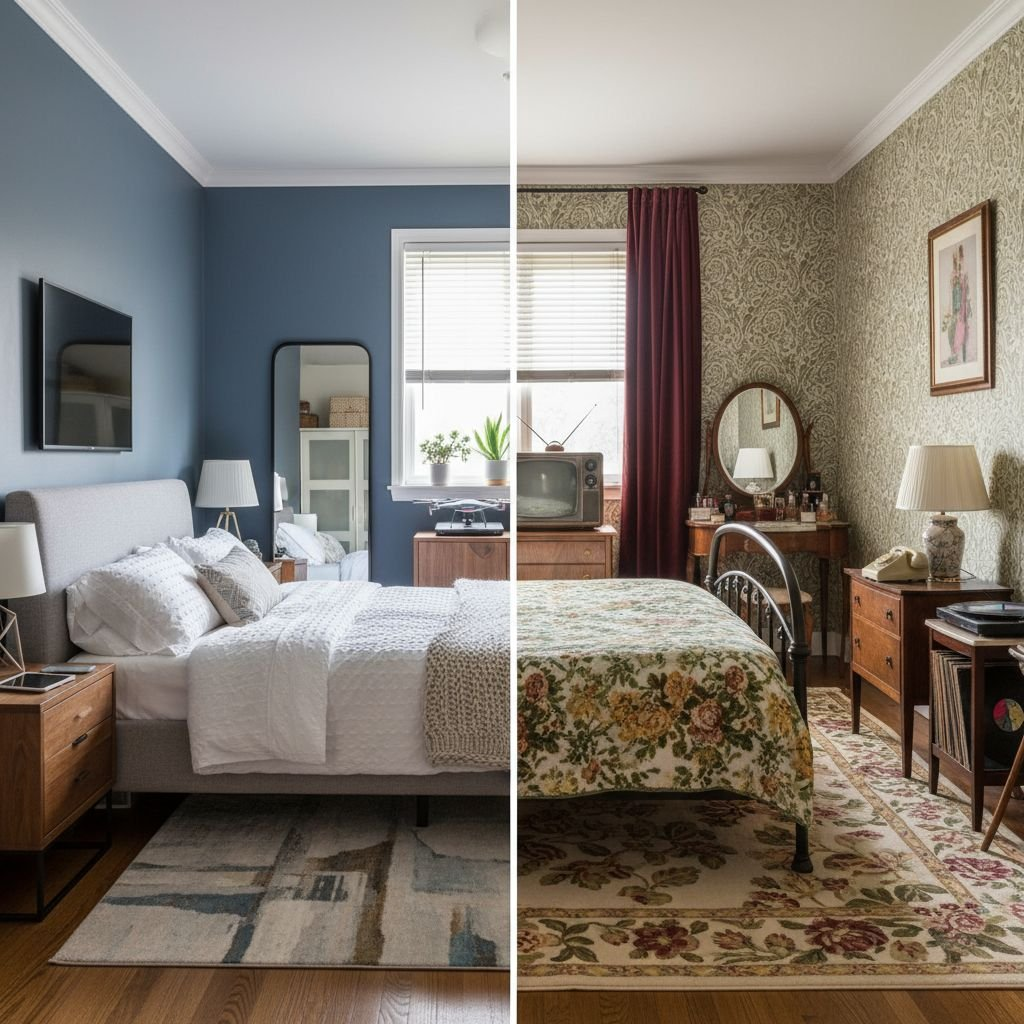 |
Prompt:
A photo of a bedroom split down the middle: the left side is 2018 and the right side is 1964, in the same room.
Case 67: Jewelry Collection Design(by @Gdgtify)
| Input | Output |
|---|---|
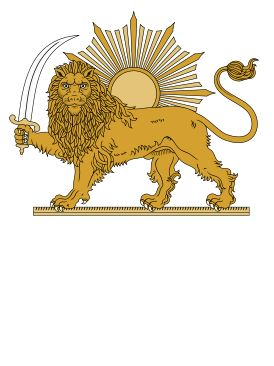 |  |
Input: Need to upload a reference image
Prompt:
Transform this image into a 5-piece jewelry collection.
Case 68: Merchandise Design(by @0xFramer)
| Input | Output |
|---|---|
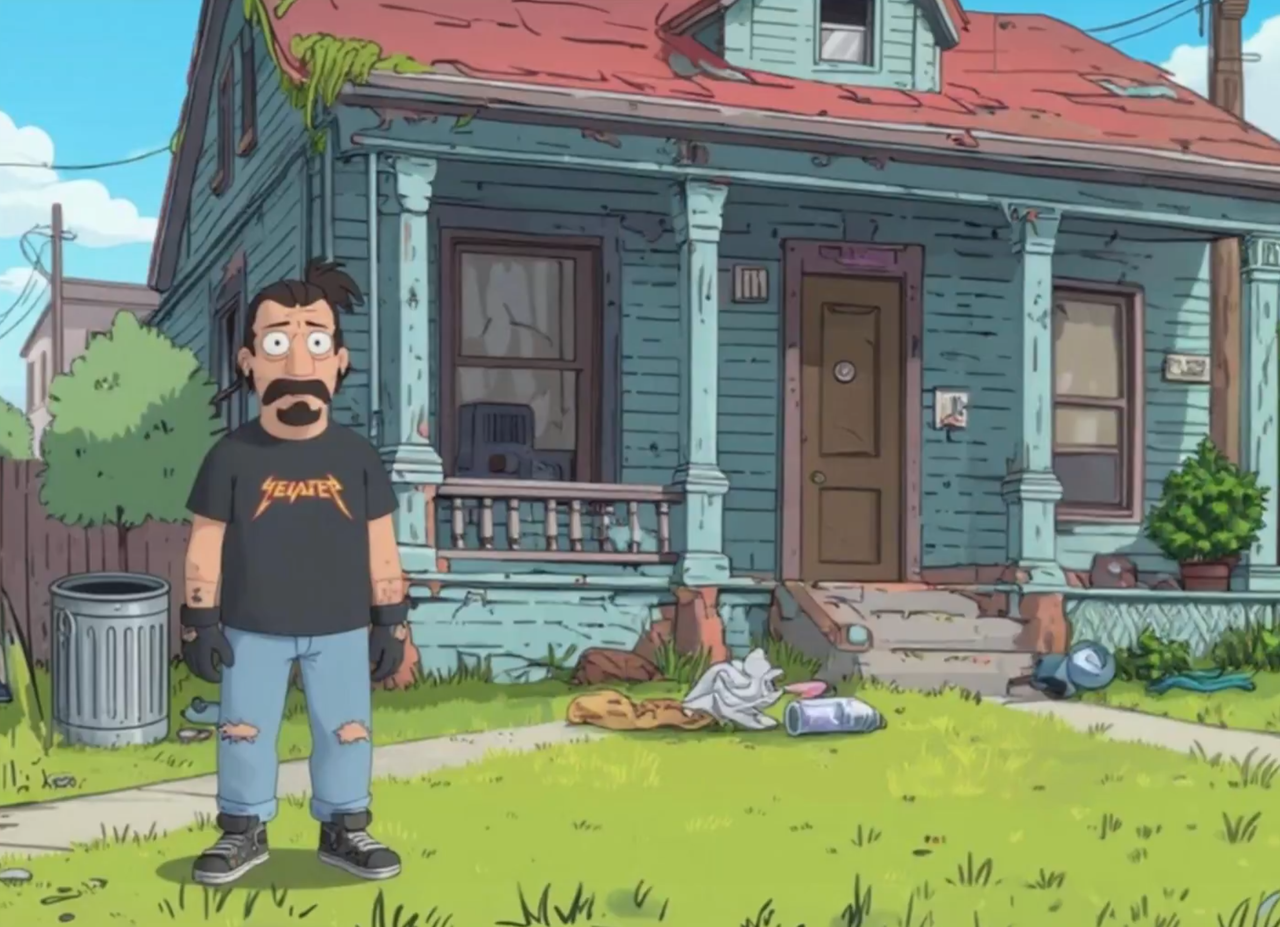 | 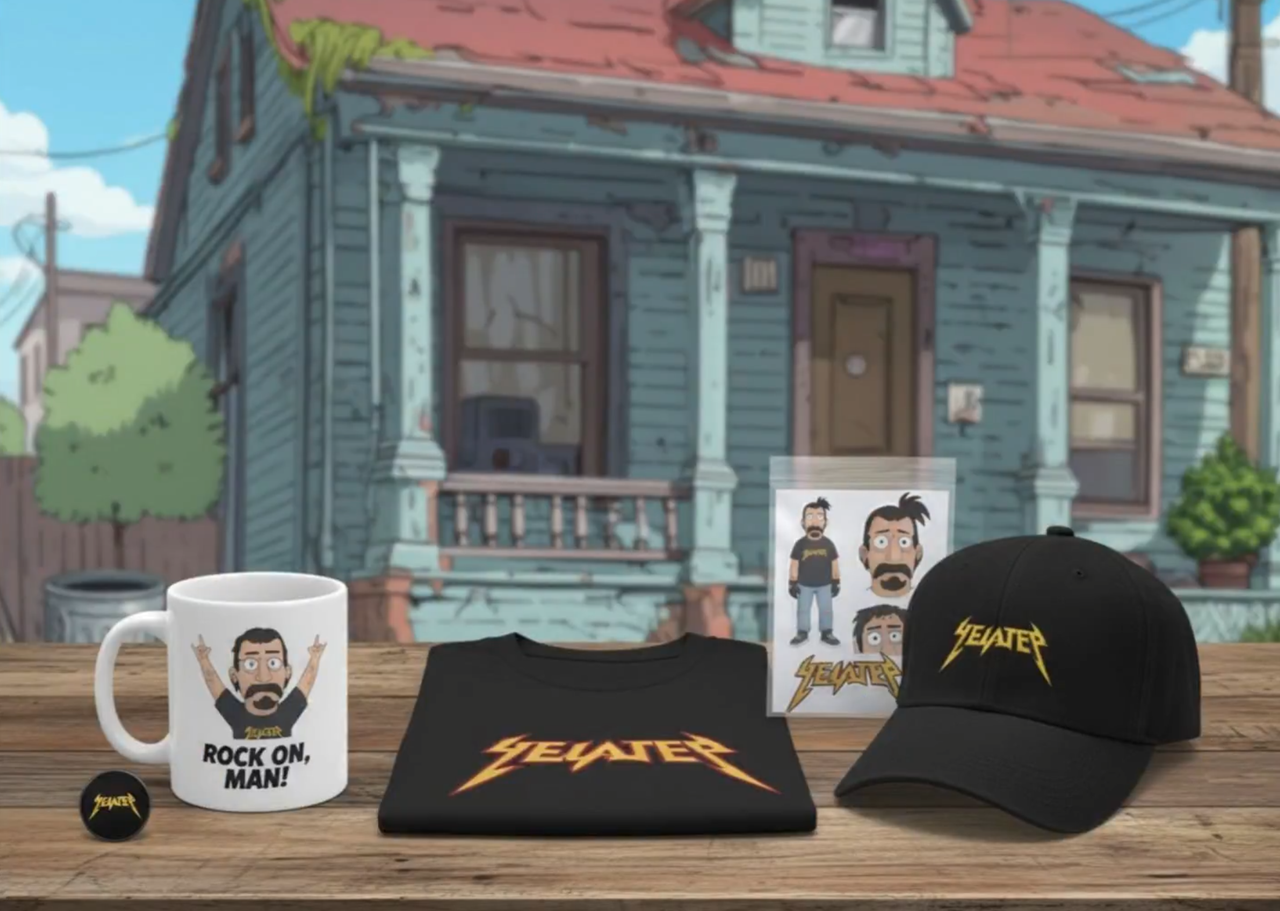 |
Input: Need to upload a reference image
Prompt:
Create merchandise using this character image.
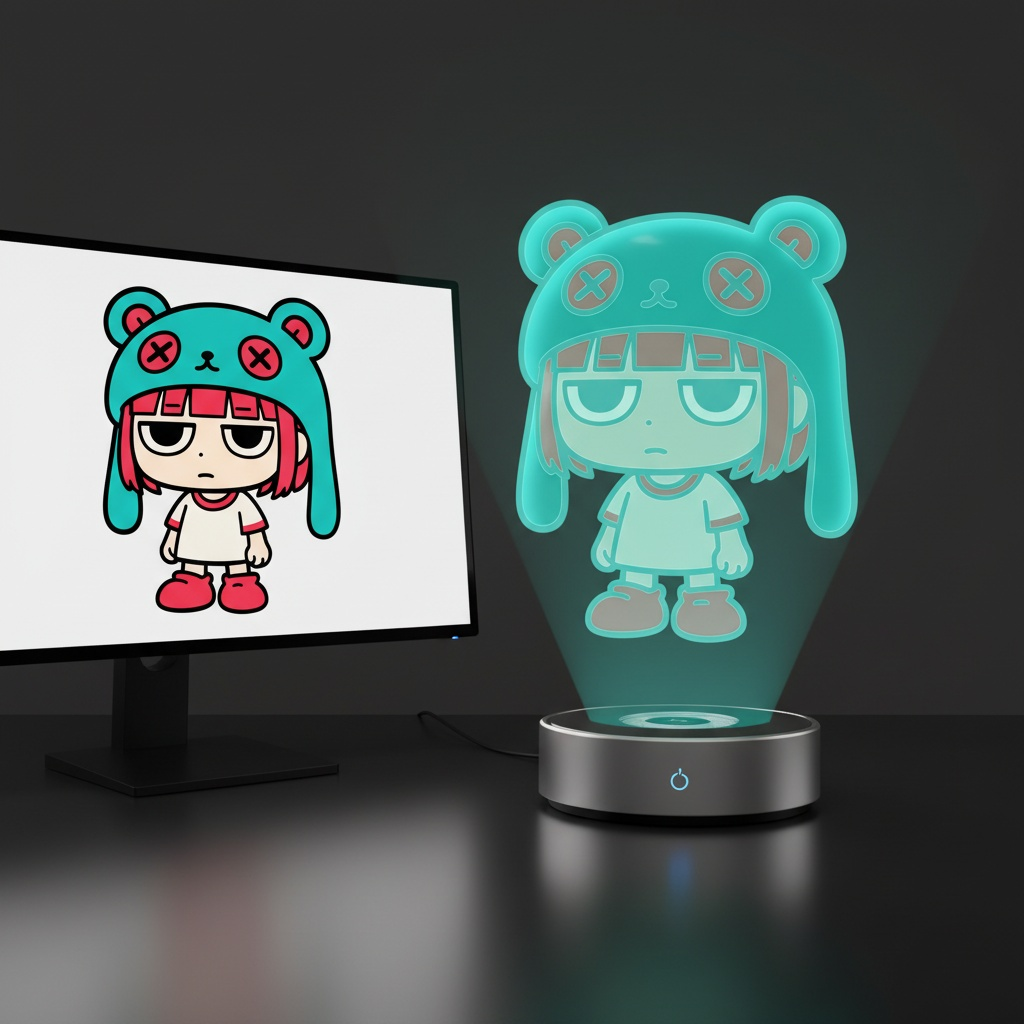
Example 69: Model Holographic Projection (by @UNIBRACITY)
| Output |
|---|
 |
Prompt:
Ultra-realistic product photo.
Subject: virtual holographic character [CHARACTER], floating above a circular hologram projector Ø120 mm placed on a modern desk.

Projection source rules:
- If input reference is a 3D object → show a desktop 3D scanner beside the projector.
  Place the reference object on the scanner plate.
  The hologram above the projector is generated from this scanned object.
- If input reference is a 2D image → show a modern PC with monitor on the desk.
  Display the reference image on the monitor screen.
  The hologram above the projector is generated from this screen content.

Hologram rendering rules:
- Character always appears as a semi-transparent volumetric image, background faintly visible through.
- No beams, no particles, no solid statue surfaces.
- Balanced anatomy (1/7–1/8 head-to-body ratio), correct proportions.
- Natural pose with clear silhouette.
- Hair, outfit folds, and accessories visible but translucent.
- Face crisp and expressive, readable at 1000 px crop.
- No copyrighted characters, no branded designs, no IP logos.

Environment: modern desk with projector base + conditional device (scanner or monitor).
Camera: 85–100 mm lens, 3/4 hero angle, eye-level, f/11–f/16, ISO100, tripod.
Lighting: desk softly illuminated; holographic figure defined only by volumetric light.
Background: seamless black studio with subtle reflections.

Output: 4:5, 2048×2560.

Negative: text-free, watermark-free, logo-free, brand-free, copyrighted characters, franchise IP, trademarked designs, resin, PVC, physical statue, opaque surfaces, toy gloss, beams, scanlines, dots, distortion, extra digits.
Sampling: deterministic, seed=12345, temperature=0.
[!NOTE] Replace the text inside [brackets] with your input character
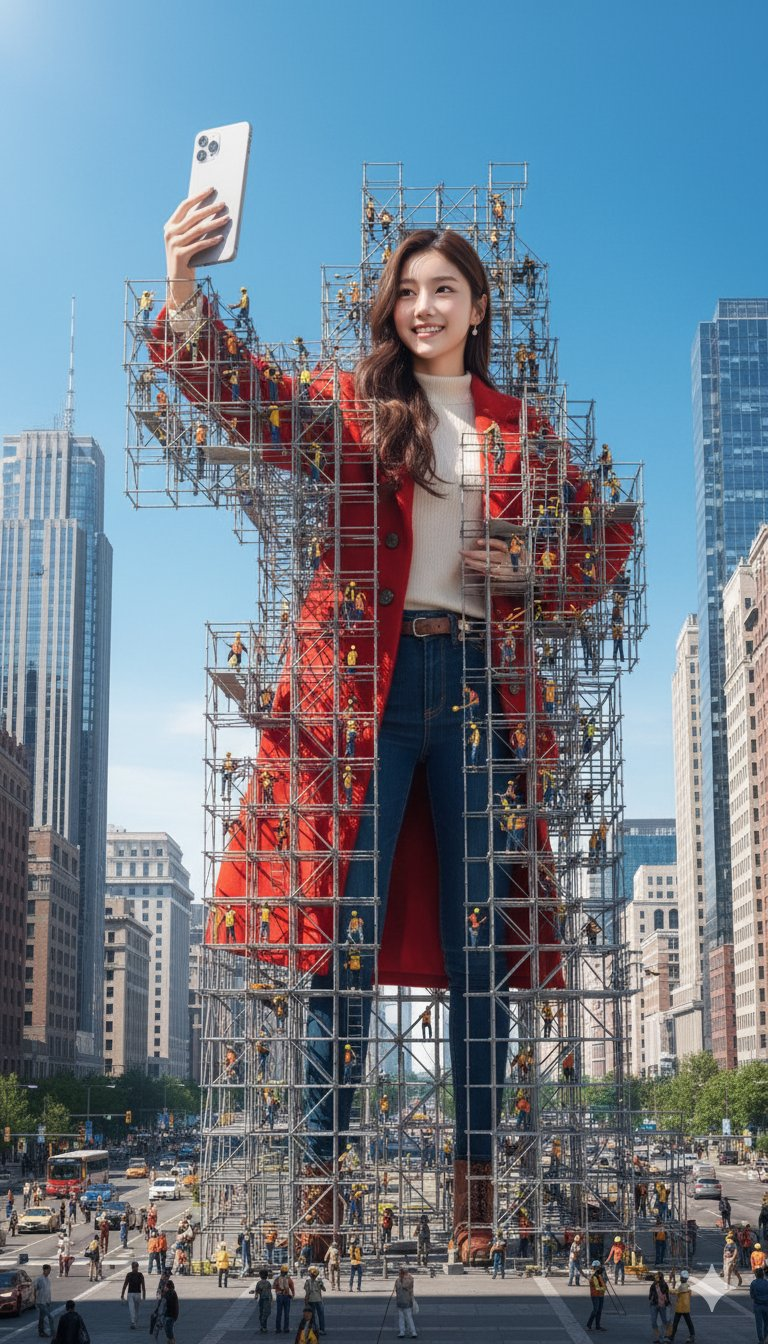
Example 70: Giant Figure Scaffolding (by @songguoxiansen)
| Input | Output |
|---|---|
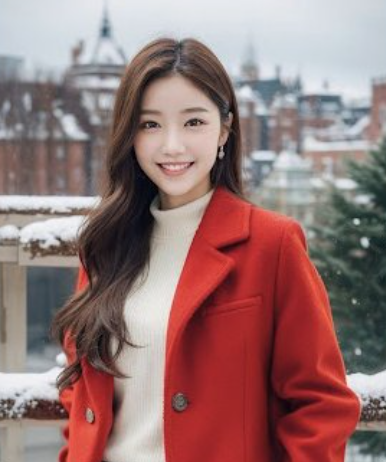 |  |
Input: A reference photo of a person must be uploaded.
Prompt:
A hyper-realistic 3D render of the person in the image standing and taking a selfie.
The giant figure is surrounded by massive scaffolding, with many tiny construction workers working on it.
The scene is set in a city square, surrounded by modern buildings, moving vehicles (cars, buses), pedestrians,
and a bright clear blue sky. The overall details are rich, presenting a photo-realistic texture with cinematic lighting effects.
Example 71: Building Extraction from Remote Sensing Image (by @lehua555)
| Input | Output |
|---|---|
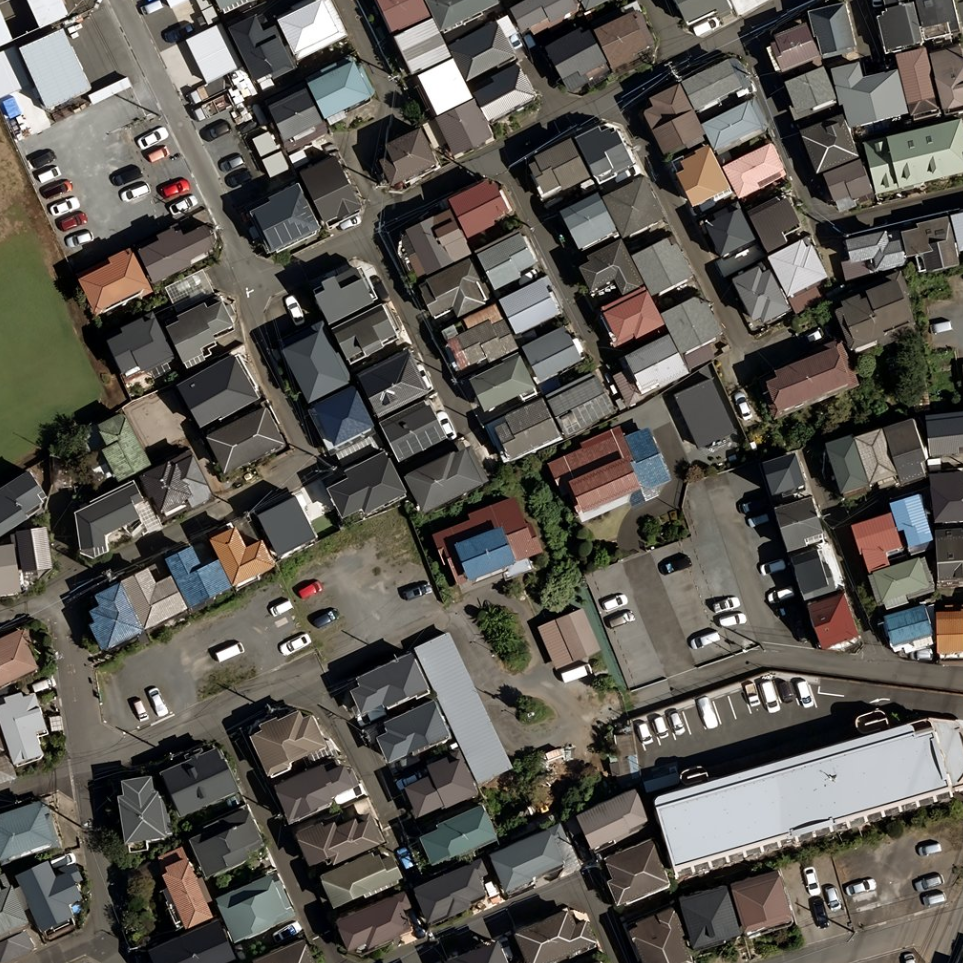 |  |
Input: A remote sensing image must be uploaded.
Prompt:
Remove everything in the image except the buildings.
Example 72: Component Extraction (by @tetumemo)
| Input | Output |
|---|---|
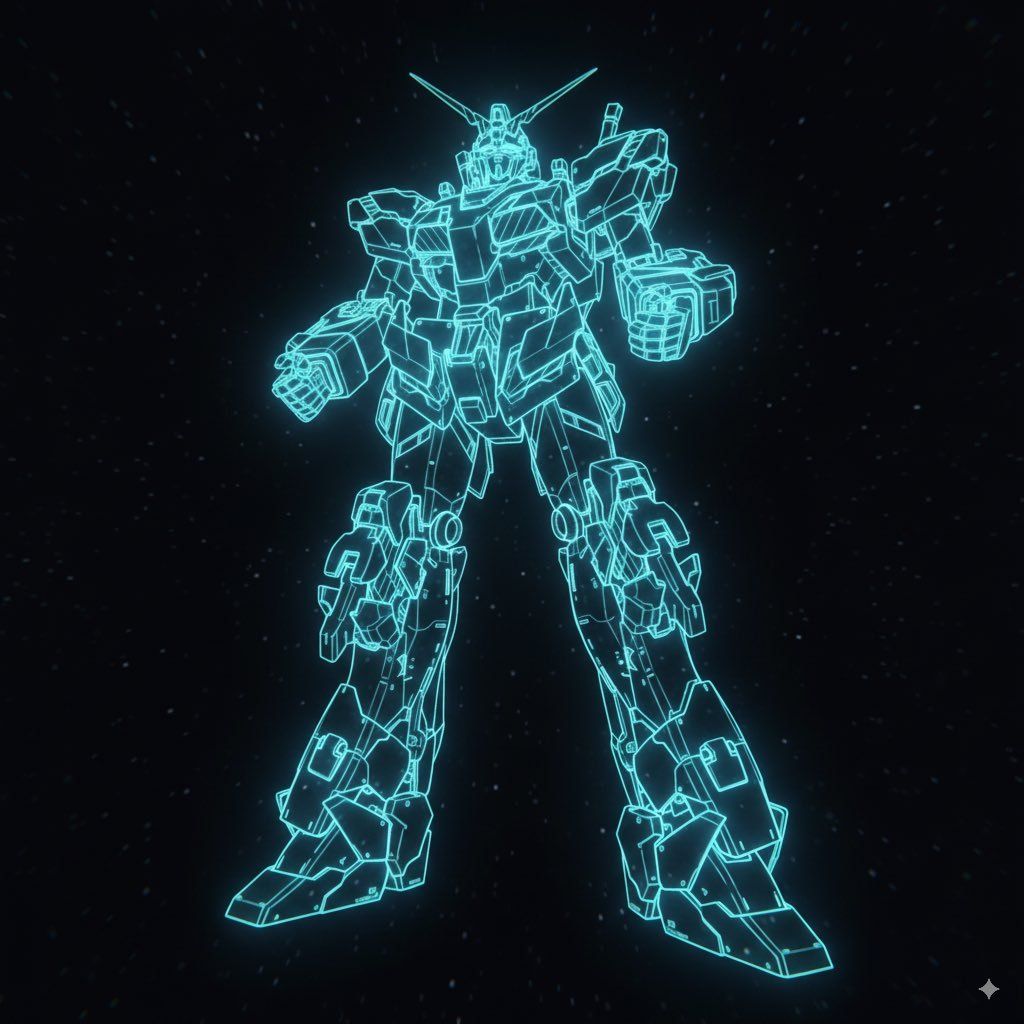 |  |
Input: An image of a model must be uploaded.
Prompt:
Cut out each component and create a model sheet that retains the hologram.
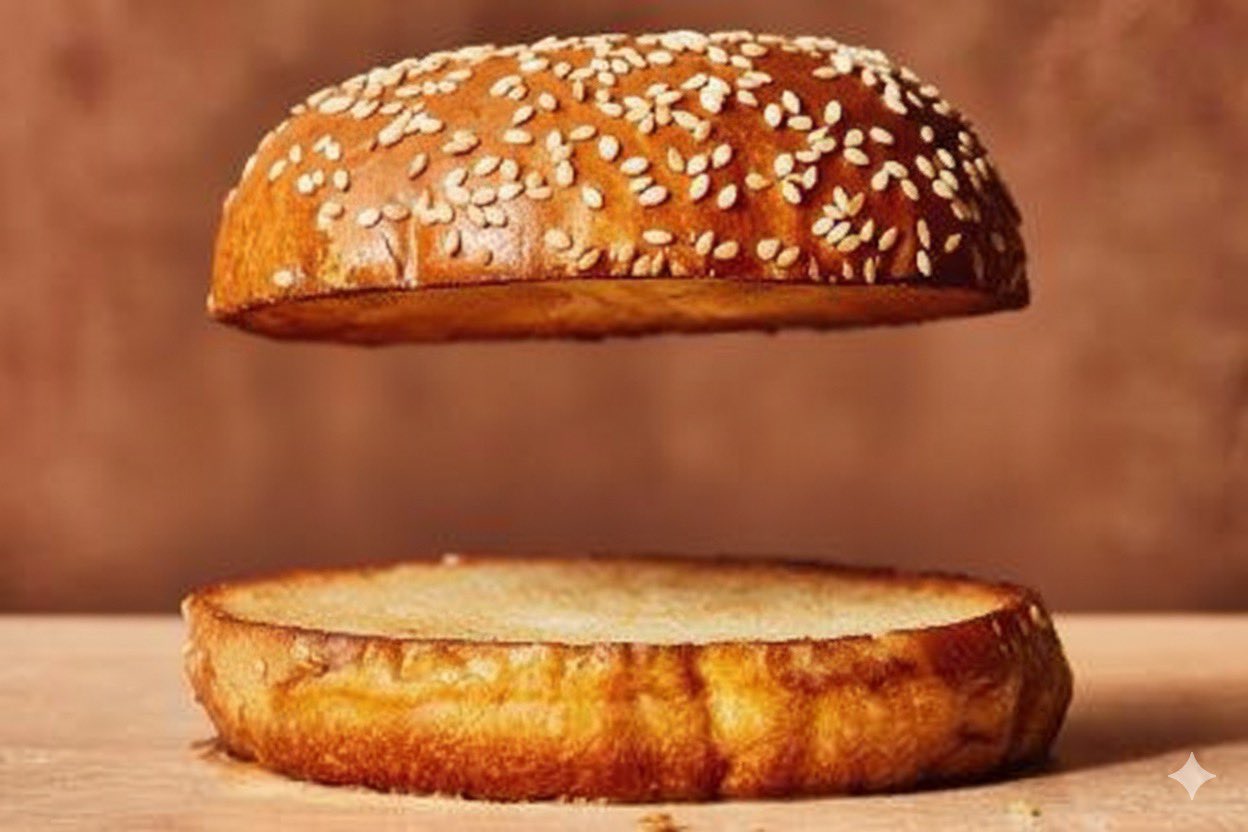
Example 73: Remove Burger Ingredients (by @bind_lux, case provided by @jeanlucaslima)
| Input | Output |
|---|---|
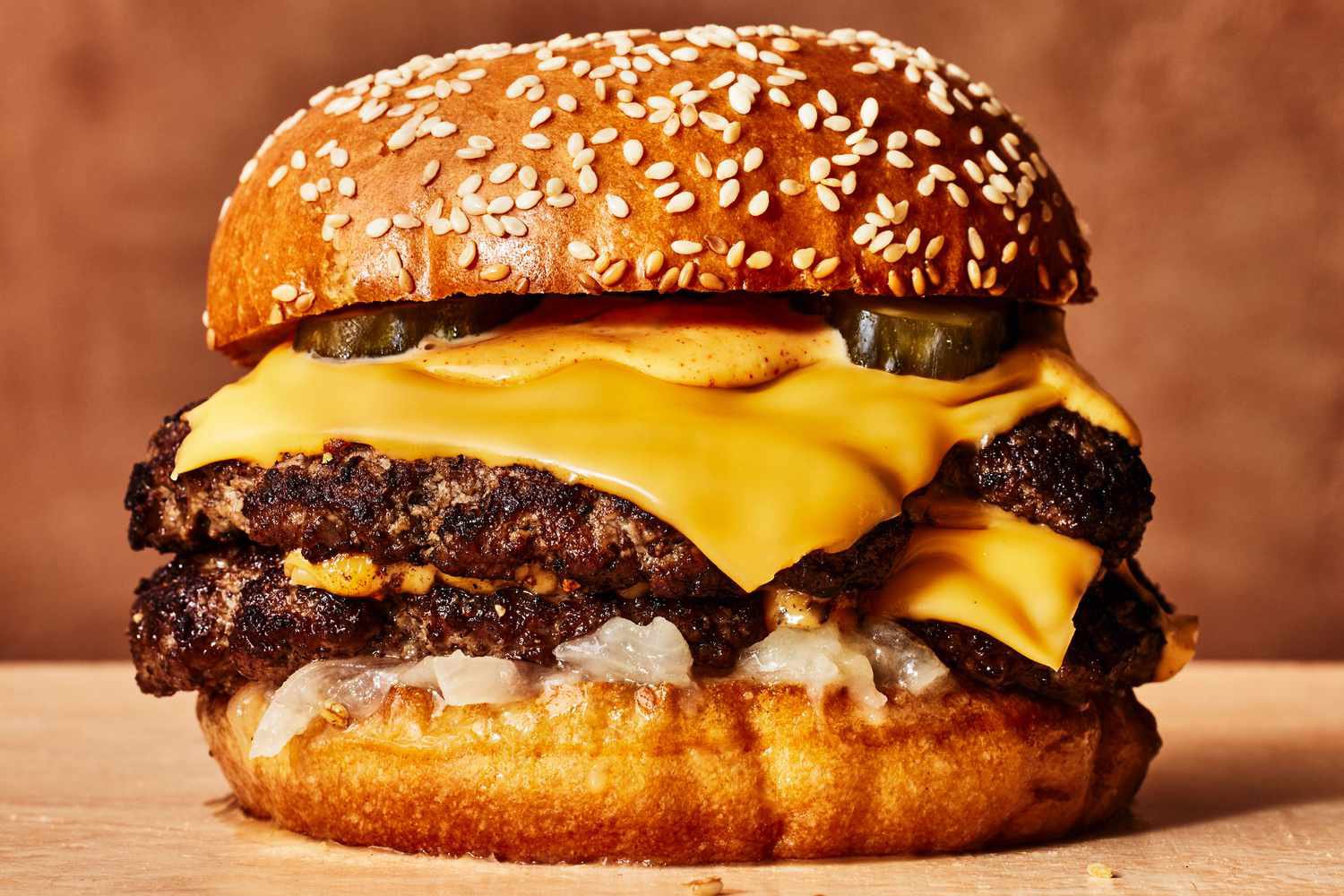 |  |
Input: An image of a burger must be uploaded.
Prompt:
Remove all the ingredients from the burger and keep only the top and bottom buns. Leave a gap between them, keeping the same spacing as if the fillings were still inside.
Example 74: High-Resolution Image Restoration (by @op7418)
| Input | Output |
|---|---|
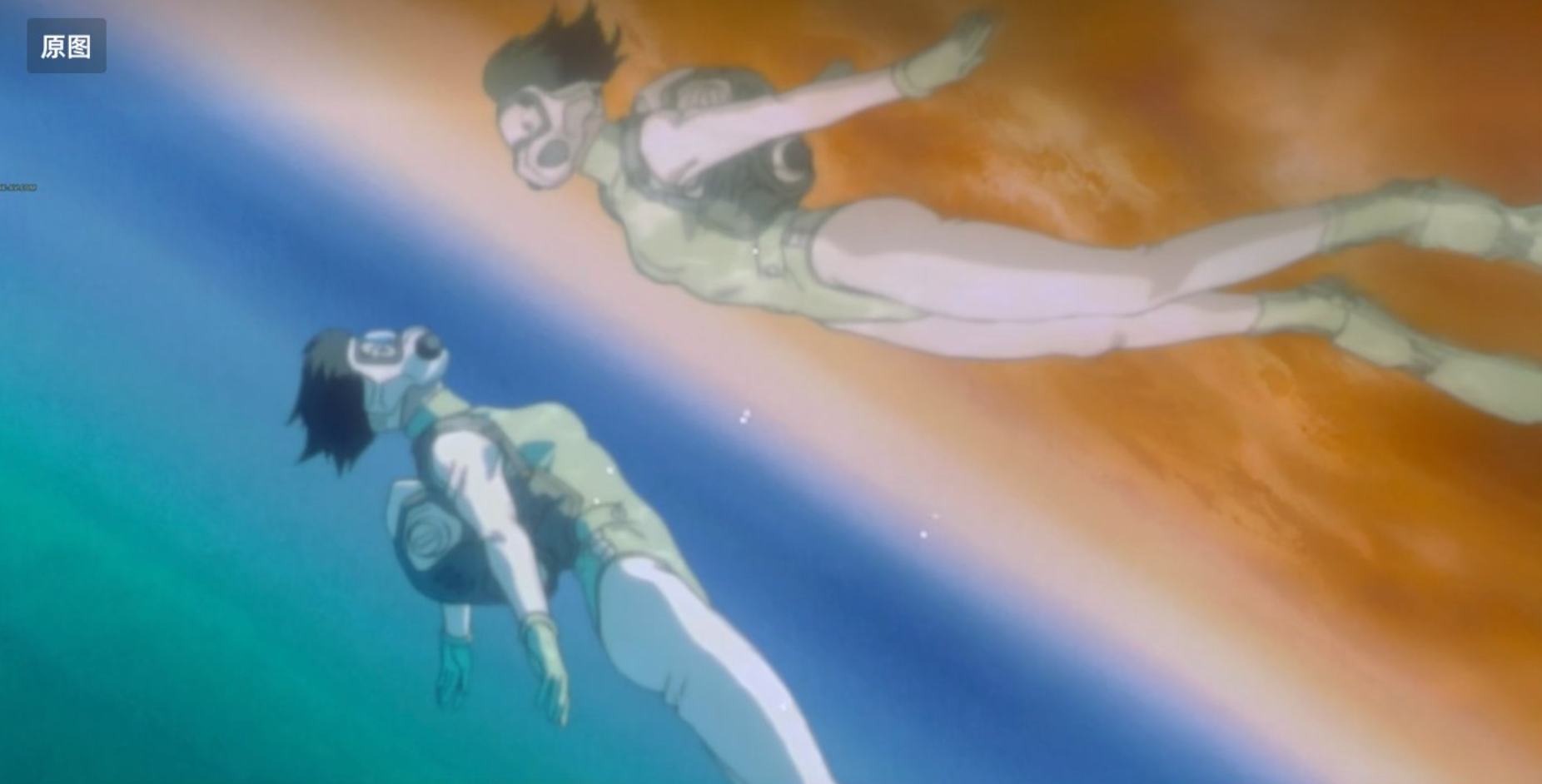 | 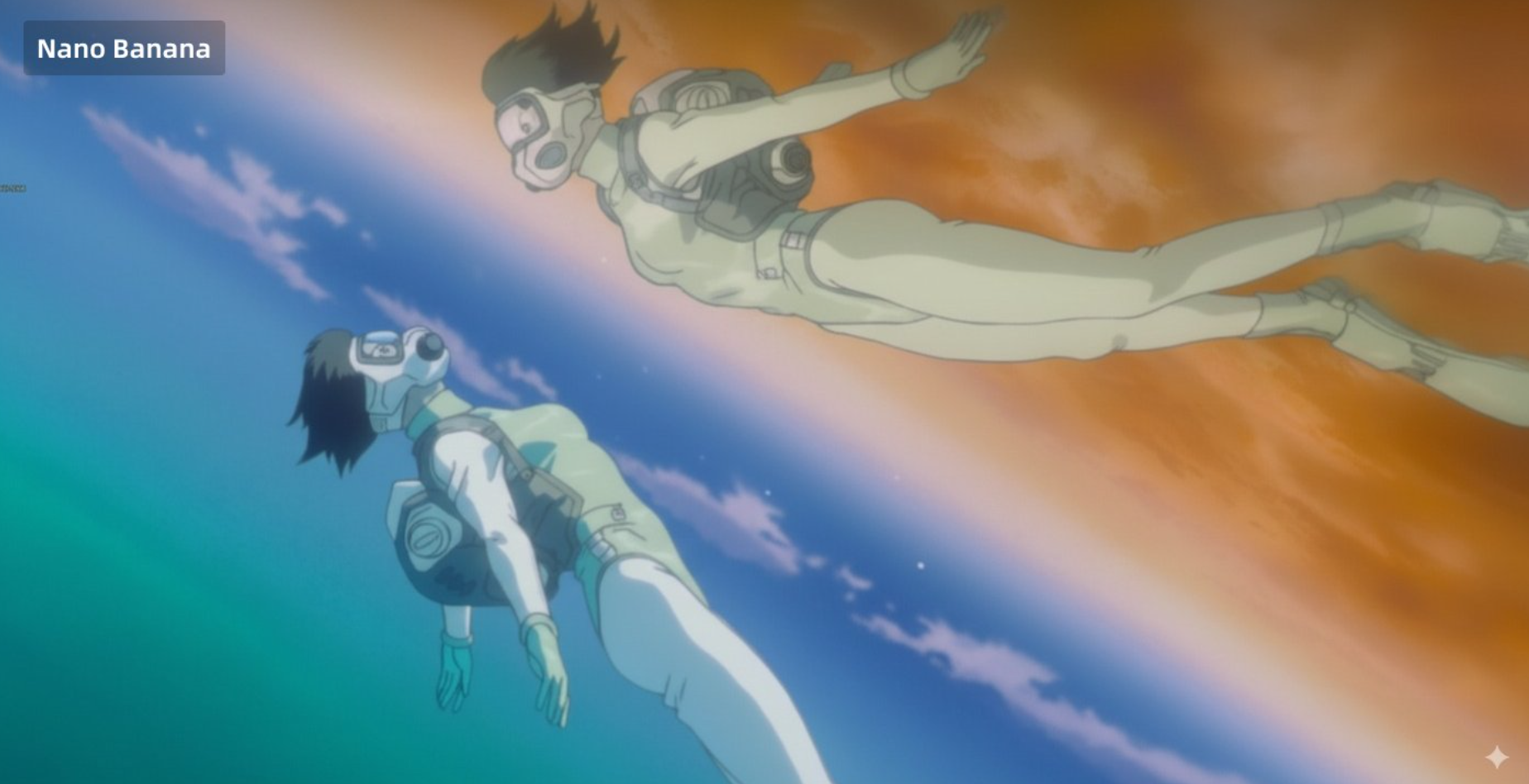 |
Input: A reference image must be uploaded.
Prompt:
Enhance the resolution of this old image and add the appropriate texture details, reinterpreting it with modern anime techniques.
Example 75: Generate Miniature Scene from Image (by @techhalla)
| Input | Output |
|---|---|
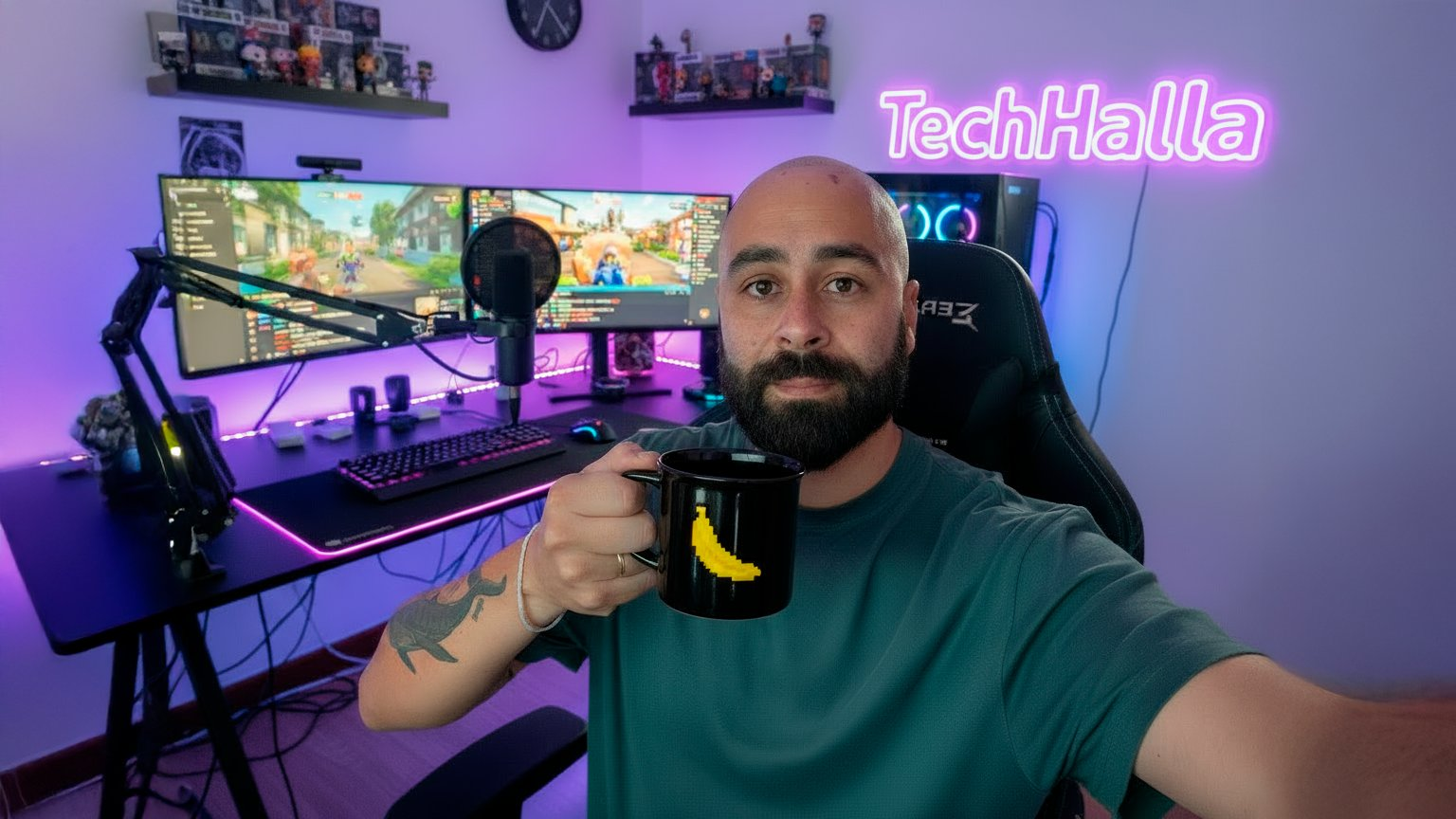 | 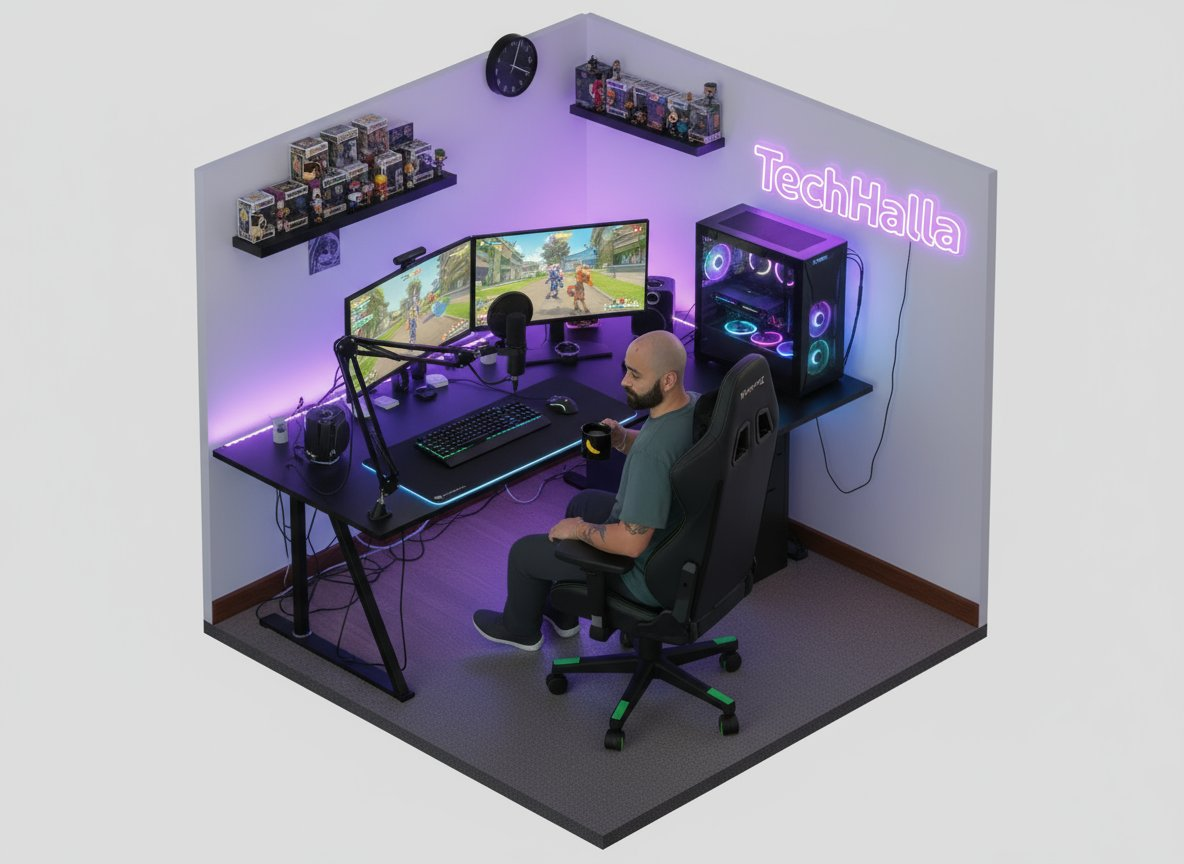 |
Input: A reference image must be uploaded.
Prompt:
Convert the image to isometric view
Example 76: Educational Comic (by @op7418)
| Output |
|---|
 |
Prompt:
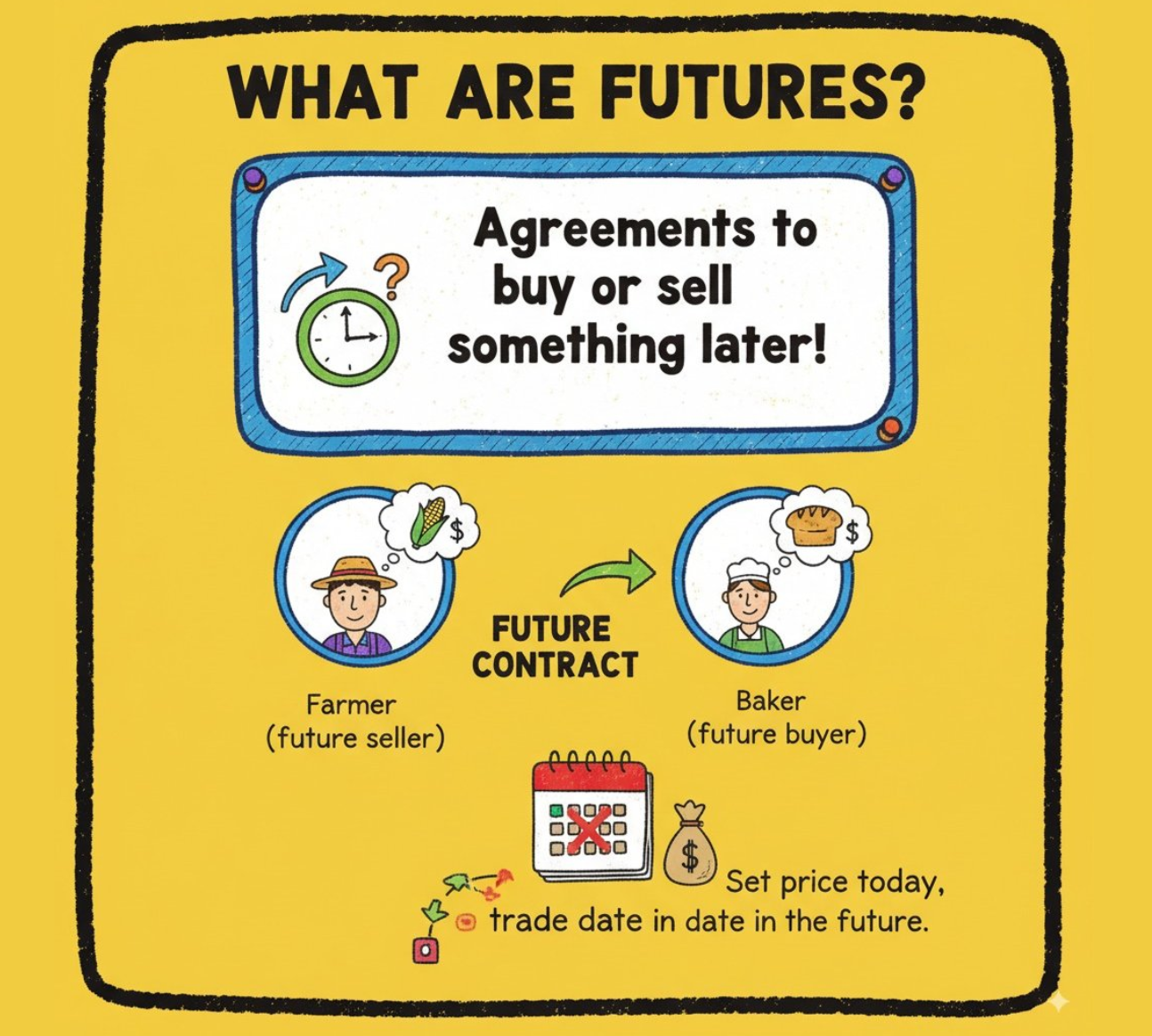
Help me generate multiple 16:9 doodle-style images to explain the concept of "futures" to middle school students. The images should have a consistent colorful, thick-pencil hand-drawn style, be rich in information, feature English text, use solid color backgrounds, have outlines around the cards, and include uniform titles, similar to a PowerPoint presentation.
Example 77: Custom Character Emoji Pack Generation (by @vista8)
| Input | Output |
|---|---|
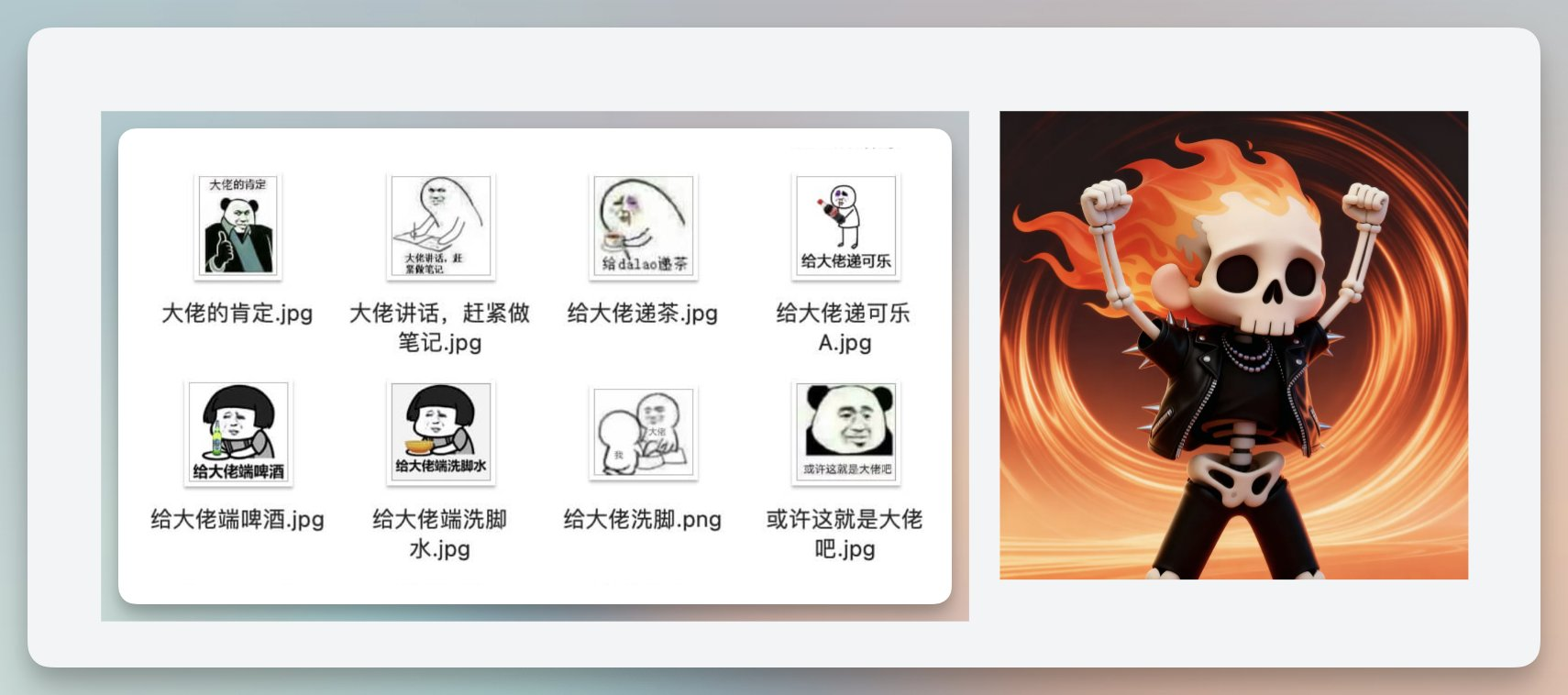 |  |
Input: A reference image must be uploaded.
Prompt:
Using the character from Image 2, generate [x] emoji stickers based on various poses from Image 1.
[!NOTE]
Replace the text inside [brackets] with the desired number of emoji stickers
Example 78: Restore Partially Eaten Food (by @googlejapan)
| Input | Output |
|---|---|
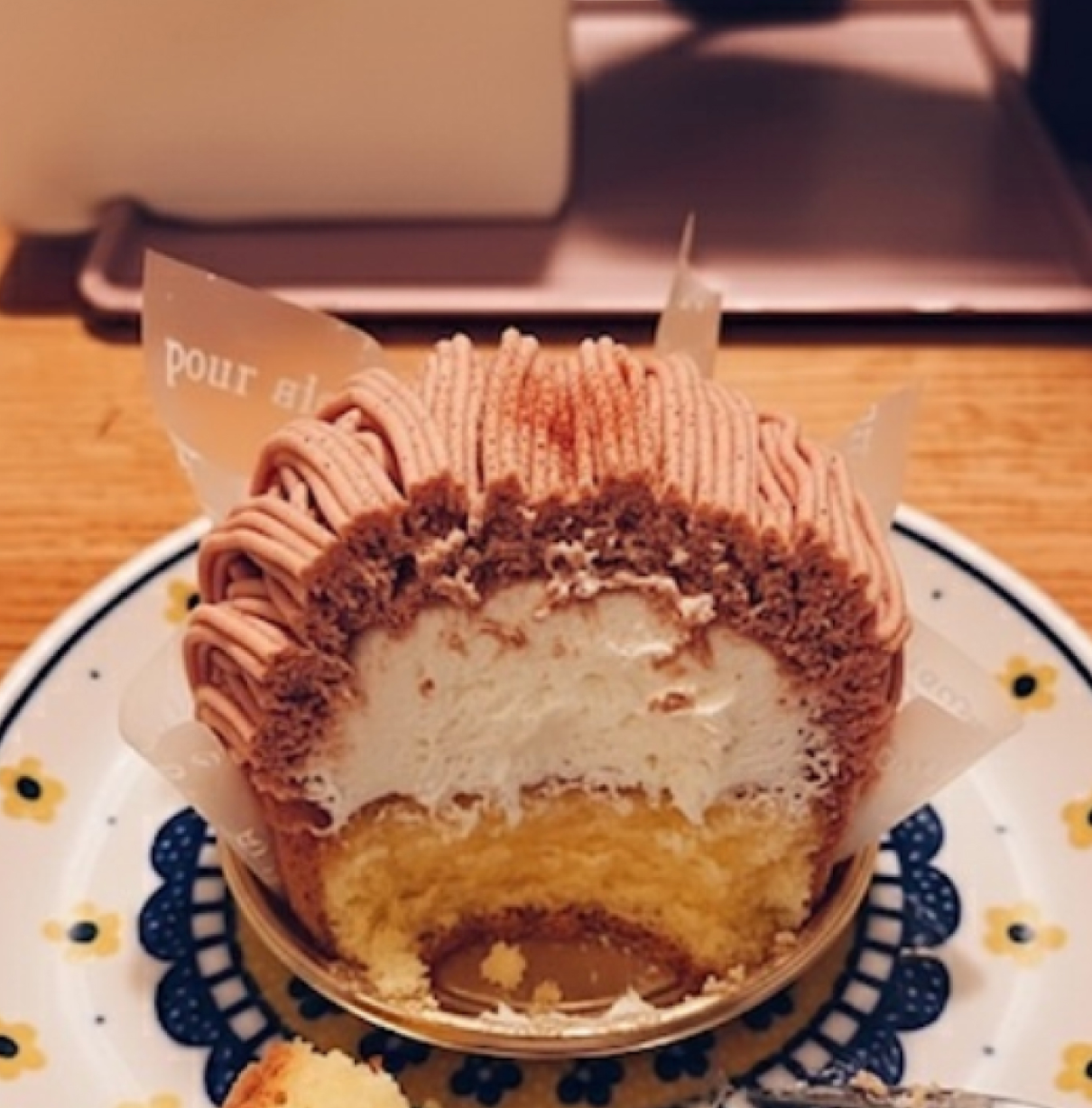 |  |
Input: A reference image must be uploaded.
Prompt:
Restore this half-eaten [XX] back to its original uneaten state.
[!NOTE]
Replace the text inside [brackets] with the name of the food
Example 79: Fighting Game Interface Creation (by @NanoBanana_labs)
| Input | Output |
|---|---|
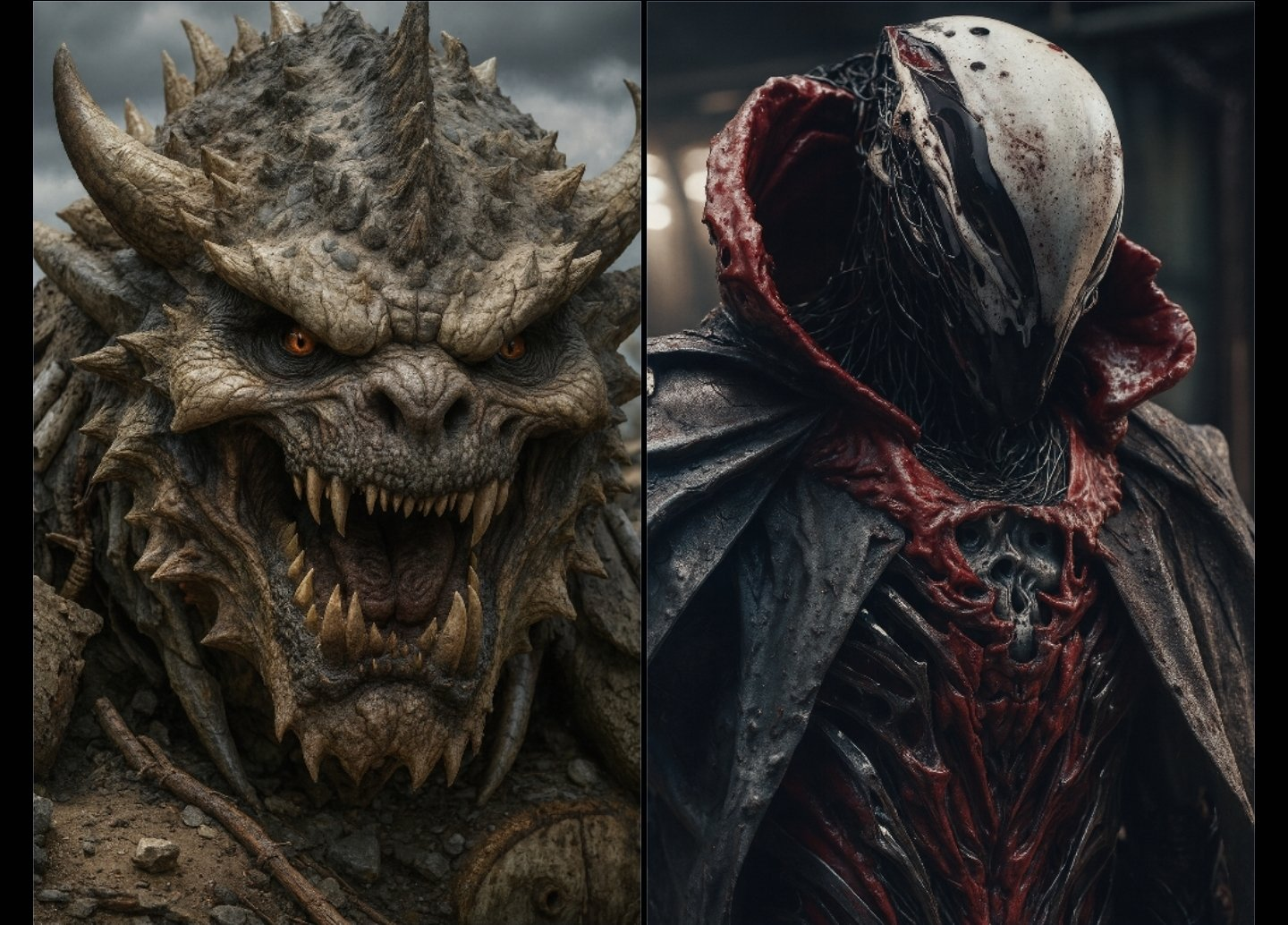 | 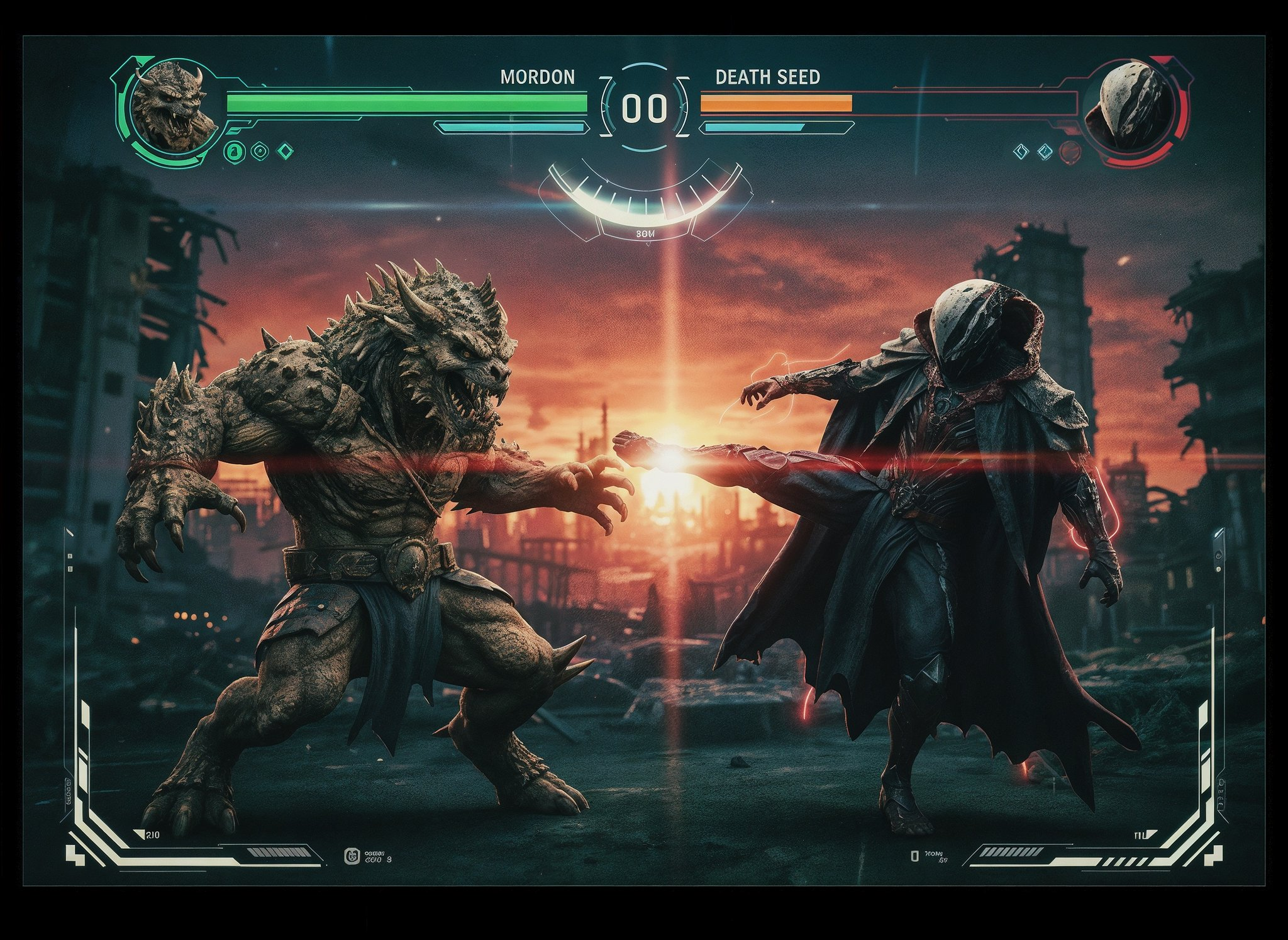 |
Input: A reference image must be uploaded.
Prompt:
Create a mid motion actionscene where both subject are in focuswith aThree-Quarter Angle in martial artsfighting stances. They are in the samecinematic scene. Remove the line downthe centre with a blurred crumbling ruins ina purple alien world in the background. Thescene is shot at sunrise. Modern Fightinggame health bars MORDON V'S DEATHSEED. power move. Hud style screeneffects.Add a thumbnail of each characterto the health bars. ense flares!
Example 80: Model Cross-Section (by @old_pgmrs_will)
| Input | Output |
|---|---|
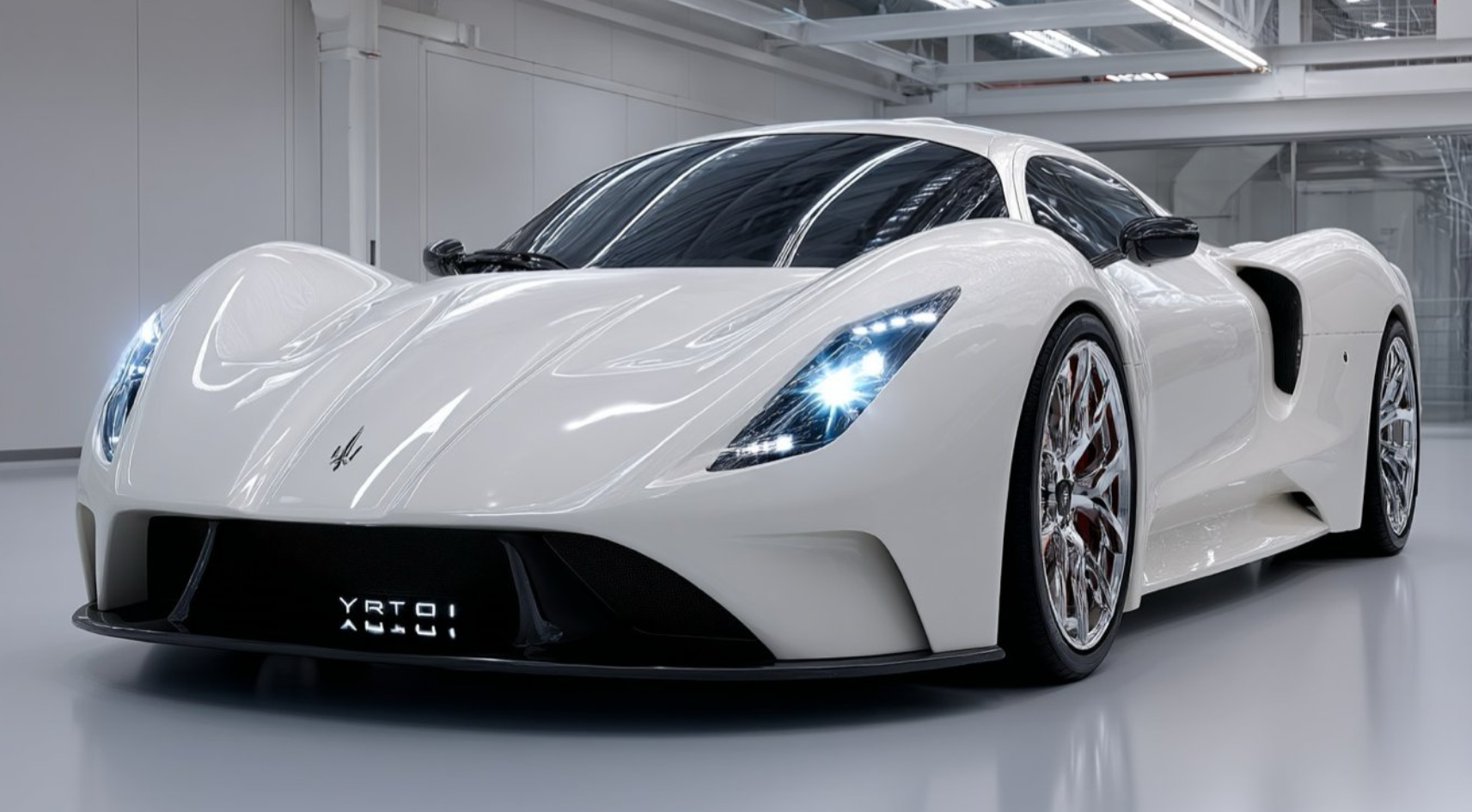 | 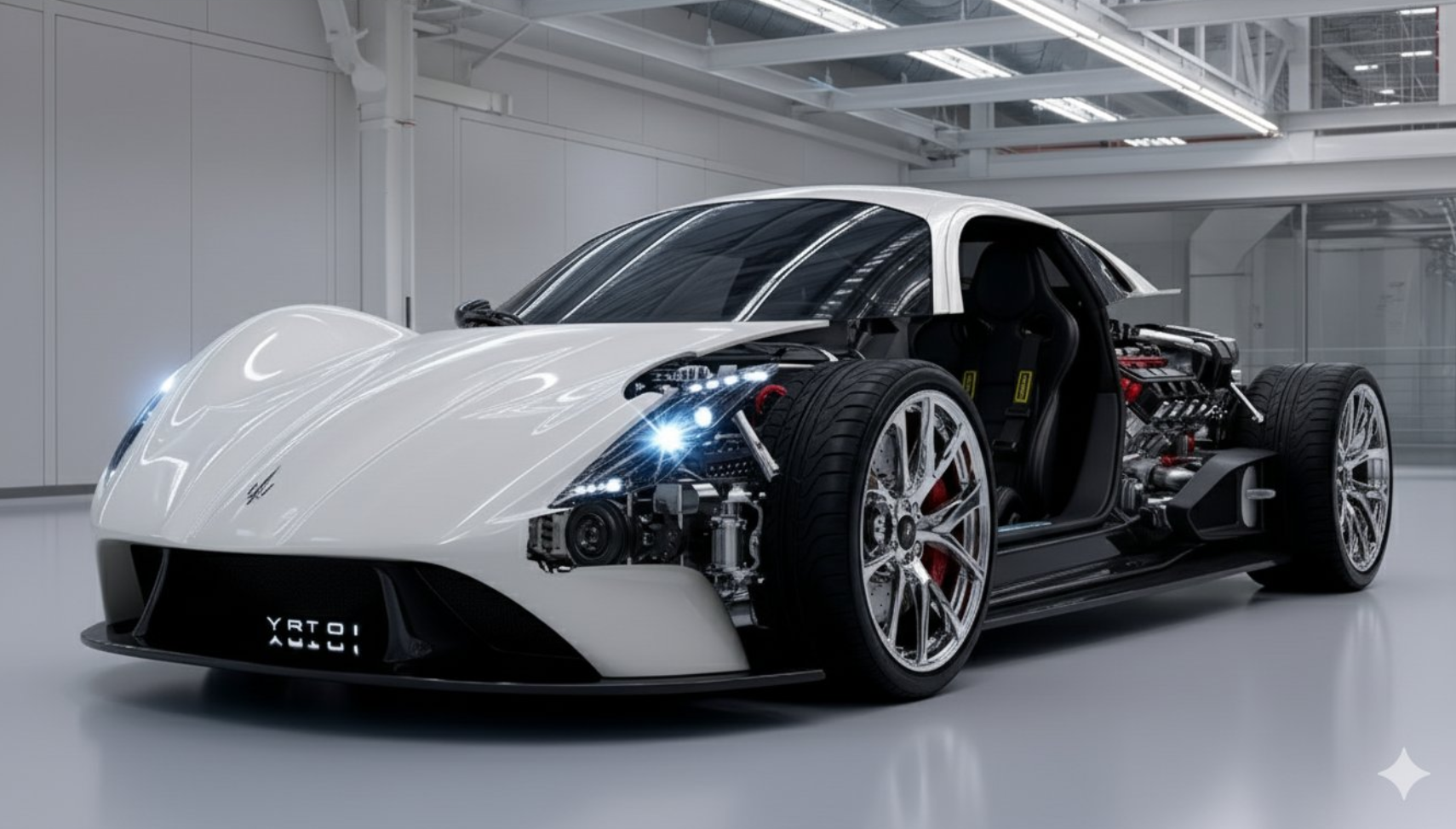 |
Input: A reference image must be uploaded.
Prompt:
Create a cutaway visualization of this car, show exterior intact on one side, and interior engine + seats exposed on the other side. Keep proportions accurate and details realistic.
Example 81: Pirate Wanted Poster (by @AI_Kei75)
| Input | Output |
|---|---|
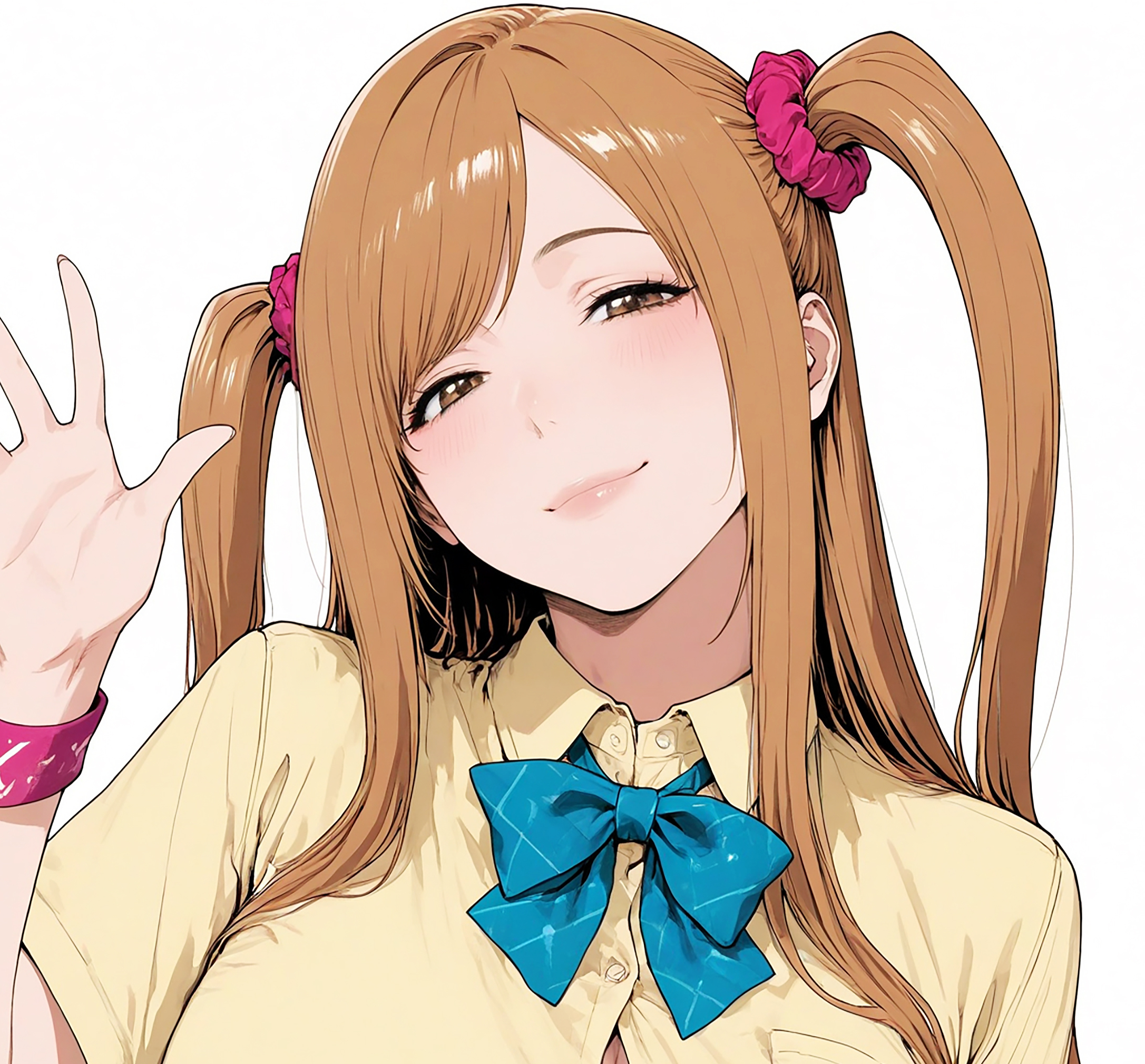 |  |
Input: A reference image must be uploaded.
Prompt:
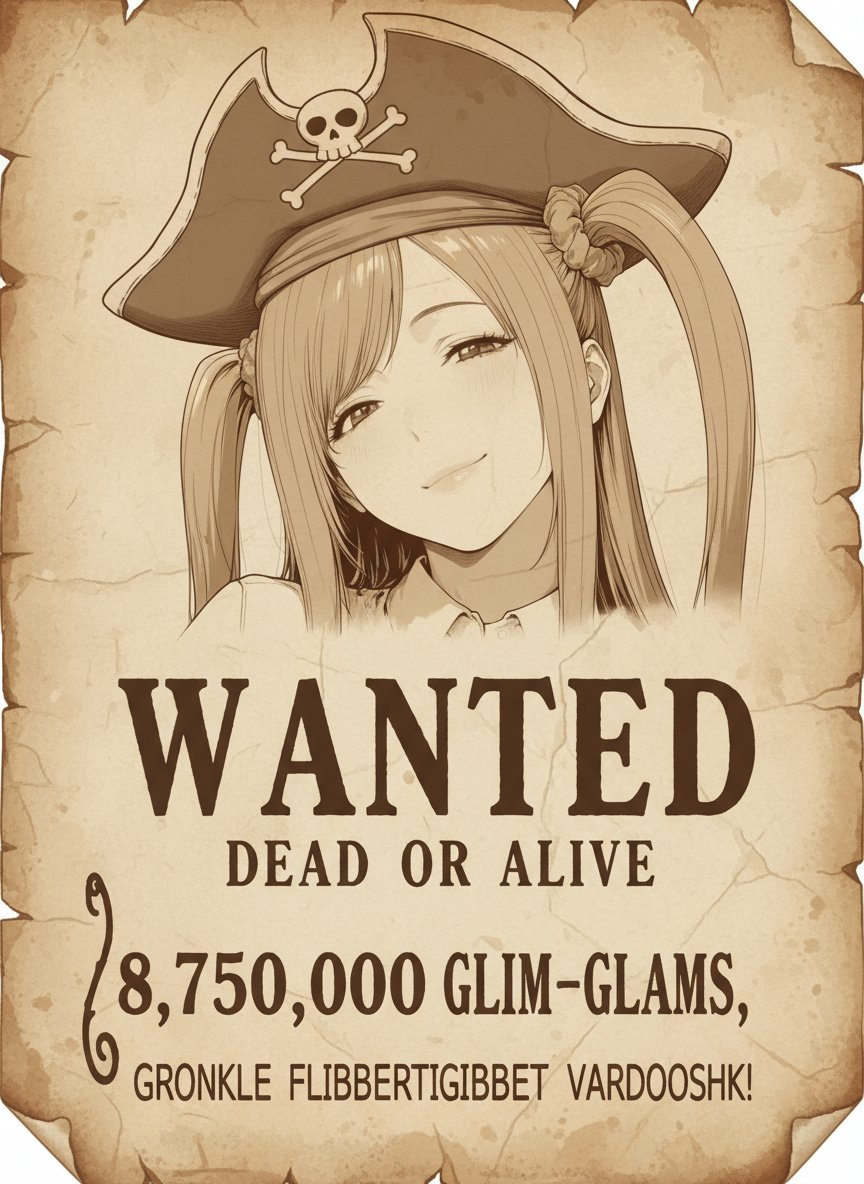
Using the original image, recreate a pirate's wanted poster drawn on parchment.
Brown monochrome, with the texture of aged parchment.
Retain the style and character design of the original image down to the smallest detail, and paste it large at the top of the wanted poster.
A close-up of the face. Have the character wear a pirate hat.
Write the bounty amount at the bottom of the poster. The bounty amount will be random, and a fictitious currency unit will be used.
Below the bounty amount, write the crime in small letters. Use a fictitious language. English or Chinese characters may not be used.
Example 82: Merchandise Display Shelf (by @tokyo_Valentine)
| Input | Output |
|---|---|
 |  |
Input: A reference image must be uploaded.
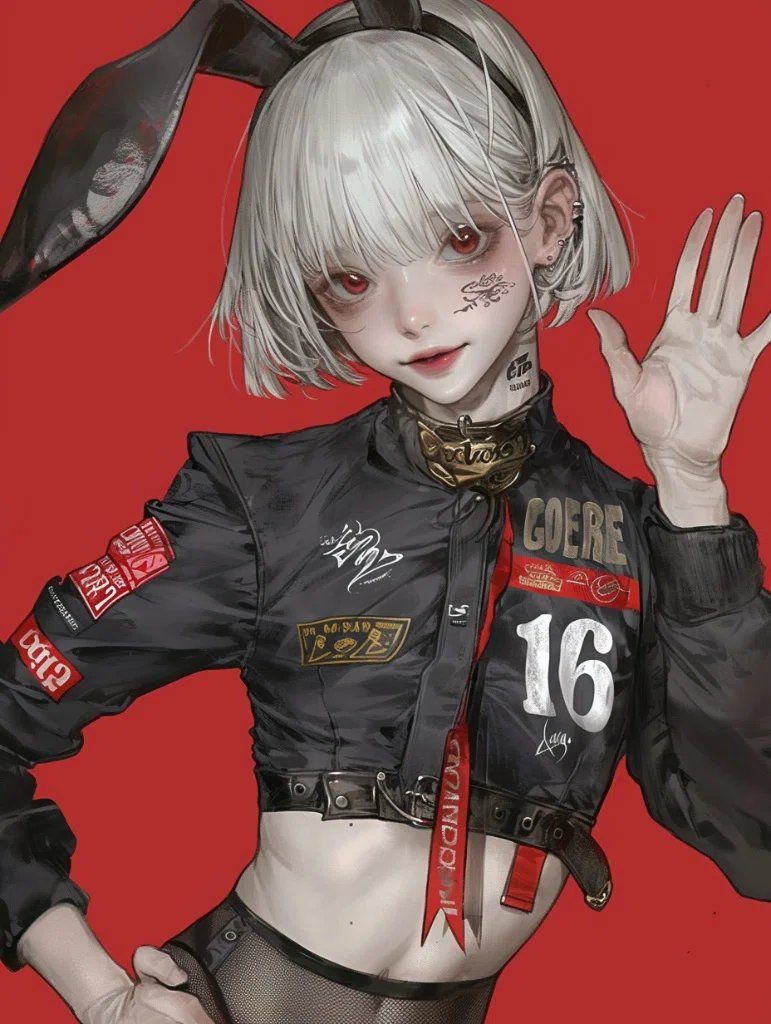
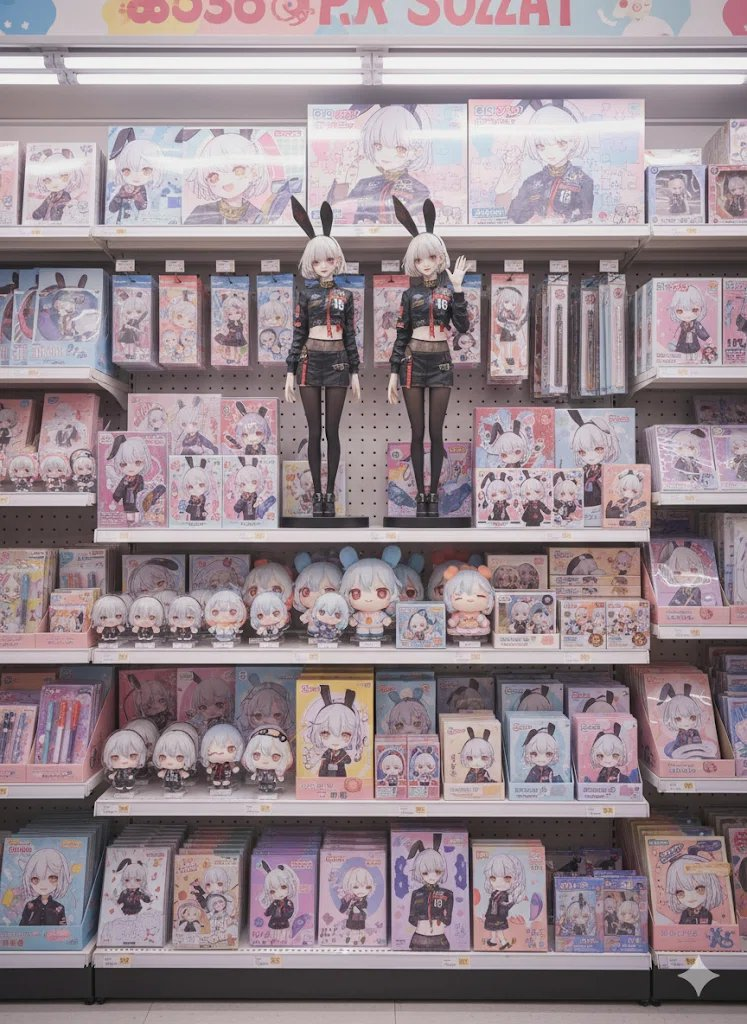
Prompt:
Remove the background from this illustration and turn it into merchandise like figurines.
Image: Photorealistic
Location:
The shelves of a fictional convenience store that doesn't exist in Japan. The cute, pop atmosphere is complemented by neatly arranged merchandise featuring the illustration. The store's interior is dreamily bright and special, creating a special space that excites fans.

Characters:
These merchandise are displayed on the shelves.

Merchandise Lineup:
Two large, approximately 50cm-long figures in the center of the screen (for a striking display)
Acrylic stands (deformed versions of the original artwork)

Chibi figures (deformed versions of the original artwork)

Dakimakura pillows (large prints for a striking presence)

Jigsaw puzzles (visual art of the characters)

Stationery (notebooks, pens, clear files, etc., deformed versions of the original artwork)

Cardboards (deformed versions of the original artwork)

Plush toys (deformed versions of the original artwork)

Display:
The merchandise are neatly arranged on the shelves, maintaining the atmosphere of a convenience store while still filling the space with love for the characters. They're arranged in a way that teenage female fans can't help but want to pick them up.

Overall tone:
A dreamlike merchandise sales space. Cuteness and pop are at the forefront, and despite being a convenience store, it's presented as a "holy land for fan activities."
Resolution: 4K, 4000px: 3000px
Example 83: Comic Convention Booth (by @tokyo_Valentine)
| Input | Output |
|---|---|
 |  |
Input: A reference image must be uploaded.
Prompt:
Erase the background and replace the characters with the following:

Cosplayers and Character Goods

Character/Motif:
Character goods based on the illustration

Hairstyle, Eyes, and Appearance:
(Focus on merchandise, not the character itself.)

Main Character: A cosplayer is holding a figurine in the center of the screen.

Location:
Comic Market (a doujinshi sales event).
A spacious booth is filled with merchandise lined up on tables and shelves. The atmosphere is filled with excitement and anticipation.

Merchandise Lineup:
• A large, approximately 100cm figure is displayed in the center of the booth, creating an eye-catching display.
• The character is displayed on an 80-inch LCD panel.
• Acrylic Stands
• Chibi Figures (Deformed)
• Body Pillows (Large, Full-Length Character Print)
• Jigsaw Puzzles (Using Character Artwork)
• Stationery (Notebooks, Pens, Clear Files, etc.)
• Desk Pads
• Plush Toys (Deformed)
Exhibition/Display:
• Goods neatly arranged throughout the booth, creating a unified look.
• Utilizing desks and shelves reminiscent of doujinshi sales events, the layout encourages fans to pick up items.
• With the energy of the visitors as a backdrop, the venue is presented as a special "fan sanctuary."
Overall Tone:
A dreamlike sales space.
While emphasizing cuteness and pop, the space evokes the unique enthusiasm of doujin events and the feeling of a "sanctuary for fan activities."
Swarms of people.

Image Quality:
Photorealistic, 4K (4000px x 3000px)
Example 84: Line Art to Doodle Drawing (by @hAru_mAki_ch)
| Input | Output |
|---|---|
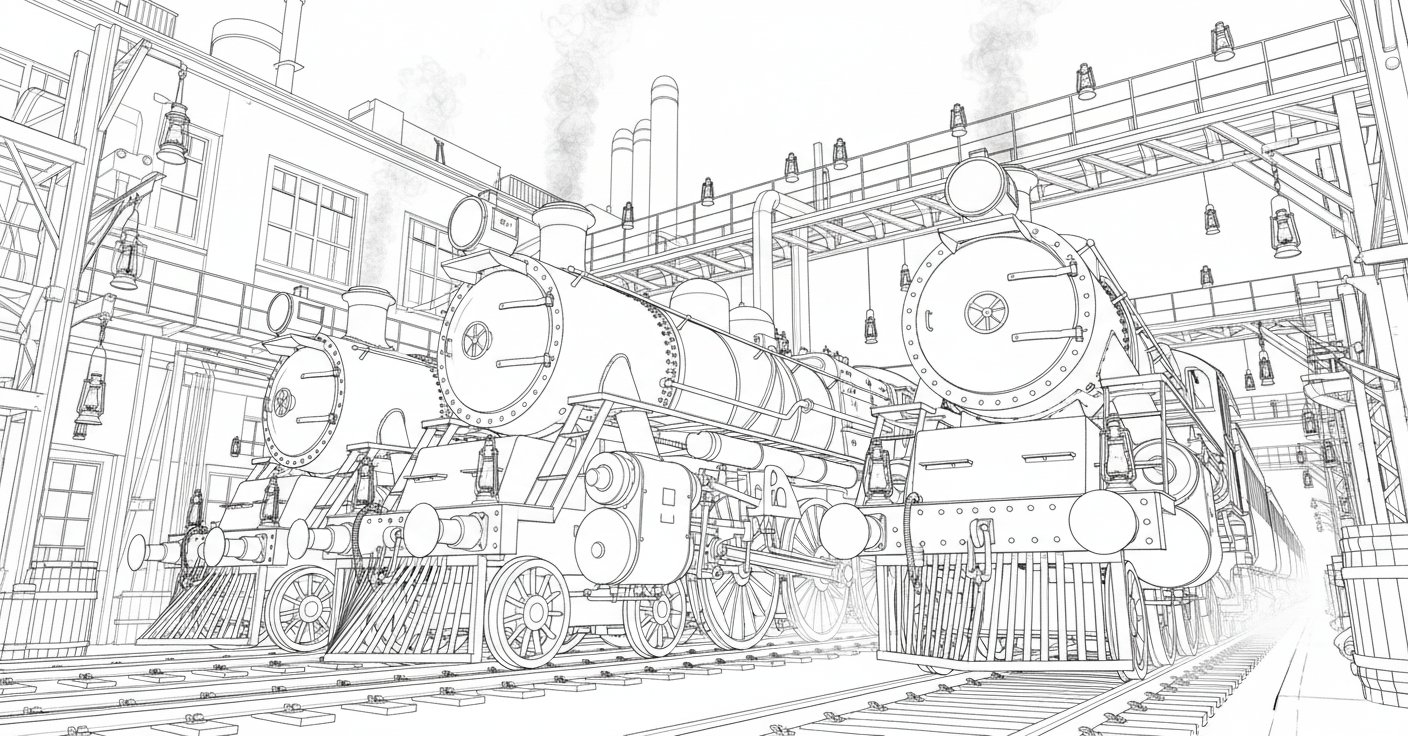 |  |
Input: A reference image must be uploaded.
Prompt:
Make the uploaded picture book look as if it was drawn by a five-year-old child.
Example 85: Contemporary Art Exhibition Space (by @UNIBRACITY)
| Example |
|---|
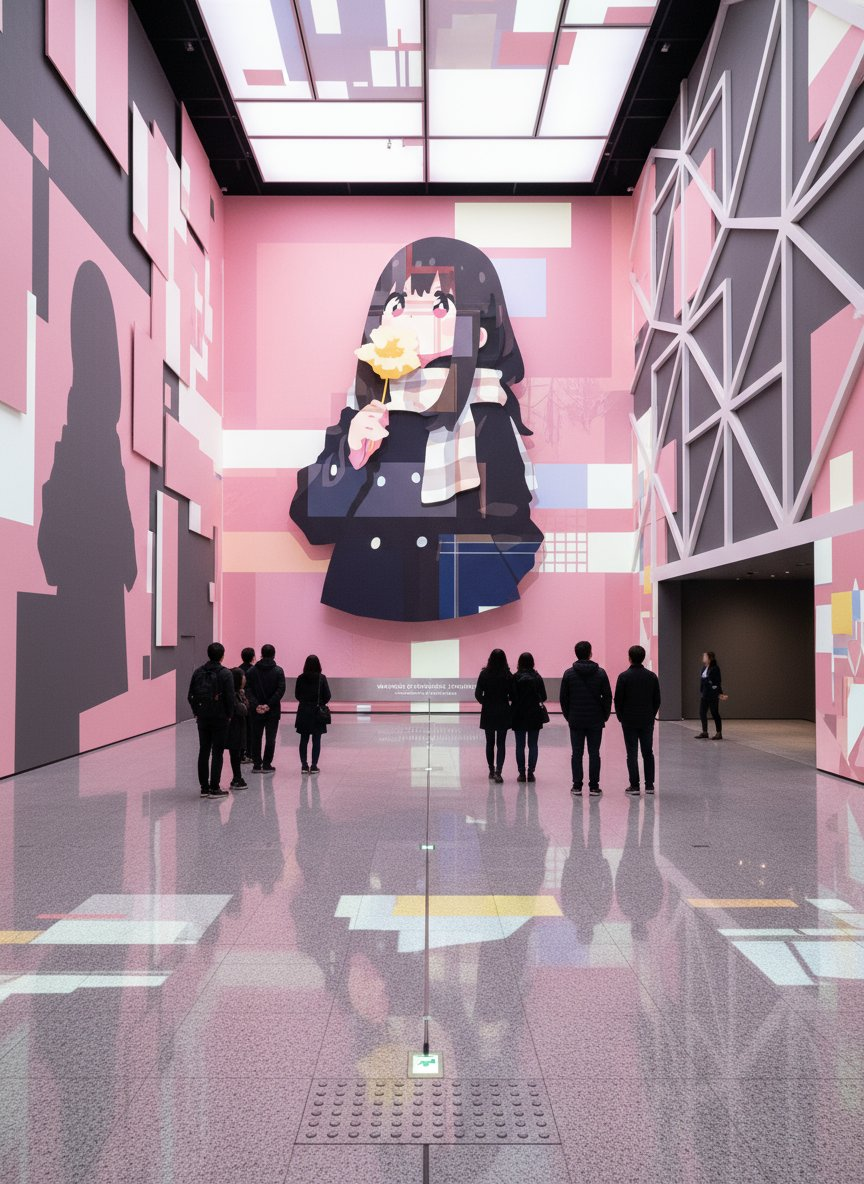 |
Input: A reference image must be uploaded.
Prompt:
An avant-garde contemporary art exhibition space themed around the reference image.
The entire exhibition hall (20.0 m x 20.0 m x 8.0 m) integrates architecture, lighting, flooring, walls,
and ceiling into the artistic expression.

At the far end of the hall stands a massive wall 20 meters wide and 8 meters high.
In the center of this wall, the theme from the reference image is presented in a monumental artistic form.
The image is vivid and three-dimensional, rising toward the viewer, becoming the focal point of the entire space.

A system-generated exhibition title plaque is installed below the central wall.
The title must be abstract, symbolic, and poetic, and must reflect a contemporary artwork.
No price display is provided.

The floor is polished granite with a reflectance of 0.35–0.40.
Patterns and light derived from the reference image cascade across the surface of the work,
resonating with the entire space as if responding to the footsteps of visitors.
Tactile paving bricks are in a similar color, seamlessly integrated, but only 5 mm high, providing a clear texture.
The work extends in a straight line from the entrance to the wall, creating a pause point before the artwork.
After viewing, visitors are naturally guided to an opening on the right side (3 m wide x 3 m high).
In emergencies, floor-level emergency lighting ensures illumination of 1 lux.

The left and right walls and the ceiling each reinterpret an abstract element from the reference image,
transforming the entire space into a single artwork.
The flow of color, form, and light unifies the experience into an artistic whole.

Visitor capacity is limited to 8–25 people.
All visitors face the large wall, moving in a straight line and pausing at the designated point.
No one looks back toward the entrance.
Only one staff member is stationed near the right-side entrance beside the wall.
All faces are blurred to ensure anonymity.

The composition is stable, with the central vanishing point always aligned with the center of the wall.
Verticality is within ±0.5°.
Floor reflections are precise, human figures appear natural.
Hands always show five fingers, eyes are symmetrical within a 3% margin.
Fabrics remain flat with no deformation.

Forbidden content: Elements unrelated to the reference image, missing or broken tactile paving,
visitors facing the entrance, logos or watermarks, overcrowding, toy-like gloss, 2D flat projections,
neon glow, teal-orange tones, oversaturation, perspective collapse, mismatched reflections,
anatomical anomalies, extra limbs, distorted faces, excessive outlines, banding, or vignetting.

DoD: The entire venue will be a contemporary artwork centered on the theme of the reference image,
with the innermost structure forming a unified experience.
The tactile paving synchronizes perfectly with the flow of light, creating a clear pause point.
Visitors are immersed in the space itself, and even in reproduction, SSIM will remain stable at 0.95 or above.
Example 86: Dark Gothic Tarot Card (by @ImperfectEngel)
| Example |
|---|
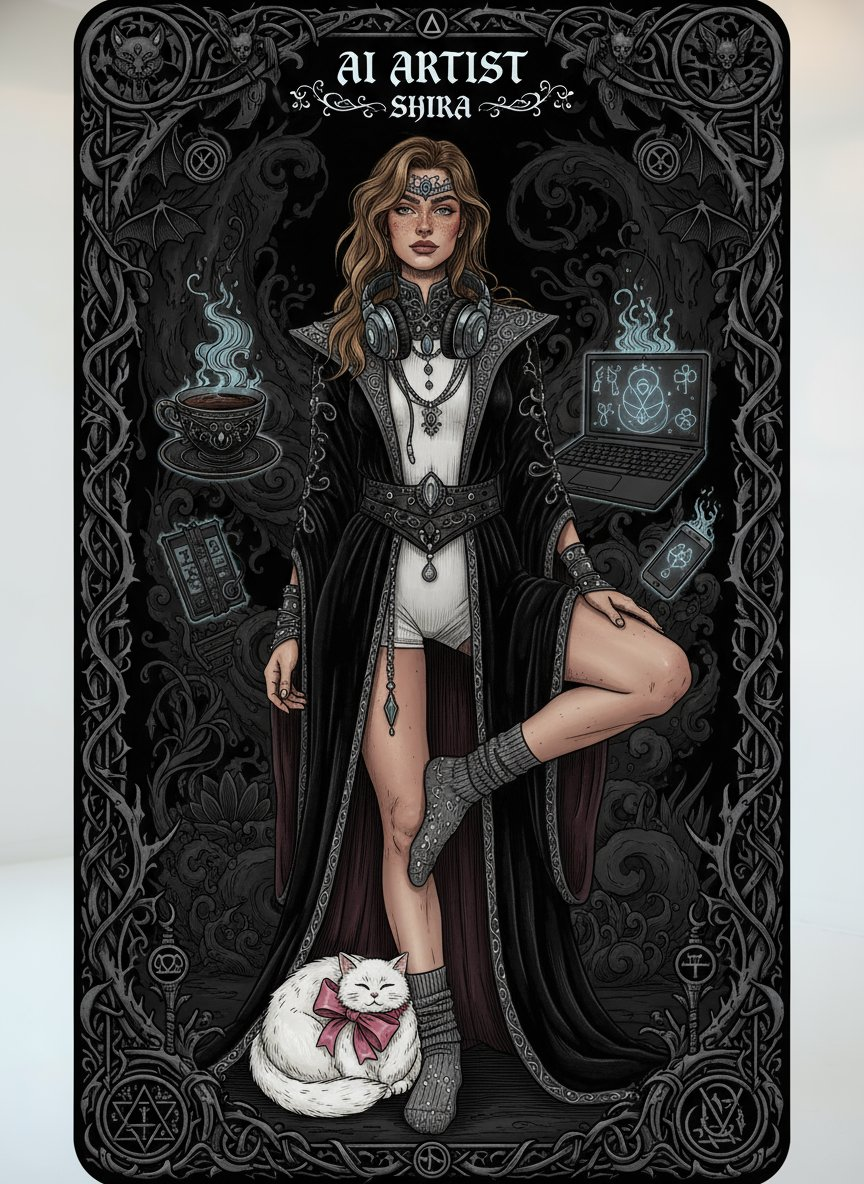 |
Input: A reference image must be uploaded.
Prompt:
Generate a dark gothic tarot card featuring me from this image. Include [“AI Artist - Shira”] and [coffee, white fluffy chubby cat with pink bow, laptop, phone, headphones] as symbols, with moody shadows, intricate gothic borders, and mystical dark fantasy vibes.
[!NOTE]
Replace the text inside [brackets] with your desired settings
Example 87: Black and White Evolution Chart (by @ZHO_ZHO_ZHO)
| Output |
|---|
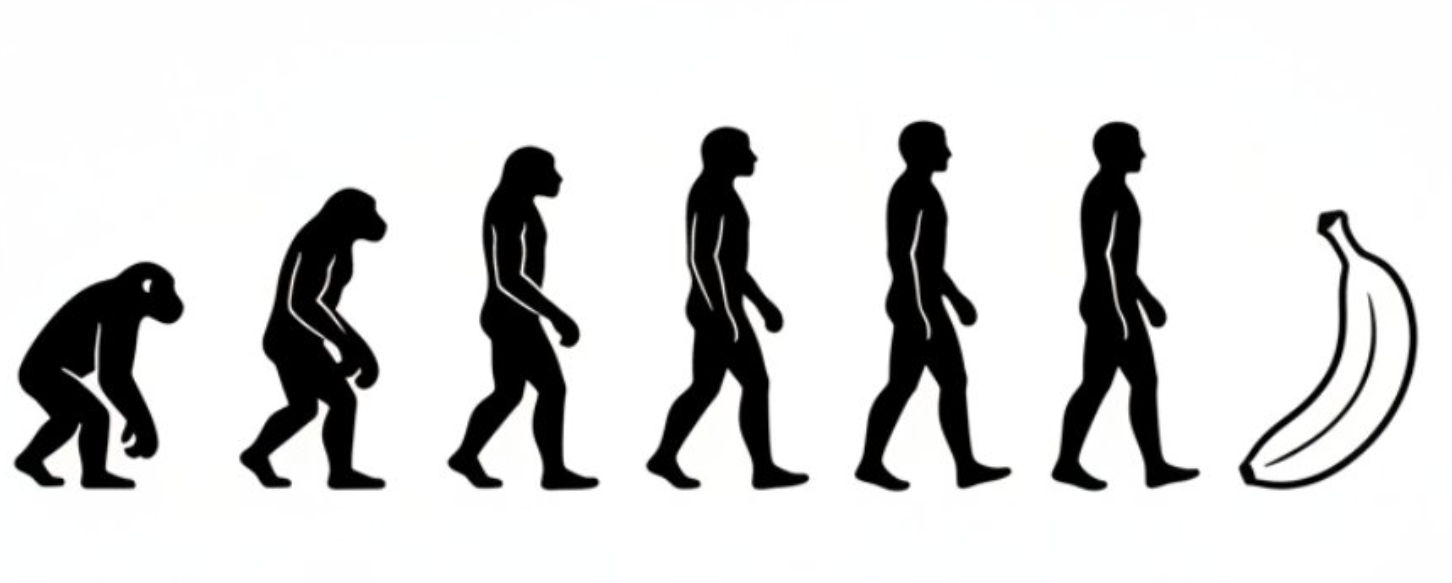 |
Prompt:
Generate an evolutionary progression chart in a minimalist black-and-white style,
showing the evolution from the earliest apes to humans and finally into a banana.
Example 88: Glass Bottle Souvenir (by @NanoBanana_labs)
| Example |
|---|
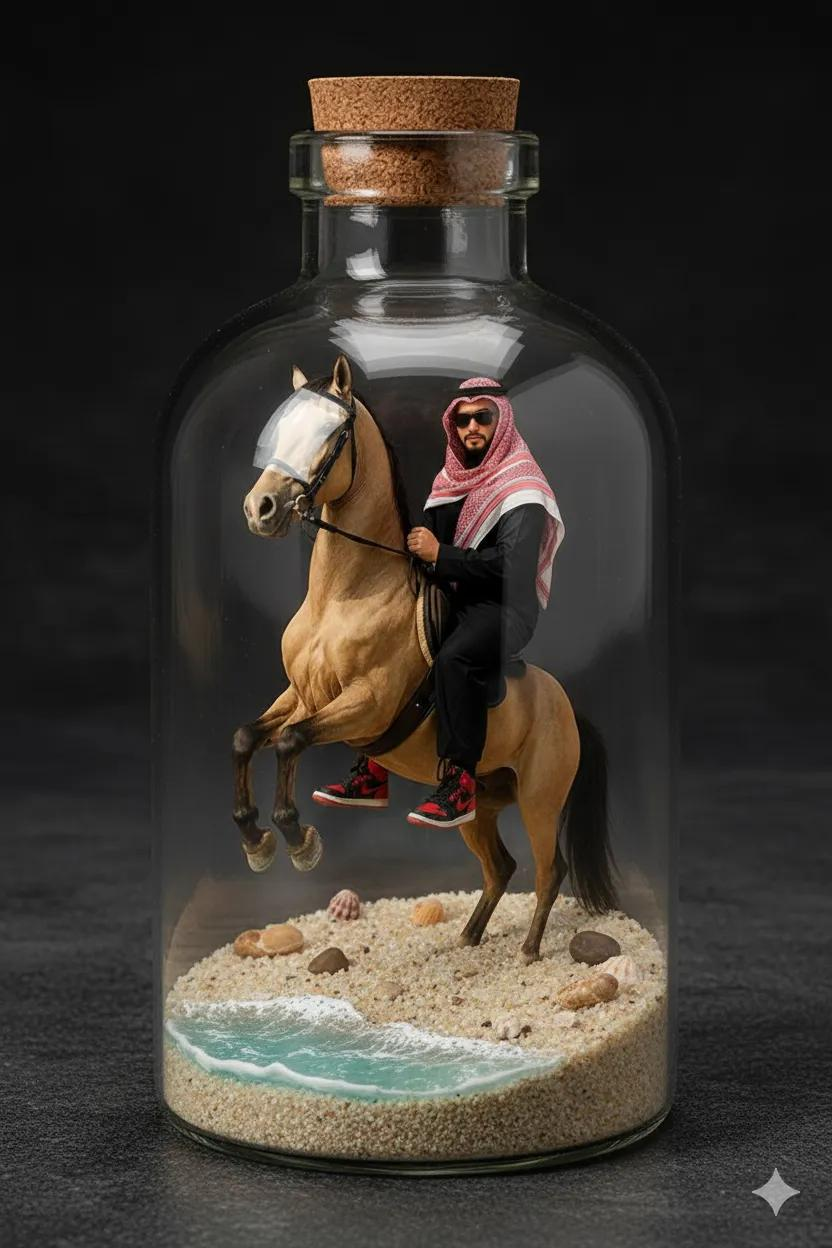 |
Input: A reference image must be uploaded.
Prompt:
A 1/7 scale commercialized collectible figure of the character from the photo, crafted in a highly realistic style. The figure is placed in a detailed beach environment with sand, seashells, and gentle ocean waves. The entire toy display is enclosed inside a clear souvenir glass bottle, giving it a premium miniature diorama look, with realistic lighting and shadows
Example 89: Miniature Store (by @NanoBanana_labs)
| Output |
|---|
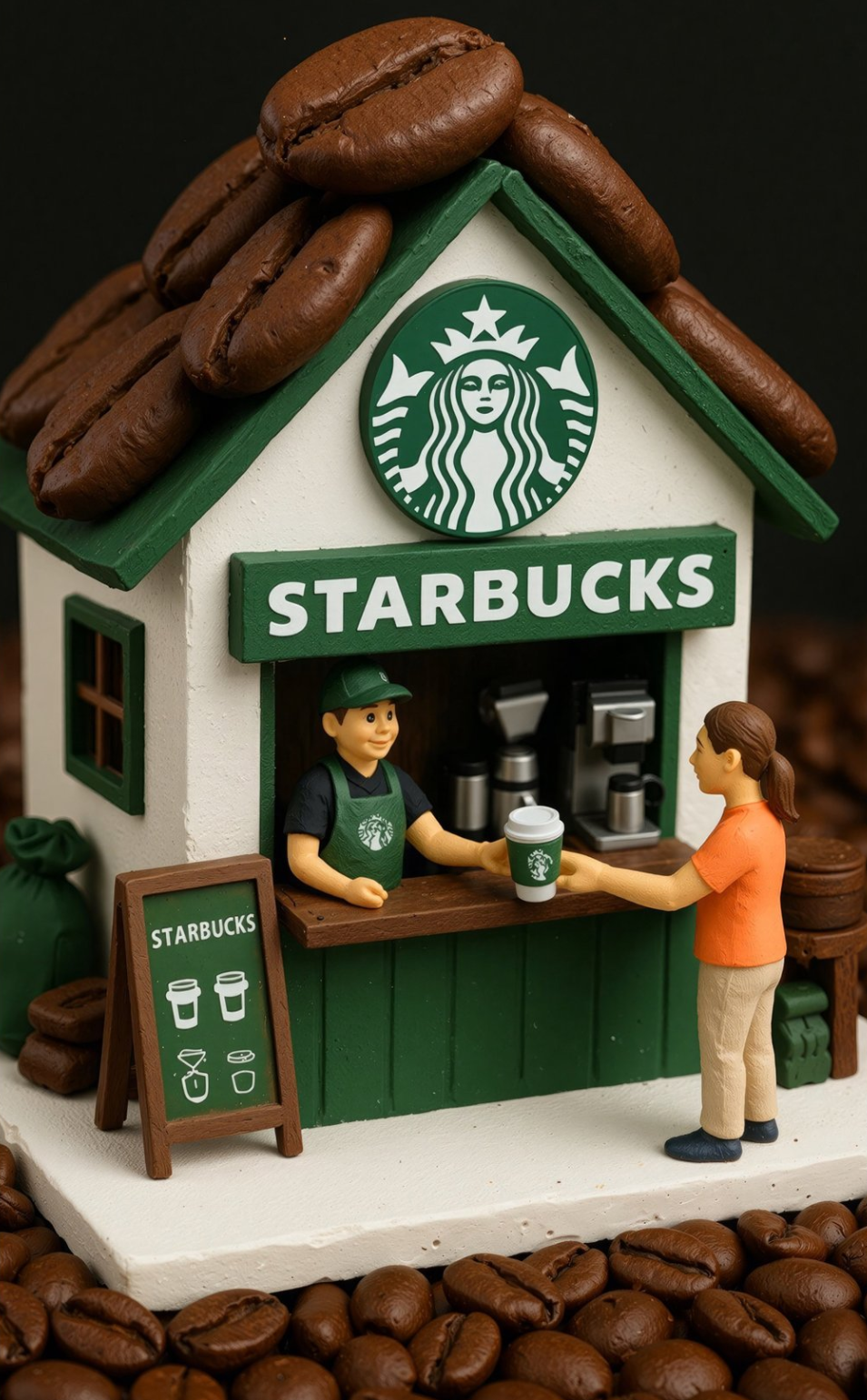 |
Prompt:
Tiny diorama shop for [BRAND]. Roof made of oversized [PRODUCT], big [BRAND] logo sign above the window, vendor handing a [PRODUCT] to a customer, ground covered with many [PRODUCT]. Hand-made polymer-clay look, studio macro photo, soft light, shallow depth of field, vertical 3:4
[!NOTE]
Replace the text inside [brackets] with your desired product
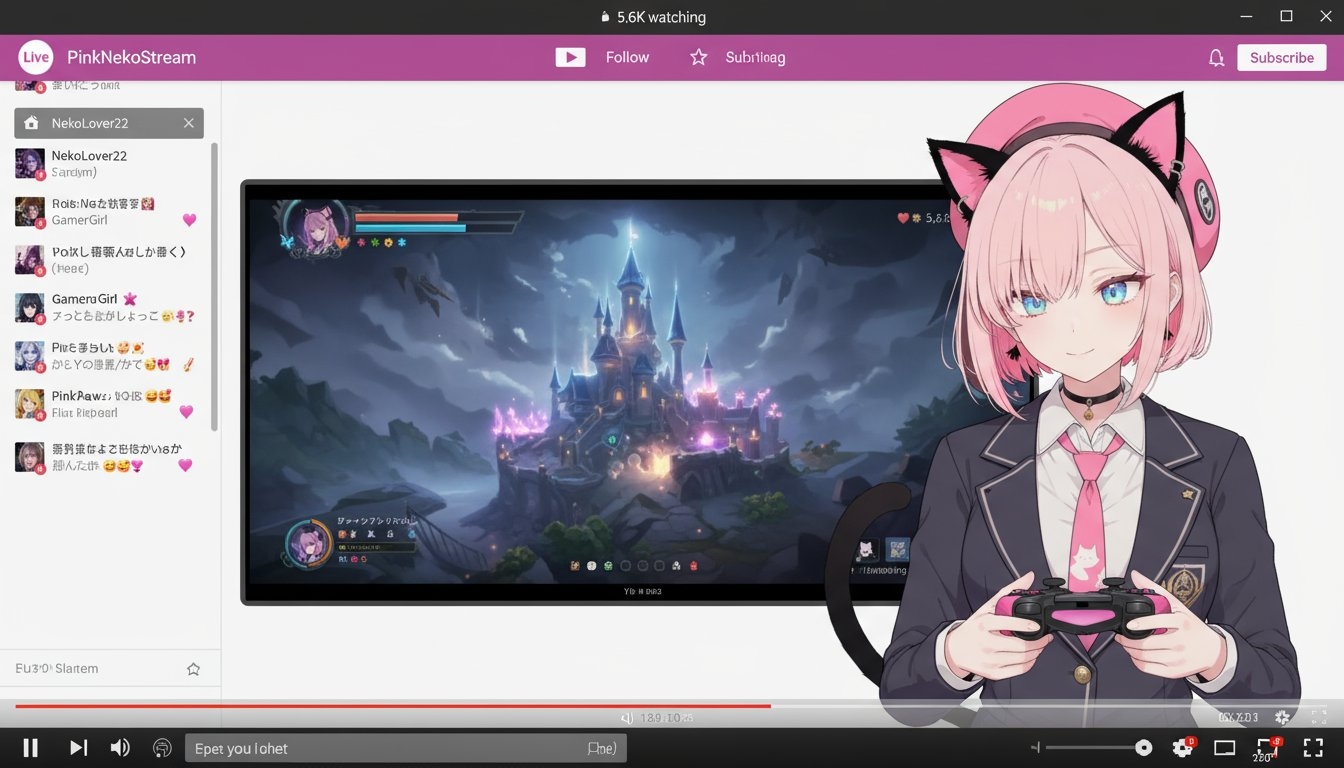
Example 90: Become a Vtuber (by @AI_Kei75)
| Input | Output |
|---|---|
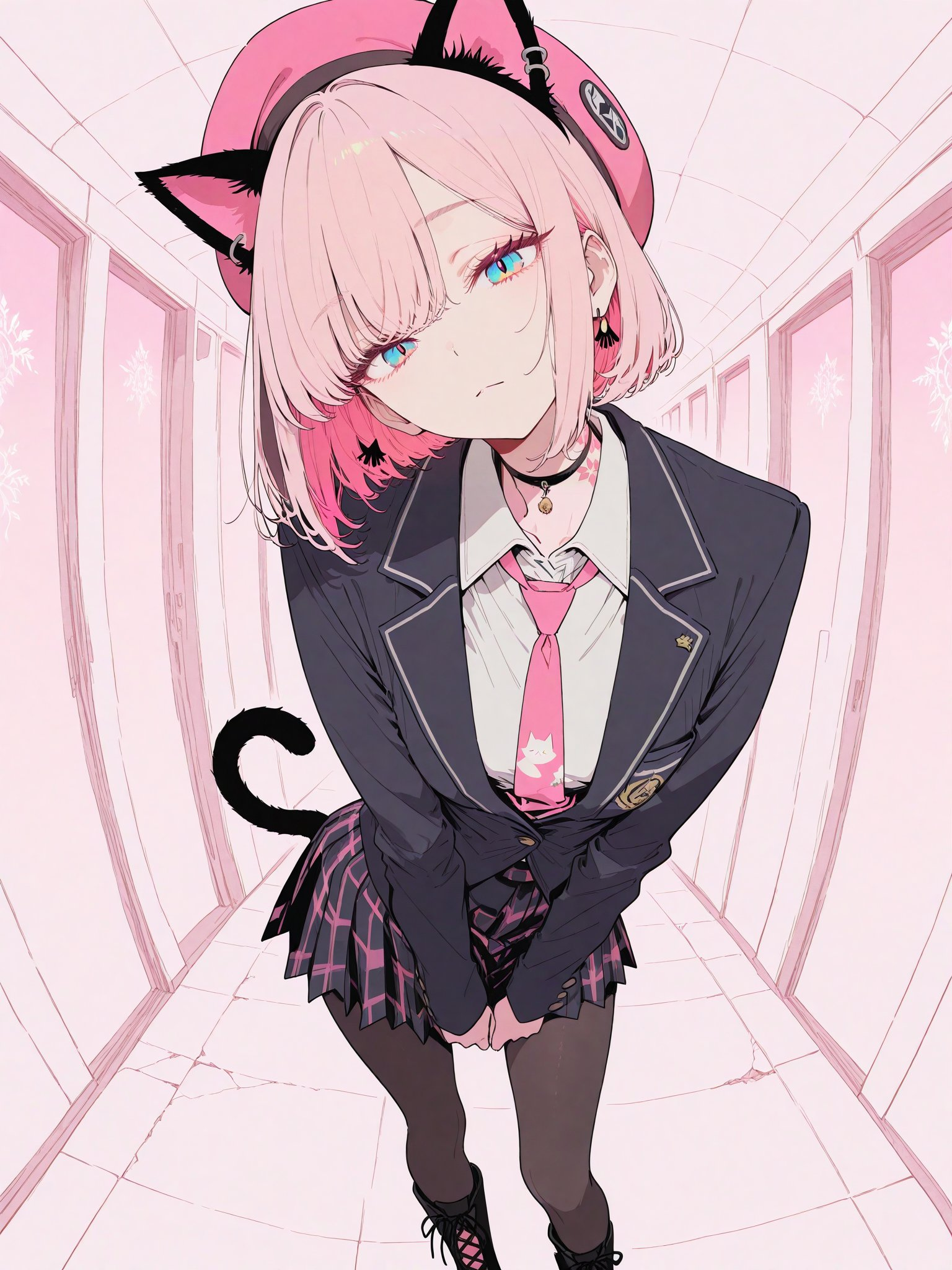 |  |
Input: A reference image must be uploaded.
Prompt:
Create a fictional Vtuber and their streaming screen using the original image.
The Vtuber's hairstyle and clothing will be faithfully reproduced from the original image.
The Vtuber image will be 2.5D-like, so it is not necessary to perfectly reproduce the style of the original image. A moderate sense of three-dimensionality is also necessary.
The Vtuber's facial expression and pose may be changed from the original image. Have the Vtuber hold a game controller.
Place only the Vtuber's upper body in the bottom right of the screen. Place the streaming screen of the game being played in the center of the screen. Place the chat screen on the left side of the screen.
The screen ratio is set to a larger size for the game screen, and the upper half of the Vtuber's body is displayed smaller.
The background of the original image is completely ignored, as well as the original image pose.
Add a fictional streaming platform and browser UI to the top and bottom of the screen.
The aspect ratio of the generated image is independent of that of the original image.
Example 91: Train Station Movie Poster (by @AI_Kei75)
| Input | Output |
|---|---|
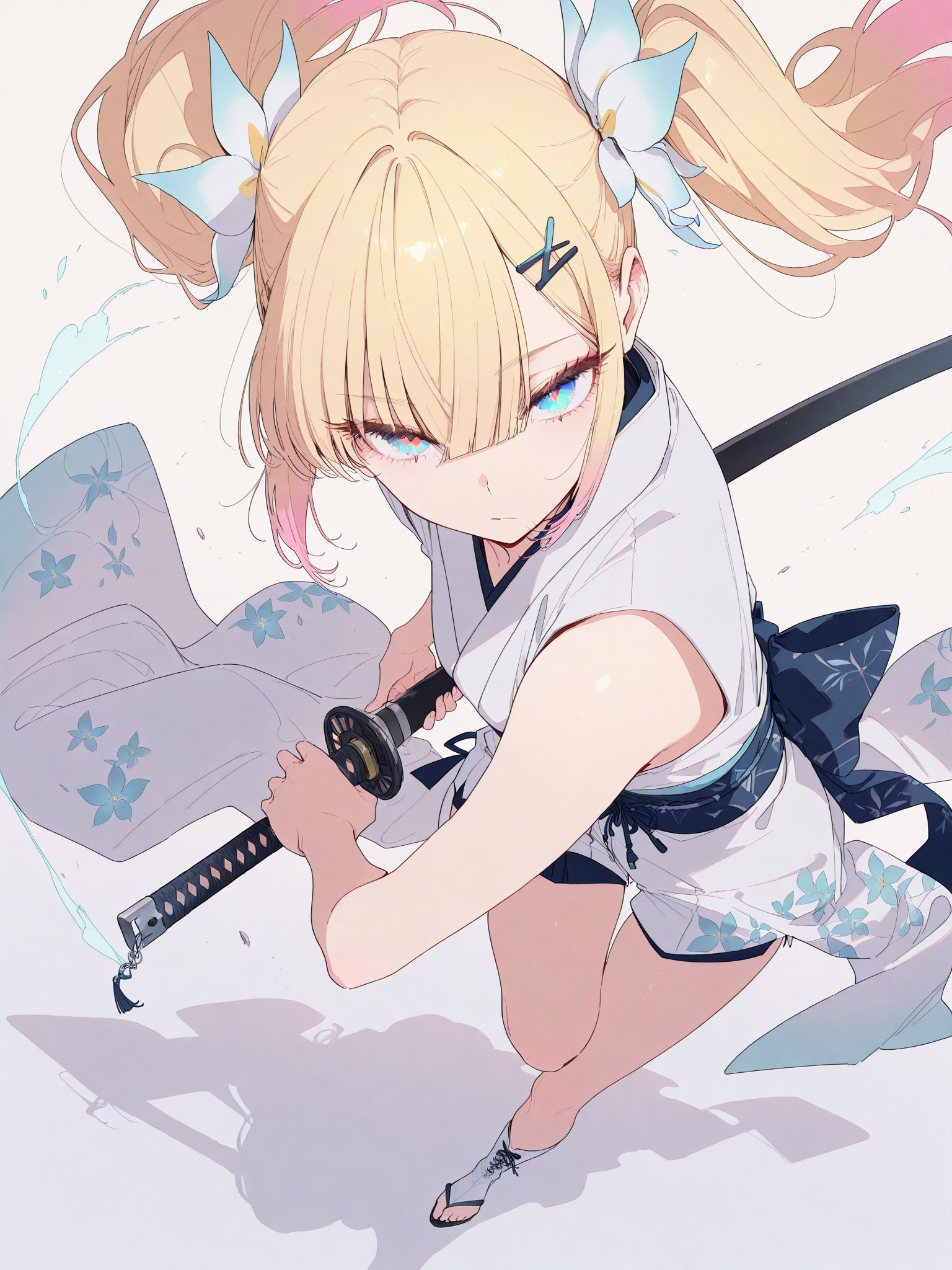 | 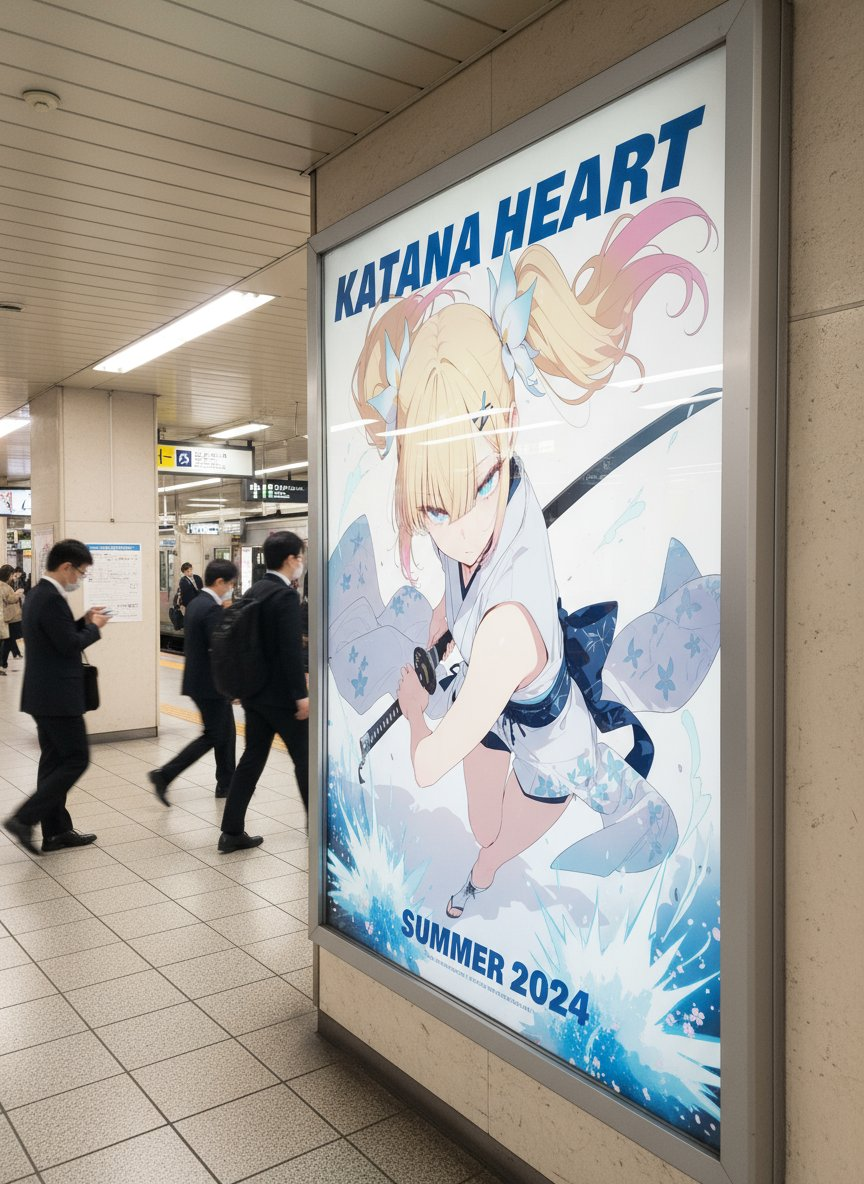 |
Input: A reference image must be uploaded.
Prompt:
Create a movie poster using the original image. The genre of the movie will be determined based on the atmosphere of the original image.
Regardless of whether the original image is anime or live-action, the style and character design of the original image will be maintained as perfectly as possible. However, poses and expressions may be changed to match the poster design. Other people and objects may also be added at this time.
The final generated image will be photorealistic. This does not apply to the poster design, as it will be based on the original image.
The scenery of the underground passage of a Japanese station where the poster is posted will be recreated in a realistic image. People passing through the underground passage will be added.
The reflection of the poster is angled to make it look more realistic.
Example 92: Movie Lounge (by @tokyo_Valentine)
| Input | Output |
|---|---|
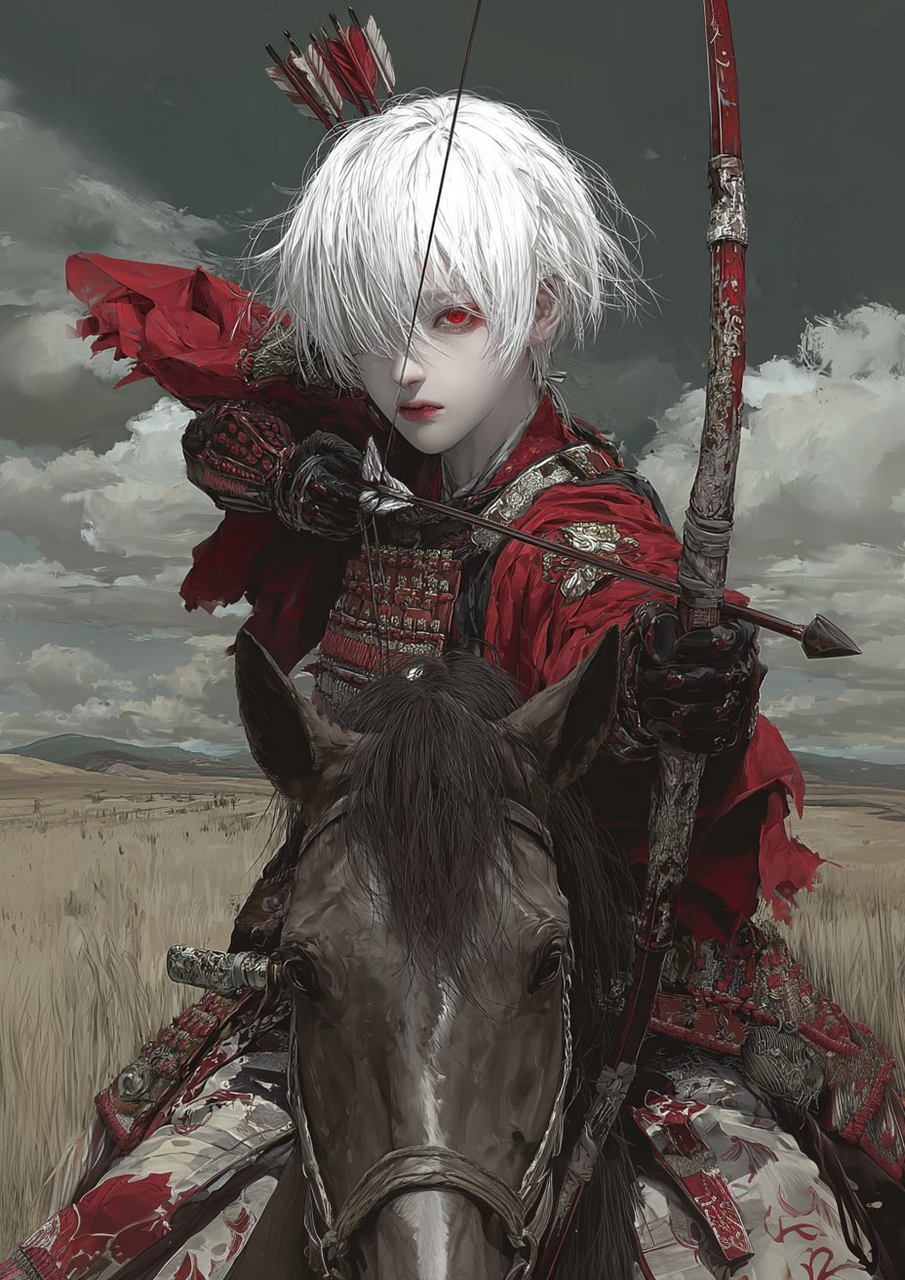 | 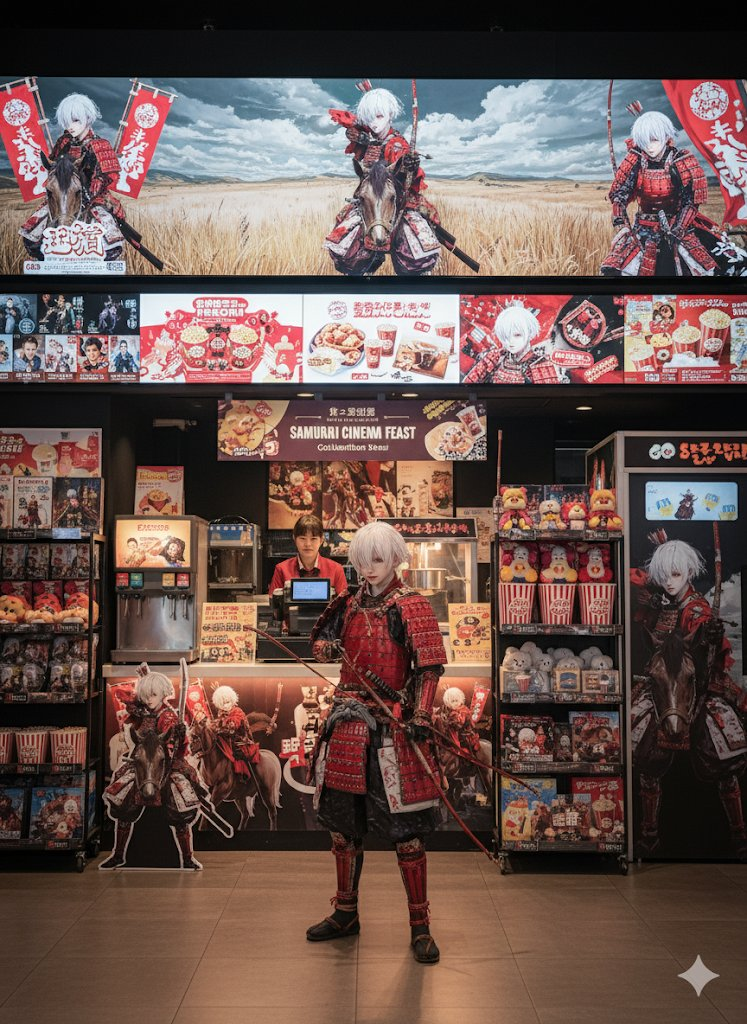 |
Input: A reference image must be uploaded.
Prompt:
Illustration Processing:
The background is removed and the characters are turned into figurines and merchandise.
Theme / Overview:
A photorealistic movie theater lounge. A special event-themed space, set in a popcorn stand, is decorated with the world of the characters.

Location:
A spacious popcorn stand in a large movie theater.
There is a cash register, with a popcorn machine inside.
There is a drink stand with a salesperson behind the counter.
Above the register are countless posters of showing movies.

Characters / Production:
A character cosplayer is placed in the center of the screen.
Merchandise such as figurines and acrylic stands are displayed on shelves.
Giant stuffed animals and signboards are displayed realistically.
A movie photo booth is set up and decorated with character designs.

Places where characters are reflected:
Movie posters currently being screened.
Pop-up advertisements for the collaboration menu.
Drink cups and packaging.
Popcorn buckets.
Large LED LCD panel.

Design / Advertising:
Character illustrations are reflected on each poster in the lounge.
Vivid visuals of the collaboration food and drinks are displayed.
Animations and character footage are projected onto LED panels.

Camera Angle:
Composed from the front.
Emphasis on the entire popcorn stand.
A cosplayer is placed in the center, with merchandise and advertisements reflected around them.
A slightly lower angle captures the LED panels and posters impressively.

Quality / Atmosphere:
Photorealistic and detailed depiction.
An urban, realistic glossy feel, creating a cinema-like atmosphere with an event-like feel.
Resolution is 4K, aspect ratio is 4:3.
Example 93: Slice Object with Cartoon Explosion Effect (by @Arminn_Ai)
| Example |
|---|
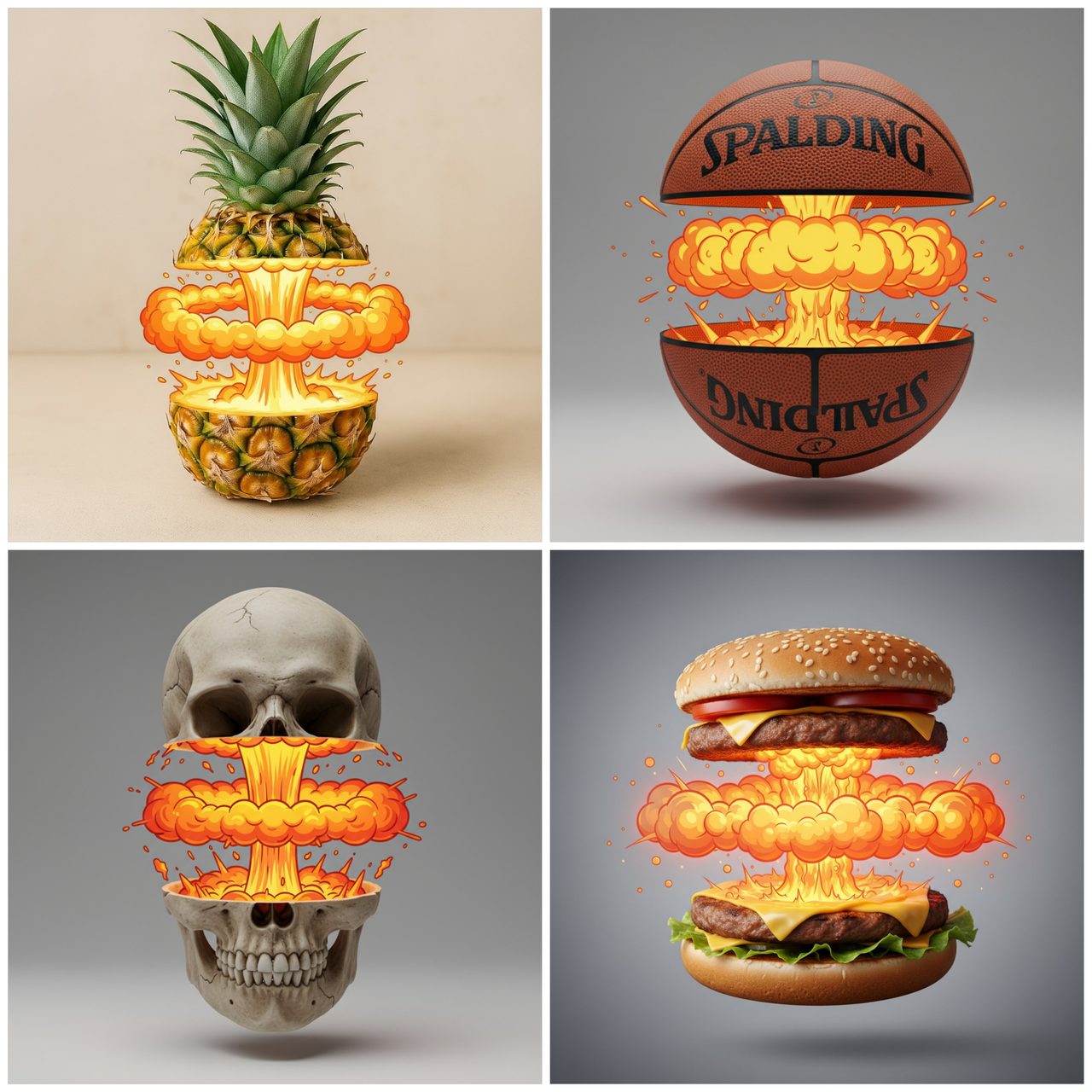 |
Prompt:
cut cleanly THE [OBJECT] in half across the middle, the top and bottom halves slightly separated and floating apart.
Between the halves, instead of the natural inside, there is a stylized cartoon nuclear explosion effect: a central vertical column of glowing yellow-orange bubble smoke, with a wide horizontal shockwave ring of round bubbly clouds spreading to the sides, fiery glowing highlights above and below the shockwave, creating the impression of intense heat and energy
The outside of the [OBJECT] remains photorealistic with detailed texture and lighting, while the inner effect is highly graphic and playful, giving a striking contrast between realism and cartoon. Studio lighting, centered composition
[!NOTE] Replace the text inside [brackets] with your desired object
Example 94: Character-Themed Train (by @tokyo_Valentine)
| Output |
|---|
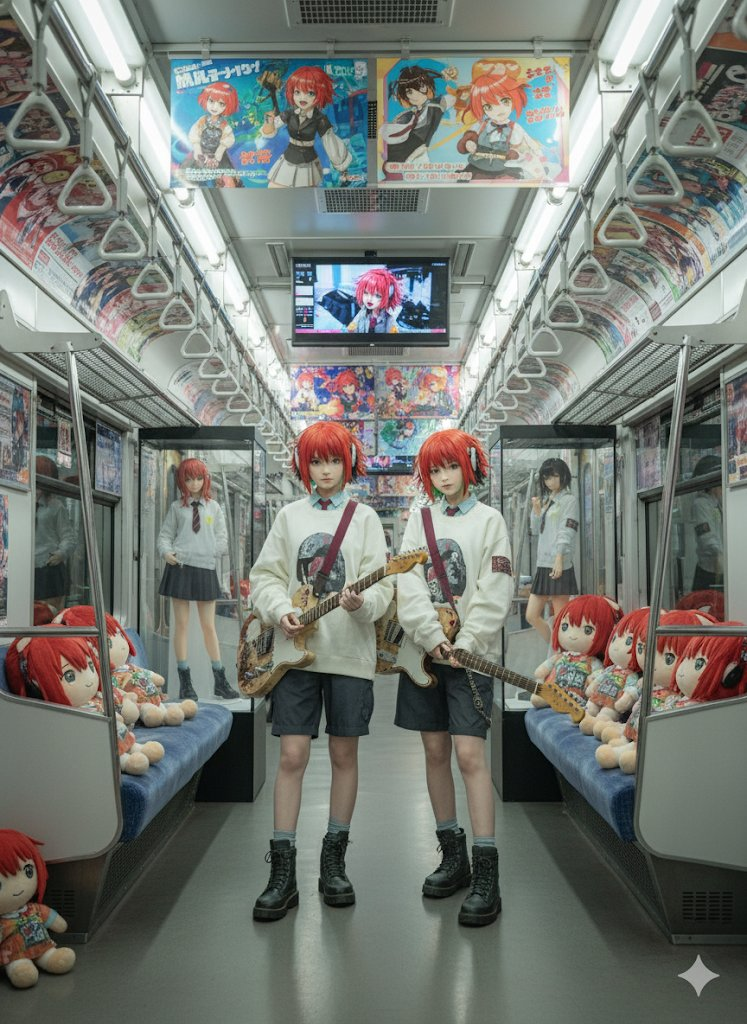 |
Input: A reference image must be uploaded.
Prompt:
Illustration Processing:
The background is erased and characters are turned into figurines and merchandise.
Theme / Overview:
A photorealistic Tokyo train interior. The entire car is decorated with character advertisements and merchandise, creating a special space tailored for a collaboration event.
Characters / Production:
Several character cosplayers are standing in the foreground of the screen.
Life-size panels and life-size figures are displayed in the center and back of the train.
100cm character figures are on display.
Many character stuffed toys are lined up in empty seats.
Advertising / Display:
Character illustrations are reflected in advertisements on the straps.
Character illustrations are displayed on poster advertisements inside the train.
Character illustrations and animations are displayed on additional LED displays installed inside the train.
Illustration Processing:
The background is erased and characters are turned into figurines and merchandise.
Near-life-size figures, 100cm figures, deformed figures, and stuffed toys are realistically depicted.
Camera Angle:
A frontal composition emphasizes the bustling atmosphere inside the train.
A large shot of a cosplayer in the foreground, with figures, panels, and stuffed animals in the background.
A low angle captures the strap advertisements and LED displays impressively.
Quality / Atmosphere:
Photorealistic and detailed depiction.
An urban, realistic glossy feel.
Resolution is 4K, aspect ratio is 4:3.
Example 95: Custom Theme Park (by @AI_Kei75)
| Input | Output |
|---|---|
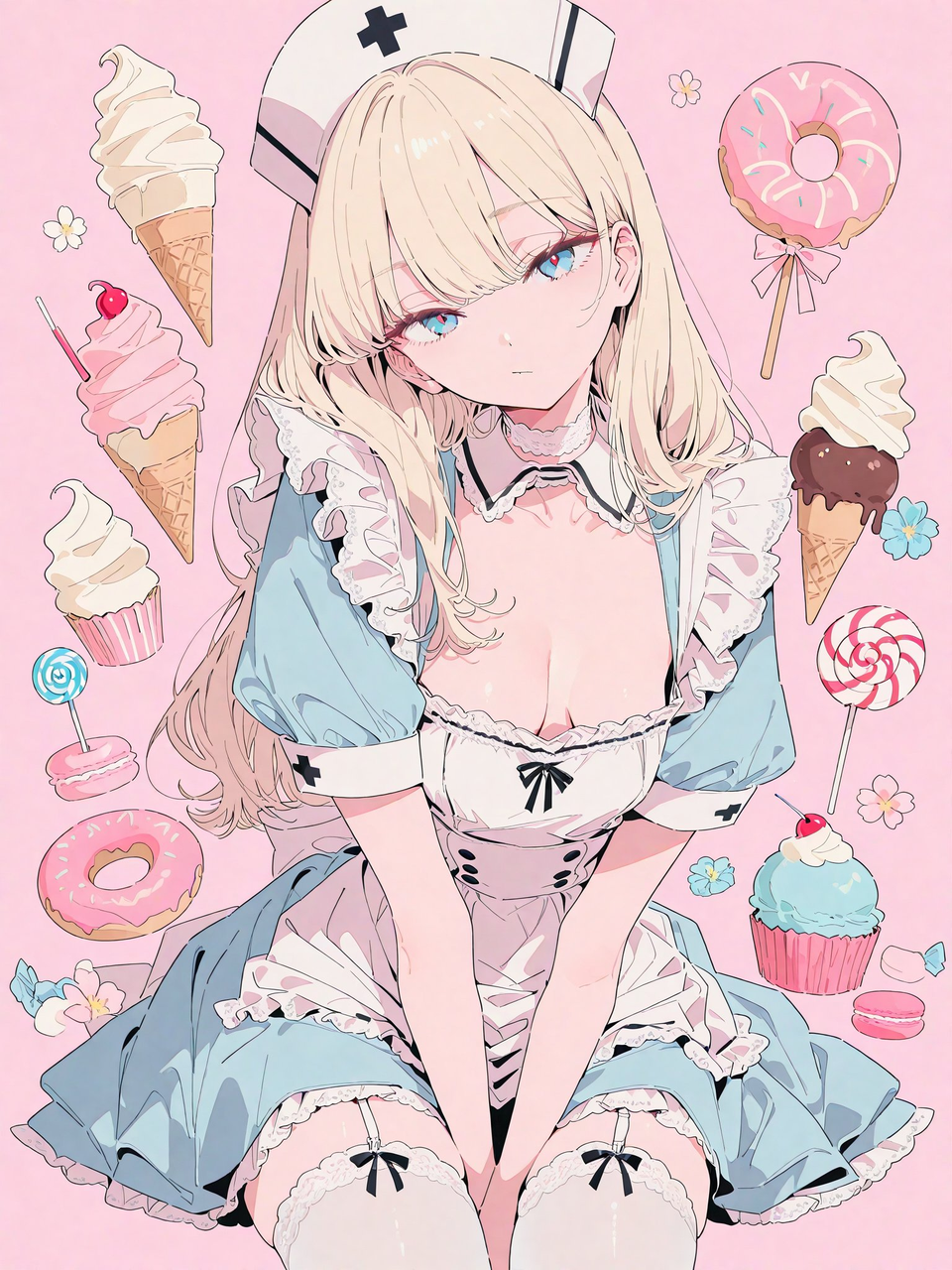 |  |
Input: A reference image must be uploaded.
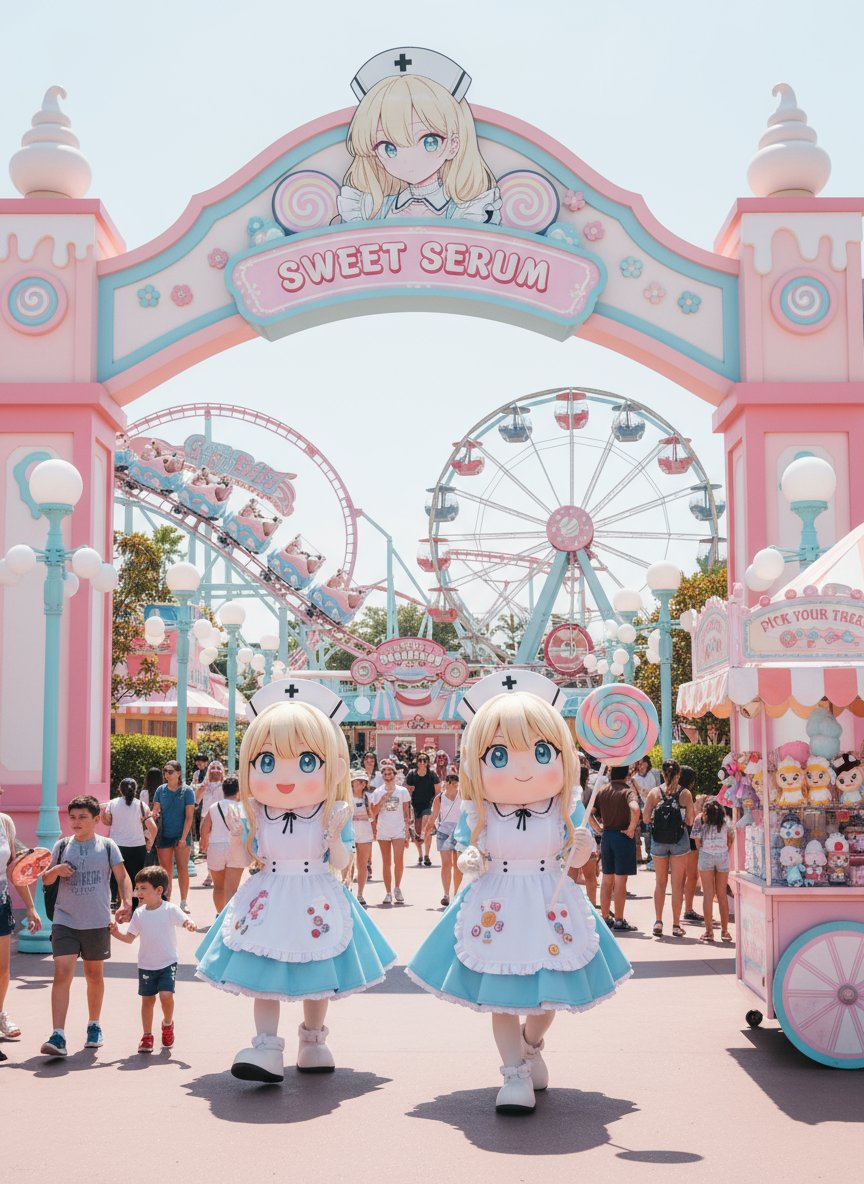
Prompt:
Generates a photorealistic theme park image based on the original image.
The theme park and the people enjoying it are depicted in an extremely photorealistic style. Daytime. Sunny.
The color scheme and design are extracted from the original image and applied to the color scheme and design of various facilities.
Vehicles and buildings based on the original image, mascot costumes that are a distorted version of the original image, and signs with the original image printed on them are placed within the image.
The mascot costume design should use the original image as a motif, but be moderately distorted to create a photorealistic look.
The sizes of the people and mascot costumes must not be unrealistic.
Even if the original image is anime-style, the final image must be a photorealistic theme park. Be sure to follow these rules.
Example 96: Create Constellation Image (by @AI_Kei75)
| Input | Output |
|---|---|
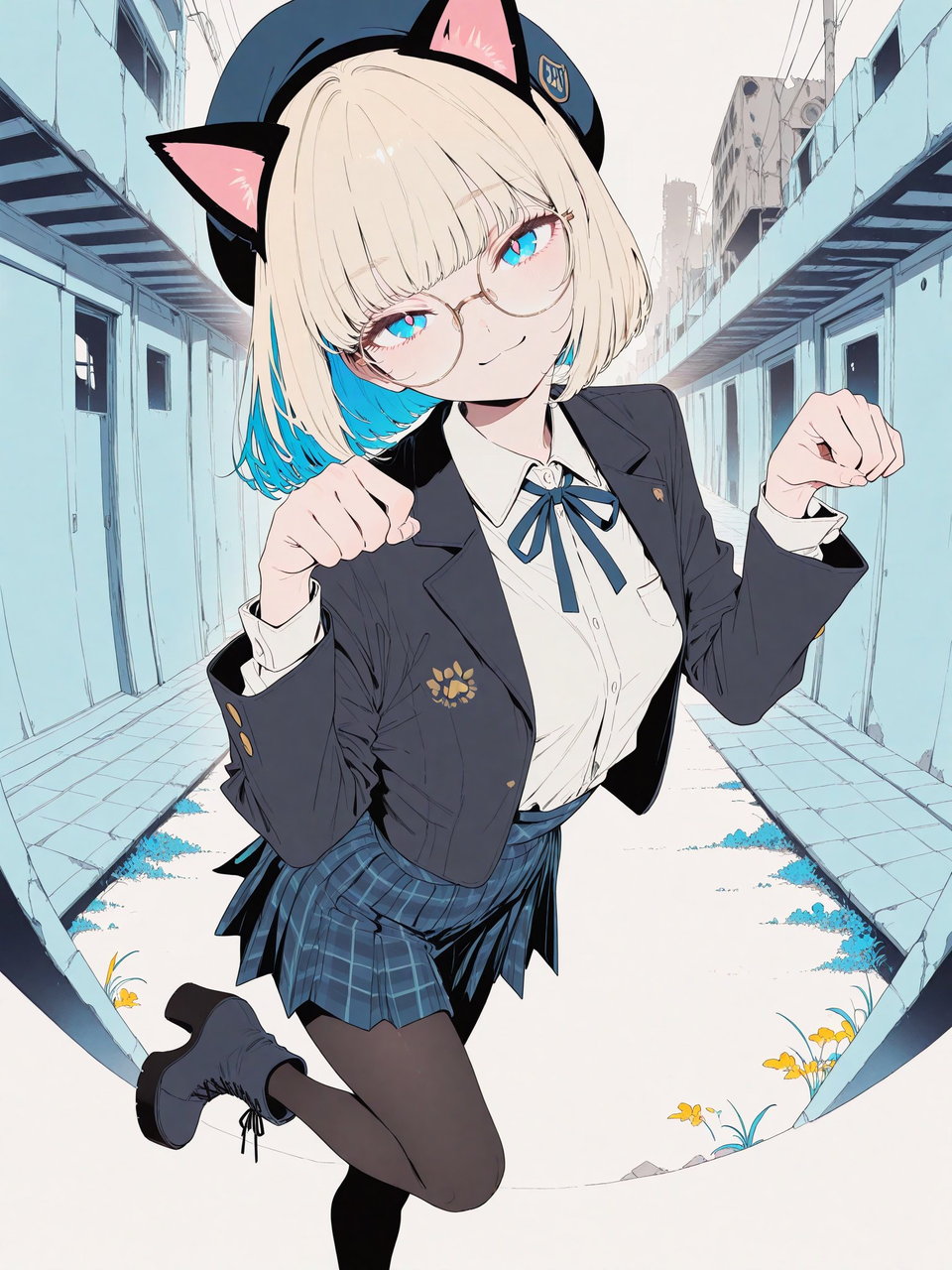 | 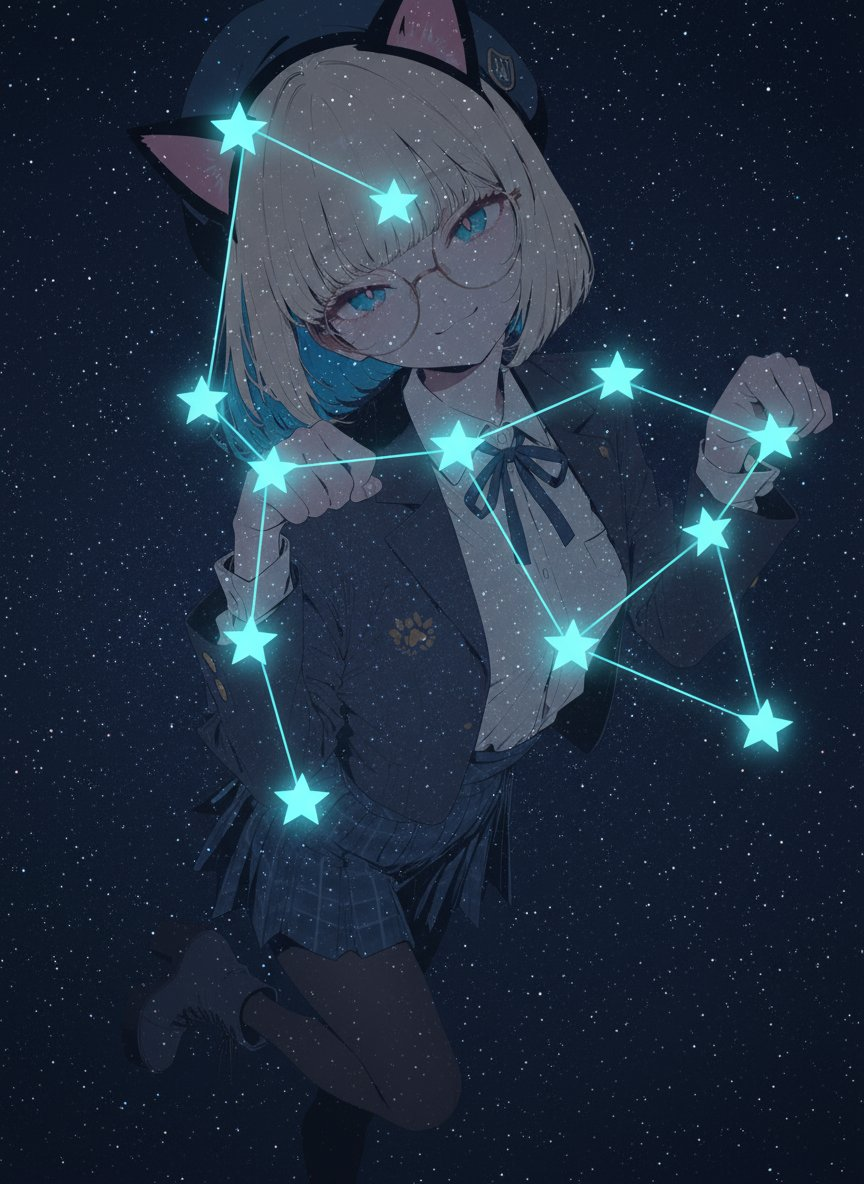 |
Input: A reference image must be uploaded.
Prompt:
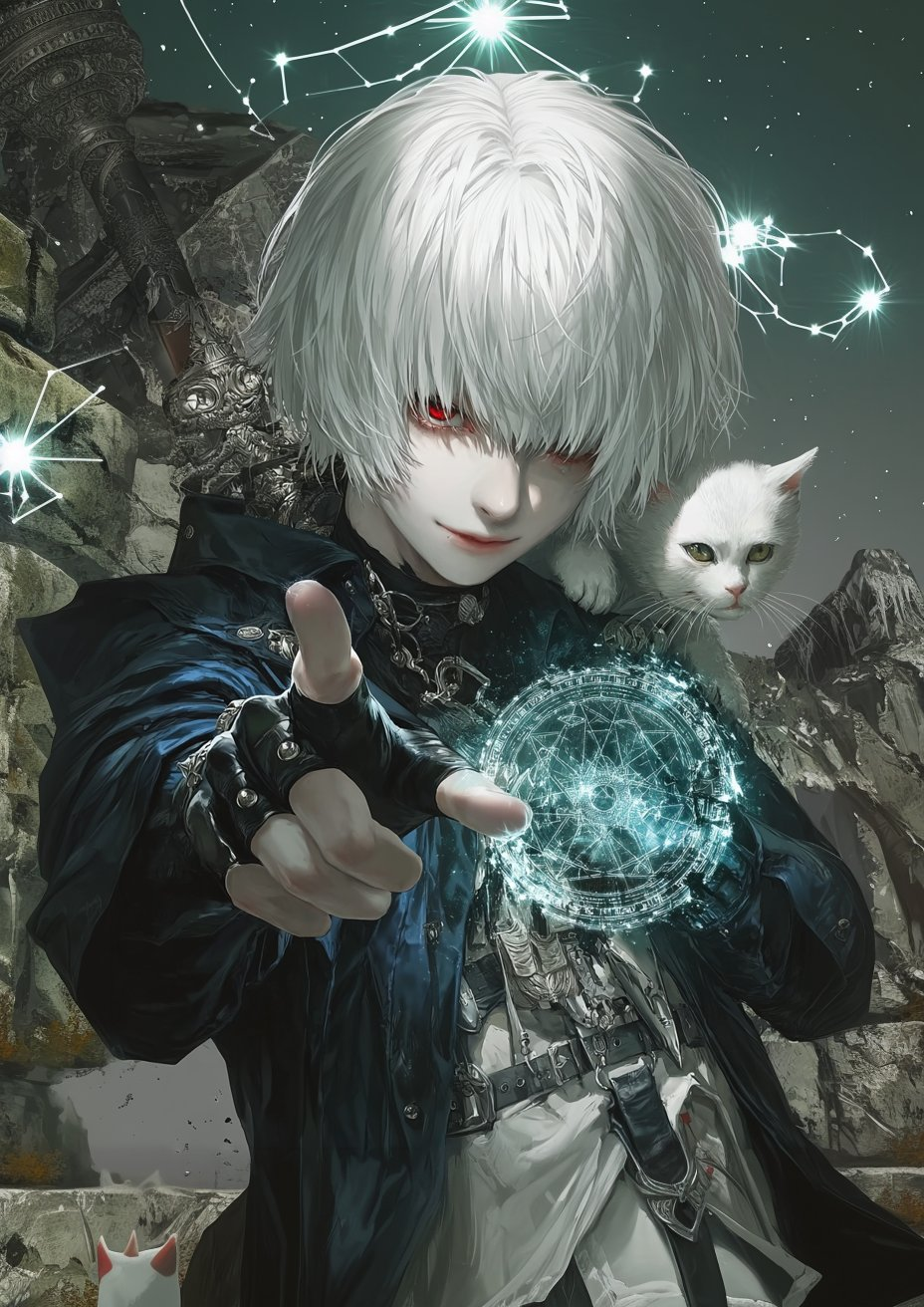
Create an image depicting fictional constellations using the original image as a reference.
- A photorealistic starry sky. This is maintained even if the original image is anime-style.
- People, animals, and objects extracted from the original image are placed transparently against the starry sky background. In this case, the extracted target should be a single motif that is the main theme. Also, only one image should be placed.
- The character design, style, and taste of the original image are faithfully reproduced. The background of the original image can be ignored.
- An imaginary constellation is created based on the placed motif. This constellation is made up of approximately 5 to 10 stars.
- The pose of the original image is analyzed, and the stars belonging to the constellation are appropriately positioned in distinctive parts.
- The stars belonging to the constellation are highlighted, and the stars are connected with glowing lines.
Example 97: Turn Image into Phone Wallpaper (by @ZHO_ZHO_ZHO)
| Example |
|---|
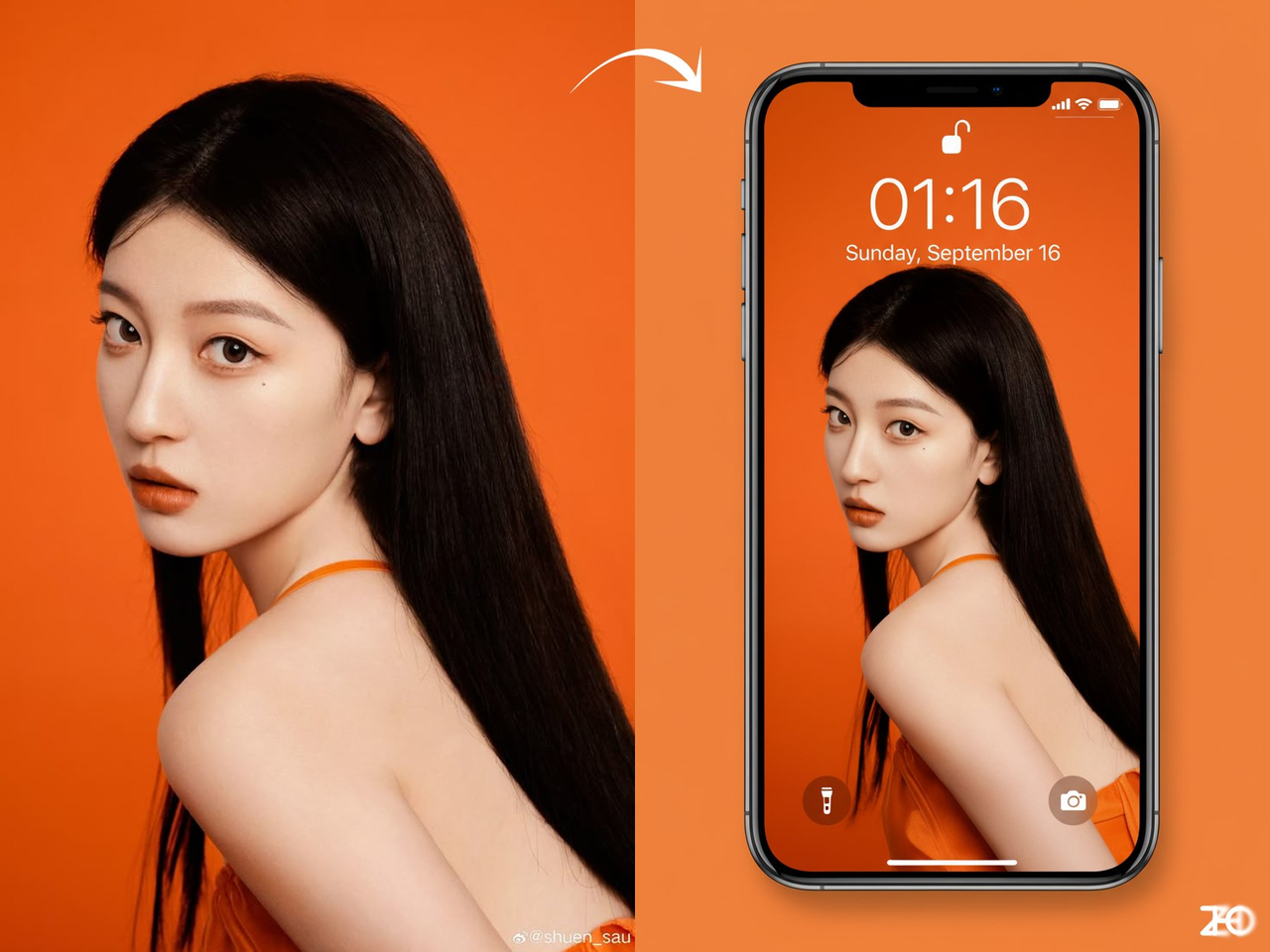 |
Input: A reference image must be uploaded.
Prompt:
Transform the image into an iPhone lock screen wallpaper effect. The phone’s time (01:16), date (Sunday, September 16), and status bar details (battery, signal, etc.) appear overlaid on the image, with flashlight and camera icons at the bottom. The original picture is adapted to fit the elongated smartphone screen composition. The phone is placed against a background in the same color scheme.
Example 98: Make a Movie Poster (by @aiehon_aya)
| Output |
|---|
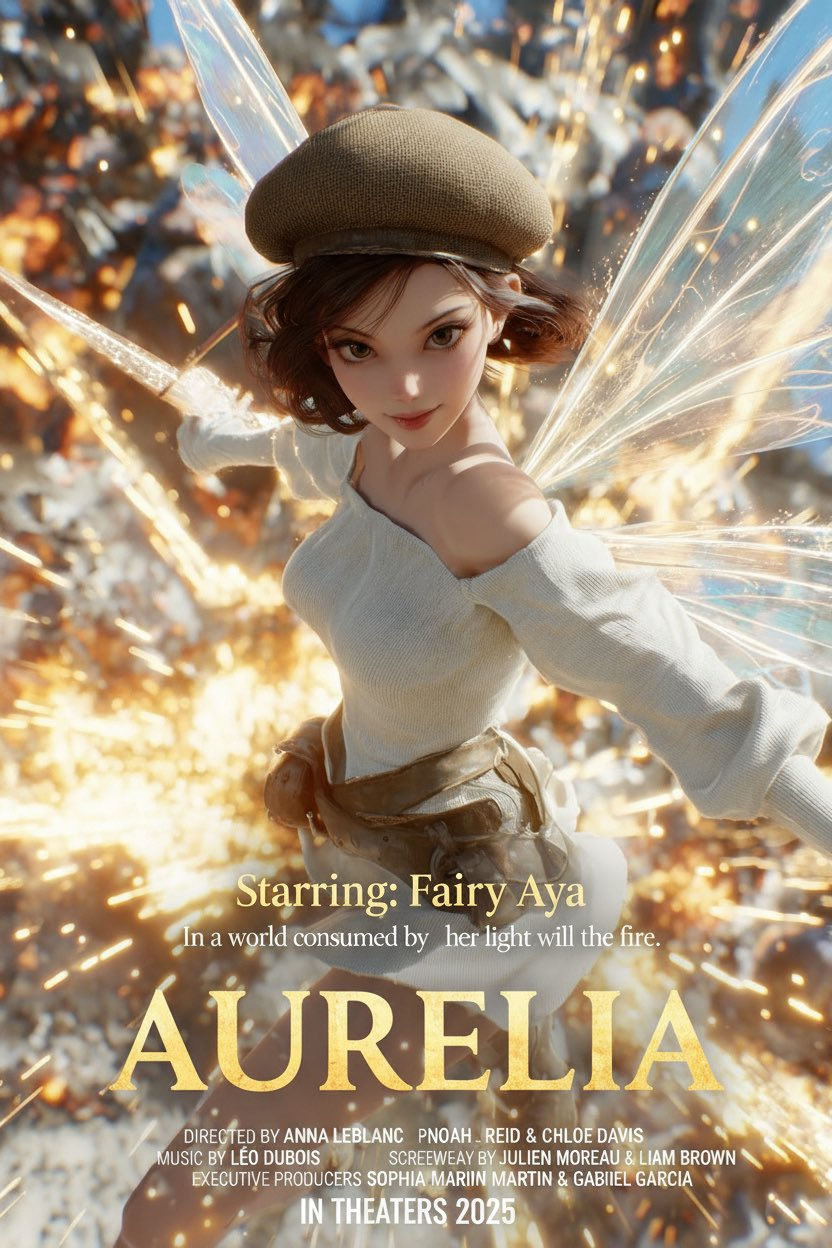 |
Input: A reference image must be uploaded.
Prompt:
Analyze the uploaded photo and detect the subject, mood, and atmosphere.
Automatically classify the photo into a suitable movie genre (romance, action, mystery, horror, etc.).

Based on the detected genre and mood, generate all the following elements in English:
- A cinematic movie title (impactful, authentic to the genre).
- A short tagline or catchphrase (1–2 lines, dramatic or emotional).
- A credit block at the bottom (with fake names for director, producer, music, etc., styled like real movie posters).
- A release note such as “COMING SOON” or “In Theaters 2025.”

Overlay these elements on the image in a movie-poster style layout:
- Place the title prominently in the center or lower third.
- Place the tagline above or below the title.
- Add a credit block at the bottom in small text.
- Add the release note at the bottom center.

Finally, add the starring section at the bottom, always formatted as:
“Starring: ”

Typography should be bold, dramatic, and genre-appropriate.
The final result must look like a genuine movie poster ready for theaters, with all elements harmonized to the photo’s mood.
Example 99: Turn X Account into Floppy Disk (by @icreatelife)
| Output |
|---|
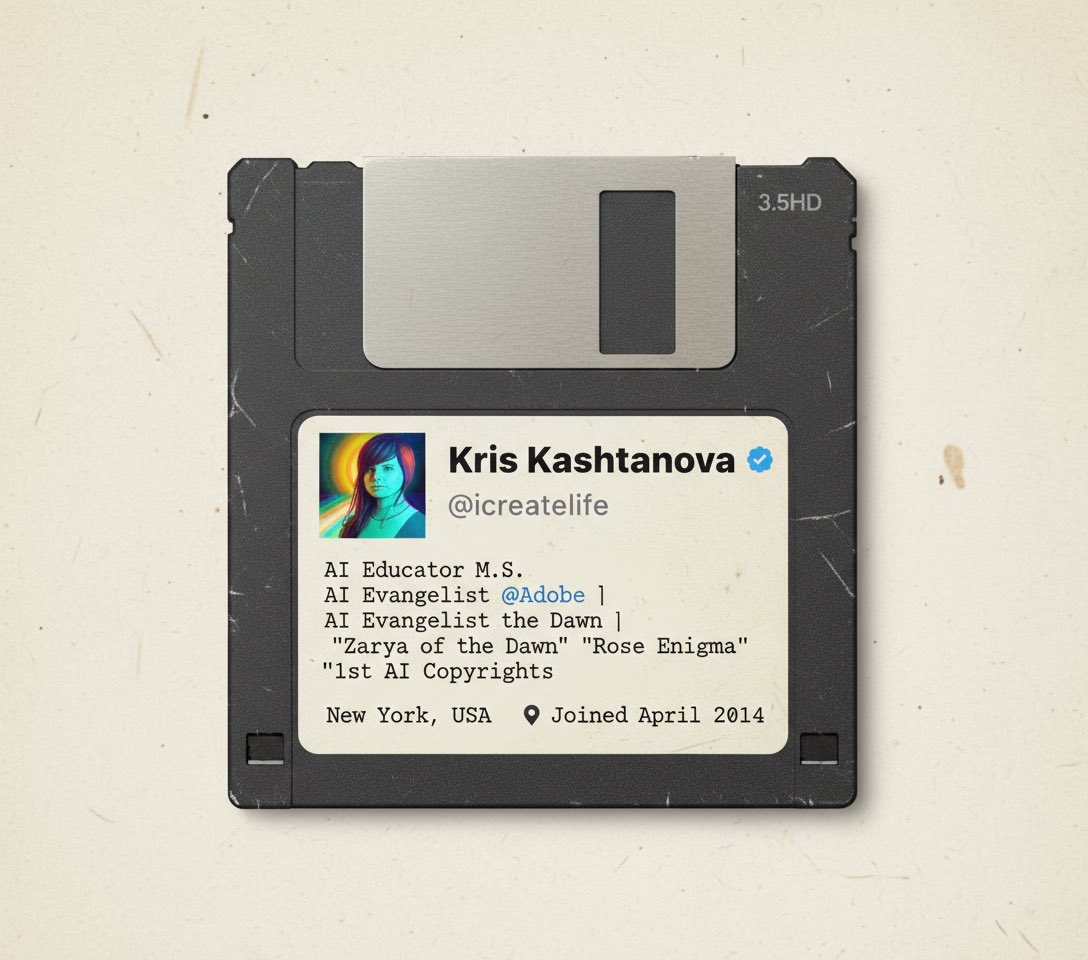 |
Input: Upload a reference image of the X account.
Prompt:
Make my X account into a floppy disk in the 90s
Example 100: Make Reference Image Object Transparent (by @icreatelife)
| Input | Output |
|---|---|
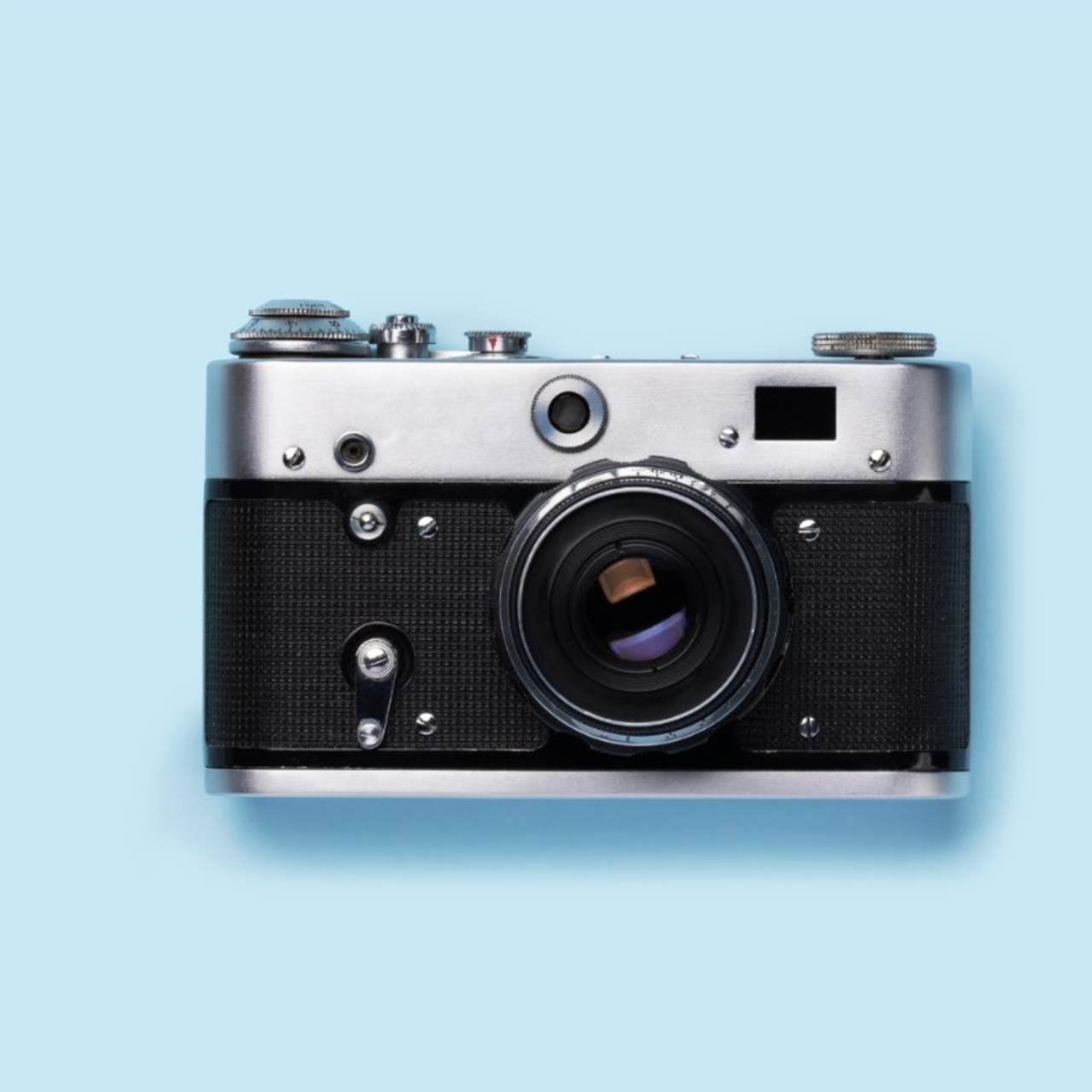 | 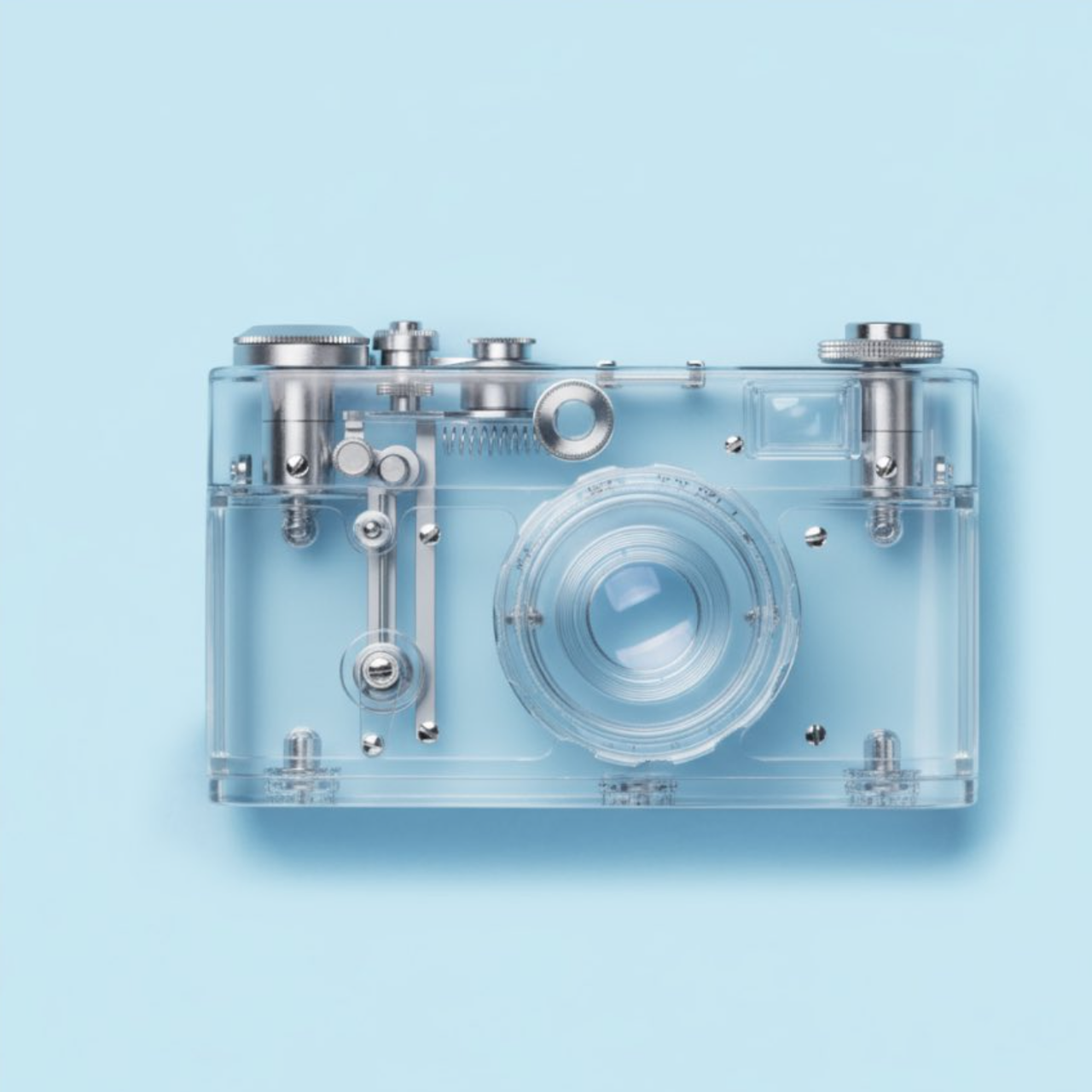 |
Input: A reference image must be uploaded.
Prompt:
Make this object transparent.
Example 101: Fisheye Peephole Illustration (by @emakiscroll)
| Input | Output |
|---|---|
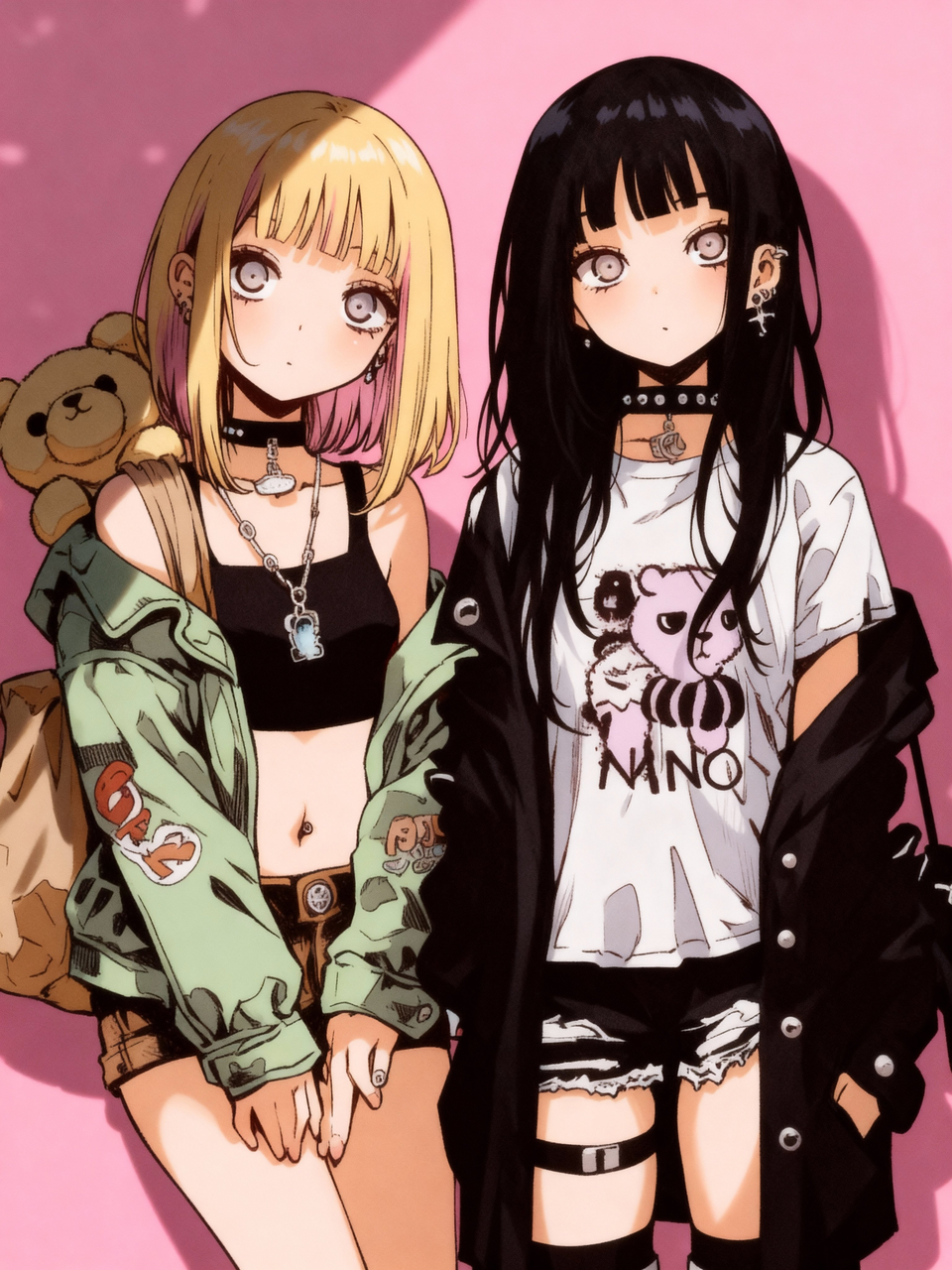 | 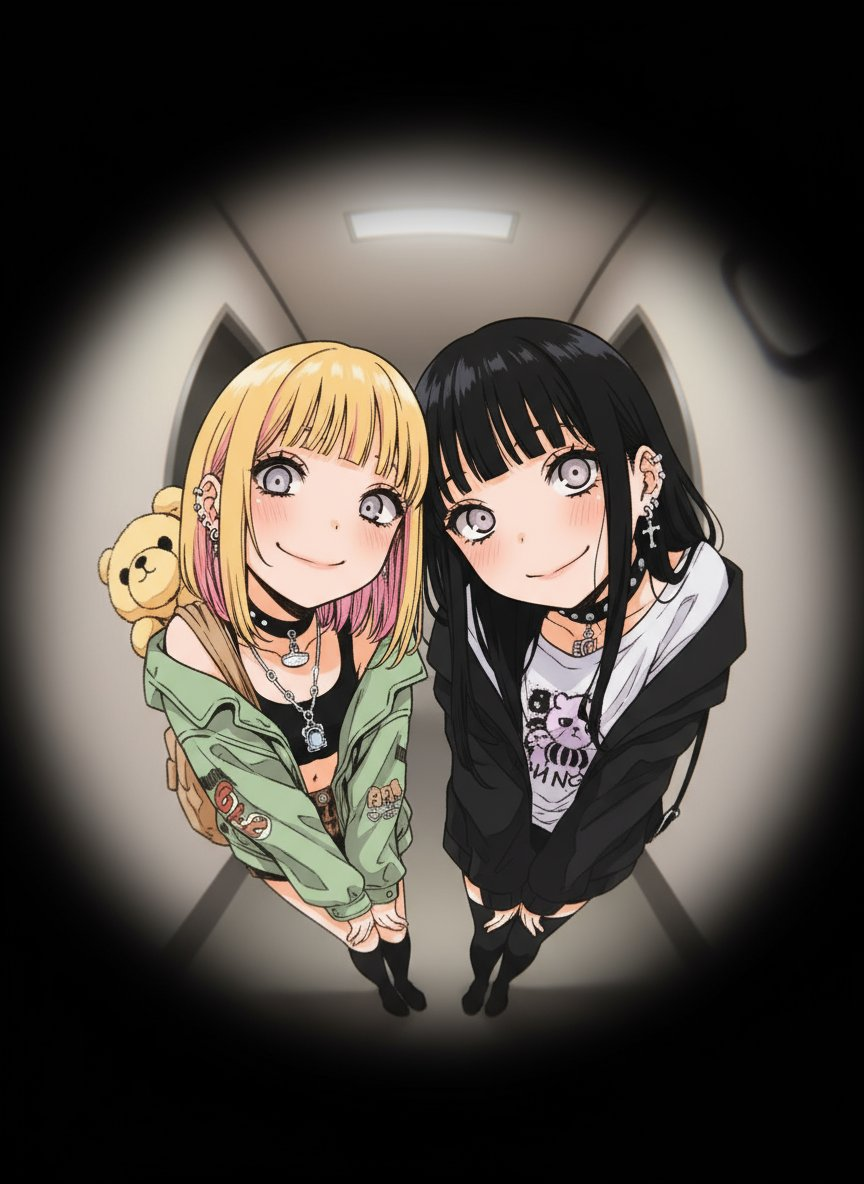 |
Input: A reference image must be uploaded.
Prompt:
ultra-detailed anime illustration, fisheye lens peephole perspective, circular distorted view as if looking through a door peephole, warped wide-angle effect with curved edges, darkened vignette around the circular
frame, two people leaning their faces close to the peephole trying to peek through, both with mischievous playful smiles, exaggerated perspective distortion making their features appear larger and curved, faces
approaching the peephole lens, hallway or room interior bent by the lens effect, slightly blurry edges mimicking actual peephole optics, playful atmosphere, 8k resolution
Example 102: Superhero Interior Design (by @IqraSaifiii)
| Output |
|---|
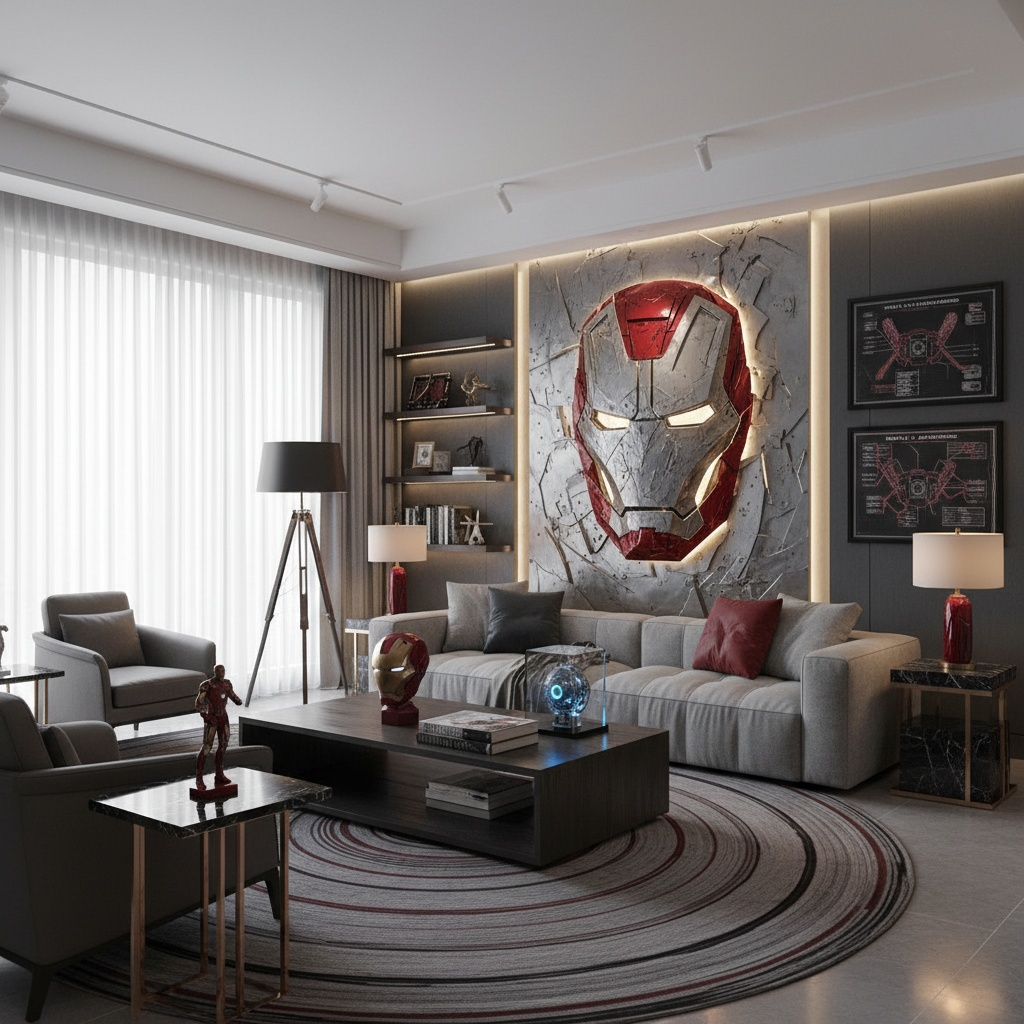 |
Prompt:
A hyper-realistic, professional interior design photograph of a modern living room inspired by a [Superhero]. The room has clean lines, a neutral color palette of greys, blacks, and whites, with accents of [Theme Color]. A large, stylized 3D wall sculpture of the [Superhero] dominates the main wall. Subtle thematic details are placed throughout the room, such as framed art prints of blueprints, a floor lamp designed to resemble a specific motif (e.g., a shield or logo), and a side table with a few well-placed props (e.g., a stylized helmet). The furniture is contemporary and minimalist, with a large, comfortable sofa and a low coffee table. Dramatic, focused lighting highlights the main wall sculpture, while warm ambient light from windows and lamps creates an inviting atmosphere. The overall style is sophisticated and elegant, a subtle homage rather than an overt fan-tribute.
[!NOTE] Replace the text inside [brackets] with the information you need
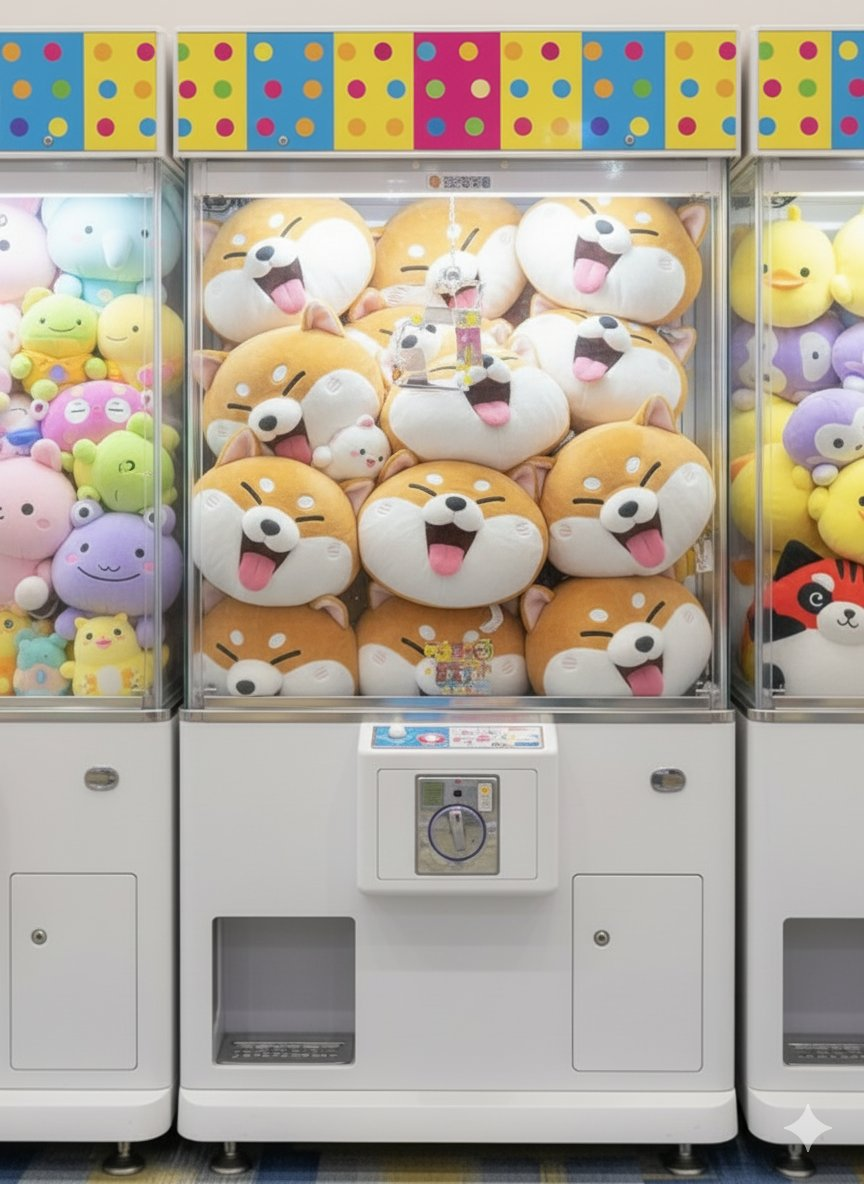
Example 103: Custom Claw Machine (by @googlejapan)
| Input | Output |
|---|---|
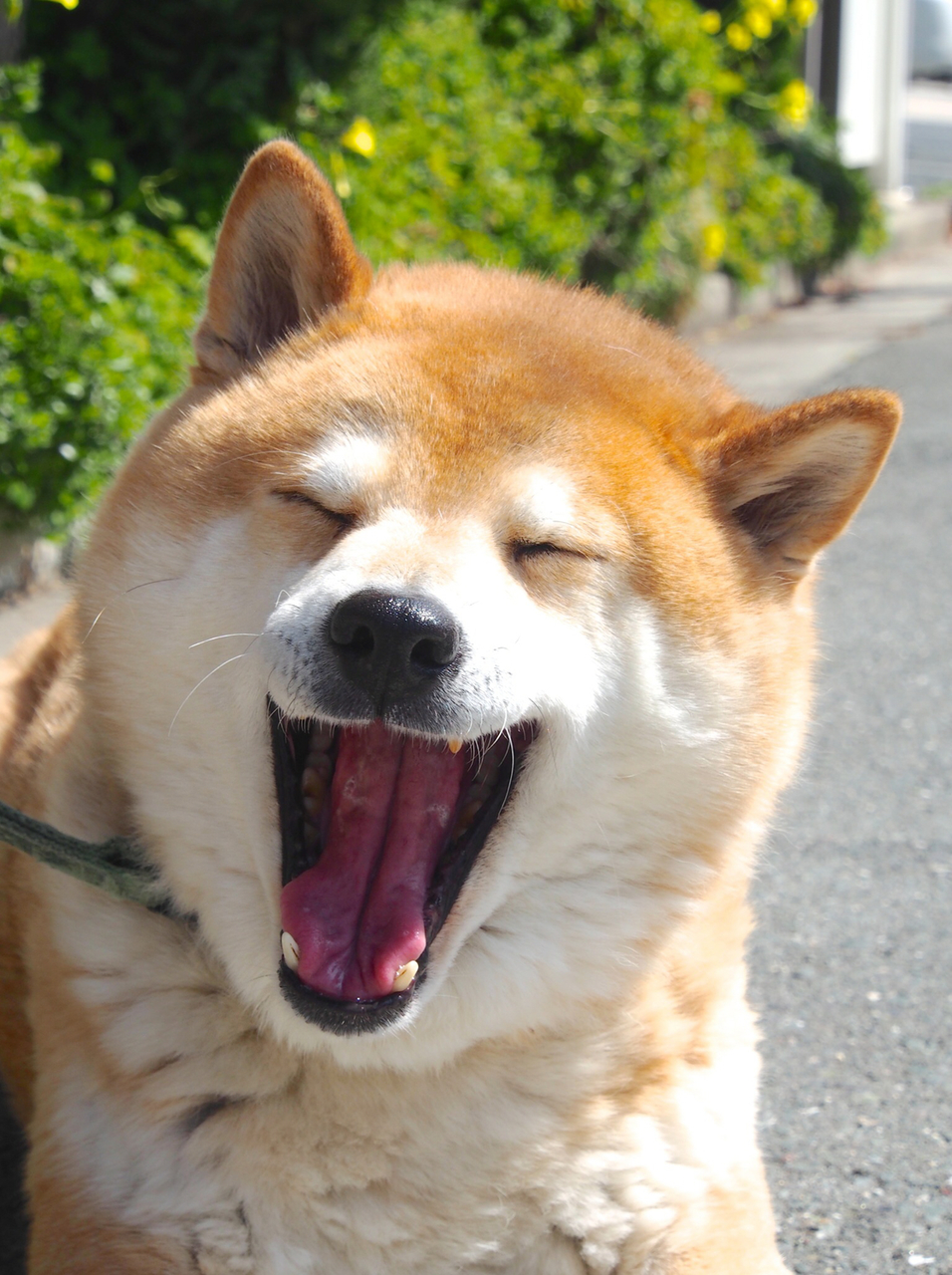 |  |
Input: A reference image must be uploaded.
Prompt:
Generate an image showing this animal as a simplified and deformed as an anime-like plush toy (made of short-pile, soft-touch polyester knit fabric), with multiple units inside a UFO catcher machine. On either side are additional UFO Catcher machines containing multiple plush toys of different animals, distinct from the main image. The setting is a Japanese game center, with an overall very bright impression. Only the top section of the UFO catcher is painted in vibrant colors. The lower section is painted white. The background is a wall, and the area behind the UFO catcher is quite blurred. The floor is carpeted. The shooting angle is from the front. Most importantly, absolutely no text or logos should appear in the output.
Example 104: Typography Logo Design (by @aziz4ai)
| Output |
|---|
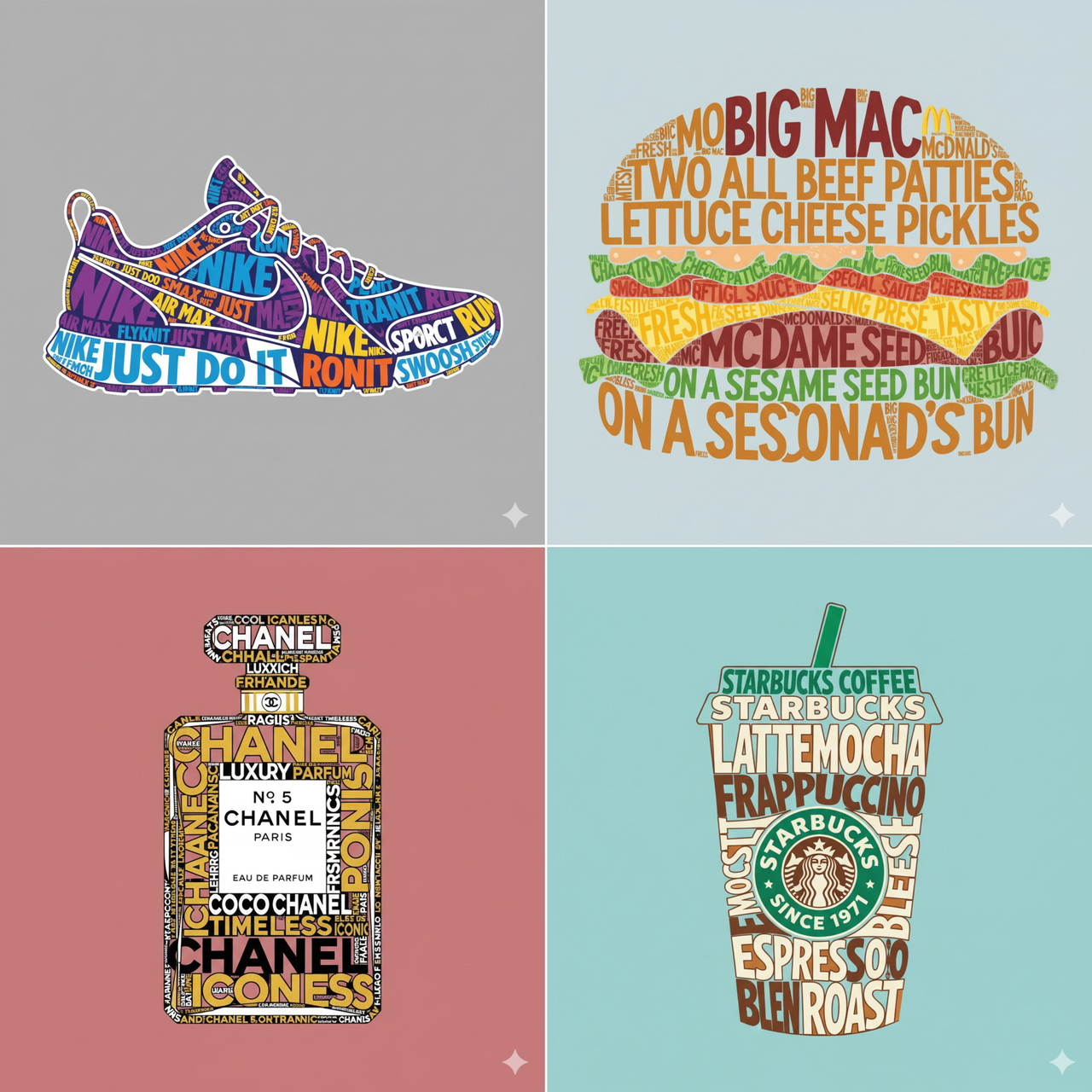 |
Prompt:
Create a typographic illustration shaped like a {OBJECT}, where the text itself forms the shape — bold and playful lettering style that fills the entire silhouette — letters adapt fluidly to the curves and contours of the object — vibrant and contrasting color palette that fits the theme — background is solid and enhances the focus on the main shape — vector-style, clean, high resolution, poster format, 1:1 aspect ratio.
[!NOTE] Replace the text inside [brackets] with your desired object
Example 105: RPG Character Status UI (by @AI_Kei75)
| Input | Output |
|---|---|
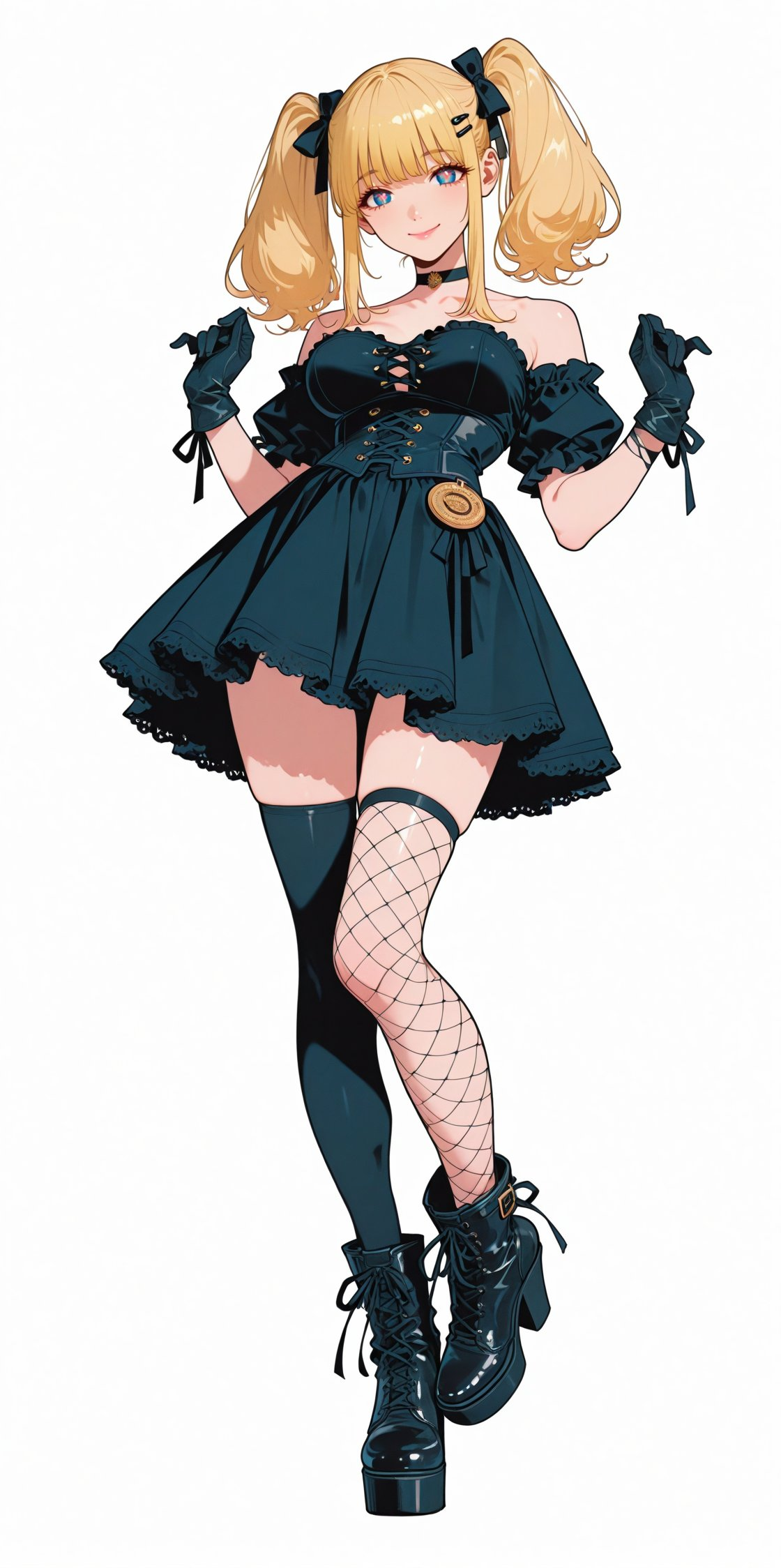 |  |
Input: A reference image must be uploaded.
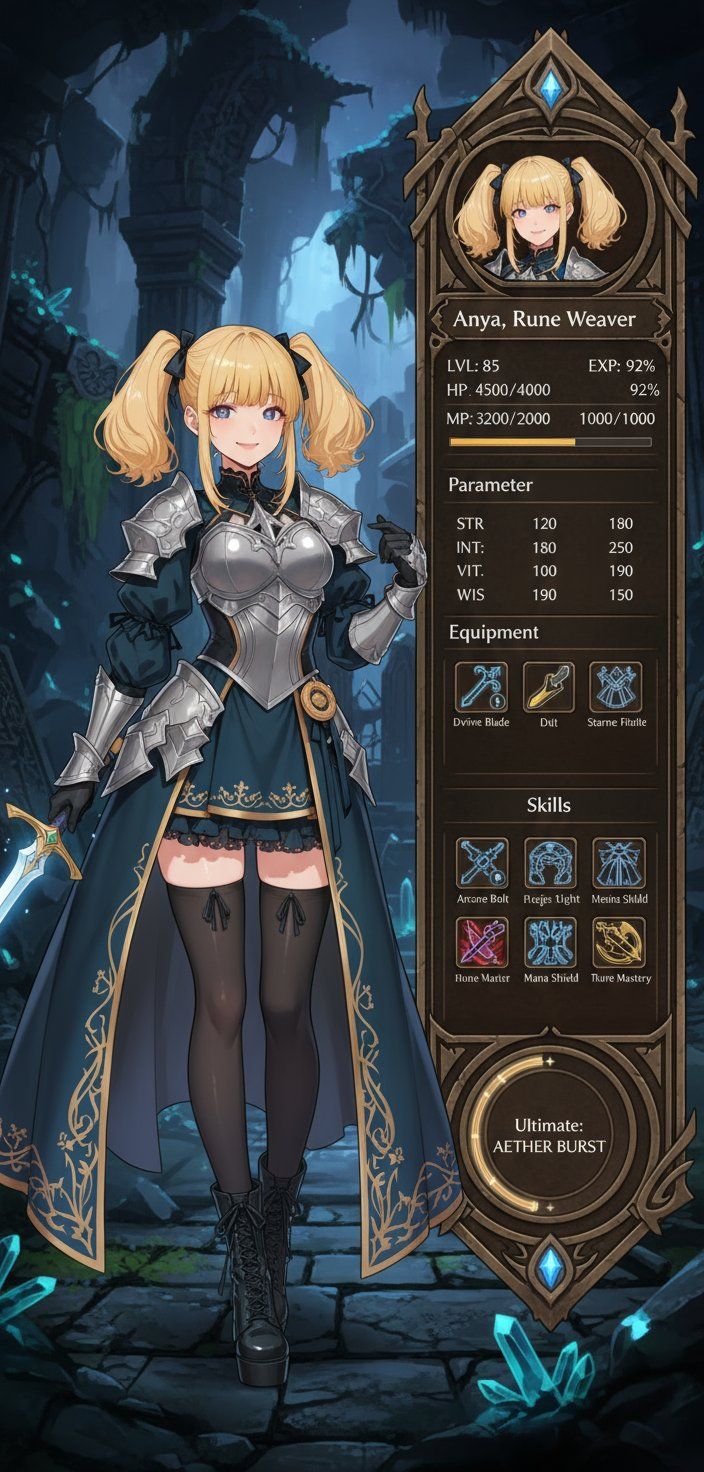
Prompt:
Use the character in the original image to create a character status screen for an RPG game.
Keep the character design and style from the original image, but change the costume to one from a fantasy RPG. Also, change the pose to suit the situation.
Display the character from the original image and the status screen side by side.
The status screen will list various parameters, skills, icons, etc.
The background should be a fantasy background that matches the style of the original image.
The status screen should be rich and stylish, like a game from 2025.
Example 106: Convert Text Diagram to Pictograms (by @nobisiro_2023)
| Input | Output |
|---|---|
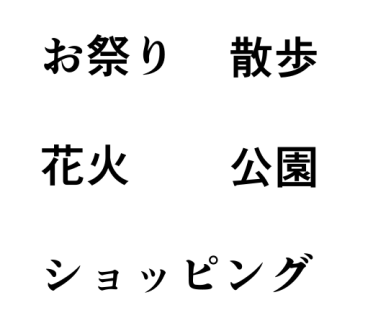 |  |
Input: A reference image containing text must be uploaded.
Prompt:
Convert this explanatory diagram into pictograms.
Example 107: Drawing on a Pen Display (by @AI_Kei75)
| Input | Output |
|---|---|
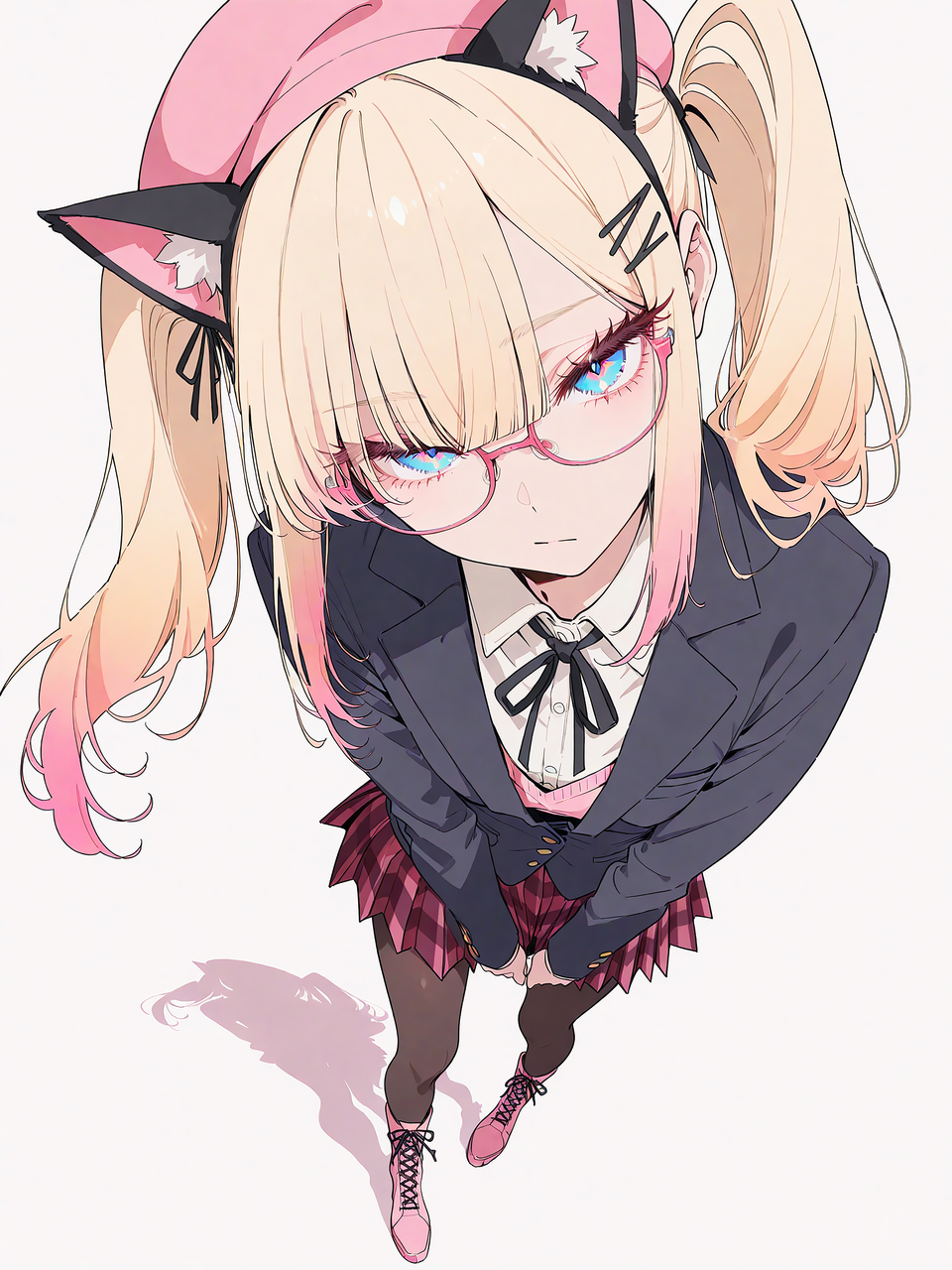 | 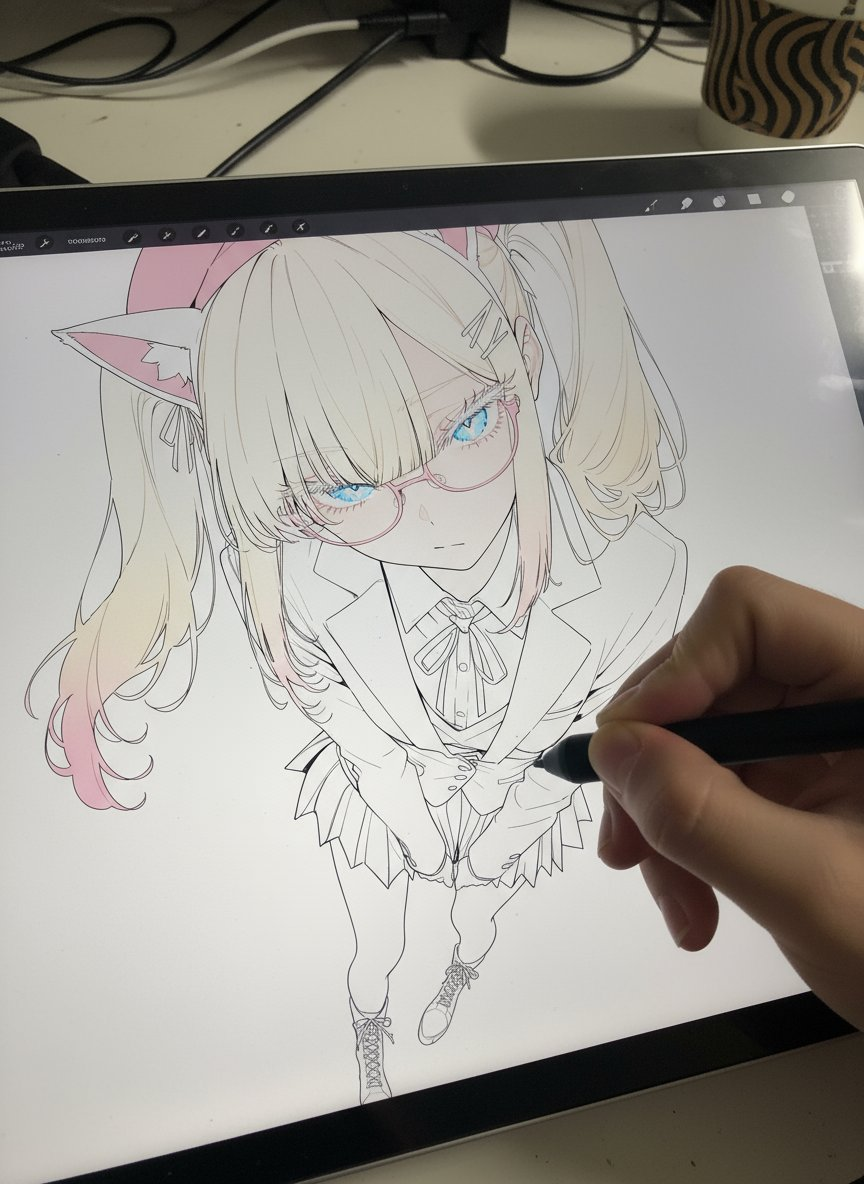 |
Input: A reference image must be uploaded.
Prompt:
Photorealistic pen tablet screen. Realistic first-person hand holding the pen tablet and pen.
The original image is reproduced on the pen tablet in an unfinished state. The line art has been extracted from the original image. Portions of the line art have been colored with the same coloring as the original image. Unfinished coloring. Must not be monochrome. About 70% of the coloring is done.
Close-up. The pen tip is touching the tablet screen.
Example 108: Create LINE Stamp Image (by @emakiscroll)
| Input | Output |
|---|---|
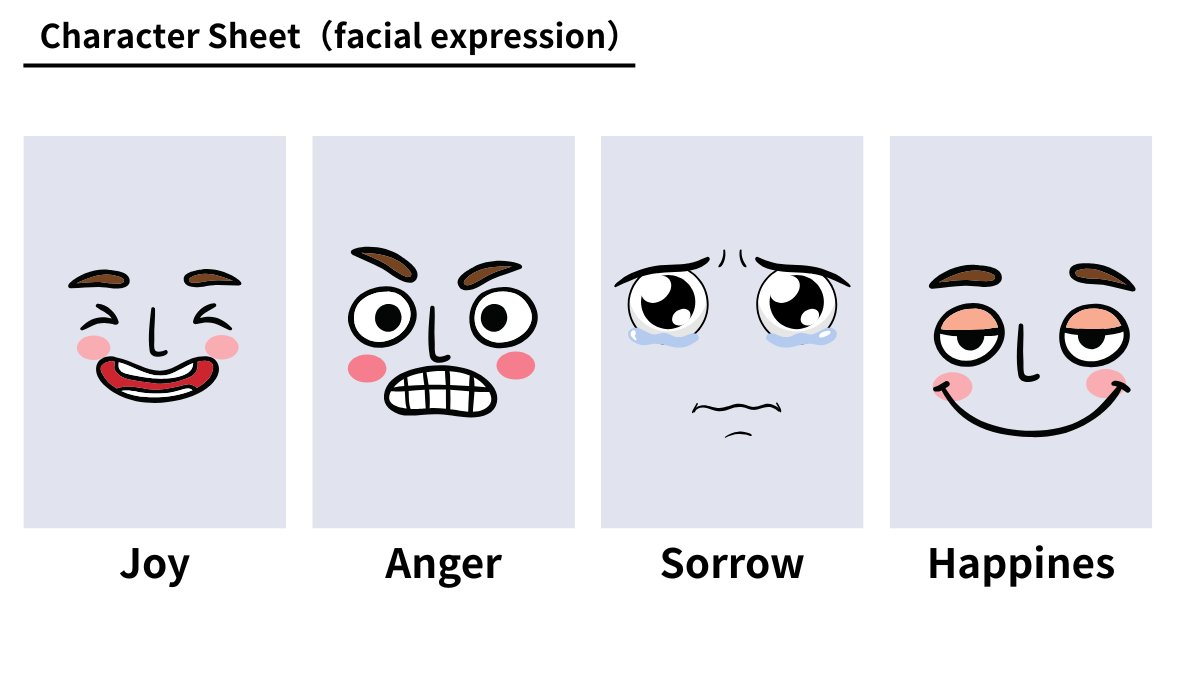 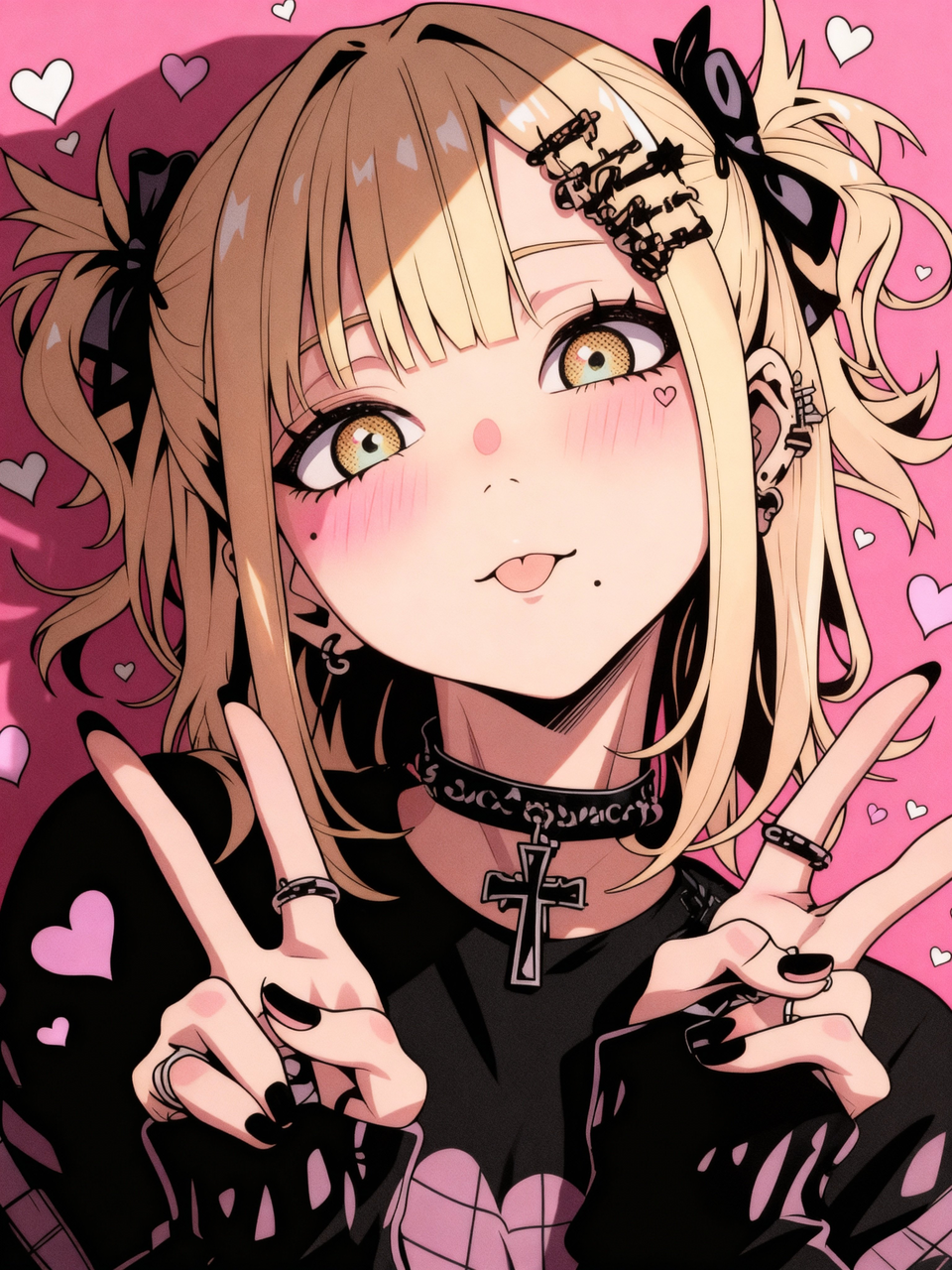 | 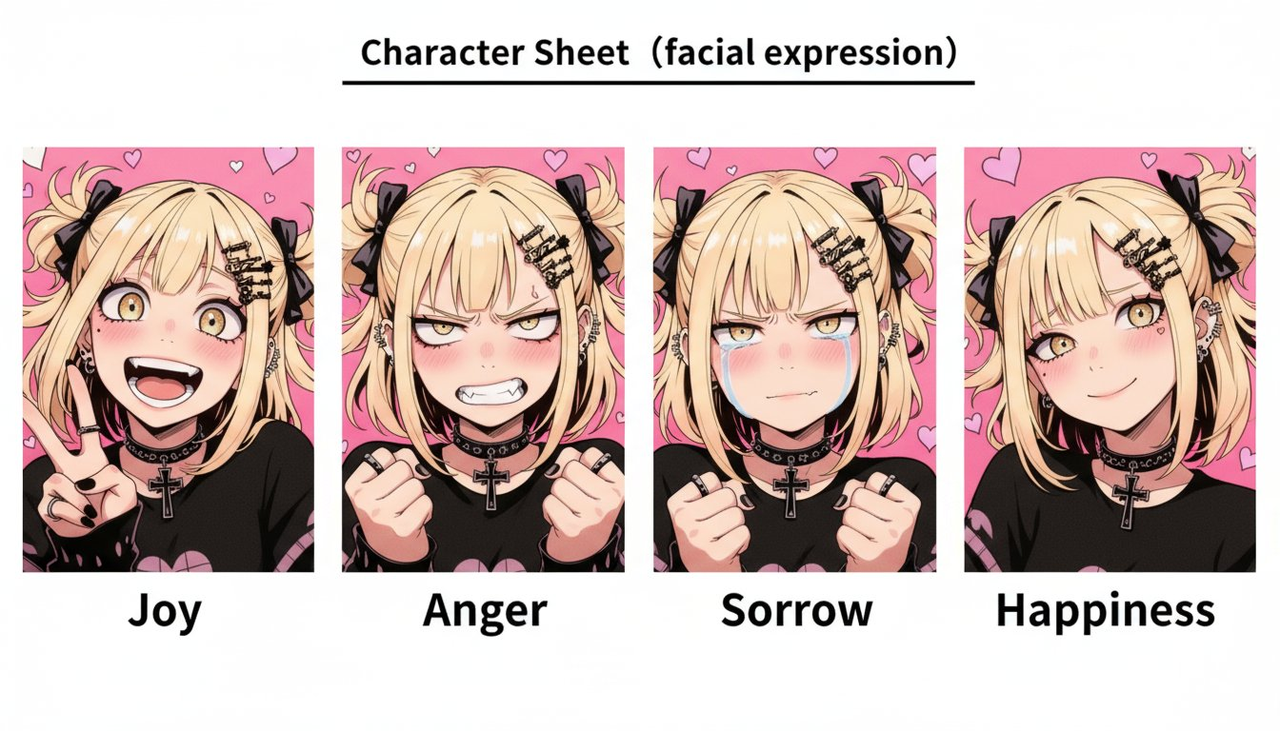 |
Input: Upload a facial expression reference and a character reference image.
Prompt:
Character sheet, facial expressions, joy, anger, sadness, happiness
Example 109: Therapy for Childhood Self (by @samann_ai)
| Output |
|---|
 |
Input: A reference portrait must be uploaded.
Prompt:
Photorealistic minimalist therapy room; light walls, grey sofa, wooden coffee table with a tissue box, notebook and a glass of water, simple frame and floor lamp, soft natural daylight. The same person at two ages sits side-by-side: adult on the left speaking with open hands; child on the right listening with head slightly down. Both wear matching [OUTFIT] (same color & style). Clean studio vibe, centered composition, shallow depth of field, 50mm look, 4K, vertical 3:4. No extra people, no text, no watermark.
[!NOTE] Replace the text inside [brackets] with your desired outfit
Example 110: Pixar-Style Portrait (by @NanoBanana_labs)
| Output |
|---|
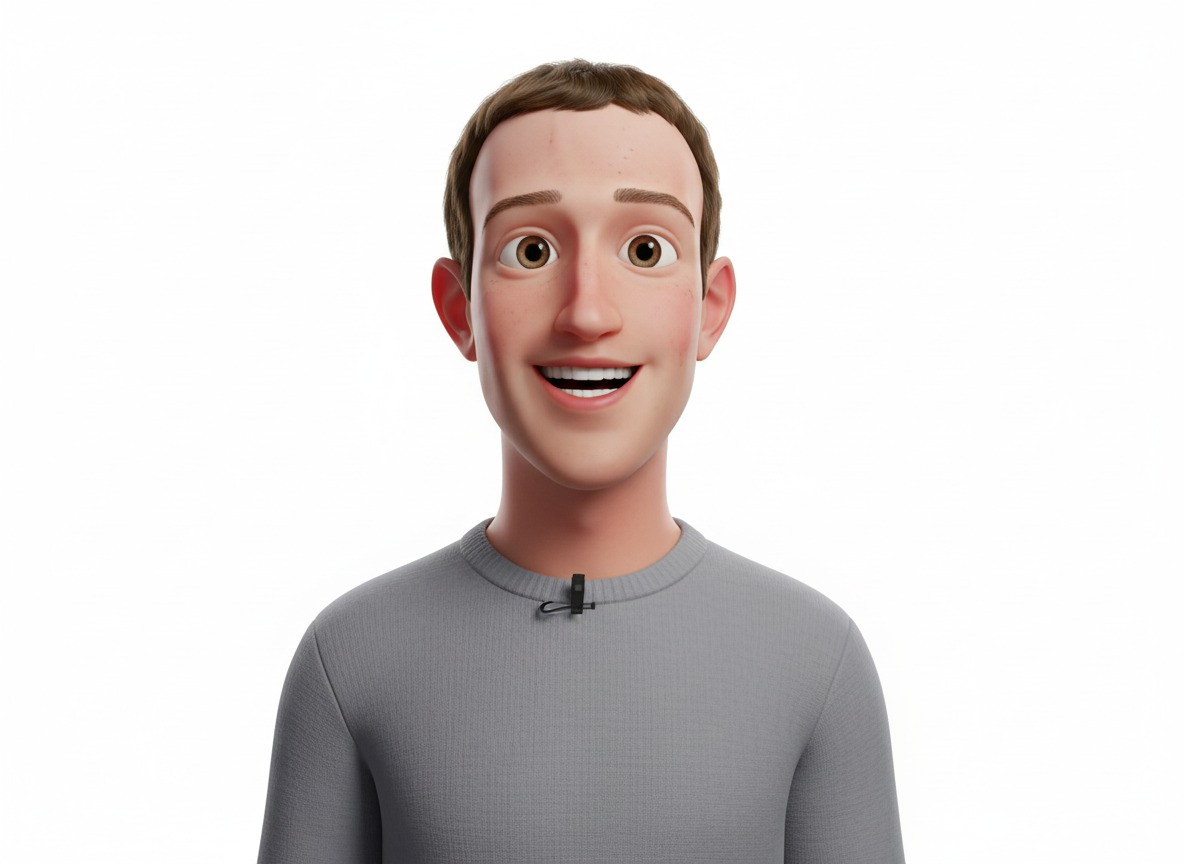 |
Input: A character reference image must be uploaded.
Prompt:
3D avatar of the young man in the image attached, smiling happily, clean white background, conceptual digital art in Pixar-style, high quality, soft lighting, smooth textures, vibrant colors, realistic proportions with a cartoon touch & studio render look.